
Nafy AI

Describe a vibe, get a finished royalty-free track, vocals included.

Beginner
Screenshot of Nafy AI, Describe a vibe, get a finished royalty-free track, vocals included

What is Nafy AI?

Nafy AI is a web based music generator that converts text prompts or existing lyrics into royalty-free tracks, then supports covers, extensions, segment-level editing and vocal removal in the same workspace.

Nafy AI is a browser based music generation suite that turns short written briefs into complete, royalty-free tracks. The core text-to-music mode takes a plain language description (a mood, a genre, an instrument preference, a tempo) and returns finished audio, so a user with no theory background can produce something usable without touching a DAW. A title field and a style field with genre, mood, voice and tempo tags let you steer the output, and you can choose male vocals, female vocals, a surprise option or a pure instrumental. The platform goes past one-shot generation. Paste existing lyrics and Nafy writes synchronized instrumentation around the sentiment and rhythmic shape of the lines, with genre and instrument controls for finer arrangement. A separate lyrics generator drafts verses from a theme across multiple languages, which is useful when the words are the bottleneck rather than the melody. An AI song cover tool reworks an uploaded recording into a different genre while trying to preserve the original melodic contour, and an extension feature adds bridges, outros and breakdowns to existing tracks. The editor is where serious users will spend time. It isolates a timestamped segment of an uploaded track, lets you revise lyrics or musical elements there, and regenerates only that slice, producing two variations for comparison while the surrounding audio stays intact. A vocal remover splits stems for beatmakers, remixers and karaoke use. Stated audiences include social video creators, game and app developers, filmmakers and podcasters scoring content, plus brands wanting original audio assets. Compared with heavyweight AI music platforms, Nafy leans toward breadth in one place: generation, lyrics, covers, editing, extension and stem separation under a single account. The site markets itself as free and royalty-free with full commercial rights, though the homepage does not publish plan tiers or usage limits, which is the first thing to verify before relying on it for client work.

How do you use Nafy AI?

  1. 1Open the creation studio
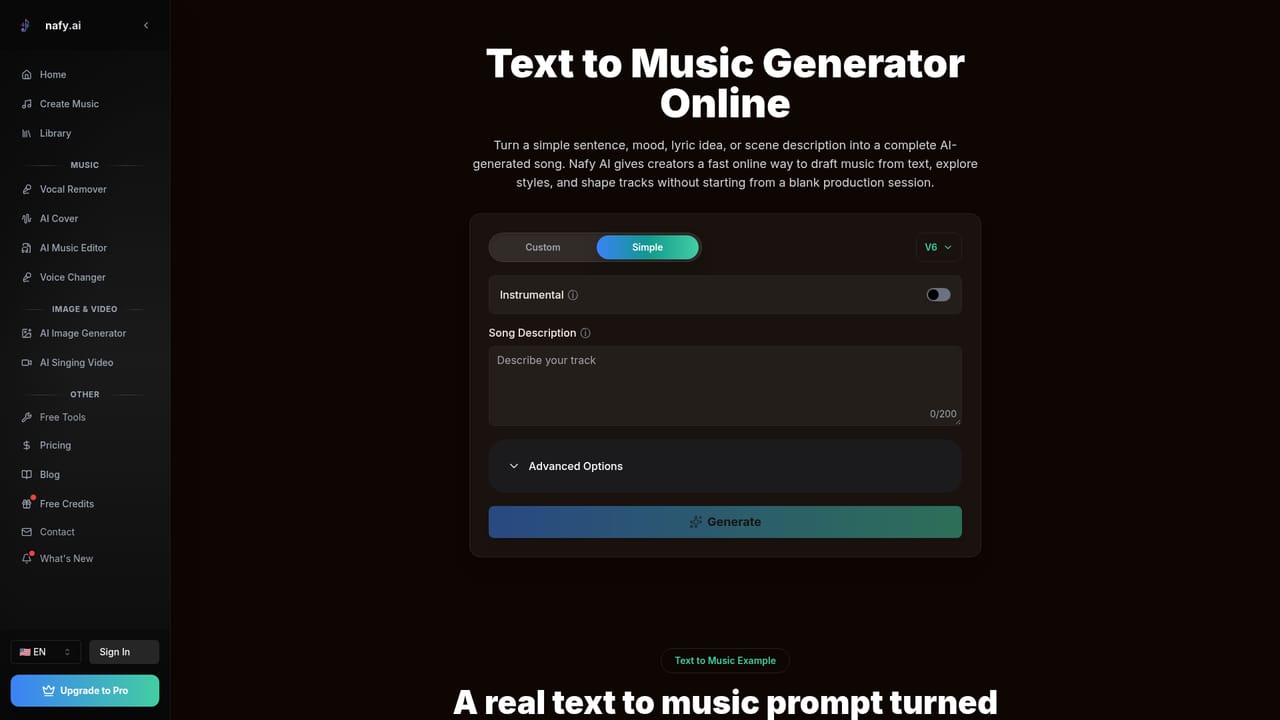
    Go to the create page, which holds the prompt form with title, style, lyrics and instrumental fields.
    Nafy AI — Open the creation studio
  2. 2Describe the track you want
    Enter a title and fill the style box with genre, mood, voice and tempo tags, or type a plain sentence describing the vibe.
    Nafy AI — Describe the track you want
  3. 3Decide between vocals and instrumental
    Toggle instrumental mode for a backing track, or pick a male or female voice and supply your own lyrics if you have them.
  4. 4Generate and review
    Run the generation, then listen back and note which sections need a different arrangement or lyric phrasing.
  5. 5Refine a specific section
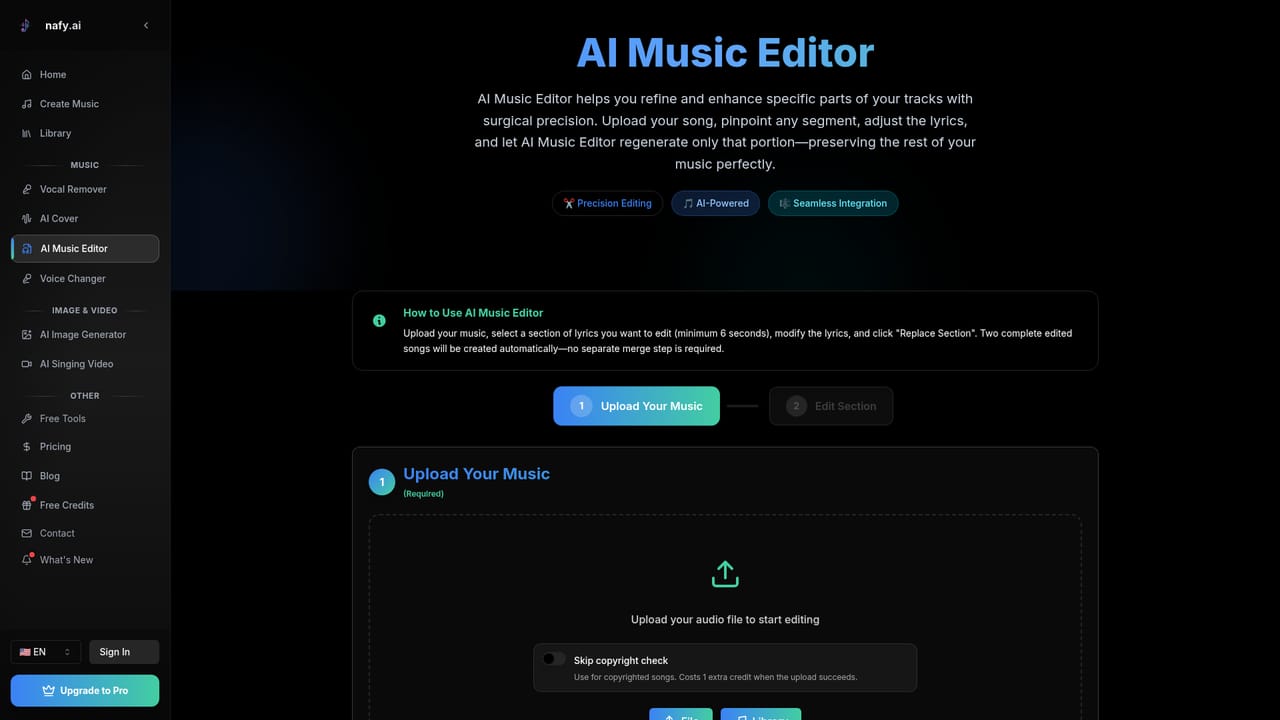
    Upload the result to the music editor, select the timestamp range that needs work and regenerate it for two alternative takes.
    Nafy AI — Refine a specific section
  6. 6Reuse or extend the audio
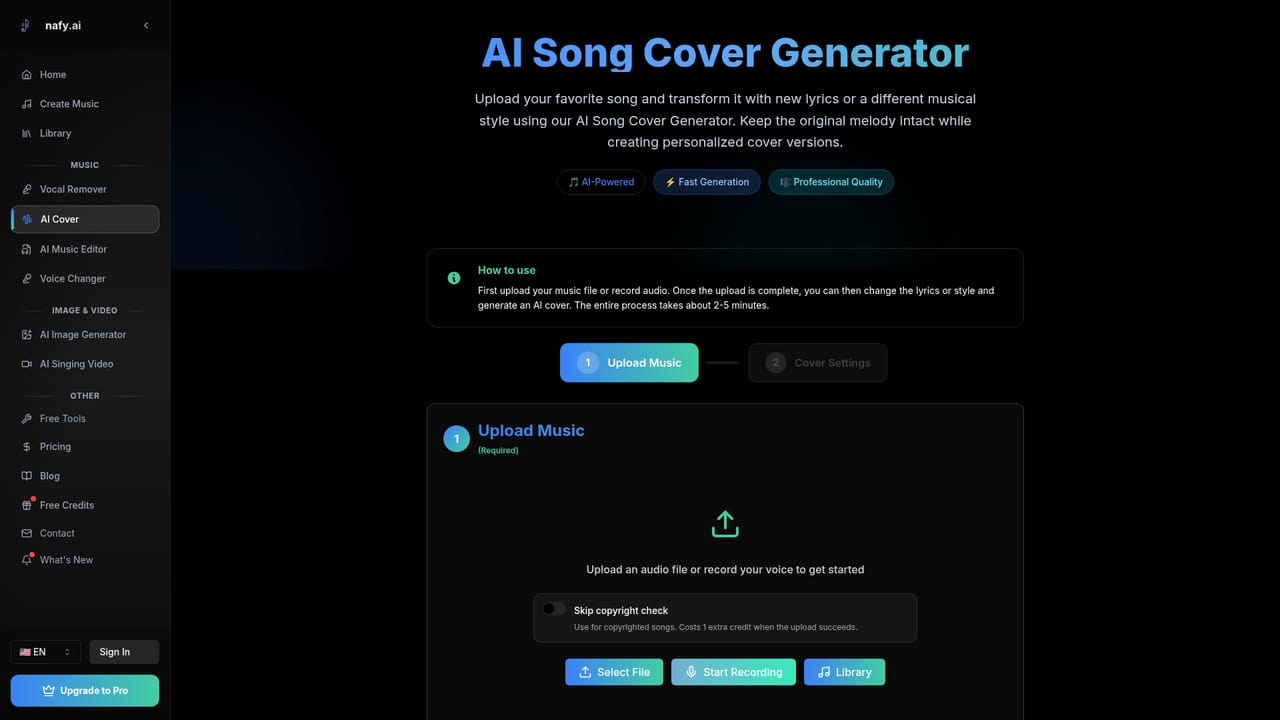
    Turn the track into a different genre with the cover tool, or pull an instrumental version with the vocal remover.
    Nafy AI — Reuse or extend the audio

Pros and cons

Pros

  • Text-to-music accepts plain descriptions with genre, mood, voice and tempo tags, so no music theory is required to get a usable trackAI
  • Lyrics-to-song maps the sentiment and rhythm of your own words onto matching instrumentation rather than ignoring the textAI
  • Segment-level editor regenerates only a selected timestamp and returns two variations, which makes revision practicalAI
  • Song cover tool preserves melodic contour while swapping genre, useful for reworks and alternate versionsAI
  • Vocal remover and lyric generation cover the common gaps around a track without a separate subscriptionAI

Cons

  • No published pricing tiers, credit limits or licensing terms on the homepage, so commercial scope is hard to budget forAI
  • Output quality and genre fidelity cannot be judged from the site alone; no audio comparison or sample library is offeredAI
  • No mention of stem export formats, sample rate or DAW plugin support, which matters for professional post-productionAI
  • Vocal remover claims artifact-free separation, an assertion that needs independent testing on dense mixesAI
  • Everything runs in the browser with no stated offline or desktop optionAI

How much does Nafy AI cost?

Features

Text-to-music generation with genre, mood, voice and tempo tags; lyrics-to-song arrangement; AI lyrics writing in multiple languages; cross-genre song covers that keep the original melody; track extension for bridges, outros and breakdowns; a timestamp-based editor that regenerates only selected segments with two variations; and a vocal remover for stem separation.

Learn more

Frequently asked questions about Nafy AI

  • How do you use Nafy AI?
    The walkthrough on this page covers 6 steps: 1. Open the creation studio 2. Describe the track you want 3. Decide between vocals and instrumental 4. Generate and review 5. Refine a specific section 6. Reuse or extend the audio.
  • What platforms does Nafy AI support?
    Nafy AI is available on Web App.
  • What are the limitations of Nafy AI?
    No published pricing tiers, credit limits or licensing terms on the homepage, so commercial scope is hard to budget for. Output quality and genre fidelity cannot be judged from the site alone; no audio comparison or sample library is offered. No mention of stem export formats, sample rate or DAW plugin support, which matters for professional post-production.

Status

StatusActive
Views0
Outbound clicks0
Added10/21/2026

Platforms

Web App

Pricing

FreeFreemium