Free trial
The demo renames three images a day using the full AI, with no account and no credit card required. There is no free monthly plan beyond that.
Learn moreAI that turns IMG_1234.jpg into keyword-rich, search-ready filenames

namethispic is an image analysis tool. An AI image renamer that analyses each photo and rewrites generic filenames into keyword-rich, SEO-friendly names, generating matching alt text at the same time. Bulk uploads, ZIP download, 26 languages.
namethispic is a web tool built around one narrow but stubborn problem: image files that arrive with names like IMG_1234.jpg and stay that way forever. The service reads each photo, works out what is actually in the frame (objects, scene, colours, mood), and rewrites the filename into a lowercase, hyphenated string of descriptive keywords. Alongside the new name it produces a sentence of alt text, which covers the accessibility side as well as the search side. The example on the homepage is typical: a photo of candles beside an open book becomes three-candles-book-cozy-reading.jpeg with a short description of the lighting and setting. The workflow assumes you already know roughly what you want to rank for. After uploading a batch, you type in target keywords (the site's own example is "Amsterdam barbershop men's haircuts"), and the tool blends those terms with what it sees in the picture. It also proposes synonyms to widen the keyword set. Everything comes back in a table showing the old name, the new name and the generated alt text, and you can pull the whole batch down as a single ZIP file or grab files individually. Bulk uploads are capped at 50 images per batch on Pro and Plus, and 100 on Enterprise, with a 100MB ceiling per file. Supported formats are the usual web set: JPEG, PNG, WebP, GIF, BMP and SVG, and file quality is left untouched because only the name changes. The natural audience is anyone maintaining a site with a large, poorly named image library: ecommerce catalogues, publishers, agency SEO teams, and photographers feeding stock or portfolio pages. It slots in beside plugin-based alternatives such as WordPress image optimisers and broader SEO suites, but it deliberately stops at naming and alt text rather than attempting compression, resizing or CDN delivery. There is no free monthly tier. The demo renames three images a day without an account, and paid plans start at $9 per month for 150 files, rising to $79 for 5,000. The interface is a responsive web app, so it works from a phone gallery as readily as from a desktop folder.
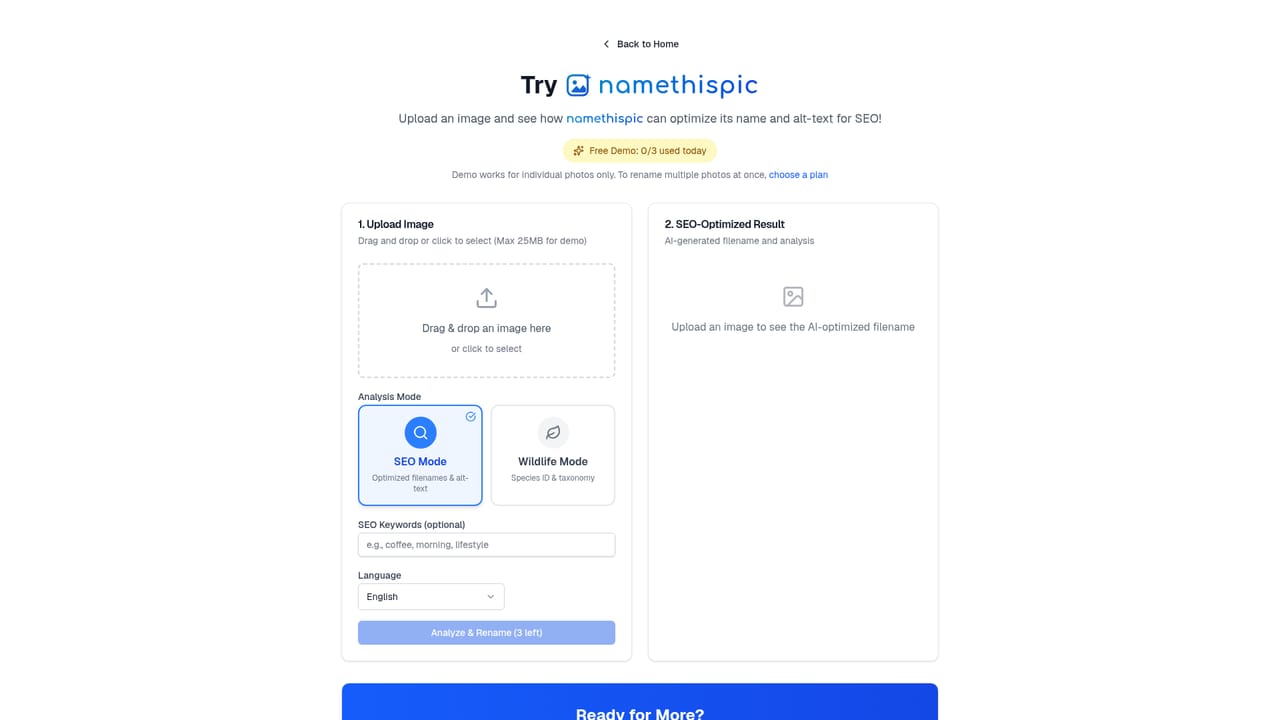
The demo renames three images a day using the full AI, with no account and no credit card required. There is no free monthly plan beyond that.
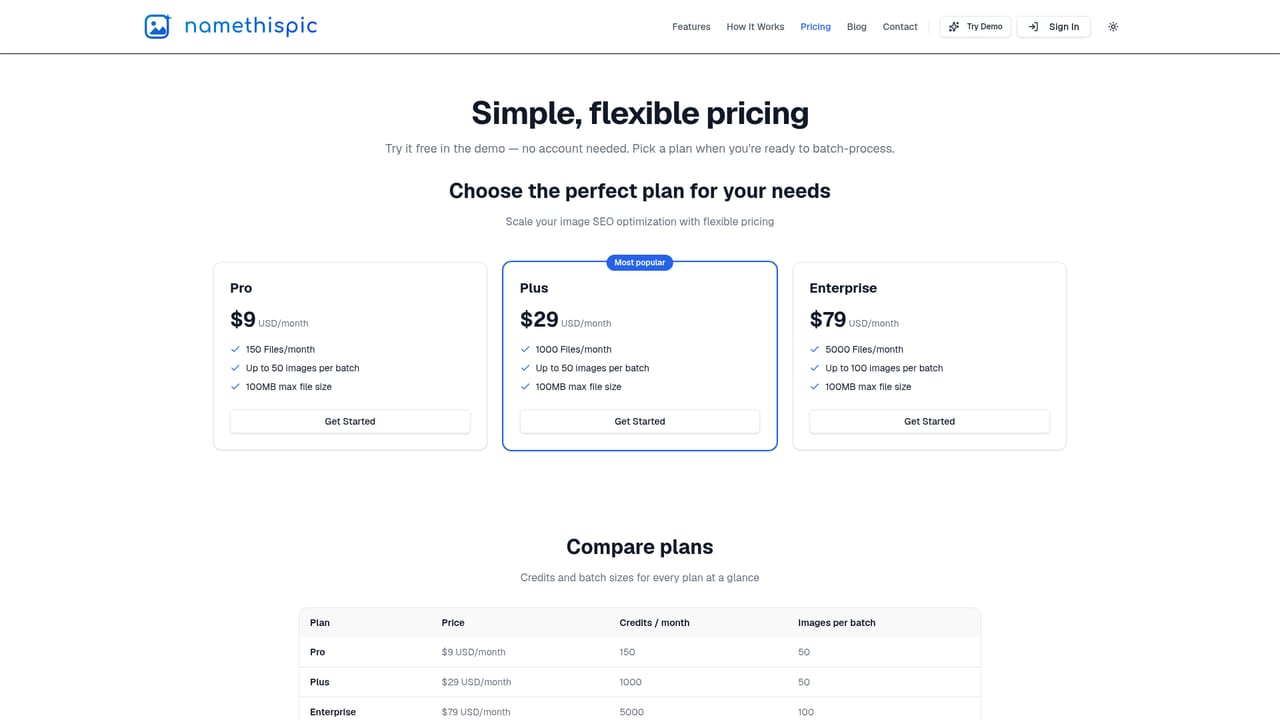
Learn moreThree monthly tiers: Pro at $9 for 150 files, Plus at $29 for 1,000 files and Enterprise at $79 for 5,000 files. Pro and Plus accept up to 50 images per batch, Enterprise up to 100, and every plan caps files at 100MB. No free monthly plan exists.
Learn moreComputer vision reads each image and generates a lowercase, hyphenated SEO filename under 60 characters plus a descriptive alt text line. Users supply target keywords and the AI adds suggested synonyms. Batches download as a ZIP or file by file, original formats and quality are preserved, and 26 languages are supported, with romanised filenames for non-Latin scripts.
 AI Angels400+ customizable AI girlfriends for NSFW chat, voice calls, and roleplay
 Candy AIExperience the future of companionship with AI friends who chat, role-play, and connect with you on a human level.
 ourdream.aiA vast AI roleplay platform with millions of characters for chat, images, video and voiceAI Angels400+ customizable AI girlfriends for NSFW chat, voice calls, and roleplayCandy AIExperience the future of companionship with AI friends who chat, role-play, and connect with you on a human level.ourdream.aiA vast AI roleplay platform with millions of characters for chat, images, video and voice