Free trial
One portrait can be generated as a guest without signing in. A new Google account then receives two bonus portraits after registration.
Learn moreGuided fantasy portrait generator built around character-sheet facts

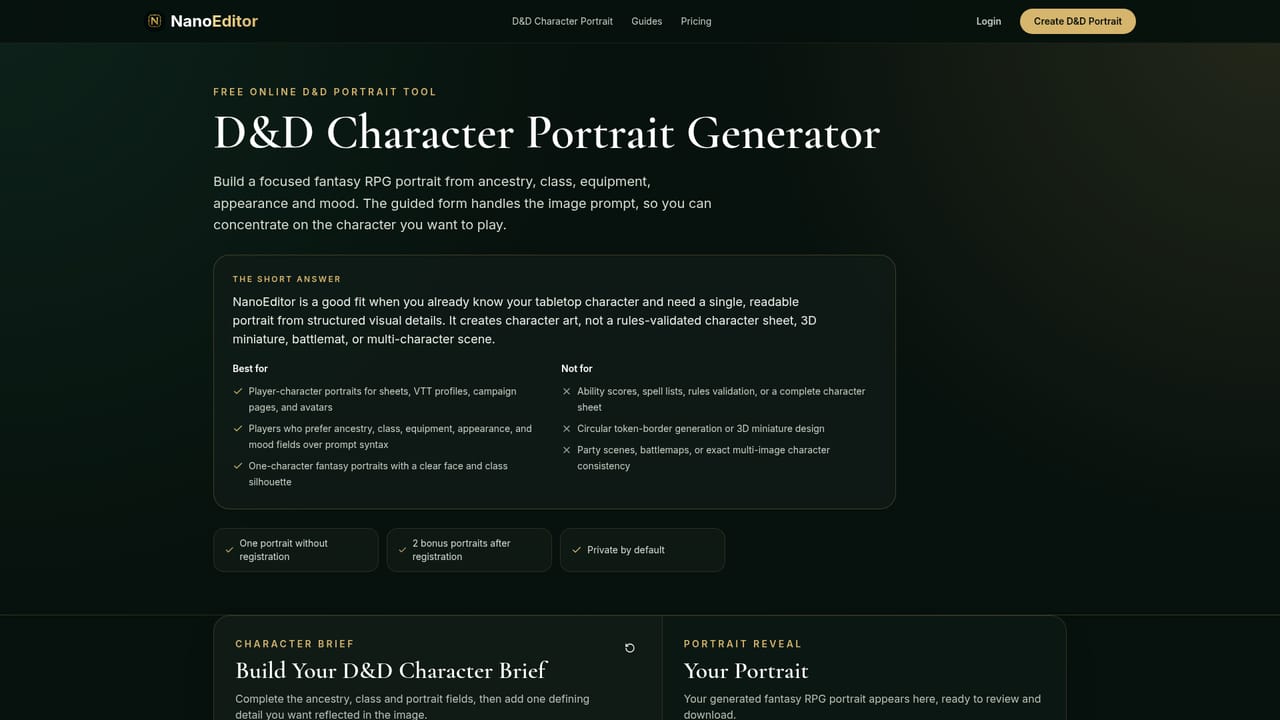
NanoEditor is an AI ID editor tool. A guided portrait generator for D&D and fantasy RPG characters that builds art from ancestry, class, gear, appearance and story fields, with Epic Fantasy, Dark Fantasy and Anime style presets and a free guest try.
NanoEditor is a portrait generator aimed at tabletop roleplayers who need finished fantasy character art without writing long image prompts. Instead of a single blank text box, it presents a structured character brief: ancestry, class, presentation, art style, signature equipment, visible features, setting and one defining story detail. The tool assembles those inputs into a focused head-and-shoulders portrait meant to read clearly at small sizes, which is the format most character sheets, virtual tabletop tokens and group chat avatars actually use. The output is organized around campaign roles. Separate entry points cover player heroes, recurring NPCs, campaign villains, virtual tabletop avatars, party line-ups and campaign wiki art, though all of them draw on the same guided field set. Three style presets shift the visual direction without changing the underlying character facts: Epic Fantasy for dramatic lighting and heroic armor, Dark Fantasy for weathered materials and heavier shadows, and Anime for a cleaner illustrated look suited to lighter campaigns or visual novel style worlds. The stated design goal is a single readable character rather than an overcrowded fantasy scene, so ancestry markers, class equipment and mood stay legible after cropping. The practical audience is players and dungeon masters who want consistent art across a campaign but do not want to commission an illustrator for every NPC. The main limitation to understand before committing is access: guest generation is capped at one successful portrait, a new Google account adds two bonus portraits, and anything beyond that sits behind paid plans whose specifics are not published on the homepage. Sign-in is handled through Google, and the site states that signed-in results stay private to the account rather than being added to a public gallery. There is no mention of API access, third-party integrations or manual editing tools, so the product fits as a fast concept-to-portrait utility rather than a replacement for a full illustration workflow.
One portrait can be generated as a guest without signing in. A new Google account then receives two bonus portraits after registration.
Learn moreThe homepage describes a guest allowance of one successful portrait plus two bonus portraits for a new Google account, and mentions paid portrait plans without listing prices or included image counts. Detailed plan pricing is not published on the homepage.
Learn moreSupport is limited to a FAQ on the homepage covering character details, guest access, Google sign-in, style presets, virtual tabletop use and image handling. No help centre or contact channel is listed.
Guided character brief covering ancestry, class, presentation, equipment, visible features, setting and a story detail. Three style presets (Epic Fantasy, Dark Fantasy, Anime). Role-specific entry points for player characters, NPCs, villains, VTT avatars, party portraits and wiki art. Focused head-and-shoulders composition intended for cropping. Google sign-in, private results and downloadable images for character sheets, VTT profiles and campaign pages.
Learn more AI Angels400+ customizable AI girlfriends for NSFW chat, voice calls, and roleplay
 Candy AIExperience the future of companionship with AI friends who chat, role-play, and connect with you on a human level.
 ourdream.aiA vast AI roleplay platform with millions of characters for chat, images, video and voiceAI Angels400+ customizable AI girlfriends for NSFW chat, voice calls, and roleplayCandy AIExperience the future of companionship with AI friends who chat, role-play, and connect with you on a human level.ourdream.aiA vast AI roleplay platform with millions of characters for chat, images, video and voice