What anime generators do
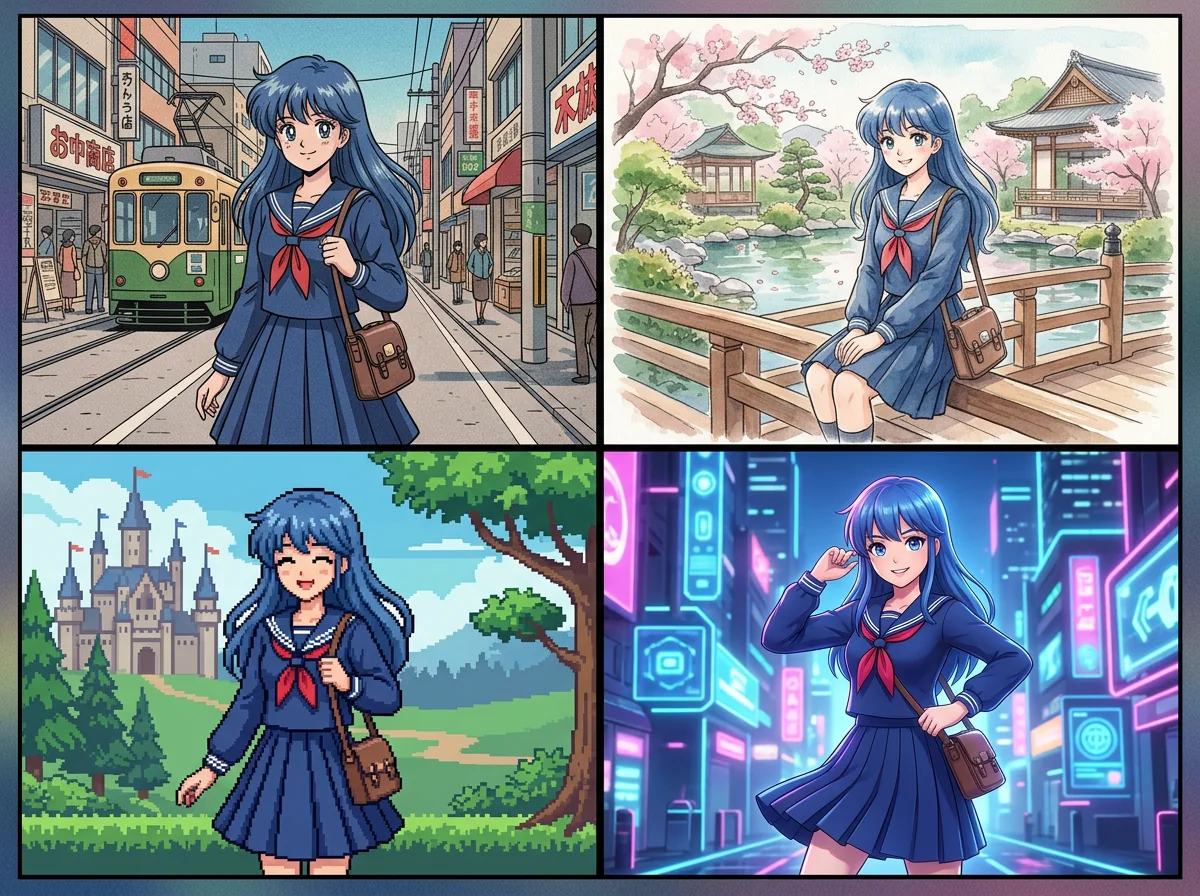
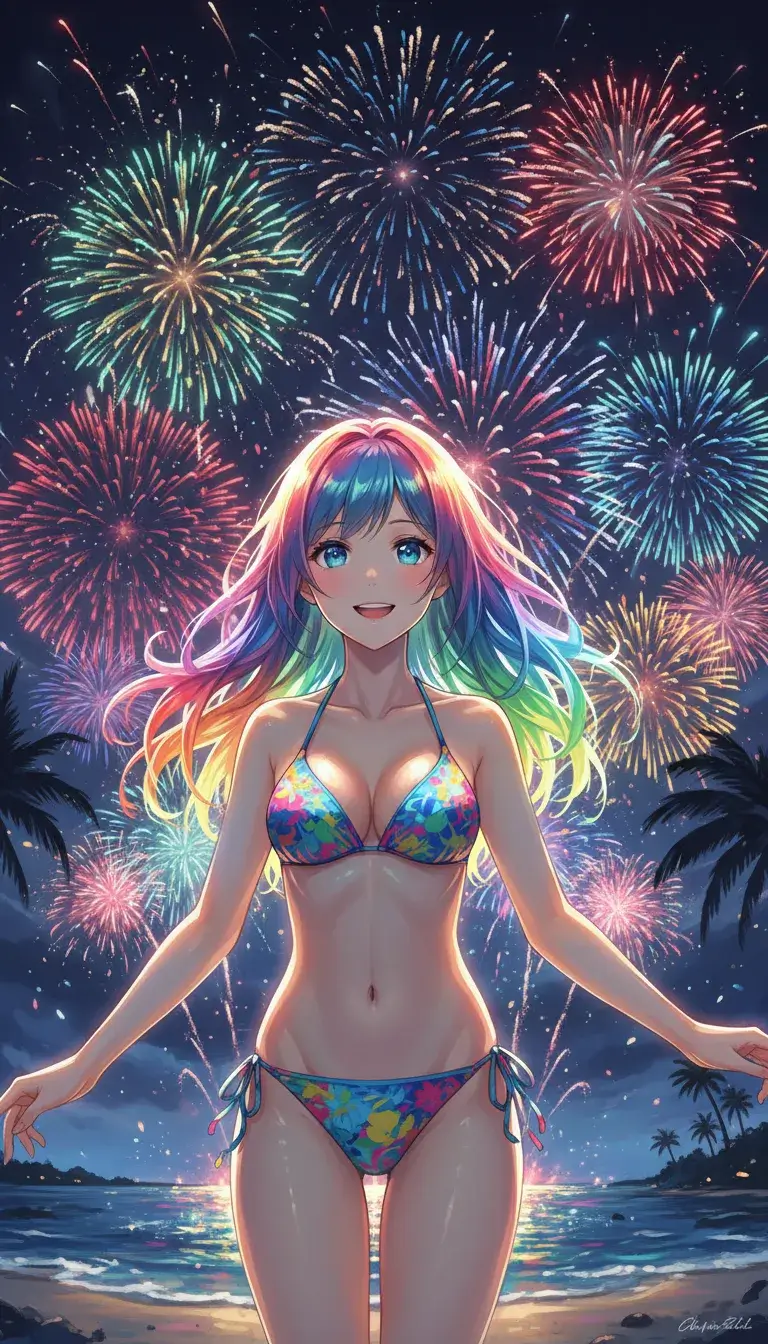
An anime generator produces artwork in an anime or manga style from either a text description or an uploaded photo. Some tools start from a prompt and invent a character, a scene or a full portrait. Others take a selfie, a pet photo or a portrait and restyle it, keeping the subject recognizable while changing the line work, shading and colors.
The people who use them range from fans making profile pictures and original characters (OCs) to writers and comic creators who need panels without drawing every one by hand. They replace commissioning a one-off illustration, tracing over photos, or learning a general-purpose image model's prompt vocabulary just to get a consistent anime look. A few tools go further than single images and build whole manga pages or visual-novel-style animations.
How to choose an anime generator
Decide first whether the input is a prompt or a photo. Photo-to-anime tools suit avatars and portraits. Text-to-image tools suit new characters and scenes. Some do both, which helps when the goal is not settled yet.
Then check for character consistency. If the same character has to appear across several images or panels, look for tools built around reusable characters, since a general image generator will drift from one result to the next. For comics and manga, a tool that lays out pages and keeps faces stable saves more time than one that only outputs single pictures.
Pricing and limits matter when comparing the best anime AI art generator candidates. Several tools here are fully free, some are freemium with credits or watermarks, and a few move to a subscription. Check whether sign-up is required, whether exports are watermarked, and whether the output can be edited afterwards. Finally, consider the style range: pure anime, chibi, Ghibli-like or comic looks are not interchangeable.
Notable anime generators
AnimePhotoGen turns selfies, pets and portraits into anime art in a few clicks, which fits quick avatar work.
OC Maker is an original character creator with anime, chibi and realistic styles, aimed at people designing their own characters.
MangaMaker is a browser-based manga page maker that keeps characters consistent, so it suits those building actual pages rather than single images.
StarVeil AI offers reusable comic characters that stay consistent across every panel, a good match for serialized stories.
Perchance is a free text-to-image generator with no login, no watermark and no daily caps, useful for experimenting without commitment.
Cartoonize AI converts photos into Pixar, Ghibli or comic-style art, covering looks beyond strict anime.
Common questions
What is the best anime AI art generator?
It depends on the job. For restyling a photo, a photo-to-anime tool like AnimePhotoGen is the direct route. For new characters, OC Maker or CharaLab fit, and for multi-panel stories, MangaMaker or StarVeil AI keep faces consistent. Trying a free option first shows quickly whether the style matches what is wanted.
Is there a free anime generator?
Yes. Perchance, Facewow and Anime Art Studio are listed as free, and several others have free tiers. Free access often comes with limits on credits, resolution or watermarks, so check the terms before using the output in a project.
Can an anime generator make manga pages?
Some can. MangaMaker and MangaAI.me are built for manga pages with consistent characters, and MangaAI.me starts from a story and produces editable pages. General image generators usually output single pictures only.
When to look elsewhere
For stylized results that are not anime, such as exaggerated portraits, the Caricature Maker category may fit better. For retro game art with small, blocky characters, the Pixel Art Generator category is the closer match.