Free trial
A free starting allowance is advertised at signup: $50 in credits with no card required, which allows testing on your own documents before committing.
Learn moreAI agents that turn business processes into automated data workflows

Nanonets builds AI agents that run back office data processes such as accounts payable, reconciliation, order management and supplier onboarding, extracting data from documents and pushing it into systems like SAP, NetSuite and QuickBooks. It is aimed at enterprises with high volume, rules heavy workflows and messy inputs.
Nanonets is a platform for building AI agents that carry out operational business processes rather than performing one-off chat tasks. The starting point is your existing material: written policies, standard procedures, internal knowledge and the systems that hold your records. Nanonets turns that material into agents that read incoming documents, apply your business rules and push clean data into systems of record such as SAP, Salesforce, NetSuite and QuickBooks. In practice the product targets a specific set of back office workflows. Accounts payable is the headline case, with the vendor claiming about 16 seconds per invoice instead of 6 minutes. Other prebuilt patterns cover bank reconciliation, order management across email, PDF and EDI inputs, cash application from remittance files, supplier onboarding with W-9 and bank detail checks, and claims processing where straightforward claims are approved without an adjuster. Document extraction and contract review sit in the same catalogue, and the company positions the platform as a fit for any repetitive process that produces or consumes data. Where Nanonets differs from a generic document parser is the emphasis on edge cases. The pitch is that agents should follow defined business rules, learn from human corrections and show their reasoning, so exceptions such as a price mismatch or missing invoice are held or escalated instead of passed through silently. A context graph product called Trail is referenced for harder judgement calls, and there is a demo booking path for buyers who want a guided evaluation. The fit is mid size to large organisations with high volume transactional work and a team that can define rules properly. The site cites more than 10,000 enterprises, including many household names. Smaller teams may find the setup overhead heavier than a simple extraction tool, and the marketing leans on outcomes rather than granular technical detail, so a trial or demo is the sensible way to test accuracy on your own documents. Entry is self-serve through a signup page that includes free credits with no card required.
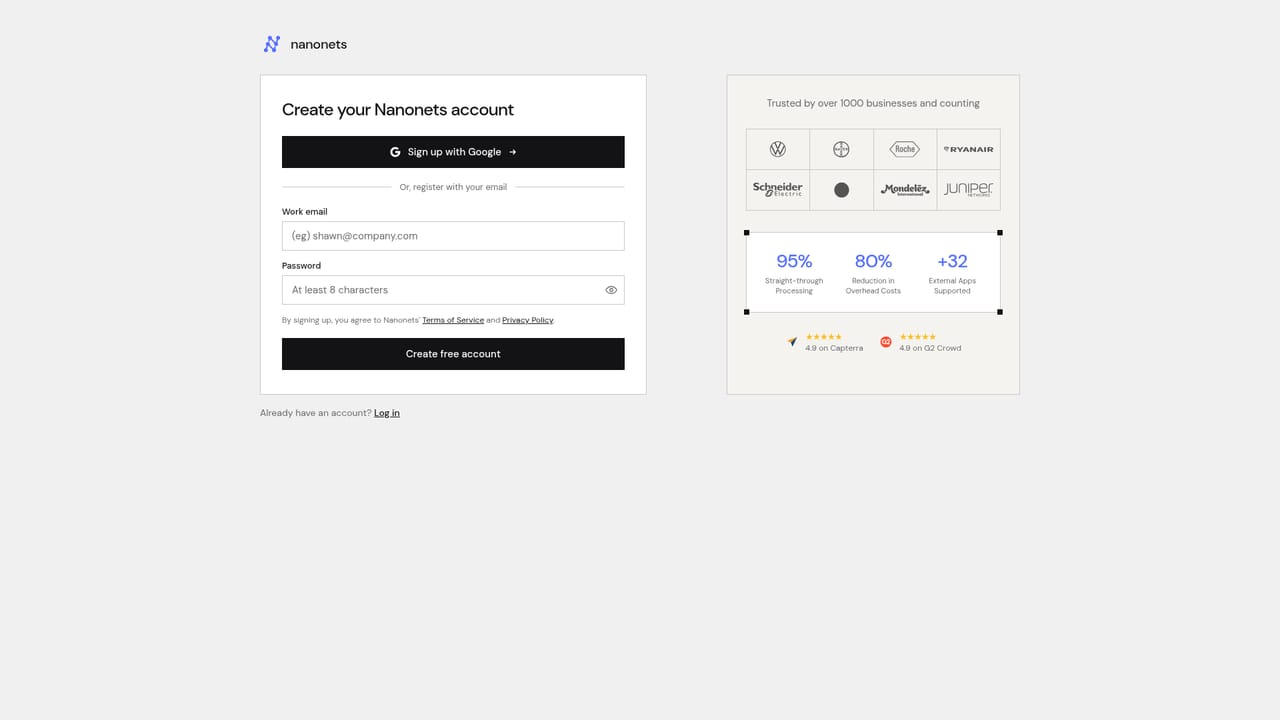
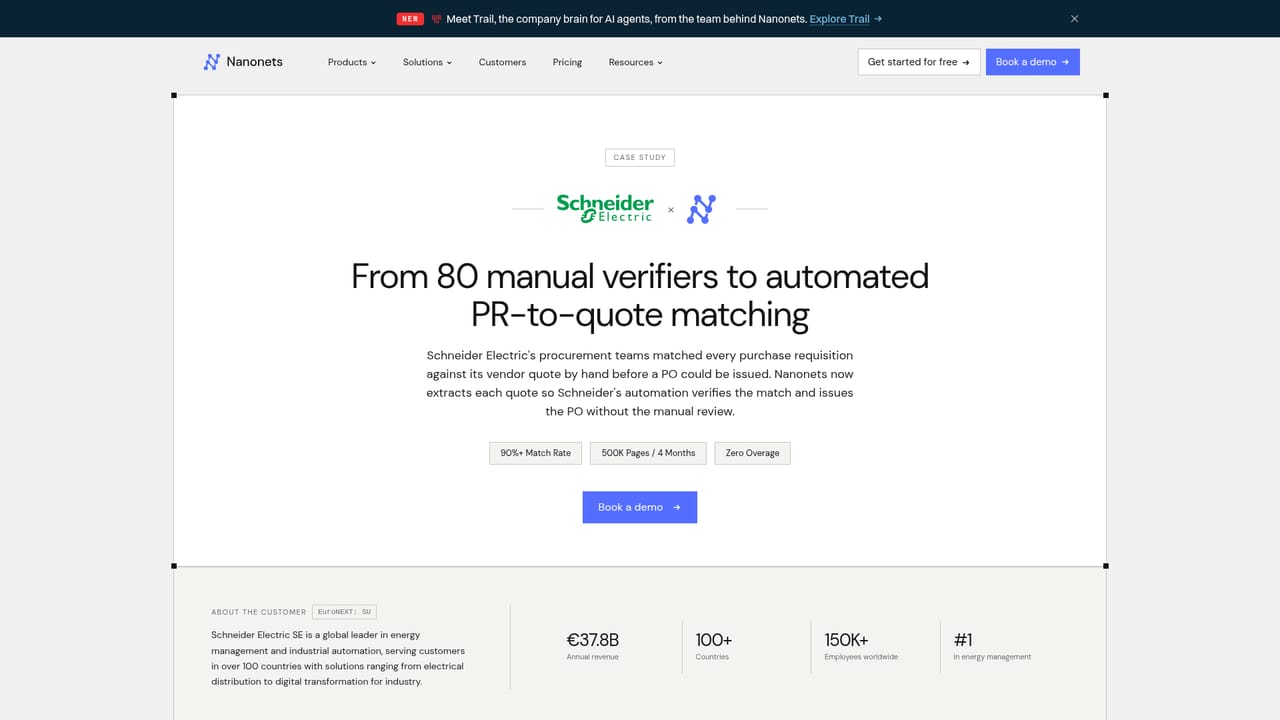
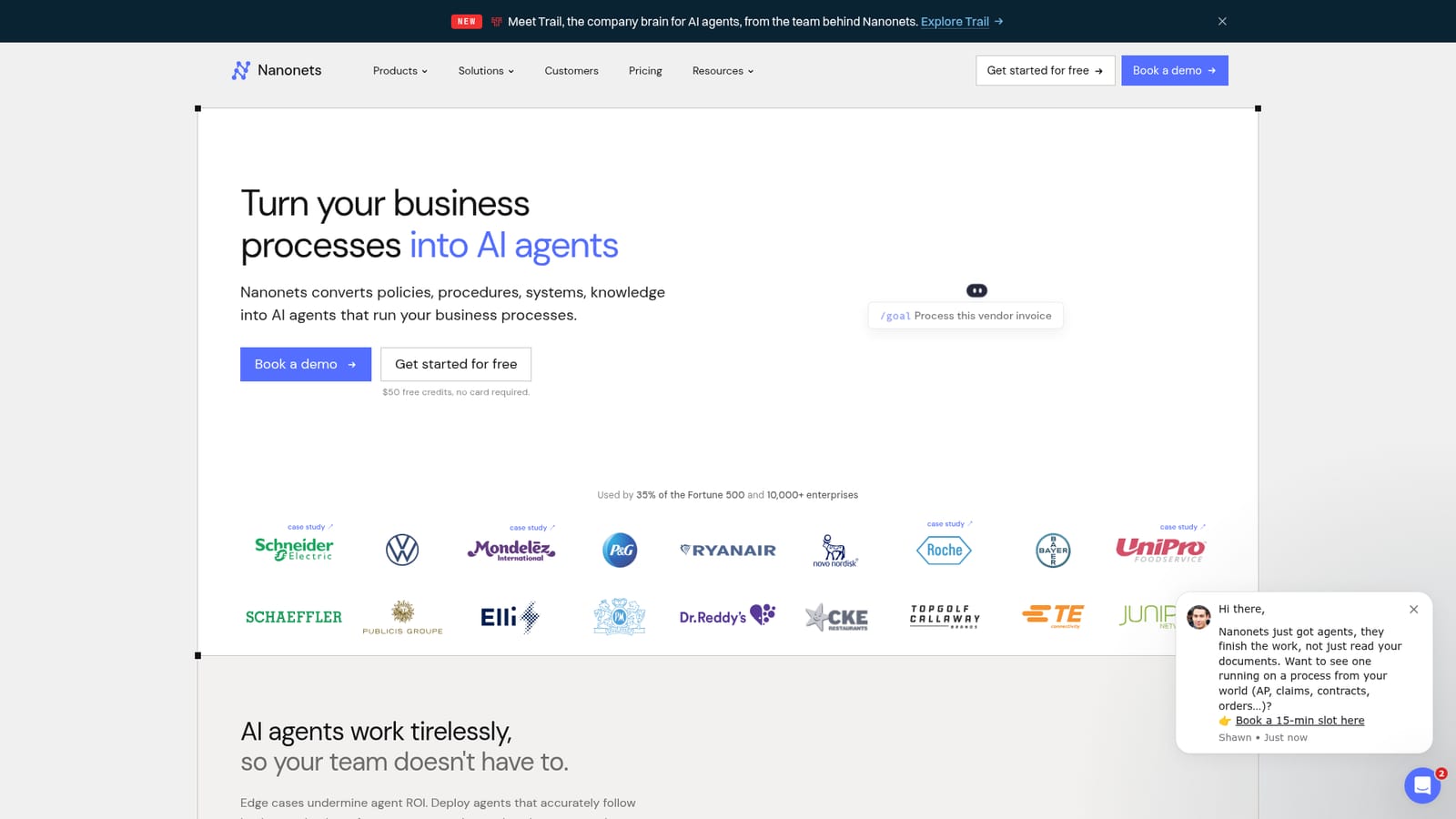
A free starting allowance is advertised at signup: $50 in credits with no card required, which allows testing on your own documents before committing.
Learn moreNo pricing tiers or rates are published on the homepage. The site offers a free signup with $50 in free credits and no credit card required, and points enterprise buyers toward a demo for commercial terms.
Learn moreThe homepage names SAP, Salesforce, NetSuite, QuickBooks and Gmail as connected systems, with agents delivering clean data into these systems of record.
Agents built from your policies, procedures and internal knowledge, applied to workflows including accounts payable, reconciliation, order management across email, PDF and EDI, cash application, supplier onboarding and claims processing. Document extraction and contract review are also listed, with a context graph layer for harder judgement calls.
 AI Angels400+ customizable AI girlfriends for NSFW chat, voice calls, and roleplay
 Candy AIExperience the future of companionship with AI friends who chat, role-play, and connect with you on a human level.
 ourdream.aiA vast AI roleplay platform with millions of characters for chat, images, video and voiceAI Angels400+ customizable AI girlfriends for NSFW chat, voice calls, and roleplayCandy AIExperience the future of companionship with AI friends who chat, role-play, and connect with you on a human level.ourdream.aiA vast AI roleplay platform with millions of characters for chat, images, video and voice


