Free trial
A 3 day free trial of Pro is available, separate from the ongoing free plan that allows one bot on a free model.
Learn morePersonal AI agents that live in your Telegram chats

Nanoswarm is an AI chat bot tool. Nanoswarm lets you spin up personal AI agents that run 24/7 on hosted infrastructure and talk to you through Telegram. Choose an engine and model, shape the personality, connect Gmail and Calendar, and send voice notes or photos.
Nanoswarm is a hosted platform for building personal AI agents, which it calls nanobots, and running them inside Telegram around the clock. Setup takes a few clicks: pick an engine (HERMES or OpenClaw), give the bot a role, tone and personality, then choose a frontier AI model to power it. The bot runs on dedicated infrastructure rather than on your own machine, so it stays online 24/7 whether your phone or laptop is on or not. In practice the agent covers everyday assistant work. It chats and does research, messages you on Telegram, remembers context across conversations, and can run repeatable tasks. When you connect Gmail and Google Calendar, it can read and act on your behalf through those channels. It also handles voice notes and photos sent in chat, so you can dictate a request or share an image instead of typing. Everything happens within the integrations you deliberately connect, and you can start, stop, restart or delete any bot at any time. Privacy is a stated design point. Bot tokens are encrypted at rest and traffic is encrypted in transit. Conversations are processed server-side and stored as bot history that is deleted when you remove the bot or your account. Nanoswarm says your data is not used to train AI models, and deleting your account removes your data immediately. Access is by Apple or Google sign-in on the web app, or a guest mode in the mobile apps that can be linked to a real account later. A short AI and data consent step comes before creating a first bot. The free tier is genuinely usable: one nanobot on a free model. A 3 day Pro trial opens the premium engines (OpenClaw and Hermes Agent) and premium models, and Pro is what keeps bots running long term. Pricing is displayed inside the app rather than on the website. Compared with do it yourself agent frameworks that require hosting and configuration, Nanoswarm trades flexibility for speed, and anyone wanting a non-Telegram front end or self-managed infrastructure will find it limiting.
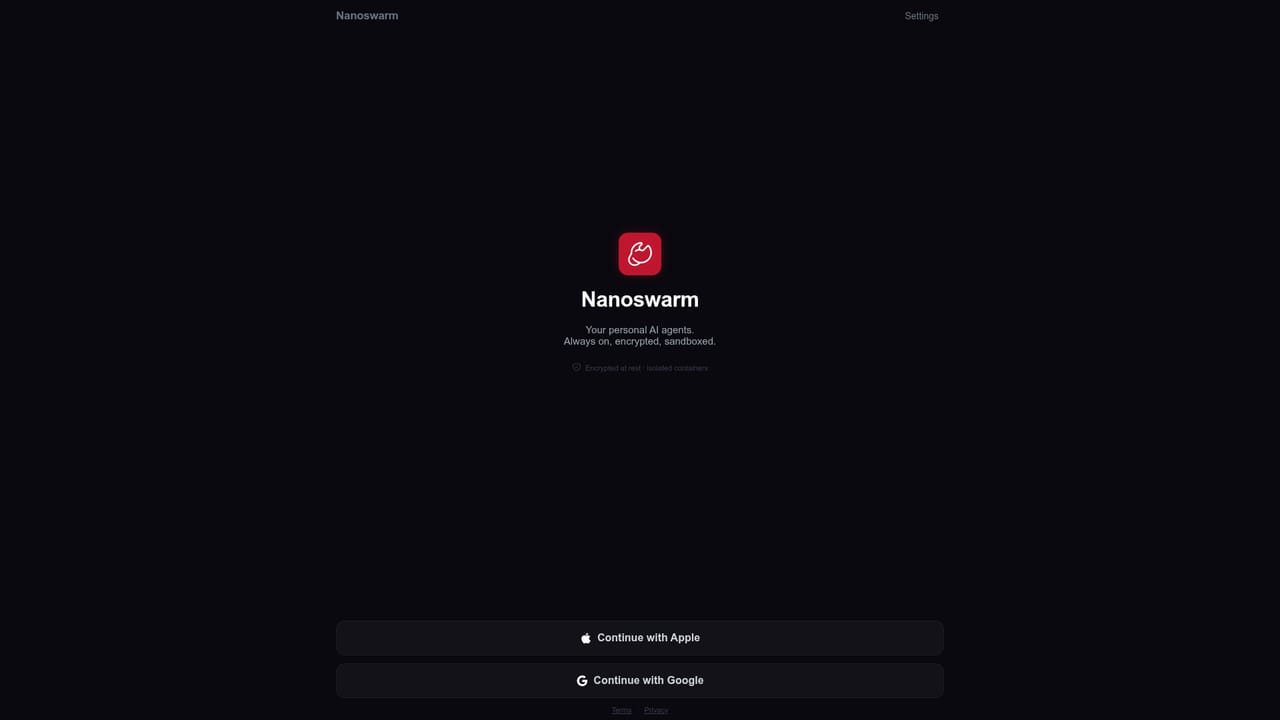
A 3 day free trial of Pro is available, separate from the ongoing free plan that allows one bot on a free model.
Learn moreA free plan covers one nanobot on a free model. Pro unlocks the premium engines (OpenClaw and Hermes Agent) and premium models and keeps bots running long term. The homepage does not list prices, stating only that pricing is shown in the app.
Learn moreTelegram for chat delivery, plus Gmail and Google Calendar so the bot can read and act on mail and scheduling. No other integrations are named on the homepage.
Custom personality with editable role and tone, two agent engines (HERMES and OpenClaw), frontier model selection, 24/7 hosting on dedicated infrastructure, Telegram messaging, Gmail and Google Calendar integrations, voice note and image understanding, context memory and repeatable tasks, encrypted tokens and data excluded from model training.
 AI Angels400+ customizable AI girlfriends for NSFW chat, voice calls, and roleplay
 Candy AIExperience the future of companionship with AI friends who chat, role-play, and connect with you on a human level.
 ourdream.aiA vast AI roleplay platform with millions of characters for chat, images, video and voiceAI Angels400+ customizable AI girlfriends for NSFW chat, voice calls, and roleplayCandy AIExperience the future of companionship with AI friends who chat, role-play, and connect with you on a human level.ourdream.aiA vast AI roleplay platform with millions of characters for chat, images, video and voice


