Free trial
The homepage invites visitors to start tracking for free, but it does not explain what the free tier includes or whether a card is required.
Learn moreCustom AI news trackers built from a plain-language brief

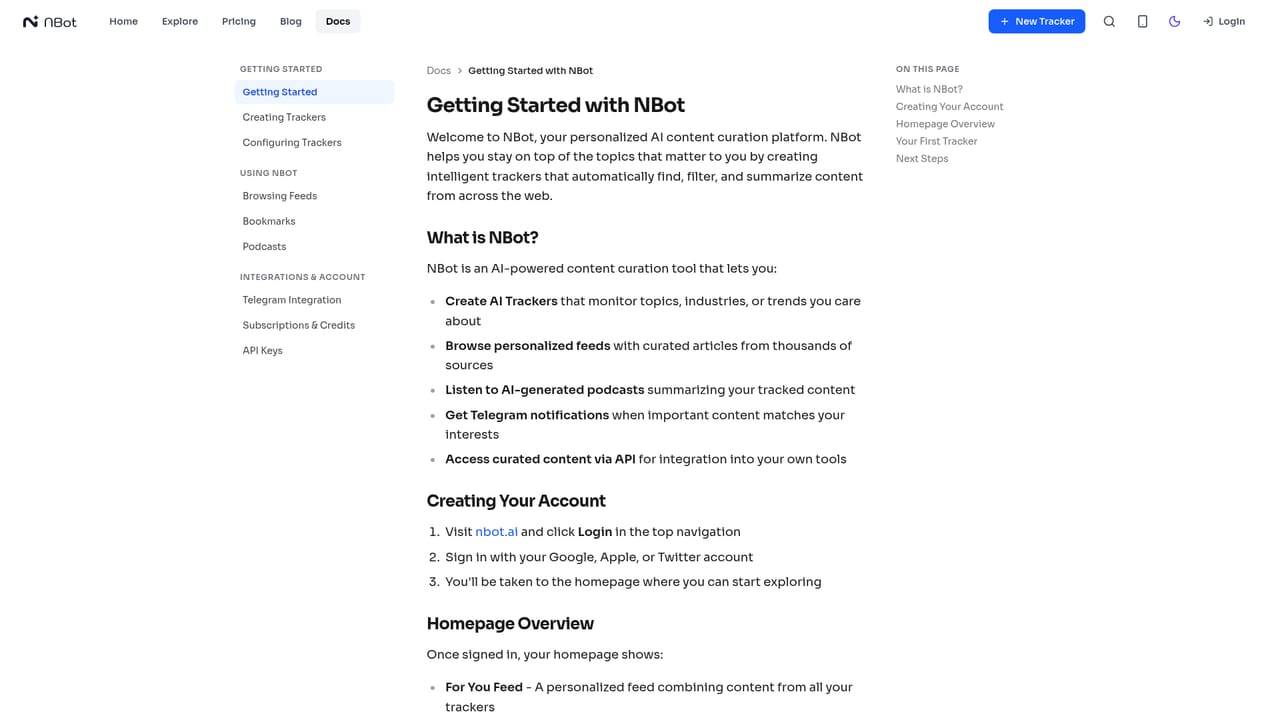
NBot AI turns a short written brief into a custom news tracker that scans outlets, newsletters, RSS feeds, blogs and social posts, summarises what matters with source links, and lets you refine the feed through chat. Templates and a community explore page help you start fast.
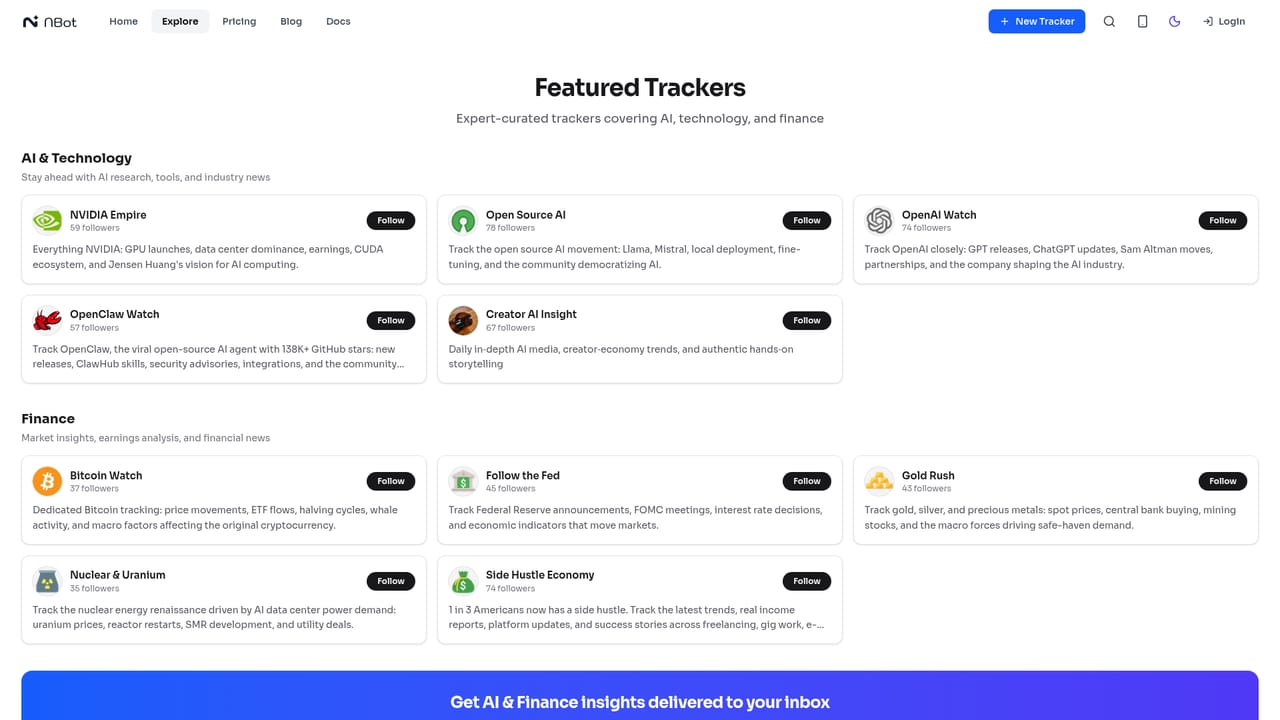
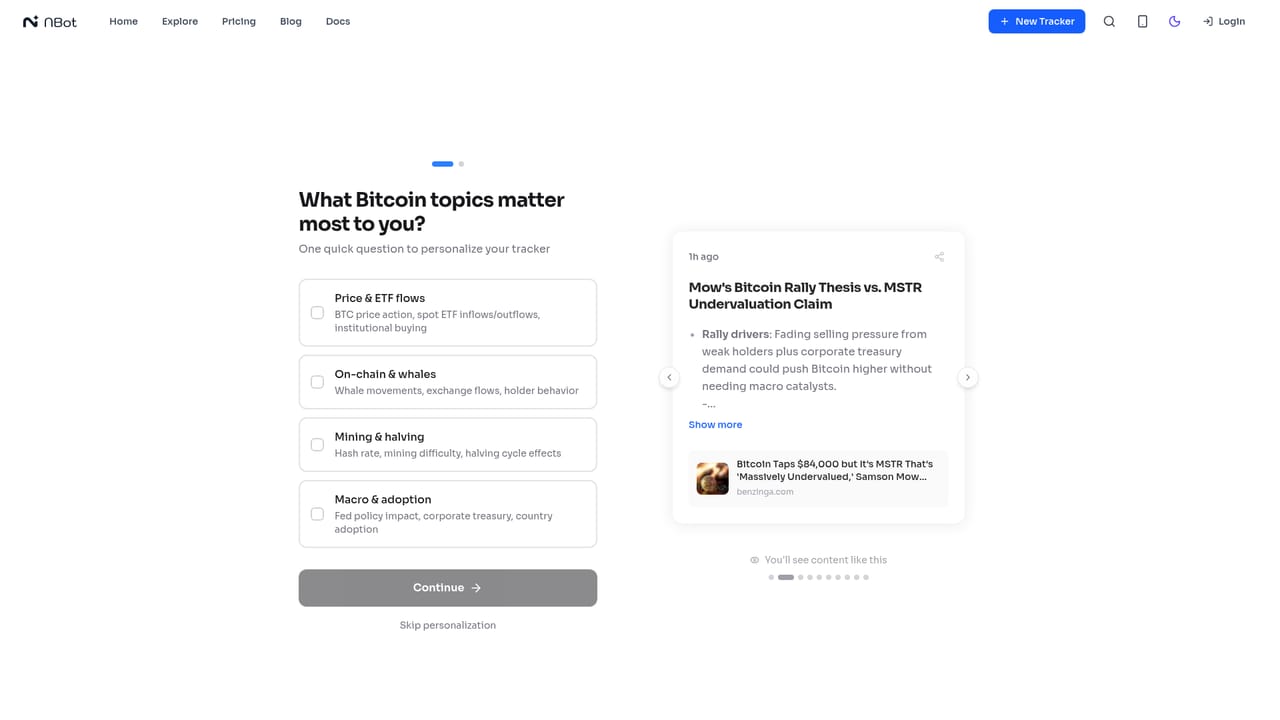
NBot AI is a news monitoring tool that builds a custom tracker from a plain description of what you want to follow. Instead of assembling boolean search strings, feed URLs or RSS rules, you write a short brief in ordinary language, for example a request to follow dry-coating processes in solid-state battery manufacturing, and the assistant returns a working tracker. Along the way it identifies relevant outlets, journals and blogs, and suggests adjacent angles such as patent filings to widen the net. The result is a personal feed that resembles a beat reporter's notebook rather than a generic news aggregator. The product is aimed at people who need to stay current in a narrow field without reading everything: analysts watching monetary policy or crypto, researchers following AI papers, local reporters covering a single town, and sports or entertainment fans chasing a fast-moving story. Ready-made templates cover topics like the NBA trade deadline, Bitcoin, uranium and nuclear power, the Federal Reserve and regional storm tracking, so a new user can start from a curated tracker and edit from there. A community explore page shows which trackers are popular right now, with recent items visible before you commit. In daily use the tracker scans news outlets, newsletters, RSS feeds, niche blogs and social discussion, then writes summaries that explain why an item matters and keeps a direct link to the original source for verification. A chat panel sits alongside the feed: you can ask follow-up questions about what has appeared, or tell the tracker to drop financial coverage and prioritise engineering blogs, and it adjusts its filters. NBot AI also ships as a mobile app, which suits readers who want the feed on a phone. Against alternatives, NBot AI sits between a keyword alert service and a full research assistant. It is more conversational than classic alerts and more focused than general chat tools, though it is a monitoring layer rather than an archive or fact-checking service.
The homepage invites visitors to start tracking for free, but it does not explain what the free tier includes or whether a card is required.
Learn moreTrackers can pull from YouTube, X (Twitter), RSS feeds, regular websites and Reddit, and each summarized item links back to its original publisher.
Describe a topic in plain language and NBot AI assembles a tracker across news outlets, newsletters, RSS feeds, niche blogs and social discussions. Items arrive as context-aware summaries with source citations, and a chat panel answers questions about the feed or changes its focus on request. Templates and a trending gallery provide ready-made trackers, and the service runs as a web app plus iOS and Android apps.
Learn more AI Angels400+ customizable AI girlfriends for NSFW chat, voice calls, and roleplay
 Candy AIExperience the future of companionship with AI friends who chat, role-play, and connect with you on a human level.
 ourdream.aiA vast AI roleplay platform with millions of characters for chat, images, video and voiceAI Angels400+ customizable AI girlfriends for NSFW chat, voice calls, and roleplayCandy AIExperience the future of companionship with AI friends who chat, role-play, and connect with you on a human level.ourdream.aiA vast AI roleplay platform with millions of characters for chat, images, video and voice


