Pricing
No pricing figures are published. Nearmap routes pricing through a sales conversation, and the product is sold as a commercial subscription rather than self-serve, so cost depends on coverage, products and volume.
Learn moreAerial imagery and AI property analytics for insurance, AECO and government teams

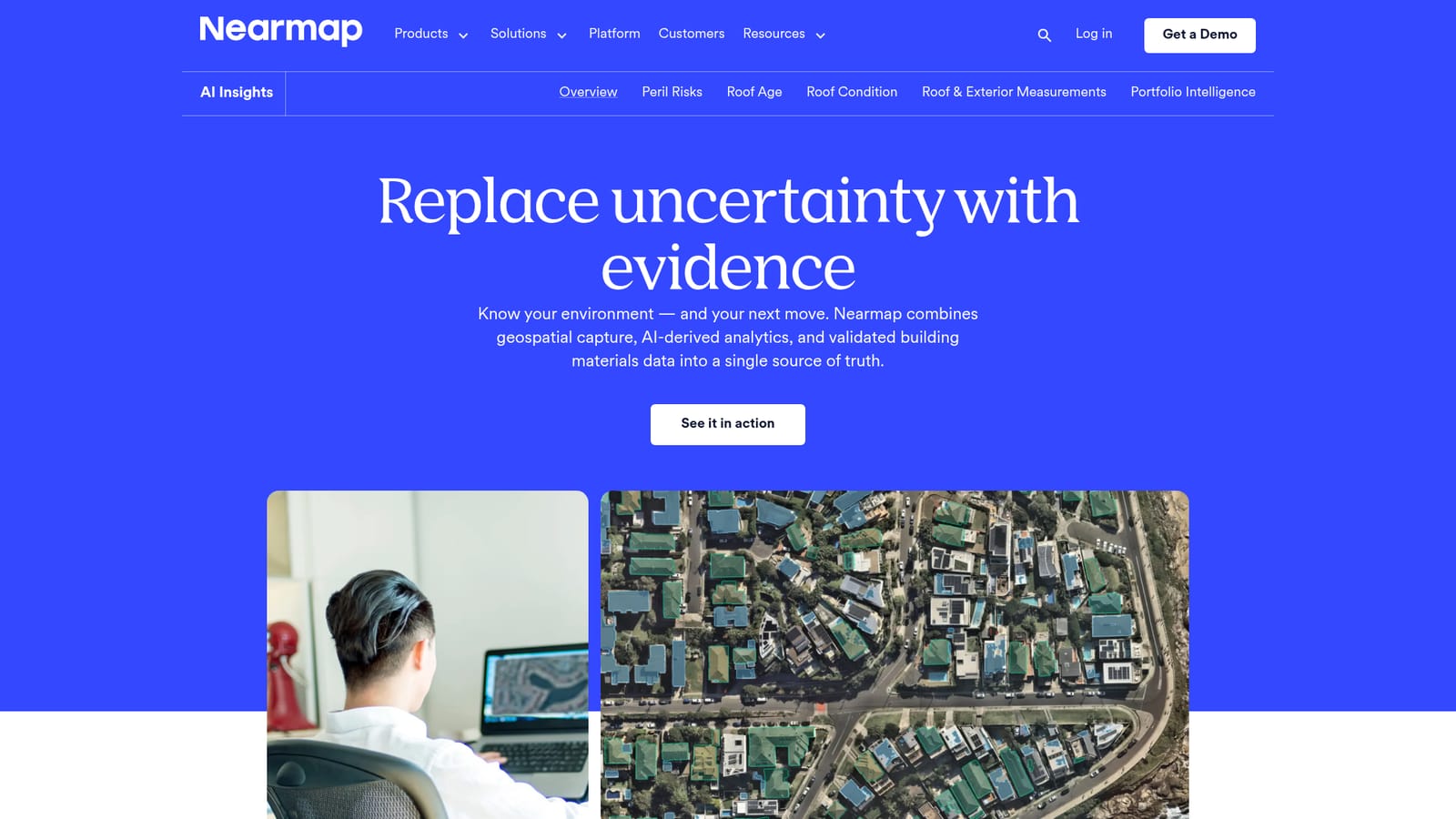
Nearmap is an image analysis tool. Nearmap Insights turns high-frequency aerial imagery into AI-derived property analytics: roof condition, measurements, peril and wildfire risk, and post-disaster damage classification, aimed at insurers, AECO firms and government agencies.
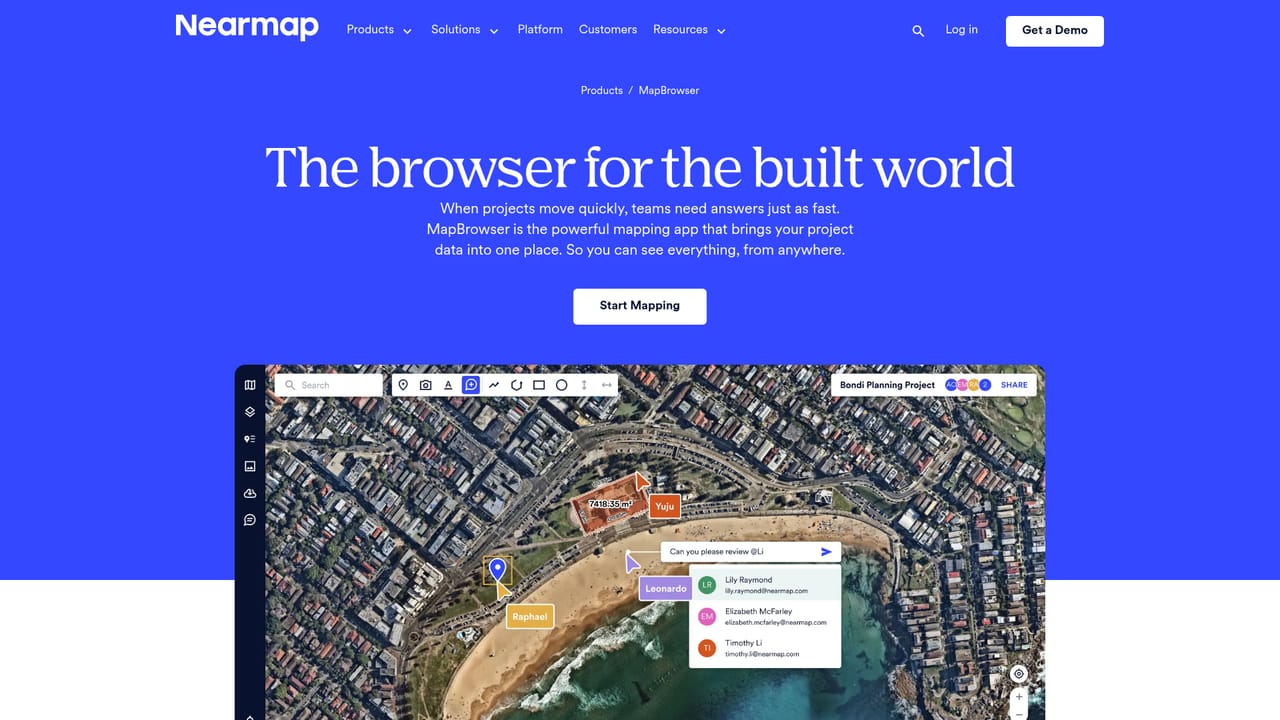
Nearmap Insights is a geospatial intelligence product built on the company's own aerial capture programme. Instead of sending someone to a site, teams pull up recent, inspection-grade imagery of a property or neighborhood and read condition, materials and hazard exposure straight from it. The imagery is refreshed on a high-frequency schedule, and historical captures can be viewed side by side so change over time becomes visible rather than inferred. The AI layer is what separates Insights from a plain imagery viewer. Nearmap states that its models, trained on owned data, produce 130+ property insights covering roof shape, pitch, materials and condition, plus surface types, vegetation density, solar panels and defensible space around a structure. Those signals feed named products: Peril Risk for fire, cyclone and hail exposure, Roof Age and Roof Condition, Roof and Exterior Measurements delivered into Verisk XactAnalysis, Portfolio Intelligence for book-level review, ImpactResponse for post-disaster damage classification, and Wildfire Risk. Itel data adds validated building materials pricing and repair versus replace analysis. The audience is commercial rather than hobbyist. Property and casualty insurers use it across quoting, new business and renewal underwriting, loss control, claims pricing and catastrophe response. Engineering and construction firms apply it to bid pursuit, design, planning and asset management. Local government teams lean on it for property assessment, urban planning, permit compliance and emergency management. Access runs through MapBrowser for browser-based viewing and measurement, Betterview for underwriting workflows, and integrations and APIs that push imagery and insights into tools teams already run. Compared with consumer mapping services, the difference is recency, resolution and the analytics sitting on top. Compared with traditional property data vendors, Nearmap's argument is that its insights are derived from current imagery the company captures itself. Pricing is quoted per engagement rather than published, so buyers should expect a sales conversation before any trial of the data.
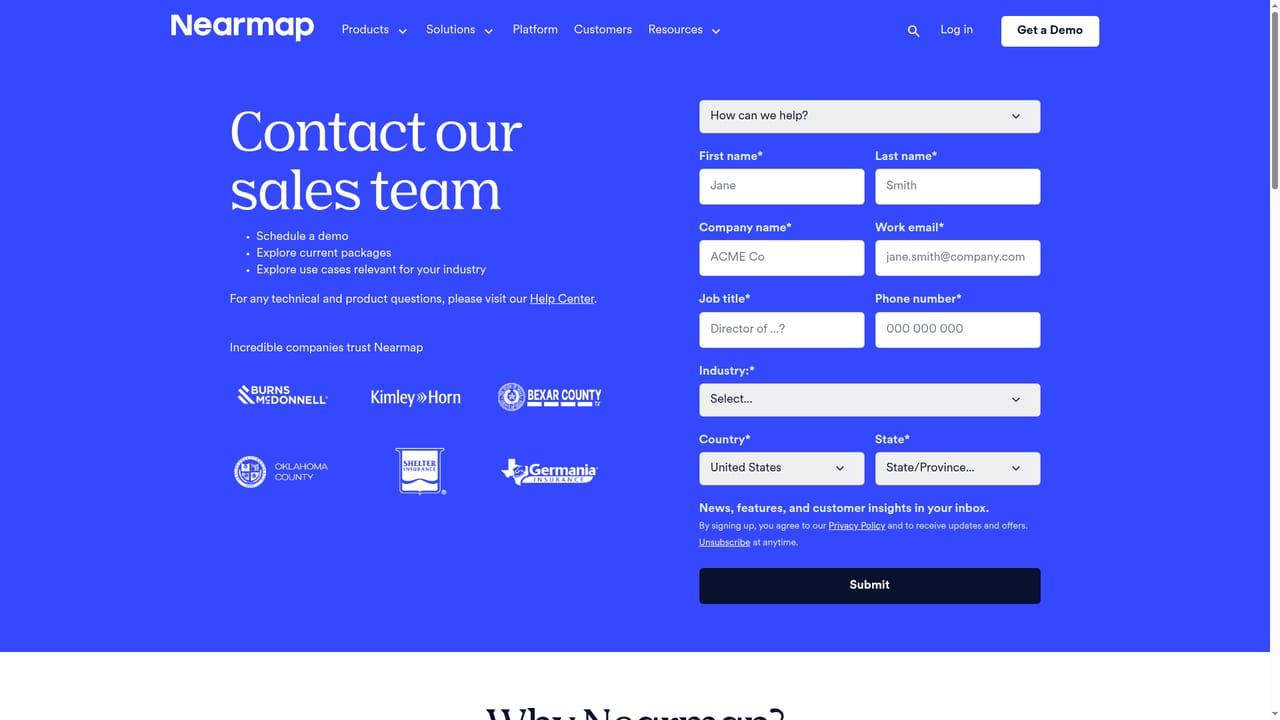
No pricing figures are published. Nearmap routes pricing through a sales conversation, and the product is sold as a commercial subscription rather than self-serve, so cost depends on coverage, products and volume.
Learn moreSupport is handled through a public help centre, a contact support route and a separate itel support channel, plus a supplier portal for procurement questions.
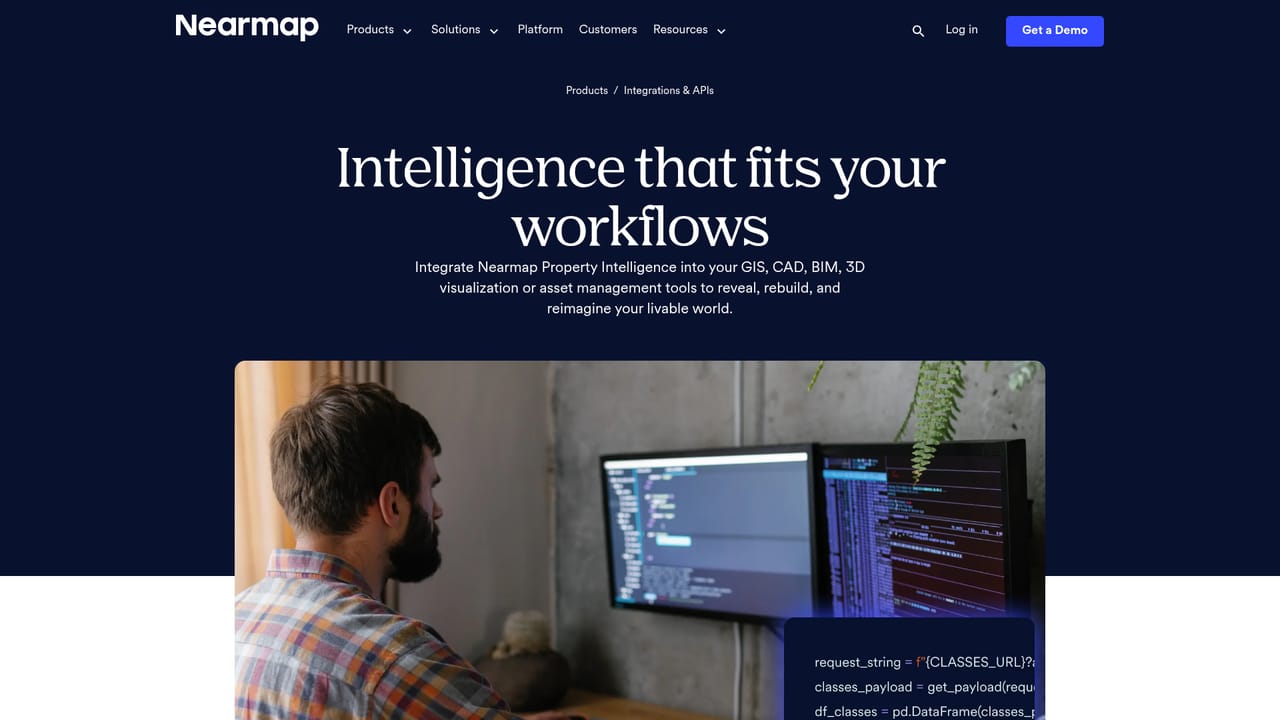
Nearmap publishes a dedicated integrations and APIs product for pushing imagery and insight data into the tools teams already use. Roof and exterior measurements are delivered into Verisk XactAnalysis.
Learn moreCore capabilities include high-frequency inspection-grade aerial imagery with historical comparison, 130+ AI-derived property insights, Peril Risk for fire, cyclone and hail, Roof Age and Roof Condition, Roof and Exterior Measurements into Verisk XactAnalysis, Wildfire Risk with defensible space and vegetation analysis, Portfolio Intelligence, ImpactResponse post-disaster damage classification, and itel materials pricing.
 AI Angels400+ customizable AI girlfriends for NSFW chat, voice calls, and roleplay
 Candy AIExperience the future of companionship with AI friends who chat, role-play, and connect with you on a human level.
 ourdream.aiA vast AI roleplay platform with millions of characters for chat, images, video and voiceAI Angels400+ customizable AI girlfriends for NSFW chat, voice calls, and roleplayCandy AIExperience the future of companionship with AI friends who chat, role-play, and connect with you on a human level.ourdream.aiA vast AI roleplay platform with millions of characters for chat, images, video and voice