NeuraMock

AI mock interviews for people preparing for tech roles

Beginner
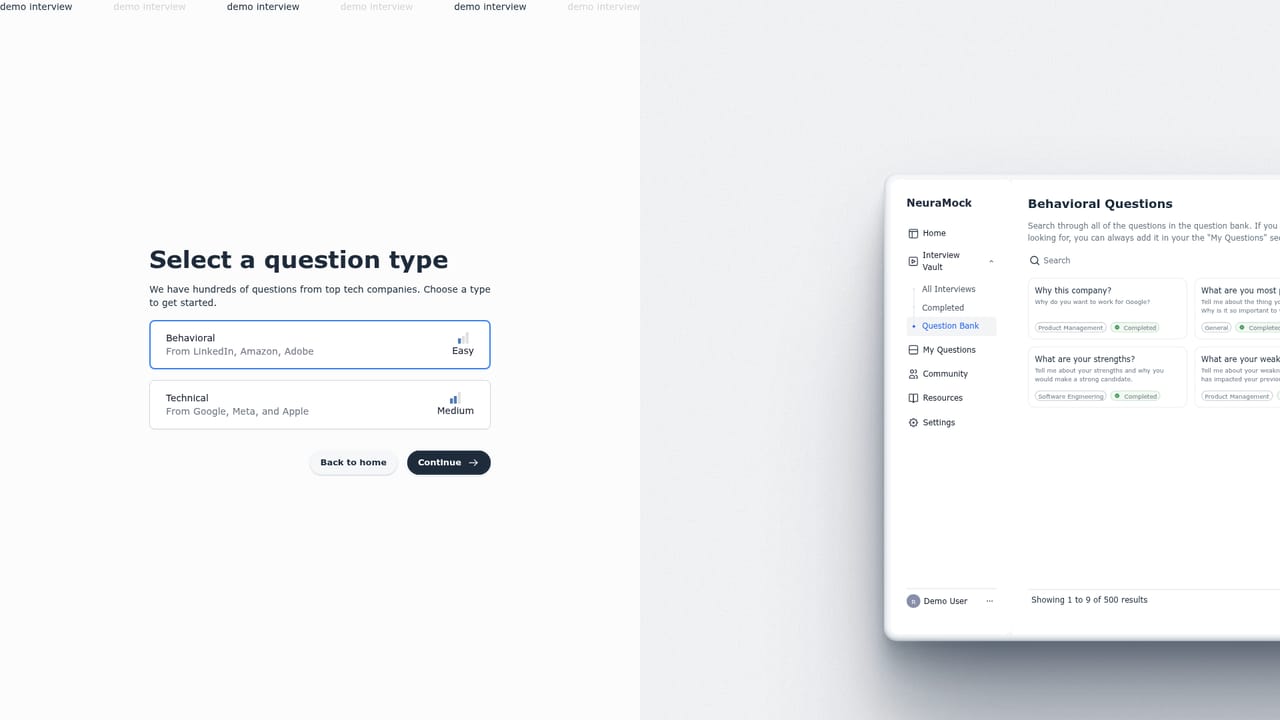
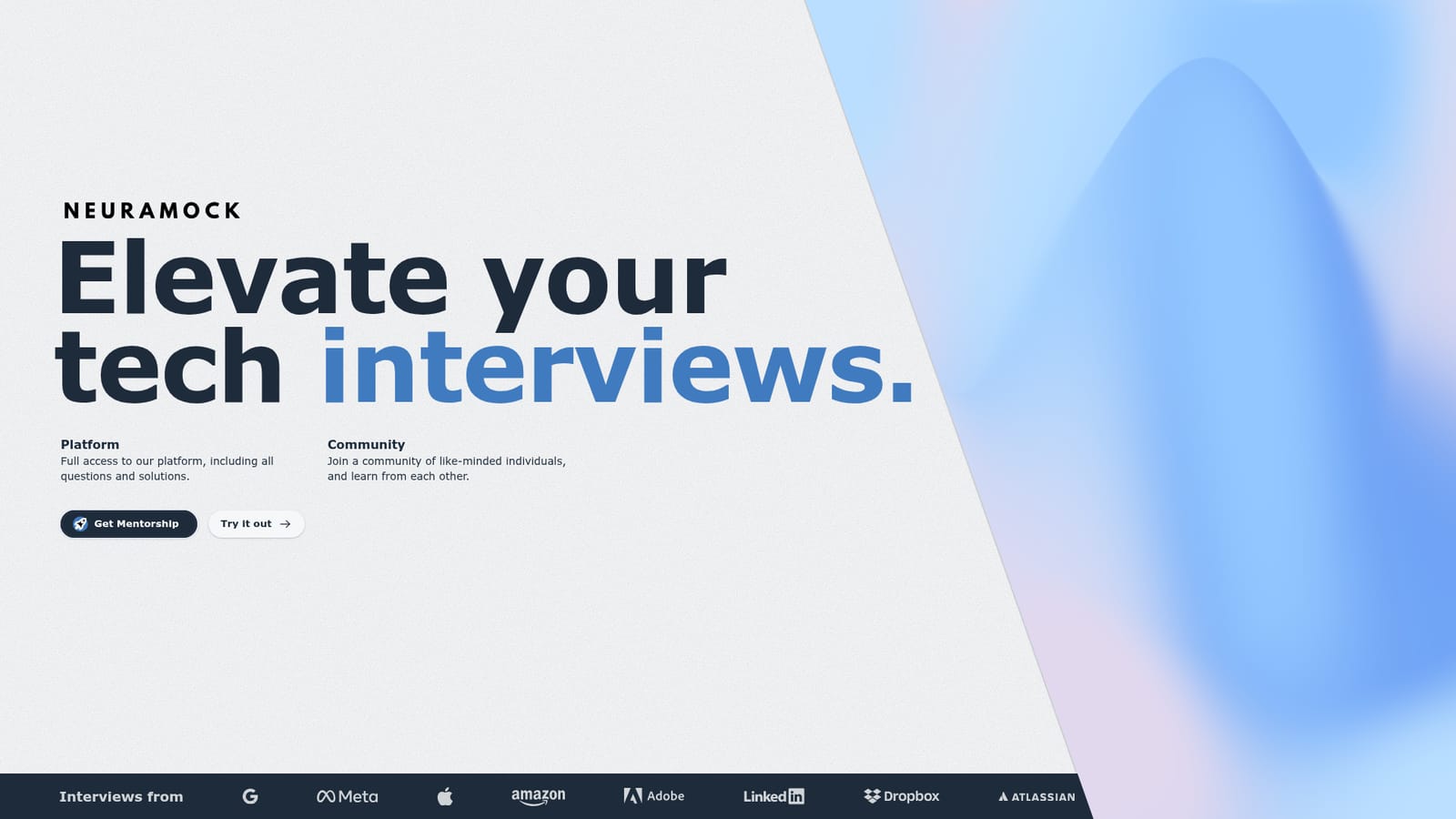
Screenshot of NeuraMock, AI mock interviews for people preparing for tech roles

What is NeuraMock?

NeuraMock is a career tool. NeuraMock runs AI-powered mock interviews for technical roles, pairing a question and solution library with a community and mentorship route. It targets candidates who want active rehearsal rather than passive reading, and offers a demo page to try the format first.

NeuraMock is an interview preparation tool built around AI-driven mock interviews for technical job candidates. The homepage positions it as a way to elevate tech interviews, and the product ships as a full platform that includes a bank of questions and accompanying solutions. The pitch is aimed at candidates who want structured rehearsal rather than reading through question lists passively. The platform bundles three things: question and solution access, a mock interview experience, and a community layer. The community angle is unusual for a prep tool. NeuraMock points users toward a separate mentorship site, so candidates who want human guidance alongside automated practice have a route to it. In practice, a user works through interview questions, checks the provided solutions when stuck, and uses the AI mock format to simulate the pressure of a real screening loop. The demo page lets a prospective user see the experience before committing to the full platform. Who it suits: candidates preparing for coding and technical interviews, especially self-taught developers or career switchers who lack a study group and want a repeatable practice loop. The community and mentorship links push it toward people who want feedback beyond a score. Where it fits: the mock interview space is crowded with generalists and with single-purpose coding platforms. NeuraMock is narrower and newer, with an emphasis on questions plus answers plus a conversational AI layer rather than on running code against test suites. Pricing, supported languages, question volume and integration details are not published on the homepage, so those points need checking directly with the product before committing time.

How do you use NeuraMock?

  1. 1Open the demo
    Start on the demo page to see how a mock interview is presented before creating any account.
    NeuraMock — Open the demo
  2. 2Run a practice interview
    Work through a mock interview session inside the product and answer the questions as you would in a real screening.
  3. 3Review questions and solutions
    Use the question and solution library to check your approach against the model answers after a session.
  4. 4Join the community
    Use the community side of the platform to compare notes with other candidates preparing for similar roles.
  5. 5Add mentorship if needed
    Follow the mentorship link from the homepage if human feedback is wanted on top of the AI practice sessions.
    NeuraMock — Add mentorship if needed

Pros and cons

Pros

  • Combines interview questions with written solutions in one placeAI
  • AI mock format gives active rehearsal instead of passive question readingAI
  • Demo page lets candidates test the experience before committingAI
  • Mentorship link offers a human feedback option alongside automated practiceAI
  • Community angle suits candidates without an existing study groupAI

Cons

  • Homepage gives no detail on question volume, topics or difficulty levelsAI
  • No pricing information is published, so cost is unclear before signing upAI
  • Mentorship sits on a separate site, which fragments the prep workflowAI
  • No stated support for coding environments or running code against testsAI
  • Little is published on how the AI evaluates answers or scores performanceAI

How much does NeuraMock cost?

Features

The homepage lists full platform access covering all questions and solutions, an AI mock interview experience for tech roles, a community for peer learning, and a mentorship route through a linked partner site. A public demo is available for trying the format before signing up.

Frequently asked questions about NeuraMock

  • How do you use NeuraMock?
    The walkthrough on this page covers 5 steps: 1. Open the demo 2. Run a practice interview 3. Review questions and solutions 4. Join the community 5. Add mentorship if needed.
  • What platforms does NeuraMock support?
    NeuraMock is available on Web App.
  • What are the limitations of NeuraMock?
    Homepage gives no detail on question volume, topics or difficulty levels. No pricing information is published, so cost is unclear before signing up. Mentorship sits on a separate site, which fragments the prep workflow.

Status

StatusActive
Views0
Outbound clicks0
Added10/21/2026

Platforms

Web App

Pricing

Freemium