Support
Support runs through a sales contact form on the homepage and a demo booking link. No help centre or documentation is listed on the site.
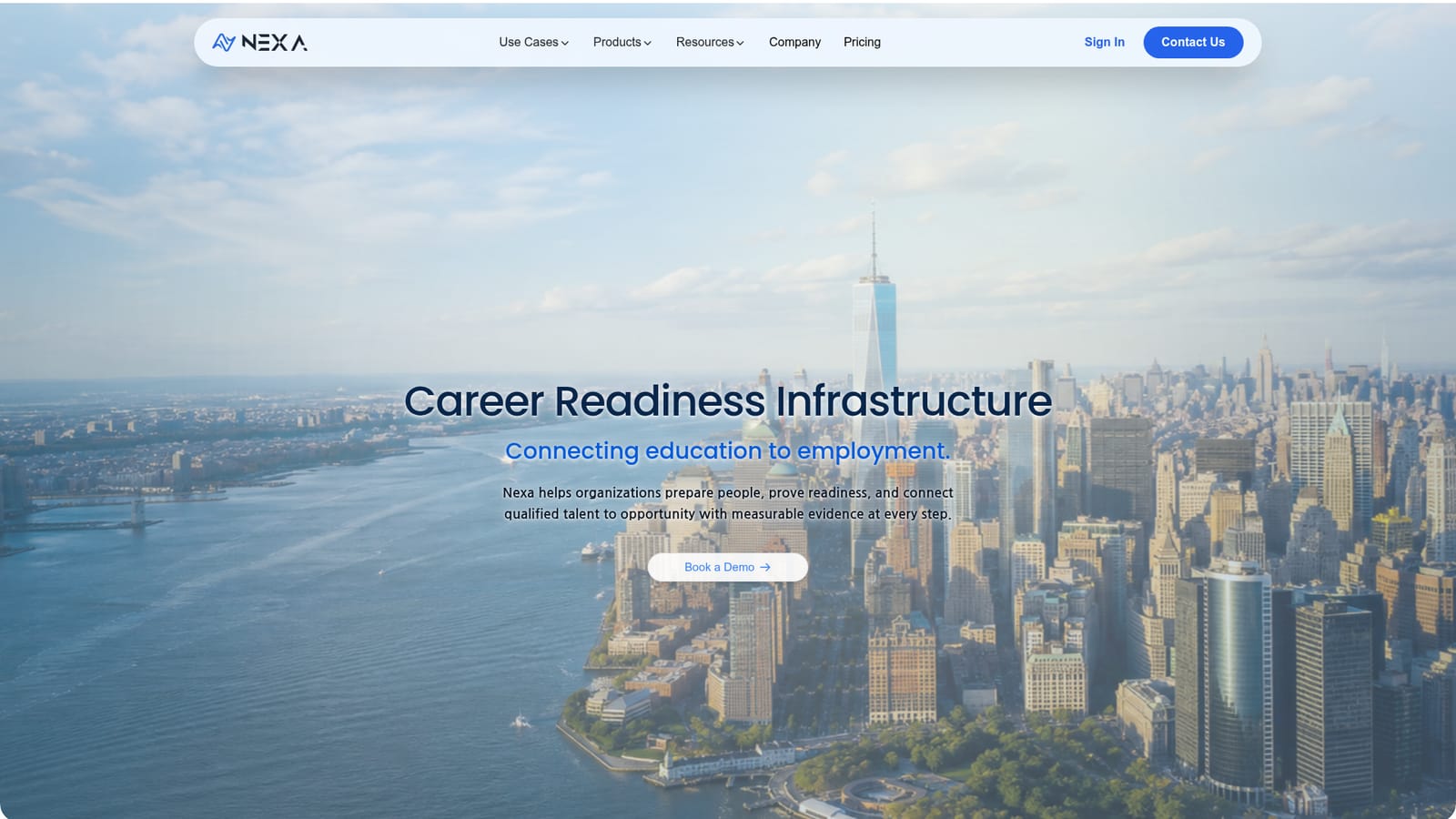
Career readiness infrastructure that links training programs to real hiring decisions.

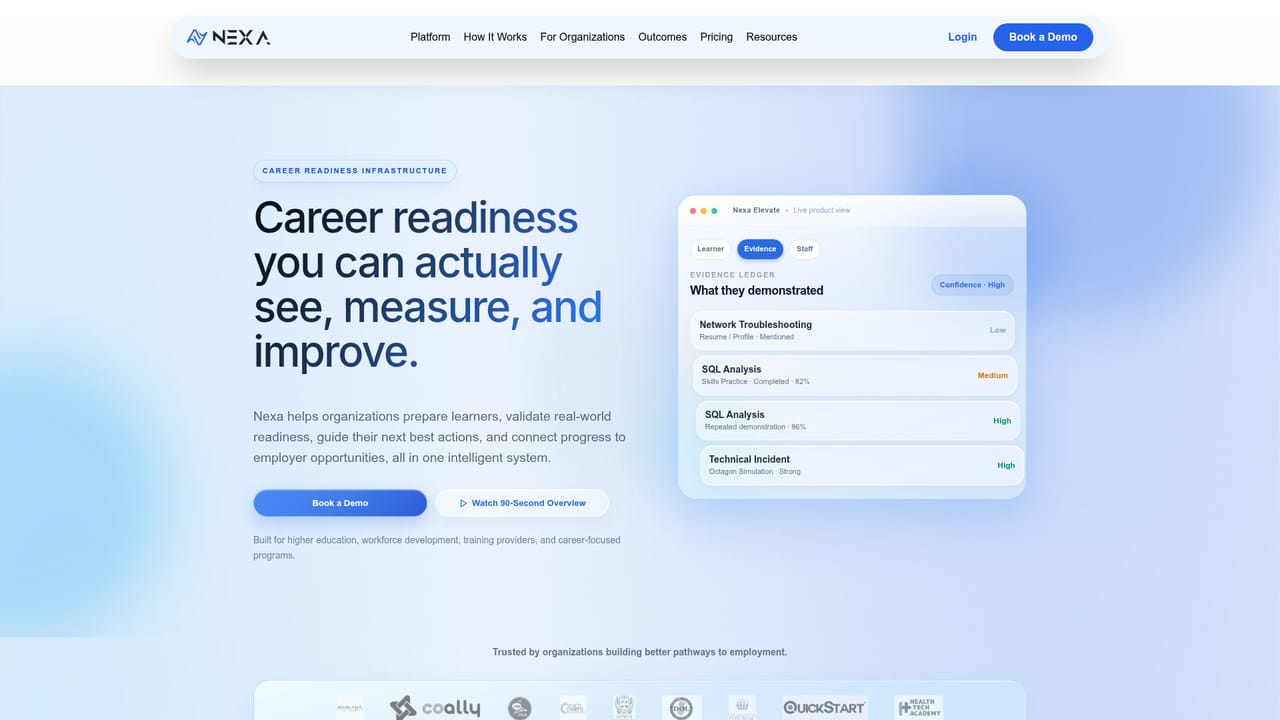
Nexa is a career readiness platform with two connected products: Elevate, which helps educators and workforce groups track learner progress and readiness, and SmartScreen, which helps employers screen and hire talent using demonstrated skills rather than resumes alone.
Nexa is a career readiness platform built for the two sides of the employment pipeline: the organizations that train people and the employers that hire them. Rather than treating education and recruiting as separate problems, it presents them as one loop, with progress on one side feeding evidence into the other. The homepage frames the product around a simple sequence for learners (prepare, prove, progress, place) and a parallel promise for employers: understand more, source less, decide with better evidence. The platform splits into two products. Nexa Elevate serves education and workforce organizations. It gives each learner a personalized path toward employment, captures skills and readiness as evidence rather than assertion, and gives staff real-time analytics on progress, gaps and outcomes. Nexa SmartScreen serves employers and talent teams. It screens candidates against specific roles, validates practical skills and interview performance, and surfaces curated talent that has already demonstrated readiness. The idea is that a hiring manager sees proof of ability before the first interview instead of inferring it from a resume. In practice, an institution would use Elevate to run advising and career services, tracking whether learners are actually becoming employable and where they stall. An employer using SmartScreen would define role requirements, run assessments tied to those requirements, and review candidates whose evidence matches. Because both systems describe readiness the same way, the handoff between training and hiring is shorter and less speculative. The tool sits in a different category from job boards or generic applicant tracking systems. It is closer to workforce infrastructure, aimed at colleges, training providers, workforce agencies and talent teams that want measurable outcomes. The site emphasizes security with encryption, monitoring, GDPR and CCPA compliance and regular audits, which matters for organizations handling student and candidate records. Pricing is not published, and access runs through a demo request with the sales team.
Support runs through a sales contact form on the homepage and a demo booking link. No help centre or documentation is listed on the site.
Elevate covers personalized learner journeys, evidence-backed skills and readiness tracking, real-time staff analytics and outcome monitoring. SmartScreen covers role-specific screening, practical skills and interview validation, curated employer-ready talent and faster hiring decisions. Shared security features include end-to-end encryption, 24/7 monitoring, GDPR and CCPA compliance and regular audits.
Learn more AI Angels400+ customizable AI girlfriends for NSFW chat, voice calls, and roleplay
 Candy AIExperience the future of companionship with AI friends who chat, role-play, and connect with you on a human level.
 ourdream.aiA vast AI roleplay platform with millions of characters for chat, images, video and voiceAI Angels400+ customizable AI girlfriends for NSFW chat, voice calls, and roleplayCandy AIExperience the future of companionship with AI friends who chat, role-play, and connect with you on a human level.ourdream.aiA vast AI roleplay platform with millions of characters for chat, images, video and voice


