Nova Buddy AIVerified: Nova Buddy AI's team confirmed this listing with the aiwizard badge on its website

A friendly everyday AI chatbot with five moods, a custom avatar, and free life tools.

Beginner
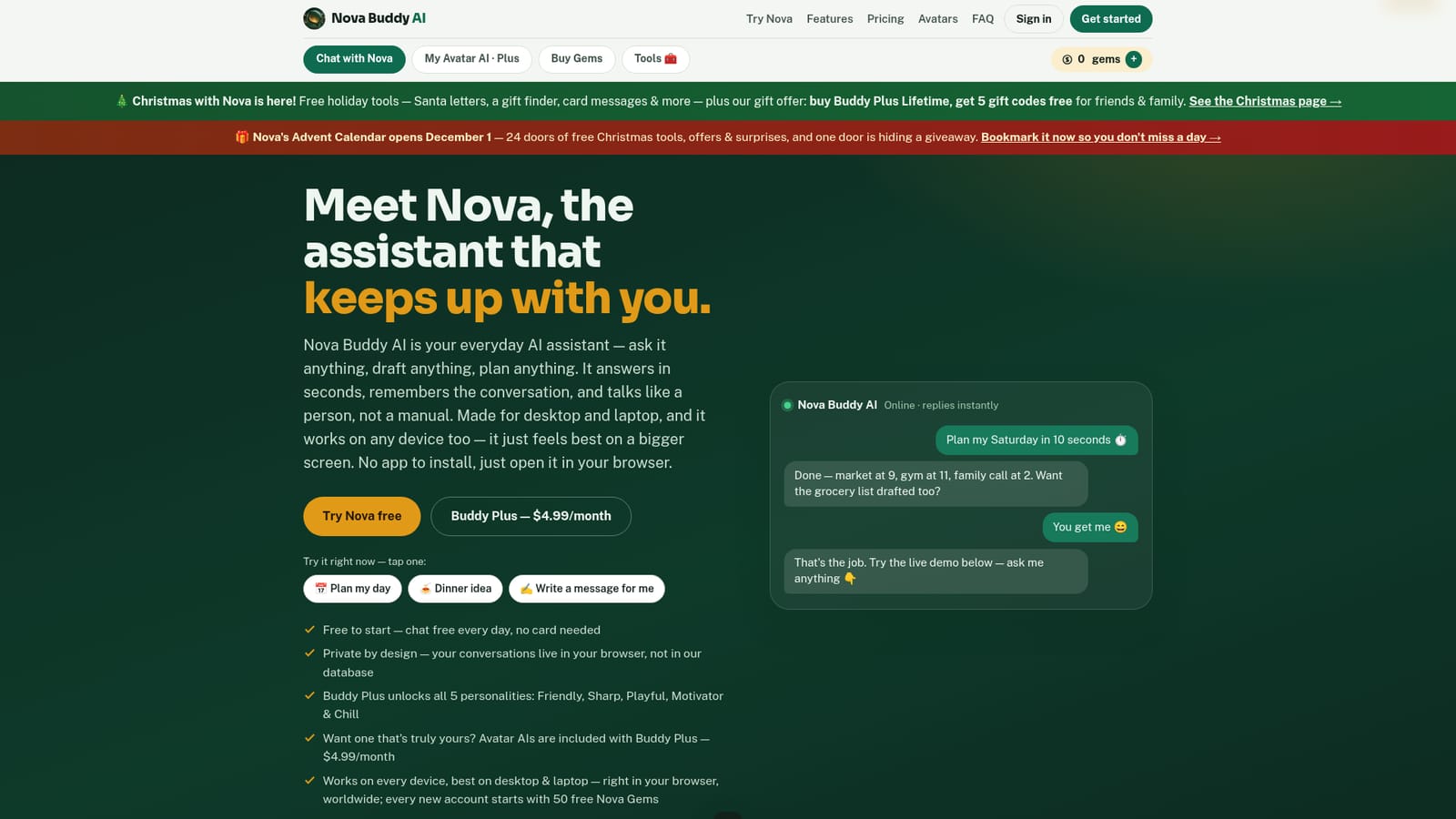
Screenshot of Nova Buddy AI, A friendly everyday AI chatbot with five moods, a custom avatar, and free life tools

What is Nova Buddy AI?

Nova Buddy AI is a browser-based chatbot with five selectable personalities, a customizable Avatar AI, and free everyday tools like a resume builder and meal planner, aimed at non-technical users.

Nova Buddy AI positions itself as a lighter alternative to the big-name AI assistants, built for everyday questions rather than technical depth. The core product is a browser-based chat that answers questions, drafts messages, and helps plan a day, with a free tier offering 50 messages a day and no card required. Paid membership, called Buddy Plus, adds unlimited messages, five selectable chat personalities (Friendly, Sharp, Playful, Motivator, Chill), a short-term memory feature that recalls facts a user has shared, and a custom Avatar AI with its own appearance and tone. The tool is aimed at people who find existing AI assistants overwhelming or impersonal: parents managing a household, students needing homework help, teachers prepping lessons, and solo business owners handling admin tasks without a team behind them. Rather than positioning itself as a general-purpose power tool, Nova Buddy AI leans into a conversational, approachable style, with quick-start prompts like planning a day or writing a message, and a Buddy Tools section offering free previews of a resume builder, homework helper, and meal planner, with full outputs unlocked using an in-app currency called Nova Gems. In practice, a new user signs up, starts chatting immediately in the browser on any device, and can later design a personal Avatar AI by choosing its look, name, and personality once on Buddy Plus or after earning enough Gems through referrals. The gem economy also ties into daily logins and inviting friends, giving the free tier a built-in path to unlocking paid features without spending money. Against broader assistants like ChatGPT, Nova Buddy AI trades raw capability for simplicity, personality variety, and a lower price point, making it better suited to quick daily tasks than complex research or coding work.

How do you use Nova Buddy AI?

  1. 1Create a free account
    Sign up with a name and email from anywhere in the world. No payment card is needed, and new accounts receive 50 free Nova Gems as a welcome bonus.
    Nova Buddy AI — Create a free account
  2. 2Start chatting with Nova
    Type a question or task the way you would text a friend. Use the quick prompts like planning a day or getting a dinner idea to see how Nova responds.
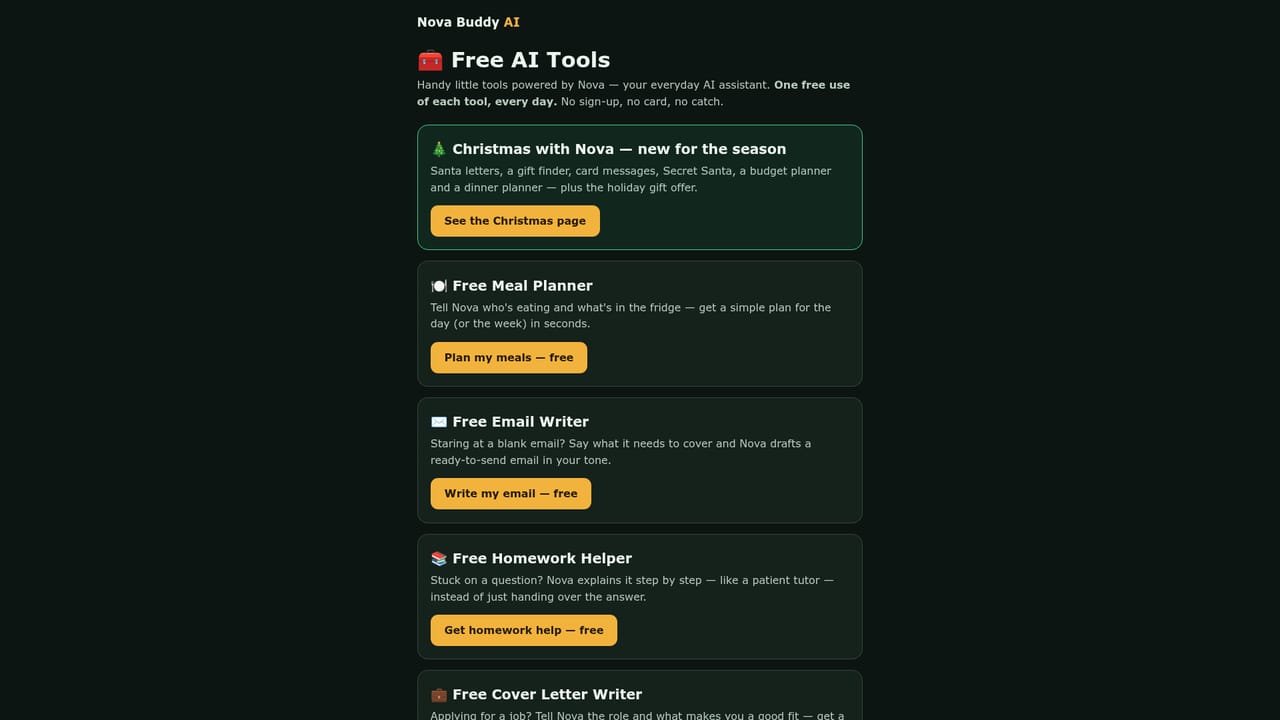
  3. 3Explore the free Buddy Tools
    Open the Tools tab to try the resume builder, homework helper, or meal planner. Each gives a free preview before the full version is unlocked with Nova Gems.
    Nova Buddy AI — Explore the free Buddy Tools
  4. 4Upgrade to Buddy Plus for more features
    Subscribe to unlock unlimited chat, all five personalities, Buddy memory, and an included Avatar AI, or earn an avatar free by collecting referral gems.
  5. 5Design a custom Avatar AI
    In the Avatars tab, choose a name, personality, appearance, and greeting language to build a personal assistant that stays saved to the account.

Pros and cons

Pros

  • Free tier includes 50 daily messages with no card required and works worldwideAI
  • Five chat personalities let users match the assistant's tone to the task or moodAI
  • Avatar AI lets Buddy Plus members design a named, personalized assistant with its own look and voiceAI
  • Buddy Tools provide quick, no-signup previews for practical tasks like resumes, homework, and meal planningAI
  • Gem system lets free users unlock paid features like avatars through referrals instead of payingAI

Cons

  • Free plan caps chat at 50 messages a day, which may feel limiting for heavier daily useAI
  • Full Buddy Tools outputs (resumes, homework steps, meal plans) require spending Nova Gems or subscribingAI
  • No mention of mobile apps or offline access; the product is browser-only and works best on desktopAI
  • No listed integrations with calendars, email, or other productivity softwareAI
  • Memory feature is stored only in the browser, so it does not persist across devices or browser resetsAI

How much does Nova Buddy AI cost?

Pricing

Free forever plan includes 50 messages a day with no card required. Buddy Plus is $4.99/month CAD ($39.99/year) with a $1.99 launch-month deal, adding unlimited chat, all personalities, memory, and an Avatar AI. A lifetime option costs $79.99 once.

Learn more

Support

Support is available by email at support@novabuddyai.com, alongside an FAQ page covering account, pricing, and avatar questions.

Learn more

Integrations

Payments are processed securely through Stripe; the homepage does not list third-party productivity or app integrations.

Features

Browser-based AI chat with five selectable personalities, short-term conversational memory, a customizable Avatar AI with chosen appearance and language, and Buddy Tools offering a resume builder, homework helper, and meal planner.

Learn more

Frequently asked questions about Nova Buddy AI

  • How much does Nova Buddy AI cost?
    Free forever plan includes 50 messages a day with no card required. Buddy Plus is $4.99/month CAD ($39.99/year) with a $1.99 launch-month deal, adding unlimited chat, all personalities, memory, and an Avatar AI. A lifetime option costs $79.99 once.
  • How do you use Nova Buddy AI?
    The walkthrough on this page covers 5 steps: 1. Create a free account 2. Start chatting with Nova 3. Explore the free Buddy Tools 4. Upgrade to Buddy Plus for more features 5. Design a custom Avatar AI.
  • What platforms does Nova Buddy AI support?
    Nova Buddy AI is available on Web App.
  • What does Nova Buddy AI integrate with?
    Payments are processed securely through Stripe; the homepage does not list third-party productivity or app integrations.
  • What are the limitations of Nova Buddy AI?
    Free plan caps chat at 50 messages a day, which may feel limiting for heavier daily use. Full Buddy Tools outputs (resumes, homework steps, meal plans) require spending Nova Gems or subscribing. No mention of mobile apps or offline access; the product is browser-only and works best on desktop.

Status

StatusActive
Views0
Outbound clicks0
Added11/10/2026

Platforms

Web App

Pricing

FreeFreemiumSubscription