Free trial
A 365 day free trial is advertised with no credit card required. It includes a basic chatbot, 100 contacts, one connection, 50 AI credits, one AI agent and two team advisors.
Learn moreAgentes de IA para vender y agendar por WhatsApp

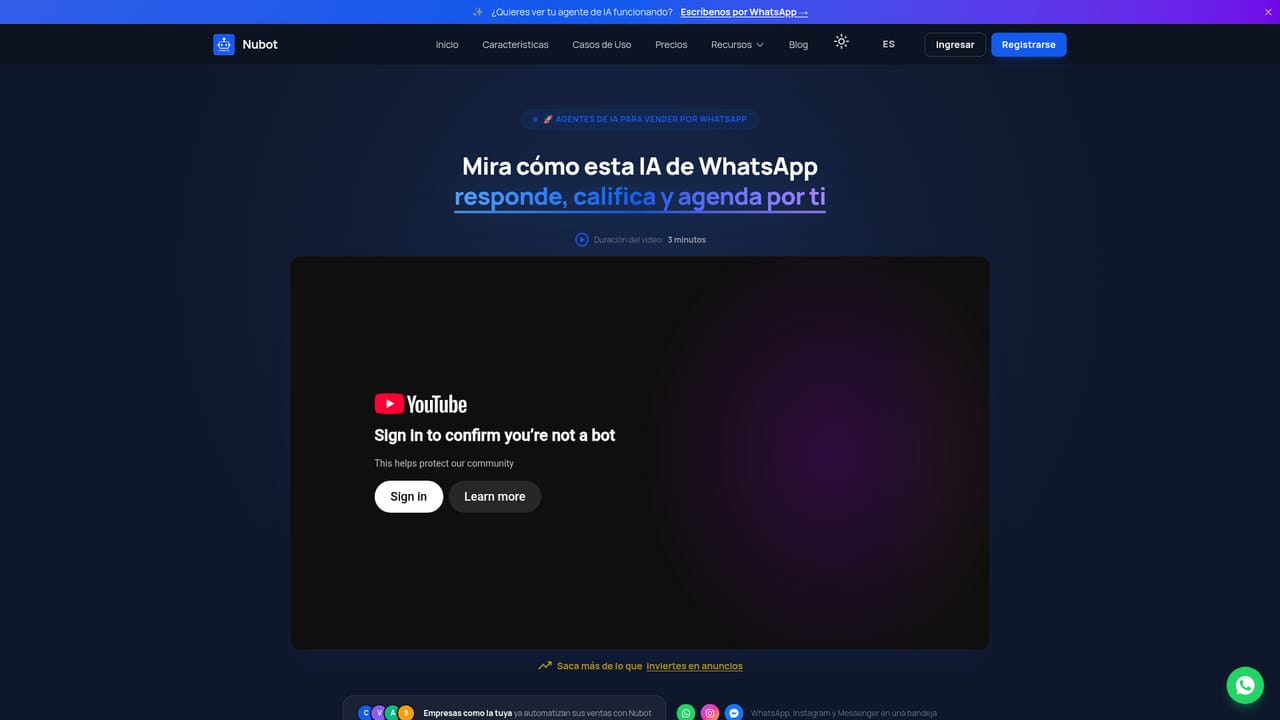
Nubot builds AI sales agents for WhatsApp, Instagram and Facebook. It pairs a no code flow builder with an AI that answers, recommends products, takes orders and books appointments, plus a CRM inbox, lead scoring, bulk campaigns and webhooks for connecting external systems.
Nubot is an AI agent and CRM platform built around WhatsApp first commerce. Businesses create a virtual seller that answers incoming messages around the clock, handles product questions, recommends items from a catalog and takes orders automatically. The same agent can schedule appointments and send follow ups, and it extends to Instagram and Facebook so conversations from several channels land in one inbox. The company positions the product for small and mid sized businesses across Latin America, and it lists clients such as Cineplanet, Qroma and Datapath. The build process happens in a visual drag and drop flow editor that requires no coding. Teams design conversation paths, connect their online store, and let the AI agent interpret context rather than replay fixed scripts. A scoring layer sorts leads by purchase intent, so human advisors can step into the chats that matter most. Bulk campaigns can be created with personalization and segmented by behavior or interest, and a unified inbox lets several advisors share the same account. Role based features assign conversations and monitor team performance, while webhooks and APIs push data to a company CRM or ERP. Onboarding is structured rather than purely self serve. After registration, a Zoom welcome session walks new accounts through the first setup steps, and then channels get connected and the agent goes live. Support is a notable part of the offer: video tutorials inside the platform, live chat with advisors, unlimited advisory calls and a VIP community of business owners from Europe, the US and Latin America. Access to each of these depends on the chosen plan. Against broader chat automation suites, Nubot trades breadth for WhatsApp depth. It leans on the official Meta Cloud API and a courier style CRM tuned for sales conversations rather than generic support ticketing. Teams that already sell through messaging apps will find the feature set targeted; teams that need email first or complex enterprise service desks will find it narrower.
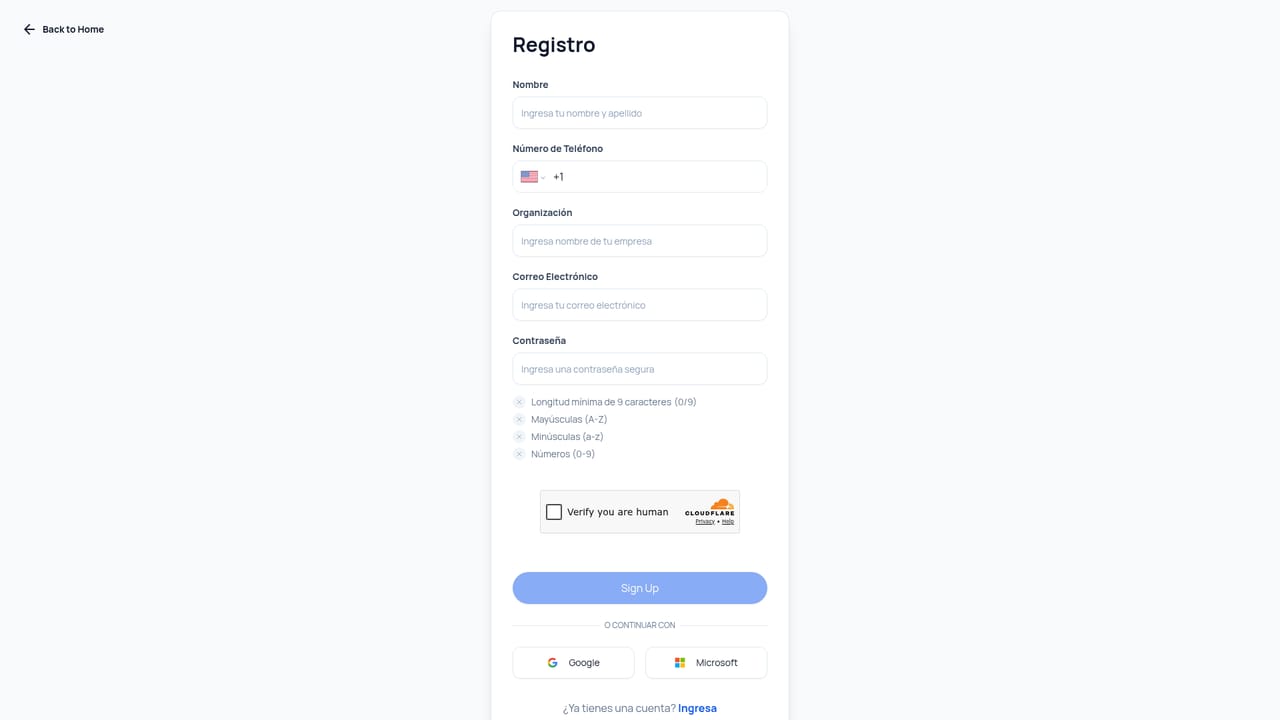
A 365 day free trial is advertised with no credit card required. It includes a basic chatbot, 100 contacts, one connection, 50 AI credits, one AI agent and two team advisors.
Learn moreFour tiers are listed. Free covers a 365 day trial with 100 contacts, one connection, 50 AI credits and basic chatbot features. Started costs $29 per month with 300 contacts and 500 AI credits. Full costs $99 per month with 5,000 contacts and 2,500 AI credits. Enterprise is custom priced. Annual billing takes 20 percent off.
Learn moreSupport covers live chat with advisors, in platform video tutorials, unlimited advisory video calls, a VIP business community across LATAM, Europe and the US, and corporate events. Resource access depends on the plan selected.
WhatsApp via the official Meta Cloud API, plus Facebook and Instagram. Webhooks and APIs connect the platform to a company CRM, ERP or other external systems, and store integration supports selling from a catalog.
Core features include a no code drag and drop flow builder, an AI agent that answers questions and takes orders, bulk personalized campaigns, a unified inbox for WhatsApp, Facebook and Instagram, lead scoring, auto tagging, basic and advanced reporting, team assignment and management, and webhooks or APIs for external systems.
 AI Angels400+ customizable AI girlfriends for NSFW chat, voice calls, and roleplay
 Candy AIExperience the future of companionship with AI friends who chat, role-play, and connect with you on a human level.
 ourdream.aiA vast AI roleplay platform with millions of characters for chat, images, video and voiceAI Angels400+ customizable AI girlfriends for NSFW chat, voice calls, and roleplayCandy AIExperience the future of companionship with AI friends who chat, role-play, and connect with you on a human level.ourdream.aiA vast AI roleplay platform with millions of characters for chat, images, video and voice


