Nya AI

All-in-one open source AI workspace for chat, notes and teams

Beginner
Screenshot of Nya AI, All-in-one open source AI workspace for chat, notes and teams

What is Nya AI?

Nya AI is an open source, self-hostable AI workspace that combines chat, collaborative pages, team workspaces, a searchable knowledge base with RAG, channels and cloud drive storage, accessible from any device including via PWA.

Nya AI bundles the tools a team normally spreads across several subscriptions into a single workspace. At its core sits an AI chat interface built to stand in for standalone chat apps, so conversations with models live next to the notes and documents they relate to rather than in a separate tab. Around that core the platform adds search, notes, collaboration, channels and cloud drive storage, which makes it closer to a shared working environment than a single-purpose chatbot. The workspace layer is where the product differentiates itself. Content is organized flexibly across workspaces, and team members can collaborate inside them. Collaborative pages take a Notion-like approach, with Markdown support, version control and AI integration, so a draft can be written and then queried by the assistant in the same place. A knowledge base ties everything together with full-text search across all content plus RAG, meaning the assistant can draw on material the user has already stored instead of relying only on its training data. Access is deliberately device-agnostic. The documentation lists support for any device, PWA support and mobile-friendly layouts, so the same account and content follow the user between desktop and phone without a separate install path. This suits small teams, researchers and individuals who keep large amounts of reference material and want an assistant that can see it, plus anyone who wants team chat, channels and file storage under one roof. The distinguishing trait is openness. Nya AI is released under Apache 2.0 and can be self-hosted, which puts it in a different bracket from closed hosted workspaces: teams with data residency or customization requirements can run their own instance. The trade-off is that the project competes on integration and control rather than on the breadth of a large commercial suite, and the documentation site is the main source of detail, so buyers should verify current capabilities there before committing.

How do you use Nya AI?

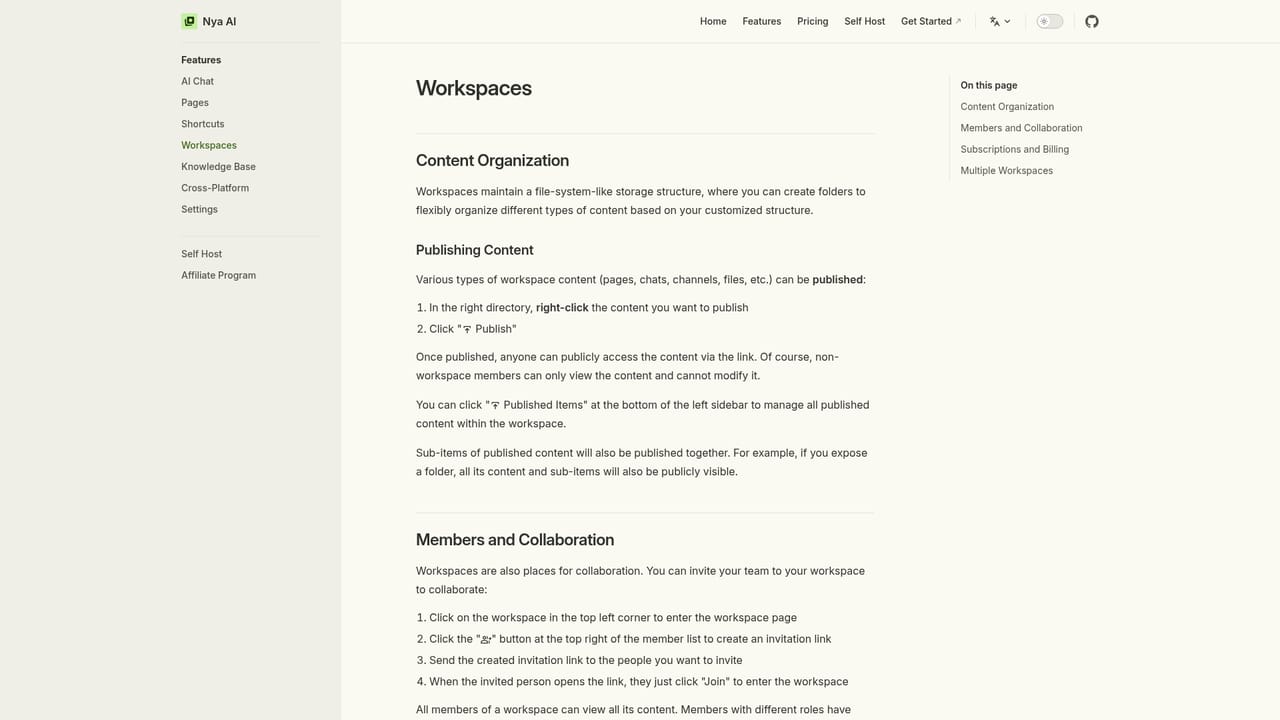
  1. 1Create an account and open your first workspace
    Sign in on the main site, then create a workspace. Workspaces are the container that holds pages, chats and files, so name the first one after a project or team.
    Nya AI — Create an account and open your first workspace
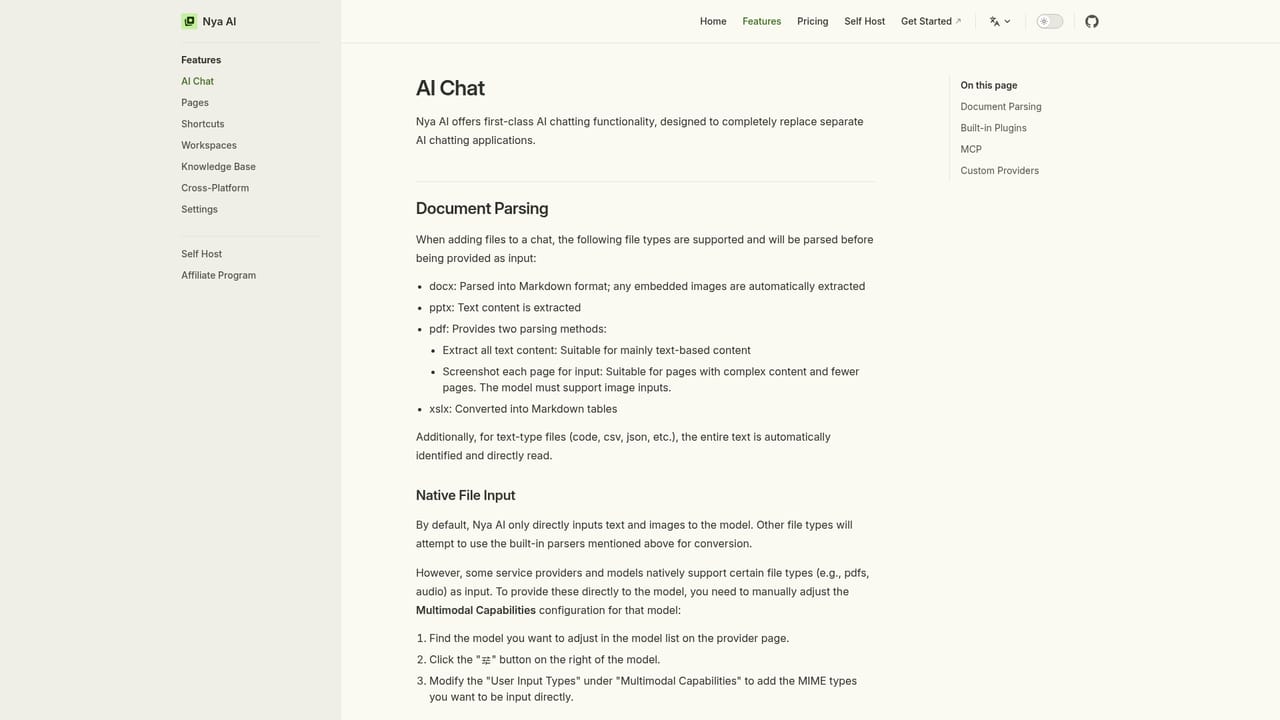
  2. 2Start an AI chat inside the workspace
    Open the chat interface and begin a conversation with the assistant. Chats sit alongside your other content, so the assistant can be consulted without leaving the project context.
    Nya AI — Start an AI chat inside the workspace
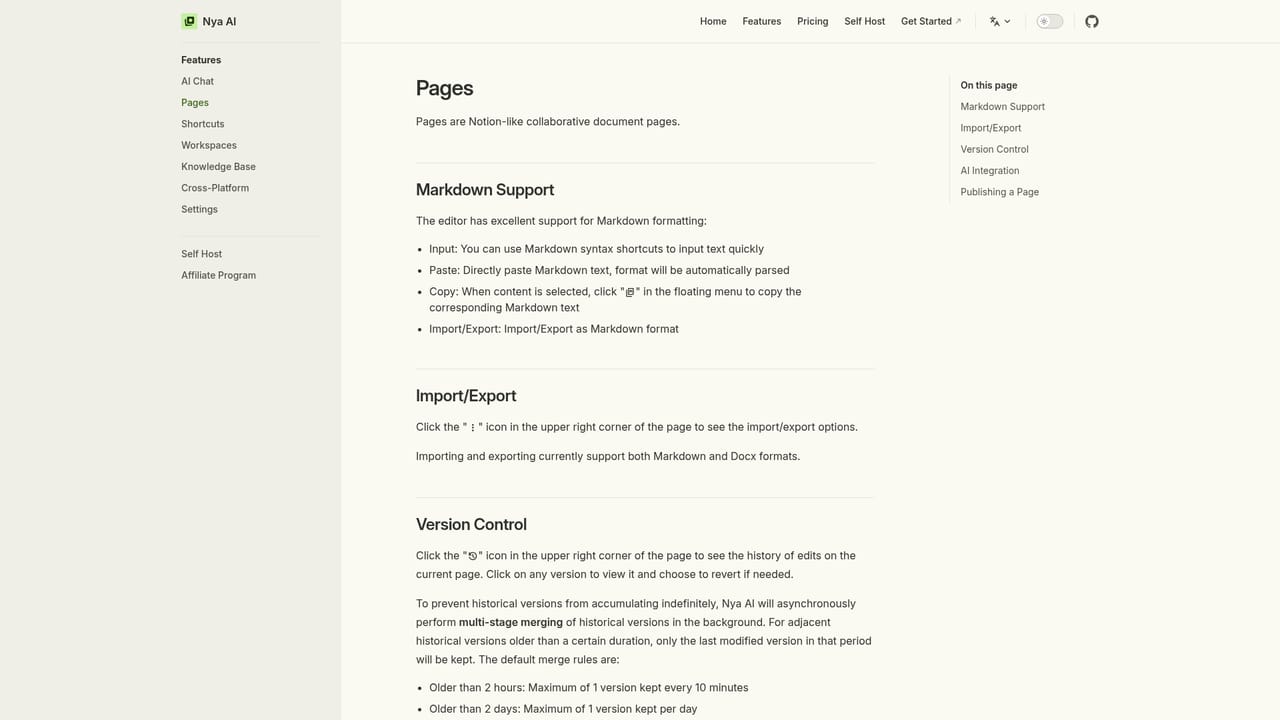
  3. 3Draft a collaborative page
    Create a page for notes or documentation and write in Markdown. Version control keeps a history of edits, and the AI integration lets the assistant work on the page content.
    Nya AI — Draft a collaborative page
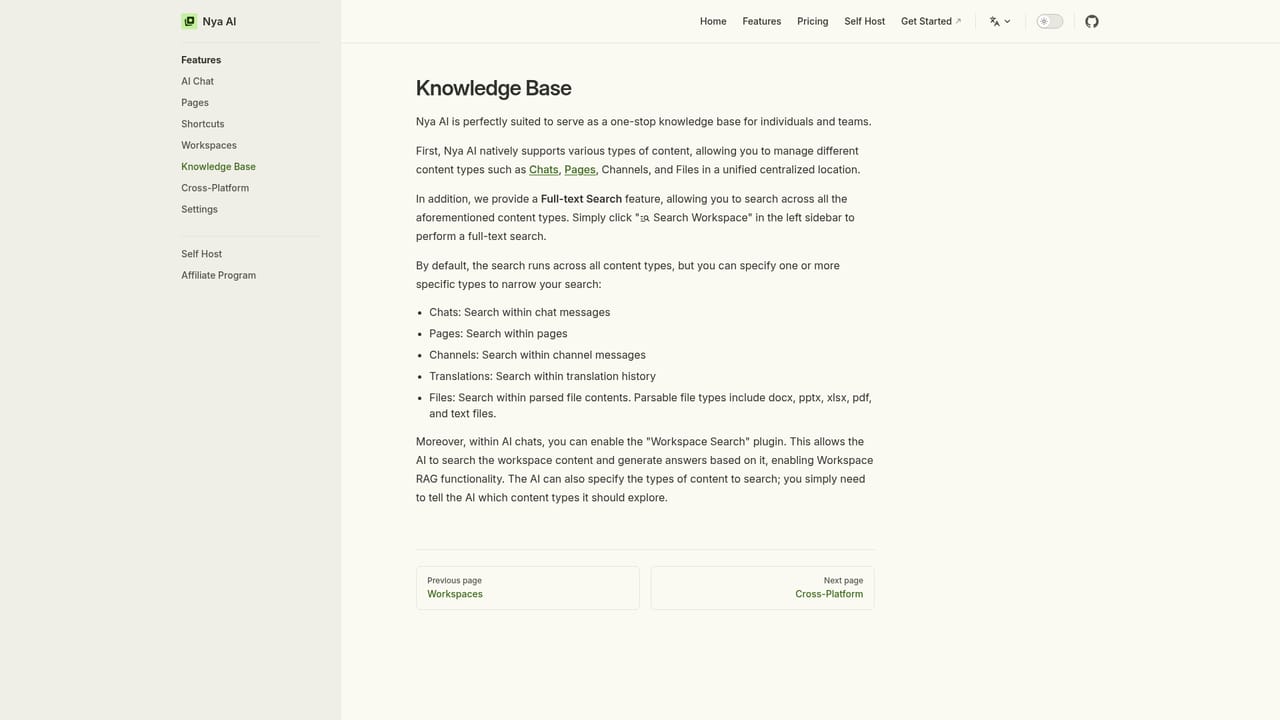
  4. 4Load reference material into the knowledge base
    Add the documents and notes you want the assistant to draw on. Full-text search and RAG then let you query that material rather than relying on general model knowledge alone.
    Nya AI — Load reference material into the knowledge base
  5. 5Invite collaborators and set up channels
    Add team members to the workspace so pages and chats are shared. Use channels for team discussion, then confirm the setup works on your phone or as an installed PWA.

Pros and cons

Pros

  • Combines chat, pages, workspaces and file storage in one product instead of separate subscriptionsAI
  • Full-text search across all content plus RAG lets the assistant work from material the team has storedAI
  • Collaborative pages include Markdown support and version control, which suits drafting and reviewAI
  • Open sourced under Apache 2.0 and self-hostable, giving teams control over where their data livesAI
  • Works across devices with PWA support, so content follows the user between desktop and phoneAI

Cons

  • Pricing and plan limits are not stated on the documentation homepage, so costs need to be confirmed before adoptingAI
  • Self-hosting shifts maintenance, upgrades and security patching onto the team running the instanceAI
  • The feature set leans toward workspace organization, so users wanting deep integrations with outside apps may find the ecosystem thinAI
  • Documentation is the primary source of detail, which suggests a smaller support operation than commercial suitesAI
  • RAG and knowledge base usefulness depends on how much content a team has already imported and maintainedAI

How much does Nya AI cost?

Features

Documented features include a first-class AI chat designed to replace standalone chat apps, workspaces for organizing content and collaborating with team members, Notion-like collaborative pages with Markdown support, version control and AI integration, and a knowledge base with full-text search across all content plus RAG. Access works from any device with PWA support and mobile-friendly layouts, and the code is open sourced under Apache 2.0 and self-hostable.

Learn more

Frequently asked questions about Nya AI

  • How do you use Nya AI?
    The walkthrough on this page covers 5 steps: 1. Create an account and open your first workspace 2. Start an AI chat inside the workspace 3. Draft a collaborative page 4. Load reference material into the knowledge base 5. Invite collaborators and set up channels.
  • What platforms does Nya AI support?
    Nya AI is available on Web App and Browser extension.
  • What are the limitations of Nya AI?
    Pricing and plan limits are not stated on the documentation homepage, so costs need to be confirmed before adopting. Self-hosting shifts maintenance, upgrades and security patching onto the team running the instance. The feature set leans toward workspace organization, so users wanting deep integrations with outside apps may find the ecosystem thin.

Status

StatusActive
Views0
Outbound clicks0
Added10/21/2026

Platforms

Web AppBrowser extension

Pricing

Free