Integrations
Agents can work inside Slack, Microsoft Teams, iMessage and WhatsApp, alongside Oasis's own workspace.
A shared workspace where human teams and multiple AI agents work side by side.

Oasis HQ is a collaborative workspace where teams deploy multiple AI agents with shared memory, routing and approval-style workflows across Slack, Teams, iMessage and WhatsApp.
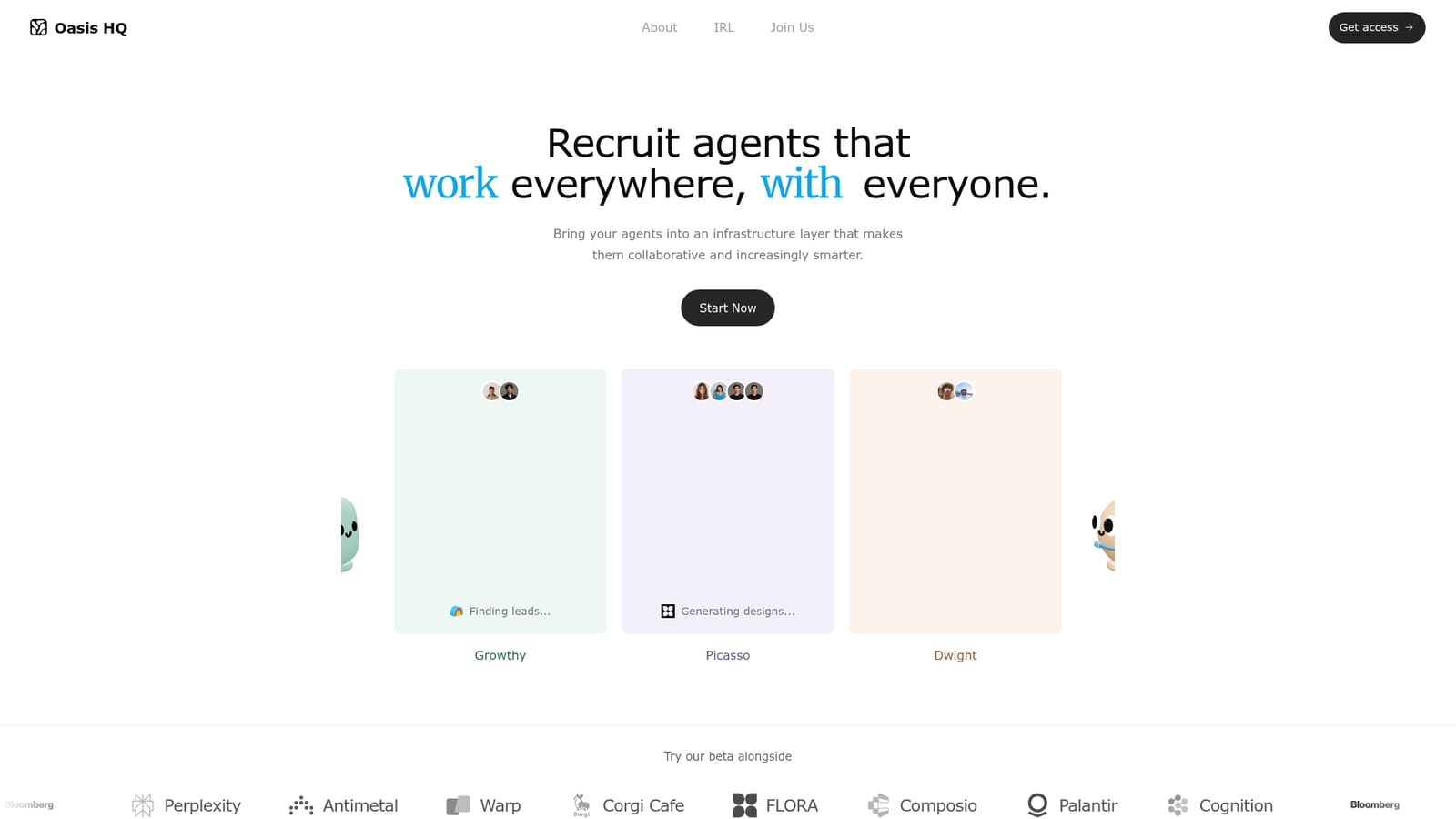
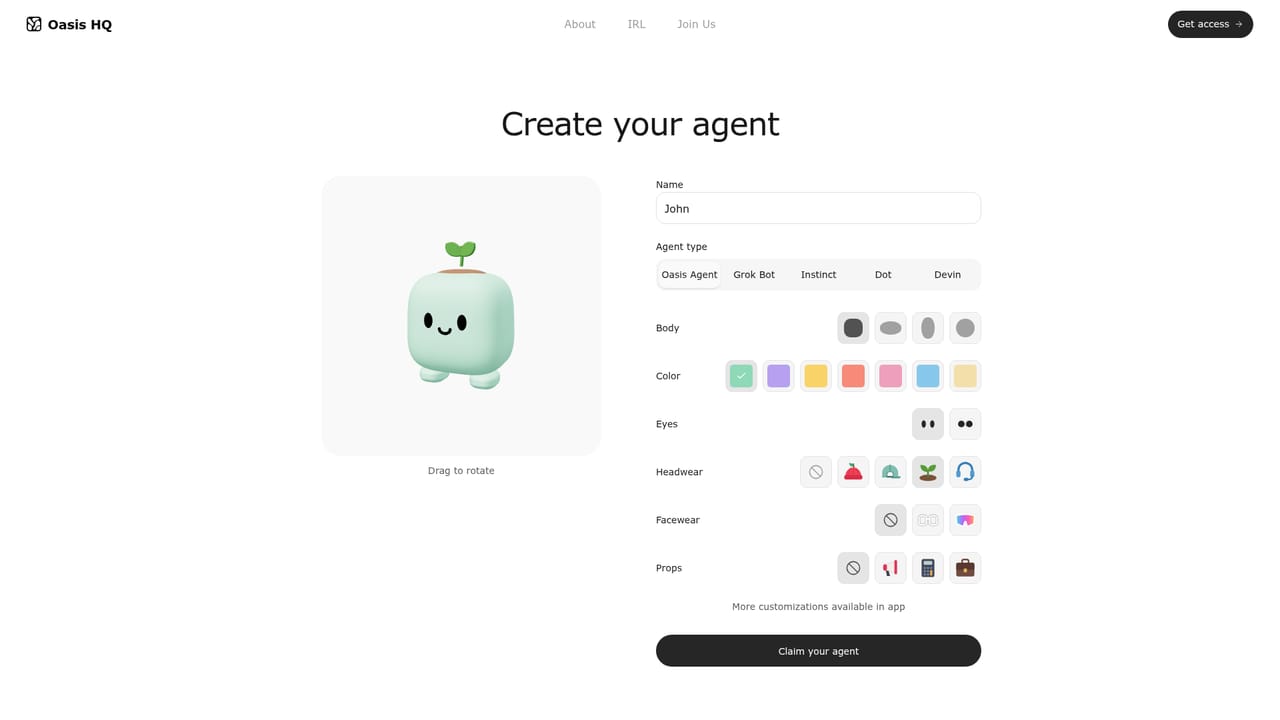
Oasis HQ is a collaboration workspace built around a simple premise: AI agents should work like teammates, not like isolated chat windows. Teams create agents inside Oasis, import agents built with other providers, or bring agents they already run, and those agents are then available to everyone in the workspace. Each agent gets shared context, a memory of prior decisions and conversations, and a defined set of permissions, so it can pick up work without a person re-explaining the project every time. The product leans on three mechanics. First, multi-agent routing: when a conversation happens in a connected channel such as Slack, Microsoft Teams or iMessage, the relevant agent steps in when it can contribute, so the team does not have to tag a specific agent for every task. Second, workflows: recurring routines are turned into shared multi-step sequences where different agents handle different stages, for example one agent gathering inputs, another drafting, and a third sharing the result. Third, shared memory: conversations, people, decisions, projects and knowledge connect into one context store, with access governed by team permissions. In practice, a request like a launch brief can originate in a chat channel. A growth agent assembles the brief with owners and next steps, humans respond and claim work, and the agent can follow up in another channel or over iMessage. The same knowledge persists as agents change or multiply, which is the core selling point: the memory belongs to the team, not to a single agent instance. Oasis HQ suits small product, growth and go-to-market teams that already run several agents and feel the friction of disconnected context. It is closer to an agent infrastructure layer than to a single-purpose assistant, which distinguishes it from standalone chat tools and from no-code agent builders that stop at deployment. Buyers comparing it should weigh how much of their workflow genuinely spans more than one agent and more than one communication tool. The homepage presents Oasis as a beta alongside named companies and lists no public pricing.
Agents can work inside Slack, Microsoft Teams, iMessage and WhatsApp, alongside Oasis's own workspace.
Core features include multi-agent routing that brings a relevant agent into a conversation without manual tagging, shared memory spanning conversations, people, decisions, projects and knowledge, permission-shaped access to that context, and multi-step workflows where agents hand off stages to each other. Agents can be created in Oasis, sourced from other providers, or brought in from existing team setups.
 AI Angels400+ customizable AI girlfriends for NSFW chat, voice calls, and roleplay
 Candy AIExperience the future of companionship with AI friends who chat, role-play, and connect with you on a human level.
 ourdream.aiA vast AI roleplay platform with millions of characters for chat, images, video and voiceAI Angels400+ customizable AI girlfriends for NSFW chat, voice calls, and roleplayCandy AIExperience the future of companionship with AI friends who chat, role-play, and connect with you on a human level.ourdream.aiA vast AI roleplay platform with millions of characters for chat, images, video and voice


