Pricing
The homepage does not publish plan prices. It references a pricing page and an Accelerator program starting at $15k, positioned against custom routes of $150k to $500k+.
Learn moreBuild and deploy AI agents that automate enterprise workflows.

Odin is an AI chat bot tool that builds and deploy AI agents that automate enterprise workflows. Odin is an enterprise platform for building, deploying and governing AI agents that automate cross-system business workflows, with a no-code Autopilot builder and 200+ integrations.
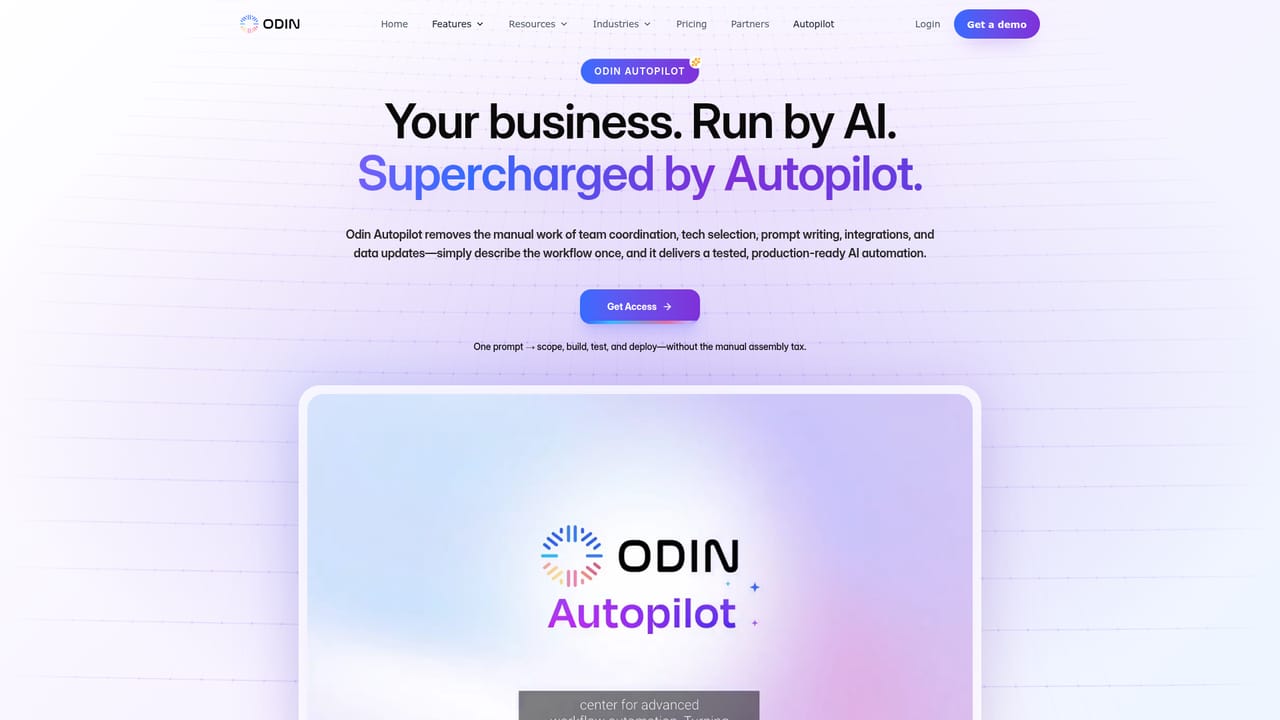
Odin is positioned as an AI workforce platform for modern enterprises, letting organizations build AI agents that execute multi-step workflows across core business systems. Instead of handing teams a generic chatbot, it gives them a framework for creating and running agents that connect to your ERP, CRM, ITSM, HRIS and messaging tools, then carry out tasks with your business context. The home page emphasizes production readiness, with agents that operate inside workflows, respond to instructions in plain English, and trigger actions across connected applications. The practical workflow is built around Autopilot. A user describes a process in natural language, for example onboarding a new hire across HR, IT and facilities, and Autopilot handles scoping, tool selection, integration wiring and deployment. That approach targets operations, finance, IT, procurement and compliance teams that want automation without assembling an engineering project. Agents can be deployed on a managed cloud, self-hosted cloud, or inside a customer environment, and they support multilingual contexts, high concurrency, and low latency. Compared with general chat assistants, Odin focuses on governed execution: role-based permissions, audit trails and encrypted data handling are built into the platform, and the company advertises HIPAA, GDPR, SOC 2, ISO 27001 and CCPA readiness. A no-code integration layer plus support for AWS, GCP, Azure, VPC and air-gapped setups signals an enterprise-first buyer. Pricing is not disclosed on the home page, and the Accelerator program starts at $15k, which places Odin well above self-serve automation tools and squarely in the enterprise agent platform category.
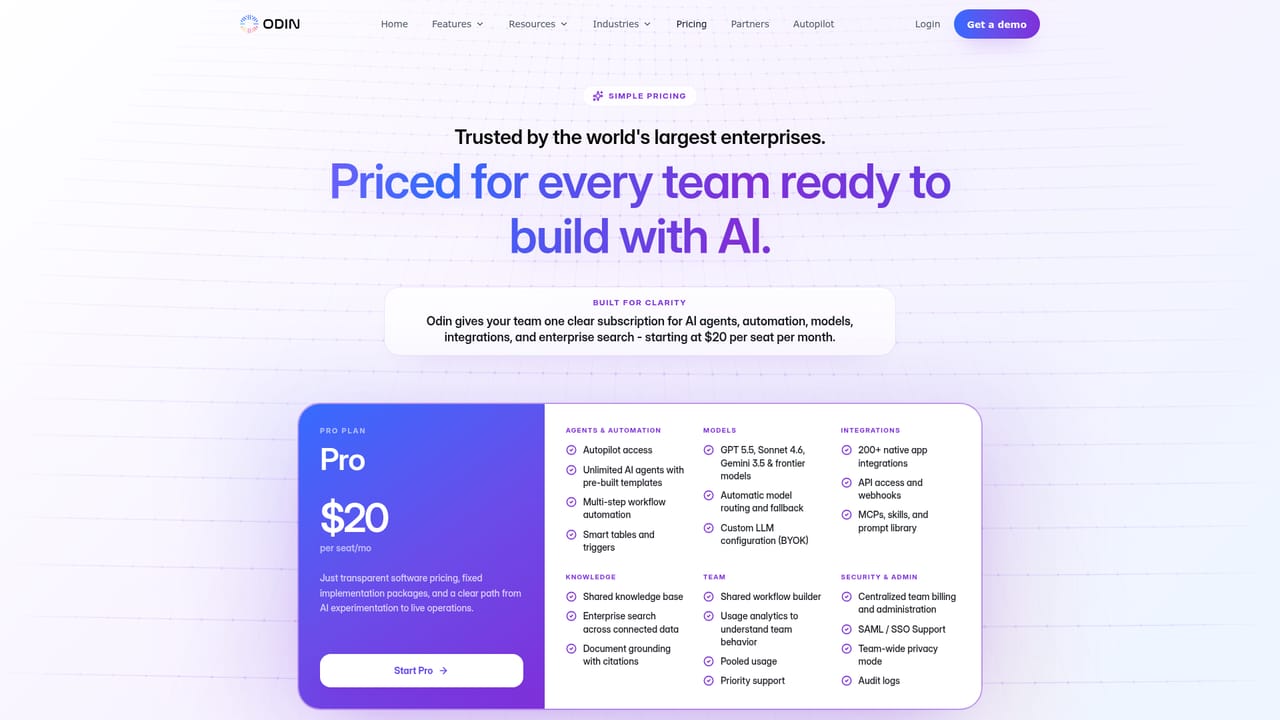
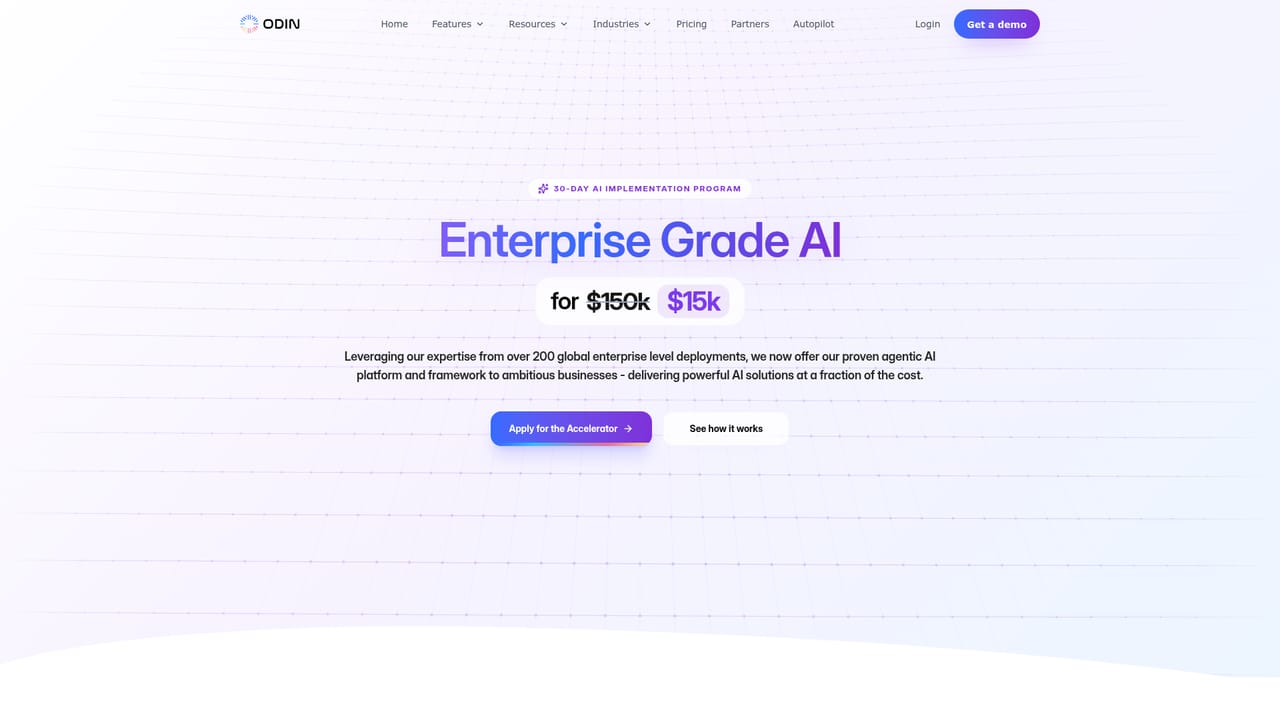
The homepage does not publish plan prices. It references a pricing page and an Accelerator program starting at $15k, positioned against custom routes of $150k to $500k+.
Learn moreThe platform advertises 200+ integrations, including Oracle, SAP, Workday, ServiceNow, Slack, Microsoft Teams, Salesforce, Gmail, Google Sheets, Jira, Stripe and Zapier.
Autopilot builds agents from plain-English prompts; agents connect to ERP, CRM, ITSM, HRIS and chat tools; no-code automation with 200+ integrations; deployment on managed cloud, self-hosted cloud or customer environments; multilingual context; role-based access, audit trails and encrypted data; 99.9% uptime claim.
Learn more AI Angels400+ customizable AI girlfriends for NSFW chat, voice calls, and roleplay
 Candy AIExperience the future of companionship with AI friends who chat, role-play, and connect with you on a human level.
 ourdream.aiA vast AI roleplay platform with millions of characters for chat, images, video and voiceAI Angels400+ customizable AI girlfriends for NSFW chat, voice calls, and roleplayCandy AIExperience the future of companionship with AI friends who chat, role-play, and connect with you on a human level.ourdream.aiA vast AI roleplay platform with millions of characters for chat, images, video and voice


