Free trial
Free access is offered with no credit card required, and users keep all created content. The homepage does not state a time limit for this free access.
Learn moreAI turns documents and text into WCAG-compliant eLearning courses in minutes.
Own Open eLMS Learning Generator? Verify ownership to get a dofollow link

Open eLMS Learning Generator builds complete, WCAG 2.1 AA compliant eLearning courses from uploaded documents or pasted text. It targets training teams and instructional designers, with tiered plans that cap monthly courses and screens and add LMS integration, translation, and video or PowerPoint export at higher levels.
Open eLMS Learning Generator is a web-based authoring service that converts source documents or pasted text into complete eLearning courses. The workflow is deliberately narrow: a user supplies raw material, the AI structures it into screens, and the output is a ready-to-use course built for training delivery. The platform emphasizes accessibility, stating that every tier includes WCAG 2.1 AA compliant output. This positions it less as a general content generator and more as a specialized tool for learning and development teams that need to move from draft material to deployable modules quickly. The tool suits instructional designers, HR and training managers, and small teams without dedicated authoring staff. It also appears relevant for organizations that already use a learning management system and want to feed it with internally generated course content. Because the homepage foregrounds document upload and text paste as the two inputs, the practical expectation is that existing policies, guides, or presentations can be repurposed into course screens rather than written from scratch. Plan tiers shape how the generator is used in practice. The Lite tier is limited to six courses per month with a ten-screen cap per course and internal use only, which points to individual experimentation or small internal briefings. Standard raises the monthly course count to twenty, allows twenty-five screens per course, and adds LMS integration plus unlimited distribution. Enterprise removes screen limits and adds translation plus video and PowerPoint export, while Enterprise+ layers on a custom AI data source and priority support. Across all tiers, AI content generation and WCAG 2.1 AA compliance are listed as standard. Among alternatives, Open eLMS Learning Generator competes with general-purpose AI writing tools and with traditional rapid authoring suites. Its differentiators are the accessibility commitment, the fixed screen and course quotas per plan, and the higher-tier export options. The trade-offs are equally clear: there is no stated API, integration claims are limited to LMS integration without named vendors, and the Lite plan's internal-use restriction rules out client-facing work on the entry tier.
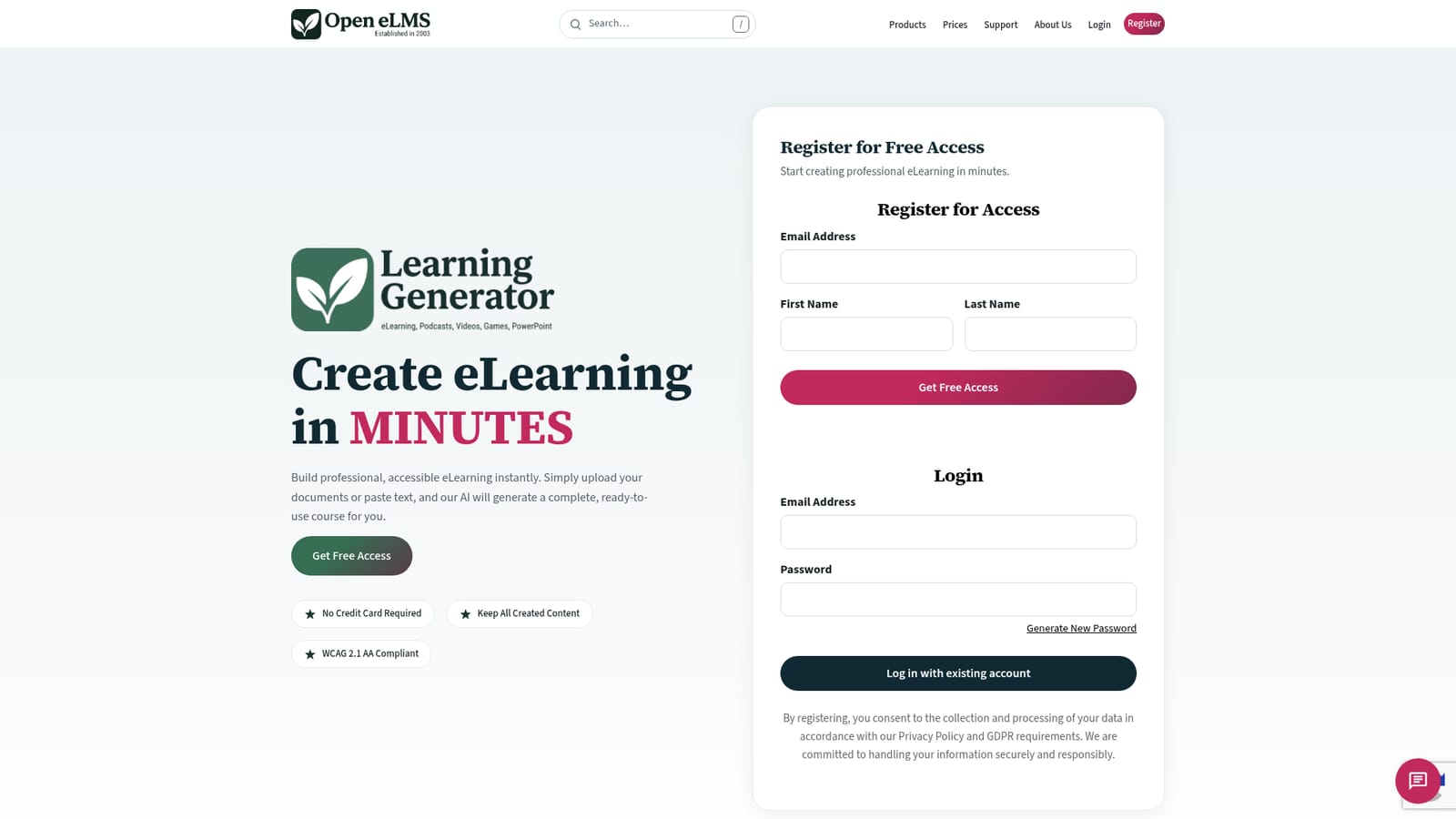
Free access is offered with no credit card required, and users keep all created content. The homepage does not state a time limit for this free access.
Learn moreFour tiers: Lite at £19.99/month for 6 courses with a 10-screen limit and internal use only; Standard at £299.99/year for 20 courses, 25 screens each, and LMS integration; Enterprise at £699.99/year for 50 courses, no screen limits, translation, and video plus PPT export; Enterprise+ at £6,999.99/year adds a custom AI data source and priority support.
Learn morePriority support is listed only on the Enterprise+ plan. The homepage does not describe support channels or response times for other tiers.
LMS integration is listed on Standard, Enterprise, and Enterprise+ plans. No specific LMS vendors or other integrations are named on the homepage.
Generates complete eLearning courses from uploaded documents or pasted text. Every plan includes AI content generation and WCAG 2.1 AA compliant output. Plan-dependent features include LMS integration, unlimited distribution, translation support, video and PowerPoint export, and a custom AI data source on Enterprise+.
 AI Angels400+ customizable AI girlfriends for NSFW chat, voice calls, and roleplay
 Candy AIExperience the future of companionship with AI friends who chat, role-play, and connect with you on a human level.
 ourdream.aiA vast AI roleplay platform with millions of characters for chat, images, video and voiceAI Angels400+ customizable AI girlfriends for NSFW chat, voice calls, and roleplayCandy AIExperience the future of companionship with AI friends who chat, role-play, and connect with you on a human level.ourdream.aiA vast AI roleplay platform with millions of characters for chat, images, video and voice


