OpenAI Dots

Always-on OpenAI agents that work on their own cloud computer

Intermediate
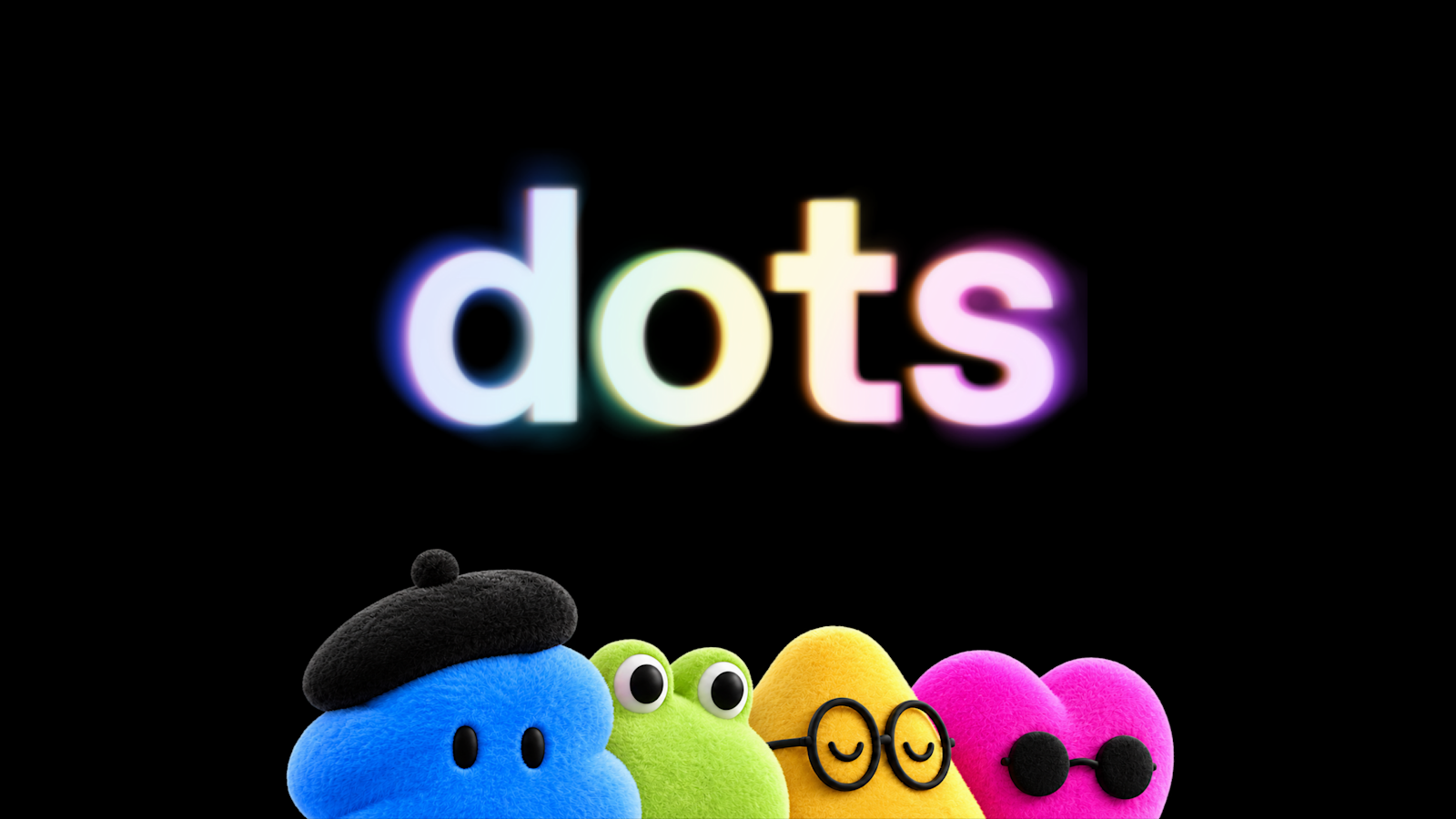
Screenshot of OpenAI Dots, Always-on OpenAI agents that work on their own cloud computer

What is OpenAI Dots?

OpenAI Dots is a life assistance tool. Dots are OpenAI's always-on agents, powered by GPT-6 Astra, each with its own cloud computer. They connect to over 4,000 apps, work in ChatGPT, Slack and Teams, and take on ongoing projects under user-set permissions.

Dots are persistent AI agents from OpenAI that keep working on a user's behalf instead of waiting for each prompt. Each dot runs on GPT-6 Astra, has its own cloud computer and browser, and uses the apps a user connects through a plugin ecosystem that reaches more than 4,000 services. A dot learns preferences and standards from feedback over time, and it can pick up tasks proactively, such as preparing an overdue invoice for approval. The product is aimed at professionals who carry many parallel projects: developers who want feedback turned into tested pull requests, marketers revising launch material when scope shifts, scientists rerunning analyses as data arrives, sales leads updating proposals, and creators turning interview transcripts into clips and posts. Organizations are a second audience. Specialist dots get their own identity, credentials and system access for defined duties such as procurement, invoice processing, customer support or contracting, starting with enterprise pilots and a planned integration with Microsoft Agent 365. In practice, a user creates a primary dot in the ChatGPT desktop app or desktop browser, names it, connects apps and lets it introduce itself. After that it can be reached by message or voice call in ChatGPT on desktop, web and mobile, plus Slack and Teams, with texting listed as coming soon. Context carries across channels. The dot's computer can be opened at any time for inspection, and it can be given permission to use a laptop. Control is a central part of the design. Custom Rules allow, require approval for, or block specific actions, an Activity View shows progress including background work, and background research uses read-only tools. Sensitive tasks such as changing a password stay with the user. Compared with chat assistants and workflow automation tools, dots sit closer to a delegated colleague, though availability is limited to certain plans and markets, and OpenAI states that dots can still make mistakes.

How do you use OpenAI Dots?

  1. 1Check plan and market eligibility
    Dots are rolling out to Pro and Business Premium users in eligible markets. Enterprise users can try the beta once a workspace admin enables it.
  2. 2Create your first dot
    Open the ChatGPT desktop app or a desktop browser and create a primary dot. Give it a name to make it your own.
  3. 3Connect your apps
    Choose which apps the dot can access and manage permissions through the existing ChatGPT app controls. Then let the dot introduce itself.
  4. 4Set Custom Rules
    Decide which actions the dot may take on its own, which need approval and which are blocked. Review the safety documentation to understand the built-in limits.
  5. 5Delegate work and follow progress
    Message or call the dot in ChatGPT, Slack or Teams, then track its work, including background tasks, in Activity View and give feedback along the way.

Pros and cons

Pros

  • Runs on its own cloud computer and browser, so work continues without tying up the user's deviceAI
  • Reachable through ChatGPT, Slack and Teams with context carried across each channelAI
  • Custom Rules, Activity View and action review give fine-grained control over what it may do aloneAI
  • Connects to over 4,000 apps through a plugin ecosystem, covering many workflowsAI
  • Learns preferences from feedback and can start useful work proactively, before being askedAI

Cons

  • Rollout is limited to Pro, Business Premium and Enterprise plans in eligible markets, so many users cannot access it yetAI
  • OpenAI says dots can still make mistakes, so consequential output needs human reviewAI
  • Specialist dots are only at enterprise pilot stage and need engineering involvement to set upAI
  • Extra dots and higher speed or volume are future options, with no pricing published yetAI
  • Texting access is not yet available, and full setup begins on the desktop app or browserAI

How much does OpenAI Dots cost?

Pricing

The first dot is included in Pro and Business Premium plans at no extra cost, with a deeper-work allowance that has extended limits for the first month after launch. Conversations with a dot do not count toward ChatGPT usage limits. Extra dots and scaling options are planned, with no prices stated.

Learn more

Support

A Help Center article, a safety blog, a system card and a sales contact page are linked. Enterprise customers work with OpenAI engineering teams on specialist dot pilots.

Learn more

Integrations

Connects to over 4,000 apps through OpenAI's plugin ecosystem. Reachable in ChatGPT on desktop, web and mobile, and in Slack and Teams. Specialist dots are being integrated with Microsoft Agent 365 for governance and security.

Features

Always-on agents with their own cloud computer and browser, GPT-6 Astra intelligence, learning from feedback, proactive read-only background research, voice calls, Custom Rules, Activity View, auto-review of risky actions, and specialist dots with their own identity for organizations.

Learn more

Frequently asked questions about OpenAI Dots

  • How much does OpenAI Dots cost?
    The first dot is included in Pro and Business Premium plans at no extra cost, with a deeper-work allowance that has extended limits for the first month after launch. Conversations with a dot do not count toward ChatGPT usage limits. Extra dots and scaling options are planned, with no prices stated.
  • How do you use OpenAI Dots?
    The walkthrough on this page covers 5 steps: 1. Check plan and market eligibility 2. Create your first dot 3. Connect your apps 4. Set Custom Rules 5. Delegate work and follow progress.
  • What platforms does OpenAI Dots support?
    OpenAI Dots is available on Web App, iOS, Android, MacOS and Windows.
  • What does OpenAI Dots integrate with?
    Connects to over 4,000 apps through OpenAI's plugin ecosystem. Reachable in ChatGPT on desktop, web and mobile, and in Slack and Teams. Specialist dots are being integrated with Microsoft Agent 365 for governance and security.
  • What are the limitations of OpenAI Dots?
    Rollout is limited to Pro, Business Premium and Enterprise plans in eligible markets, so many users cannot access it yet. OpenAI says dots can still make mistakes, so consequential output needs human review. Specialist dots are only at enterprise pilot stage and need engineering involvement to set up.

Status

StatusActive
Views0
Outbound clicks0
Added10/6/2026

Platforms

Web AppiOSAndroidMacOSWindows

Pricing

Subscription