Opera AI Prompts

Opera AI brings free chat and prompts into the browser

Beginner
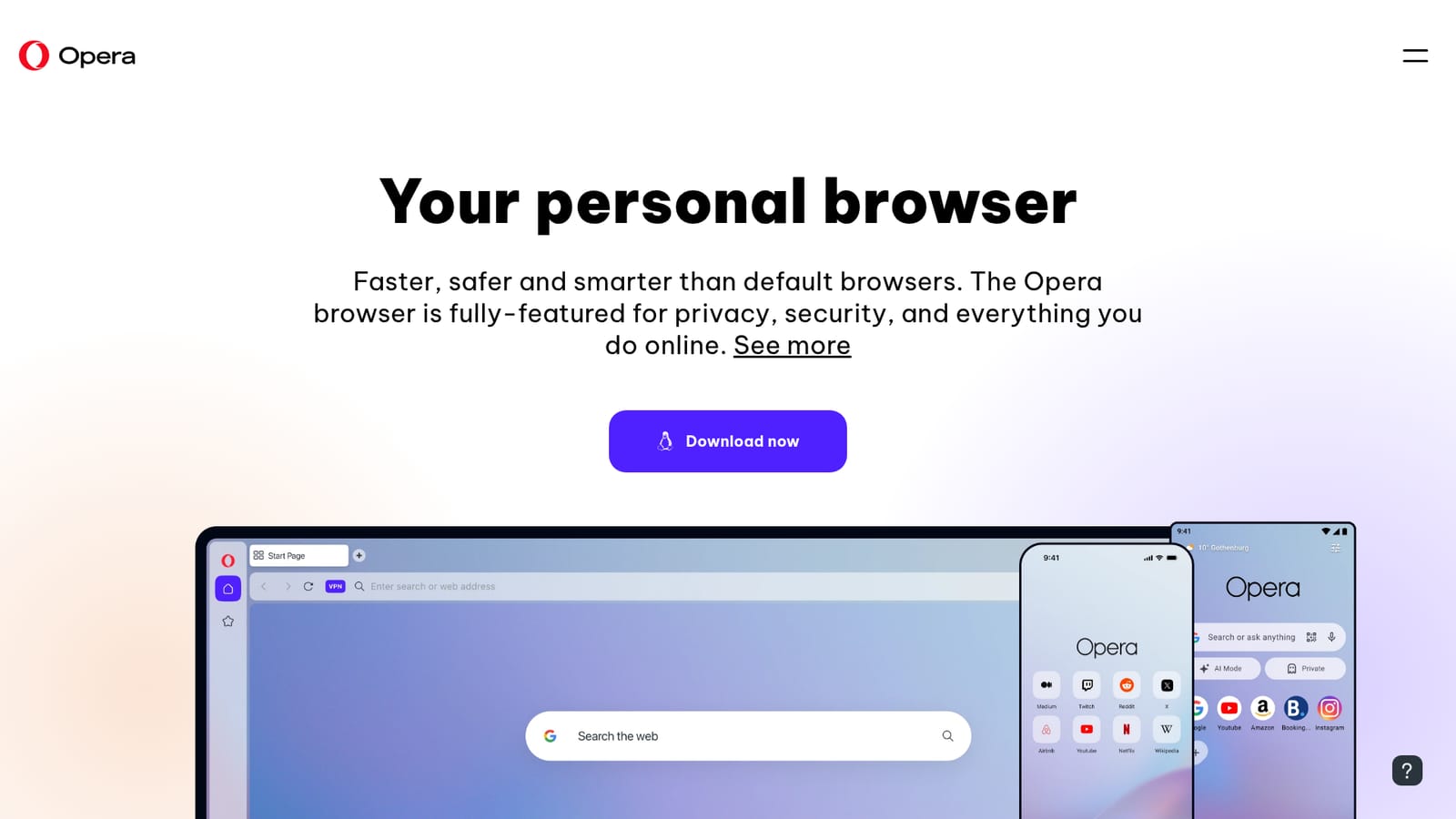
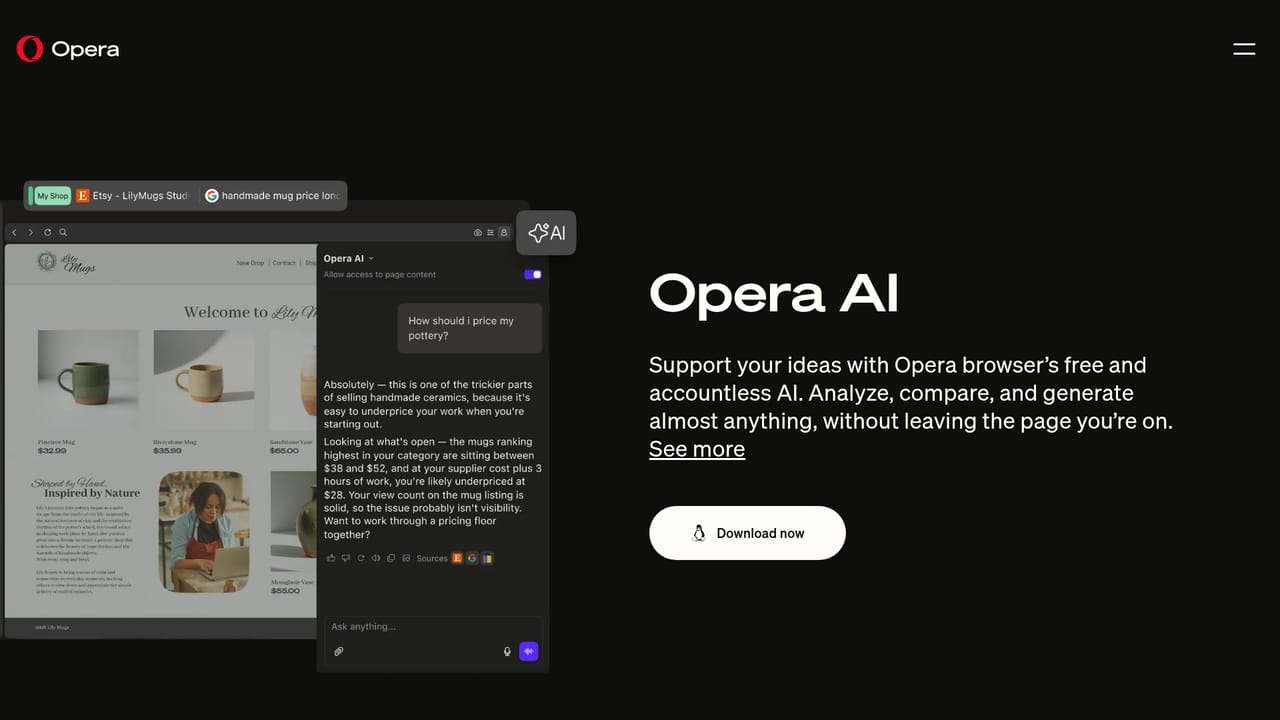
Screenshot of Opera AI Prompts, Opera AI brings free chat and prompts into the browser

What is Opera AI Prompts?

Opera AI Prompts is an AI chat bot tool. Free AI chat and prompting built into the Opera browser on desktop, Android and iOS, aimed at users who want quick writing and question answering from inside the browser instead of a separate chatbot site.

Opera AI is the assistant built into the Opera browser, and the prompt side of it is the browser feature that asks free AI chat to write, rewrite and explain things while you browse. Instead of opening a separate chatbot website, you query the AI from inside the browser window, with the page you are on in front of you. Opera positions the AI as a free part of the browser rather than a paid add-on, and the same assistant also appears in Opera for Android and iOS, so prompts typed on a phone follow the same product logic as on desktop. The tool is aimed at people who want quick AI text help without setting up an account with a chatbot provider. Opera's comparison pages put the browser against default options like Chrome, Safari and Edge, and free AI access is part of that pitch. Students summarizing a page, office workers drafting a reply, and casual users asking general questions are the natural audience. The wider Opera package (ad blocking, free VPN, tab islands, sidebar messaging) matters here, because the AI does not live inside a dedicated writing app; its context is the browser's daily work. In practice, prompts run inside the browser layer: you open Opera One, call up the assistant, and type a request. The homepage does not spell out the prompt library format, the model list or any prompt templates, so treat those details as undocumented. What is documented is that AI chat is free in the browser and available on Android and iOS, and the browser ships at no cost with the option to move to Opera One for the fuller feature set. Among alternatives, Opera AI competes less with standalone writing tools than with AI sidebars in competing browsers. It suits users who want one free assistant inside the app they already spend the day in, and it makes less sense for anyone who needs exported prompt workspaces, audit trails or team libraries.

How do you use Opera AI Prompts?

  1. 1Install the Opera browser
    Download Opera for your desktop system or grab the Android or iOS build. The AI layer ships inside the browser rather than as a separate download.
    Opera AI Prompts — Install the Opera browser
  2. 2Confirm AI is available
    Read the Opera AI feature page to see what the in-browser assistant covers before you start relying on it for daily prompts.
    Opera AI Prompts — Confirm AI is available
  3. 3Open the assistant and type a prompt
    Call up the AI from the browser and enter a request such as a summary of the current page. This happens inside the signed-in product.
  4. 4Try the AI on mobile
    Install Opera on Android or iOS and repeat the prompt flow so the same assistant is available away from the desk.
  5. 5Review the rest of Opera One
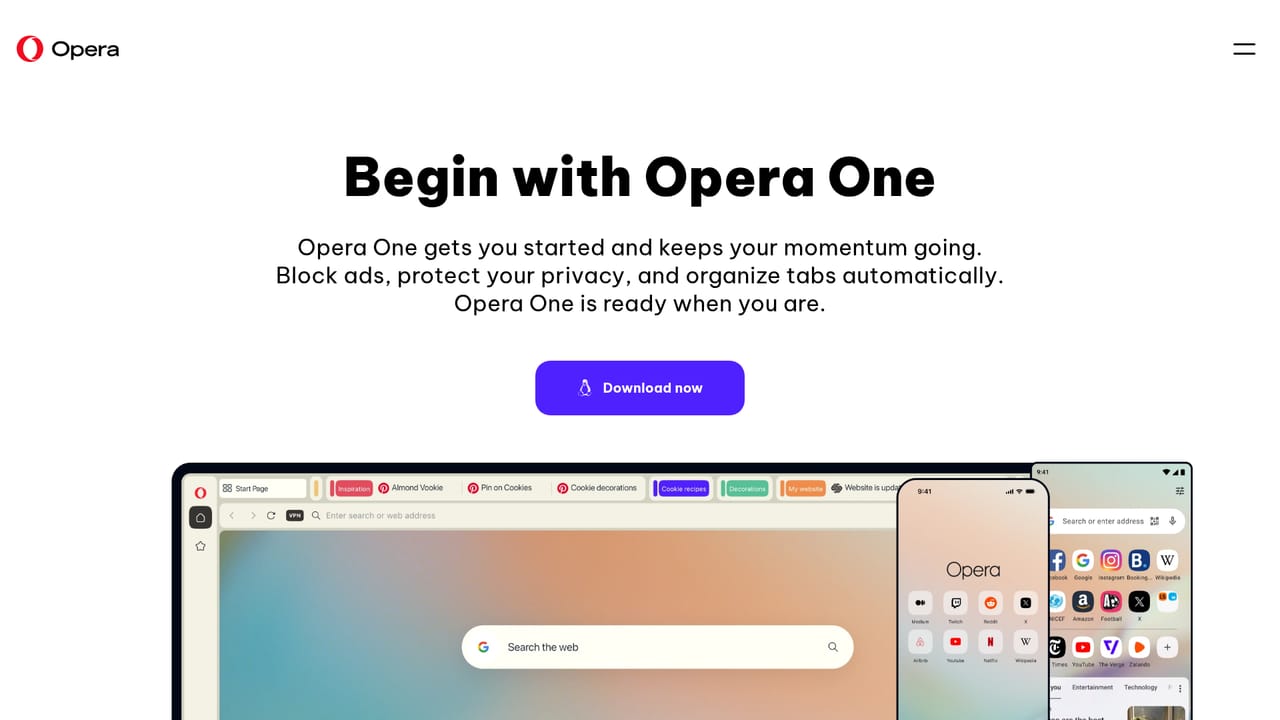
    Check the Opera One page for the fuller feature set, including tab islands and the modular layout, that surrounds the AI.
    Opera AI Prompts — Review the rest of Opera One

Pros and cons

Pros

  • AI chat comes at no cost inside the browserAI
  • Available on desktop, Android and iOS from the same vendorAI
  • Sits in the same window as the pages you are readingAI
  • Bundled with privacy tools such as ad blocking and VPNAI
  • Zero setup beyond installing the browserAI

Cons

  • The homepage gives no detail on which AI models power the promptsAI
  • No documented prompt library, templates or workspace for saving promptsAI
  • Tied to Opera as a browser choice, so no standalone use in other browsersAI
  • Prompt history and export options are not described on the siteAI
  • Free access depends on Opera continuing to fund the AI layerAI

How much does Opera AI Prompts cost?

Features

Opera AI is a free AI chat layer inside the Opera browser, promoted alongside tab islands, sidebar messaging, ad blocking and free VPN. It runs on desktop and mobile builds of Opera. The homepage does not detail prompt templates, model providers or export tools.

Learn more

Frequently asked questions about Opera AI Prompts

  • How do you use Opera AI Prompts?
    The walkthrough on this page covers 5 steps: 1. Install the Opera browser 2. Confirm AI is available 3. Open the assistant and type a prompt 4. Try the AI on mobile 5. Review the rest of Opera One.
  • What platforms does Opera AI Prompts support?
    Opera AI Prompts is available on Web App, iOS, Android, Windows, MacOS and Linux.
  • What are the limitations of Opera AI Prompts?
    The homepage gives no detail on which AI models power the prompts. No documented prompt library, templates or workspace for saving prompts. Tied to Opera as a browser choice, so no standalone use in other browsers.

Status

StatusActive
Views0
Outbound clicks0
Added10/21/2026

Platforms

Web AppiOSAndroidWindowsMacOSLinux

Pricing

FreeFreemium