Pricing
A free tier is available with no stated time limit. Paid plans with additional features are listed at otio.ai/pricing, but specific costs and tier breakdowns are not disclosed on the homepage.
Learn moreAI research workspace for hundreds of sources with cited answers

Otio is a persistent AI research workspace where PDFs, videos, articles, and transcripts accumulate permanently. Cross-source chat with page-level citations lets 200,000-plus professionals extract findings from hundreds of sources without session resets or source caps.
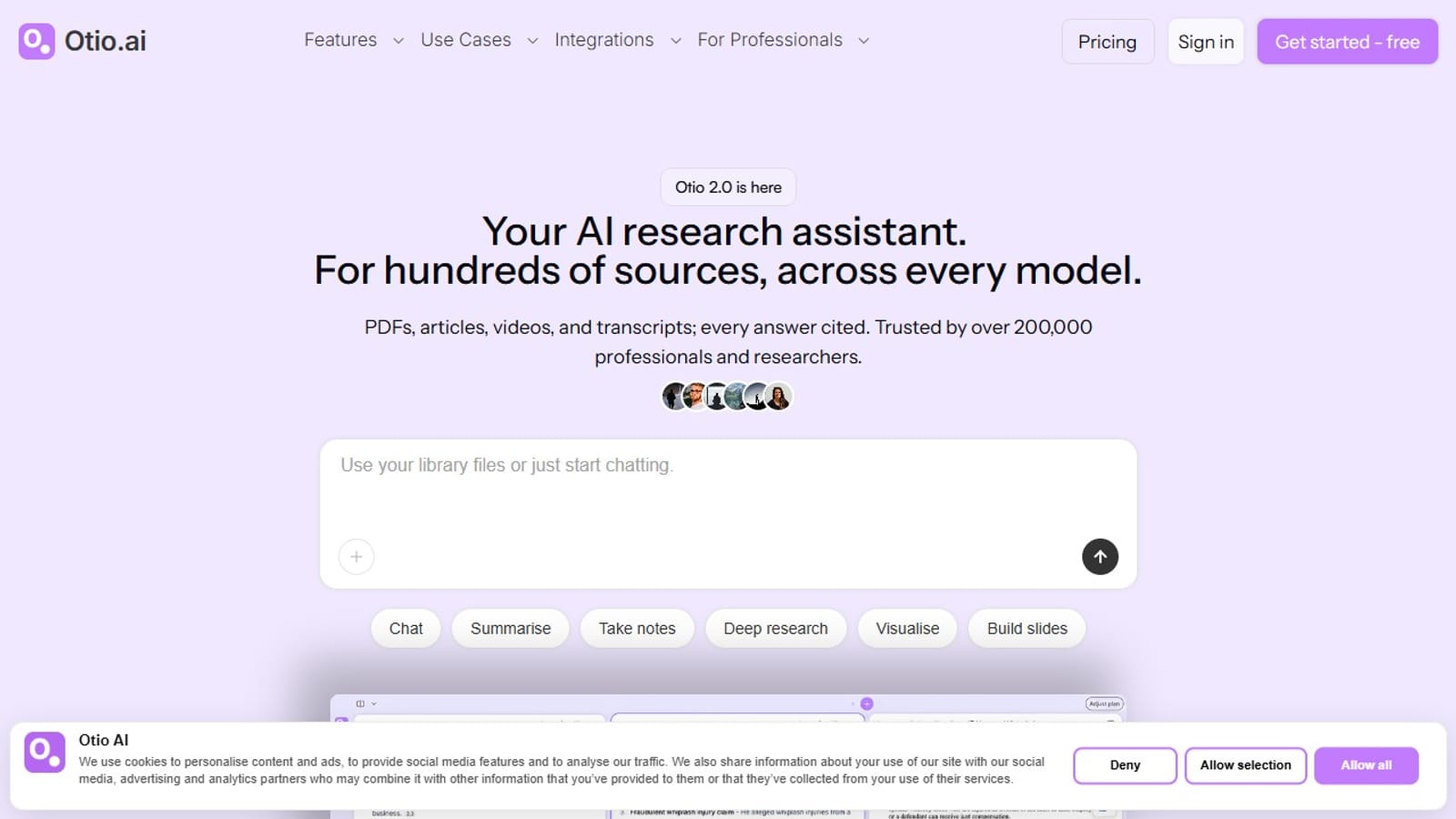
Otio is a persistent AI research workspace that lets users load hundreds of sources simultaneously and interrogate all of them through a single chat interface. Unlike session-based tools that discard uploads when the browser closes, Otio maintains a permanent library where PDFs, web articles, YouTube videos, podcasts, transcripts, and CSV data accumulate over weeks and months. Every answer is grounded in the uploaded material and traced back to the exact page and passage, so users can verify claims in one click rather than accepting synthesized text on trust. The tool ships several complementary capabilities around that core. A dual-chat interface lets users compare outputs from multiple AI models side by side. Context-aware chat reads across the entire source library, not just a single open document. The Highlight to Ask feature allows users to query a specific passage without leaving the reading view. Otio also generates visualizations from CSV uploads, produces structured summaries, assists with note-taking and deep research, and can export findings into slides. Capture is extended by a Chrome extension, plus native iOS and Android apps. The workspace model suits anyone whose research compounds over time rather than ending in a single session. Graduate students running literature reviews, legal professionals sorting discovery files, policy analysts tracking regulatory changes, consultants synthesizing client documents, and journalists following a beat across many sources are among the 200,000-plus professionals the site lists as its user base. Each project lives in its own Space with a separate source library and conversation history, preventing cross-contamination between unrelated work streams. Otio positions itself against two clear competitors. Versus ChatGPT, it retains sources across sessions and confines answers to uploaded material rather than the model's training data, reducing hallucinated references. Versus NotebookLM, it removes the 50-source cap and supports multiple AI models. The trade-off is focus: Otio is a document-centric synthesis tool, not a general-purpose assistant, so tasks outside an existing source library fall outside its scope.
A free tier is available with no stated time limit. Paid plans with additional features are listed at otio.ai/pricing, but specific costs and tier breakdowns are not disclosed on the homepage.
Learn moreCommunity support via a Discord server; direct contact at contact@otio.ai. A public blog is also maintained at otio.ai/blog.
Persistent multi-source library (PDFs, videos, articles, transcripts, CSVs); cross-source chat with verified page-level citations; multiple AI model support; dual chat; Spaces for project organization; CSV visualization; structured summaries; slide building; Chrome extension; iOS and Android apps.


