Free trial
500 free calls are available after sign-up, with no credit card required.
Learn moreLive search results for AI agents through one MCP connection

Thordata MCP is a hosted MCP server that lets AI agents in Claude, Cursor and Windsurf call live Google, Bing, DuckDuckGo and Yandex results as structured data, with geo-targeting and anti-bot handling managed by the provider.
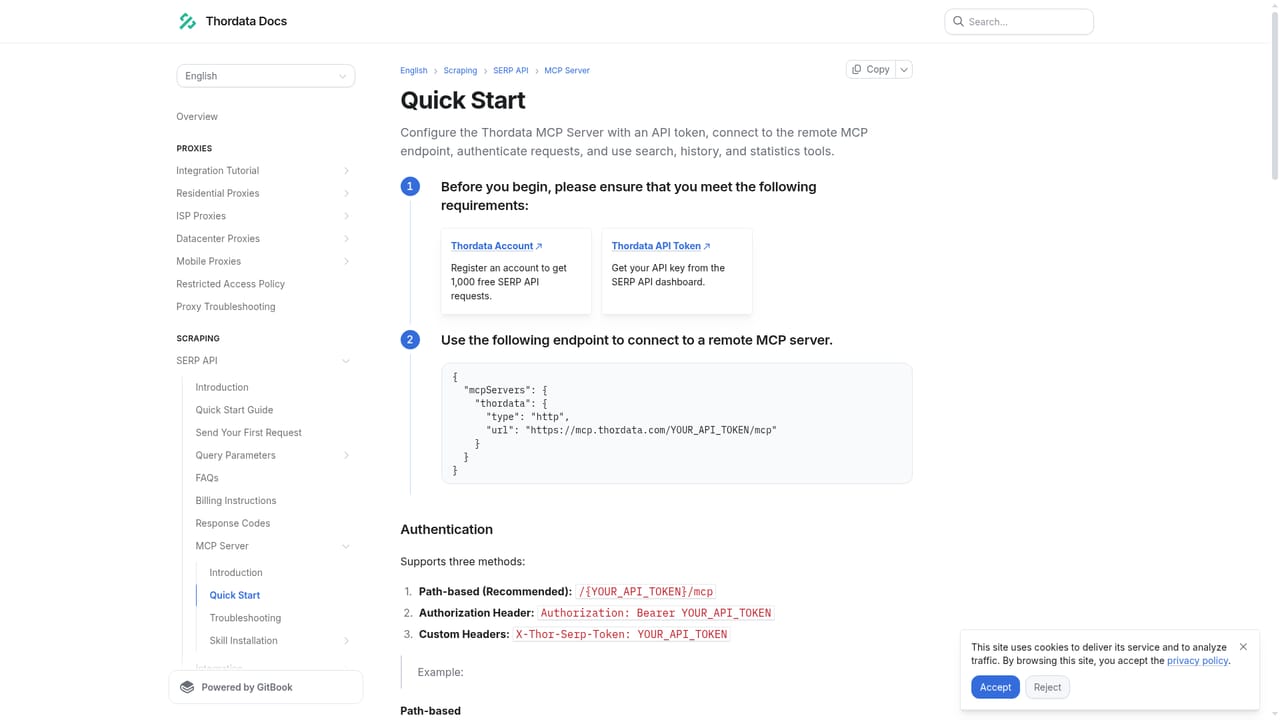
Thordata MCP is a Model Context Protocol server that gives AI agents access to live search engine results. Instead of building scrapers or a parsing layer, a compatible client connects once and can then call search as a standard tool. Results come from Google, Bing, DuckDuckGo and Yandex at the moment of the request, so answers can rest on current web evidence rather than stale training data. The service is aimed at teams that run agents for question answering, SEO and rank monitoring, brand and ad placement audits, market research and RAG pipelines. Each tool accepts parameters such as query, engine, geography, language and device, which lets an agent compare what users in different countries or on different devices actually see. The vendor says its network covers 33 search nodes and more than 190 countries and cities, backed by a large residential IP pool, with an average response time under one second. In practice, setup takes three steps: register and create an API key in the console, copy a JSON configuration that points the client at a hosted endpoint containing the token, then ask for what is needed in natural language once the client has discovered the tools. Supported clients include Claude Desktop, Cursor, Cline and Windsurf, plus n8n and any runtime that speaks MCP or JSON-RPC. Output arrives as JSON or Markdown with stable fields, so downstream nodes and language models can use it without a cleaning step. Proxy rotation, CAPTCHA handling and JavaScript rendering are handled on the provider's side. Among alternatives, a plain SERP API leaves the integration work to the developer, while this product lets the agent discover and call search itself. It is a narrow, search-focused tool rather than a general scraping suite, and it is limited to legal, public search data. The vendor states that fake clicks and rank manipulation are off limits. New accounts receive 500 free calls without a credit card, after which usage is billed per call.
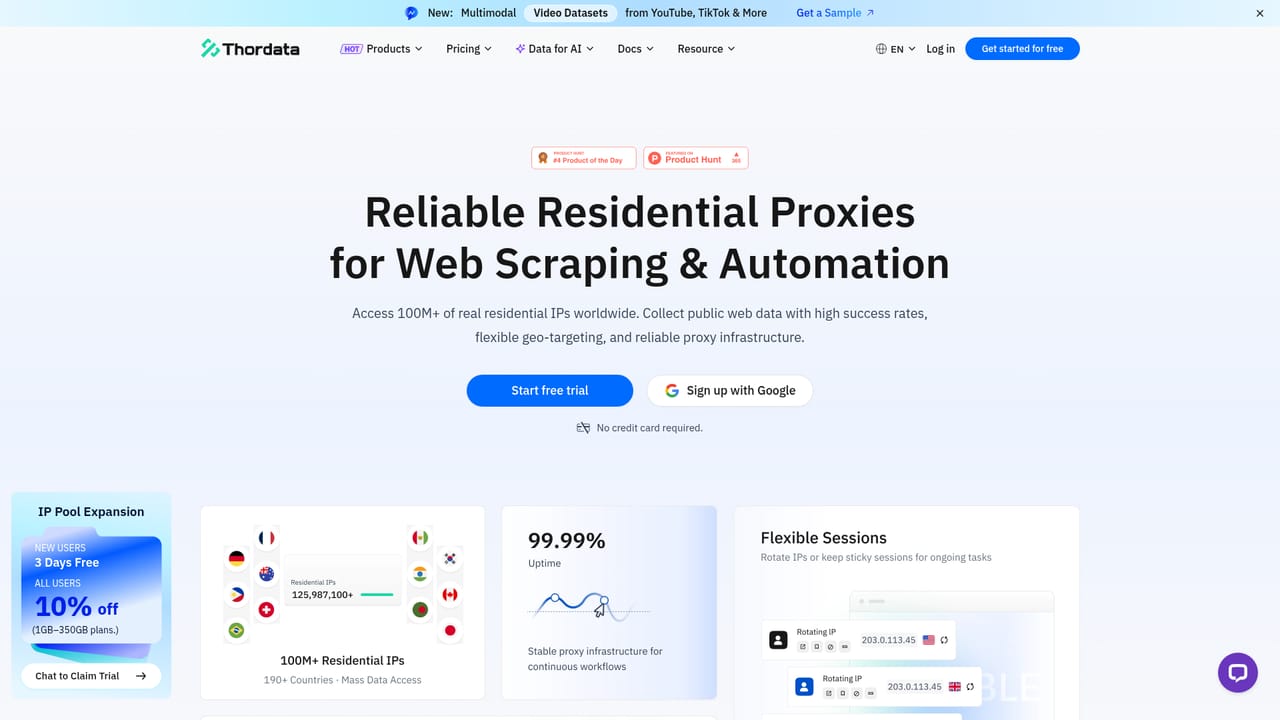
500 free calls are available after sign-up, with no credit card required.
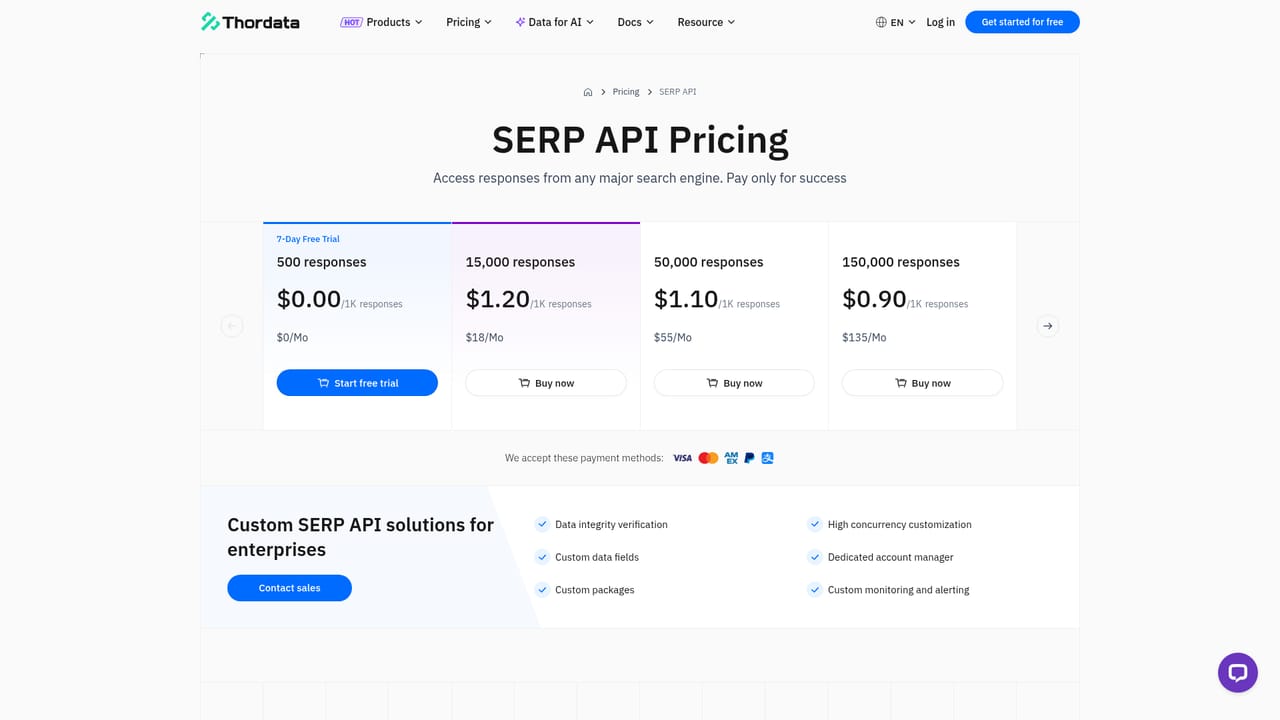
Learn more500 free calls at sign-up with no credit card, then pay per actual usage. Exact per-call rates are on the pricing page.
Learn moreDocumentation is available in the MCP quick-start guide, and the site offers a LiveChat for questions.
Learn moreWorks with Claude Desktop, Cursor, Cline, Windsurf, n8n and any client or runtime compatible with MCP or JSON-RPC.
Learn moreNatural-language queries, multi-engine live search (Google, Bing, DuckDuckGo, Yandex), geo, language and device targeting, built-in anti-bot bypass, structured JSON or Markdown output, rank extraction, SERP feature detection and result comparison.


