Free trial
A 7 day free trial is offered with no credit card required. A free start option and a demo booking are also promoted on the homepage.
Learn moreAI copilot CRM that handles follow ups for client driven businesses

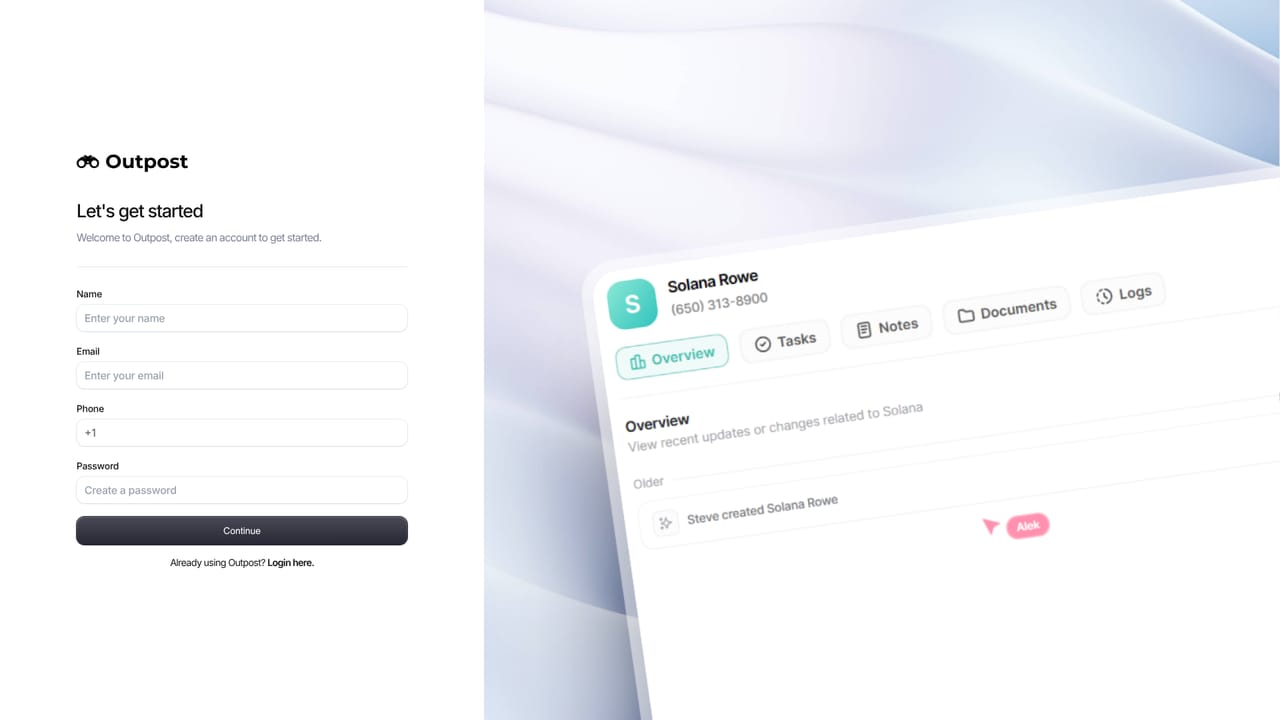
Outpost CRM is a lead generation tool. Outpost is an AI first CRM for real estate agents and client driven businesses. It scores leads automatically, links email to contacts, books appointments, and automates follow ups through Routines, with a modular app design so teams only pay for the modules they use.
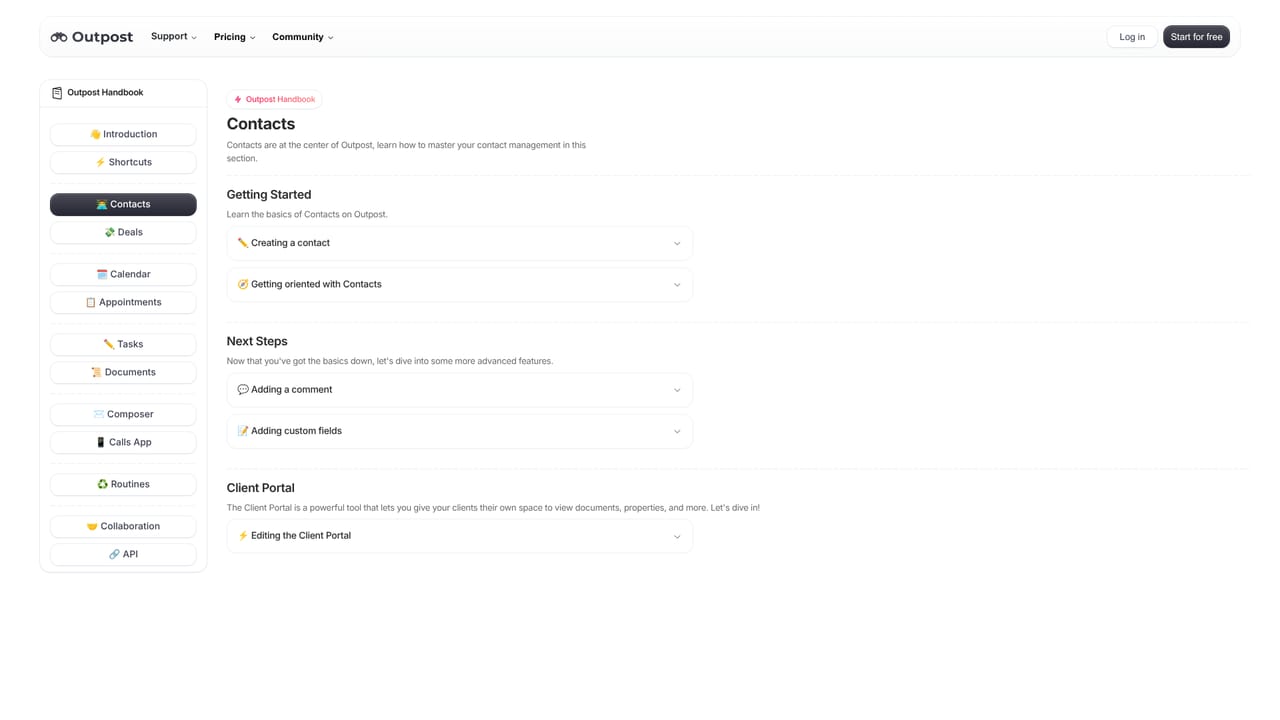
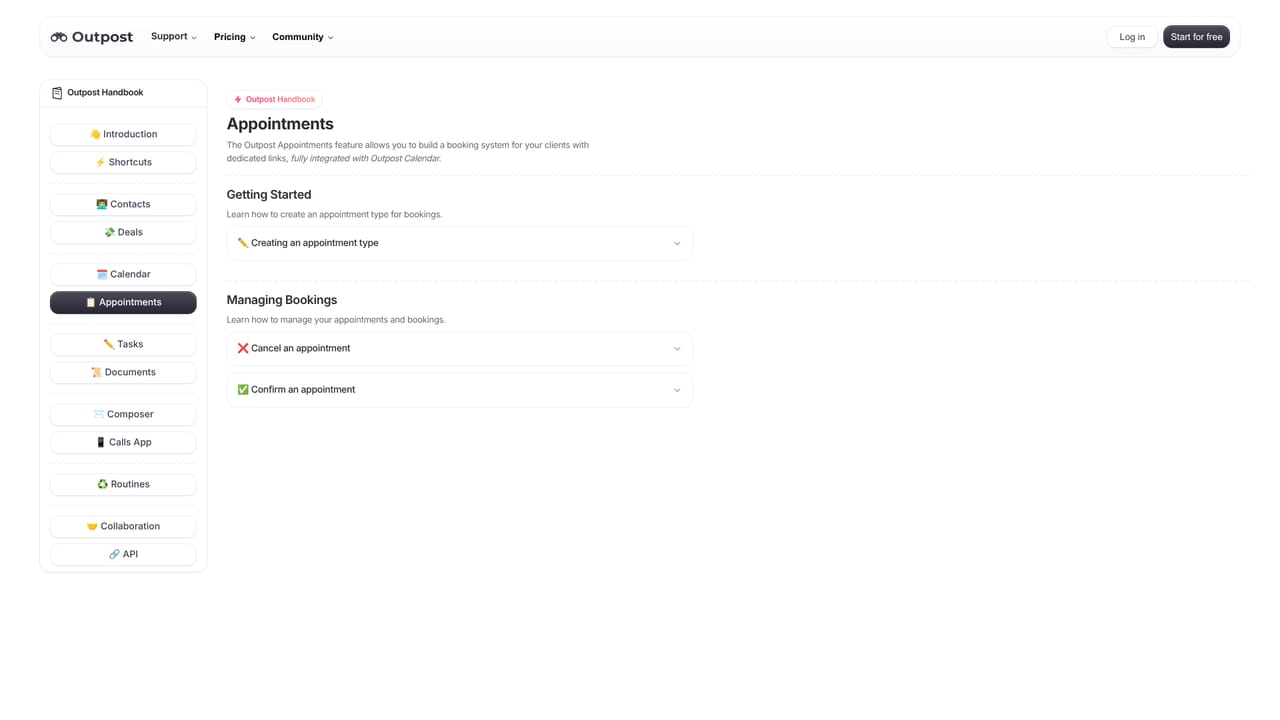
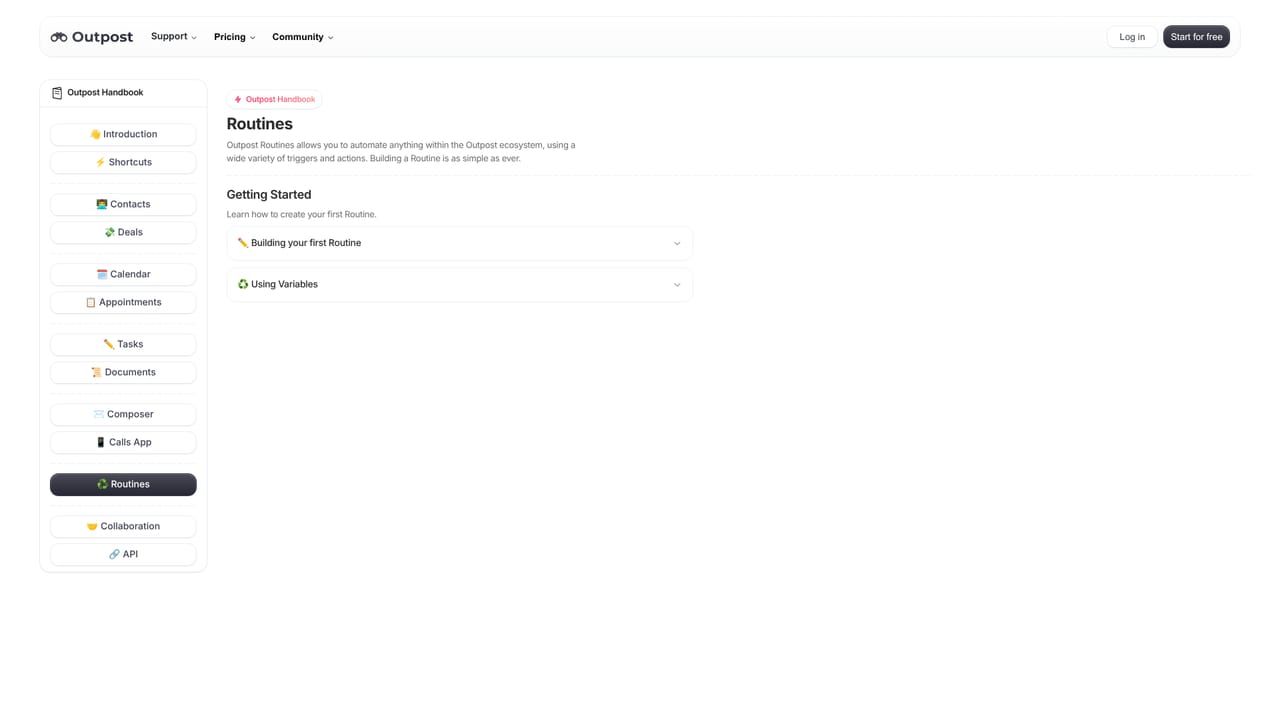
Outpost is a CRM built around the idea that the software should chase the deal, not the agent. Contacts sit at the centre of the system, and the platform uses AI to score each one automatically, drawing on what the homepage calls many data points, so the people most likely to move forward surface first. That prioritisation runs without manual tagging or list building. The inbox is the second pillar. Outpost ties itself into email and works out which messages belong to which contacts, keeping emails, meetings and calls in a single view instead of spread across tabs. From there, teams compose messages with variables and AI assistance, work a built in dialer, and book appointments through Outpost Booking to cut the scheduling back and forth. Deals get an intelligent flow of their own, and Outpost Routines let users automate anything from a single follow up to a multi step process. A calendar, tasks, documents, reporting widgets and client portals round out the core. Real estate agents are the clearest audience, and the homepage leans on brokerage adoption as proof. The broader pitch covers founders and any client driven business where follow up volume outpaces headcount. Outpost is modular by design: users pick the apps and extensions they need and pay only for those, which the company positions as cheaper than buying an all in one suite. Real time collaboration across a team, client portals and a consistent experience between mobile and desktop matter most when more than one person owns a relationship. The main caveat is that the AI is the product. Outpost makes strong claims about proactive automation, and it genuinely removes manual administration, but agents who want granular hand control over every scoring decision may find the autonomy a limitation rather than a feature. The module approach also means the final bill depends on what gets switched on, so the entry price and the working price are not the same thing.
A 7 day free trial is offered with no credit card required. A free start option and a demo booking are also promoted on the homepage.
Learn moreOutpost uses modular pricing: pick the apps you need and pay only for those, which the company claims costs significantly less than competing CRMs. No specific plan tiers or prices appear on the homepage, so exact figures require the pricing page or a demo.
Learn moreSupport is reachable through a dedicated support page, with a FAQ, customer agreement, handbook and system status page available as self serve resources.
Learn moreOutpost describes a full ecosystem of apps, services and integrations and a modular app store model, but the homepage does not name specific third party integrations.
Core features cover AI lead scoring across contacts, email sync that links messages to people, email composition with variables and AI help, a dialer, intelligent deal flow, appointment booking, Outpost Routines automation, calendar and tasks, client portals, documents, reporting widgets, real time team collaboration, and a modular app ecosystem.
Learn more AI Angels400+ customizable AI girlfriends for NSFW chat, voice calls, and roleplay
 Candy AIExperience the future of companionship with AI friends who chat, role-play, and connect with you on a human level.
 ourdream.aiA vast AI roleplay platform with millions of characters for chat, images, video and voiceAI Angels400+ customizable AI girlfriends for NSFW chat, voice calls, and roleplayCandy AIExperience the future of companionship with AI friends who chat, role-play, and connect with you on a human level.ourdream.aiA vast AI roleplay platform with millions of characters for chat, images, video and voice


