Free trial
The homepage invites users to start free on web, iOS and Android, indicating a free entry point before any paid commitment.
Learn moreOne AI app for chat, images, and video creation.

Overchat AI is a content tool. Overchat AI combines chat assistants, image generation and editing, and video creation in one workspace, with access to GPT, Claude, Gemini, Nano Banana, Veo and Kling models under a single account.
Overchat AI is a multi-model creative platform that bundles conversational AI, image generation and editing, and video production into a single account. The homepage positions it as an all-in-one super app, and the model roster backs that up: GPT, Claude and Gemini for chat, plus image engines like GPT Image, Nano Banana and Flux, and video models such as Veo, Seedance and Kling. Instead of juggling separate subscriptions for each model family, users pick the model that fits the task inside one workspace. For content creation, the practical workflow is prompt-first. You describe the fix you want in plain words and the image editor applies it, whether that means swapping an outfit, removing a photobomber, extending a canvas to a new aspect ratio, or rewriting text inside a photo while keeping the original font. Video tools follow the same logic: extend a clip, change one object across every frame, swap a face, or transfer motion from a reference video onto a still photo. A prompt library with presets for trends, portraits, product ads and video effects shortens the blank-page phase. The target user is a solo creator, social media manager or small ecommerce team that needs marketing visuals and short clips without a production pipeline. Chat doubles as a general assistant for research, homework help and code questions, with photo, PDF and link uploads accepted. Against single-model tools, Overchat's advantage is range and one bill; against professional editing suites, it trades granular control for natural-language speed. The free tier on web, iOS and Android makes it easy to test before committing.
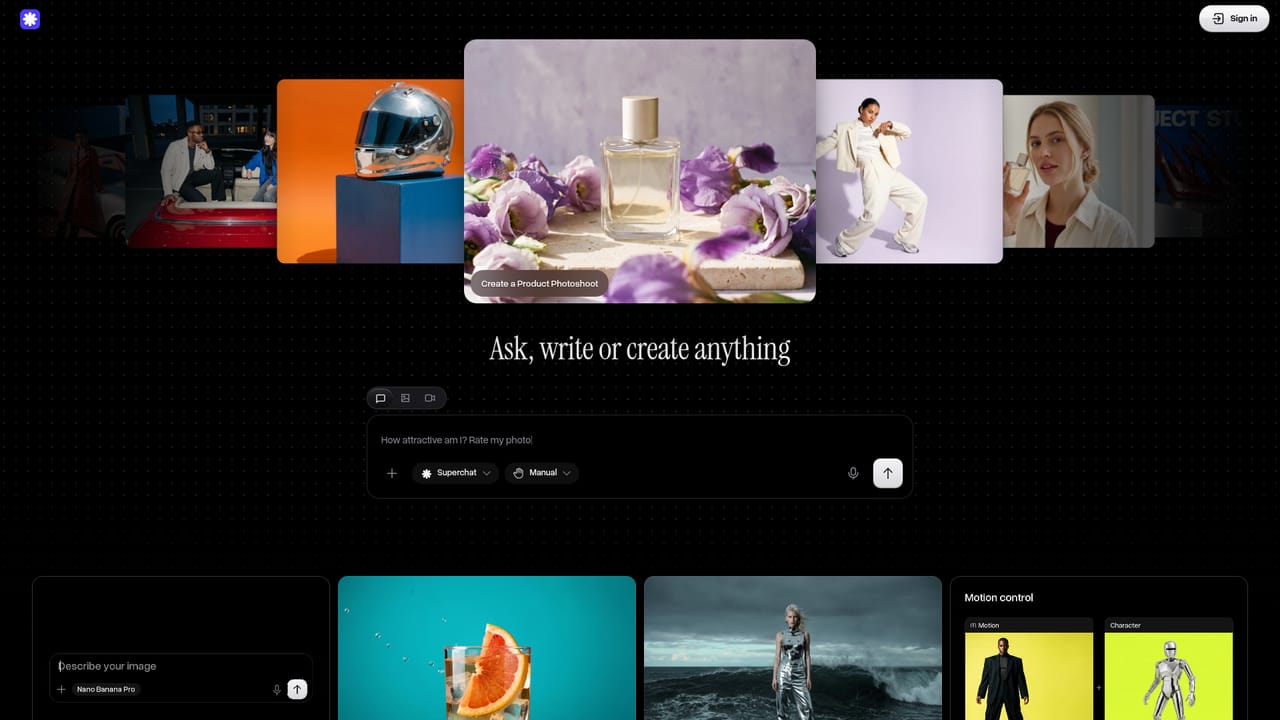
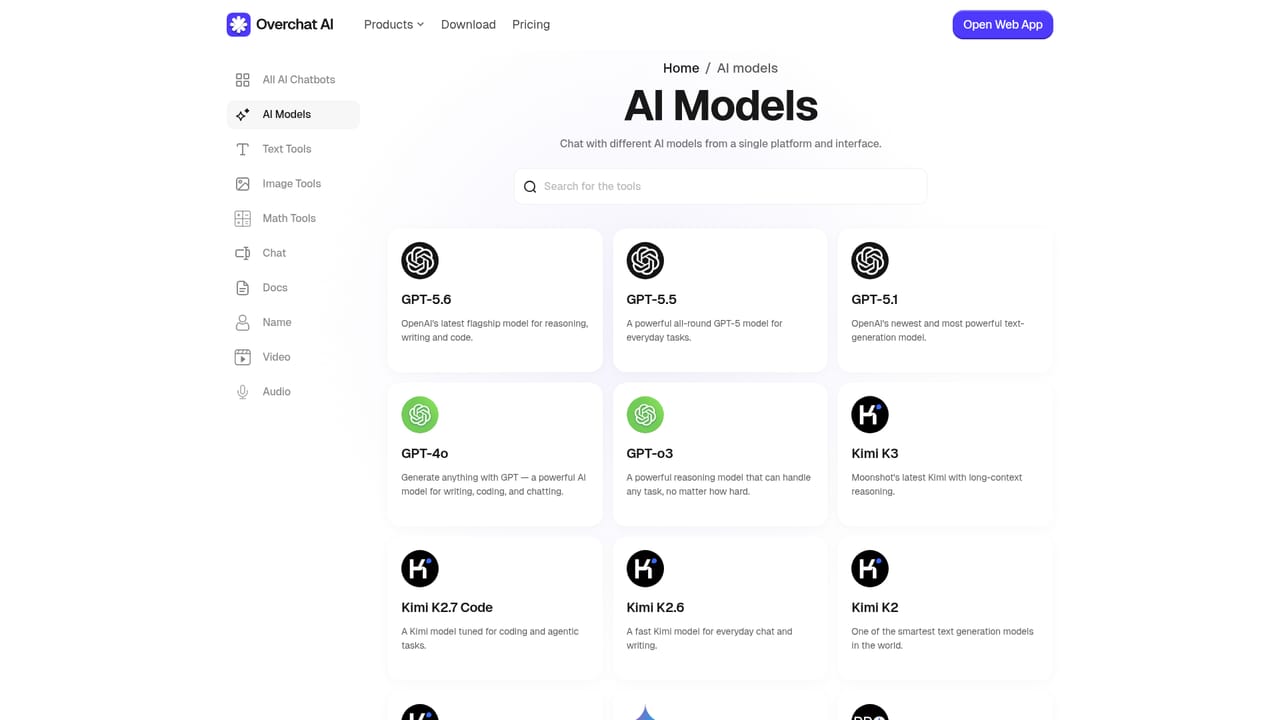
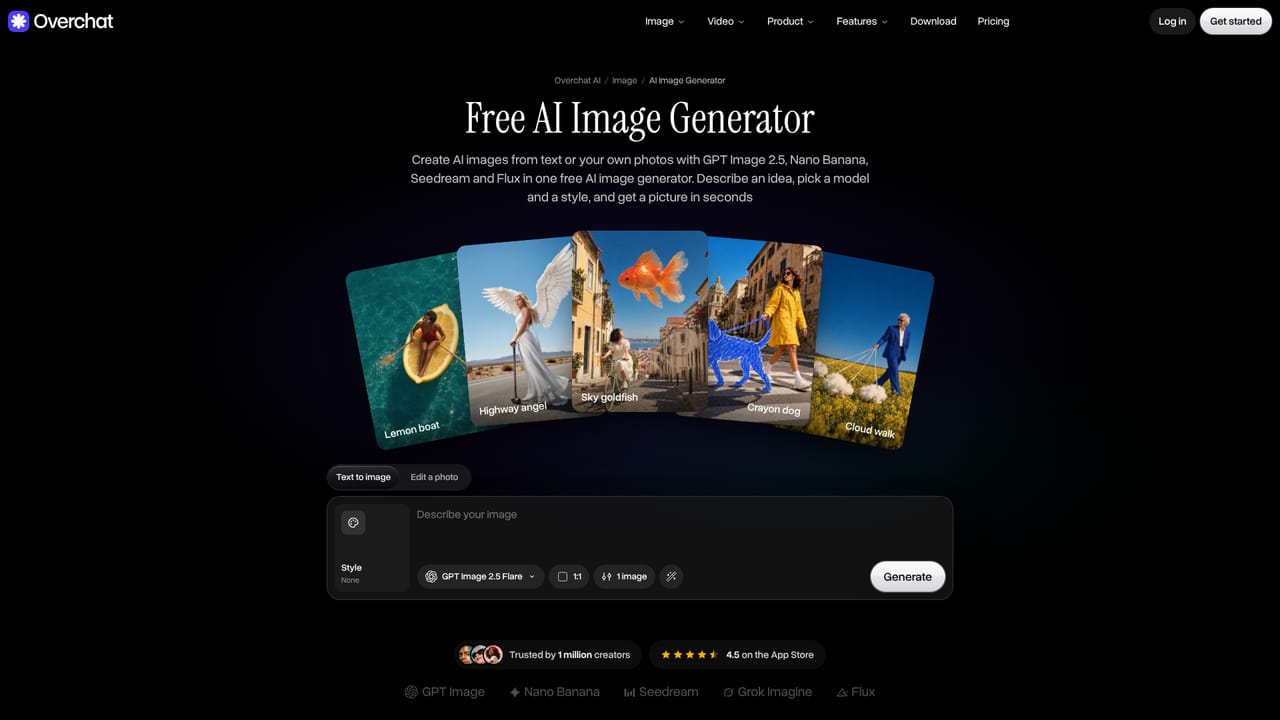
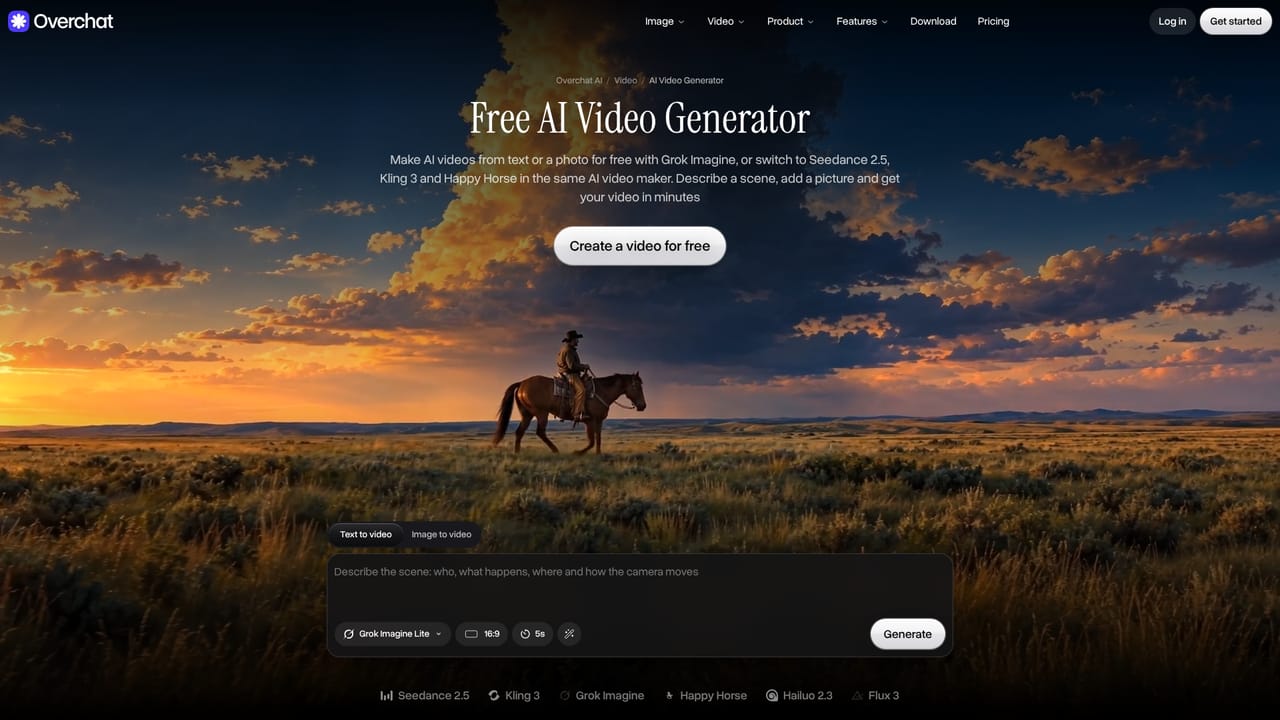
The homepage invites users to start free on web, iOS and Android, indicating a free entry point before any paid commitment.
Learn moreOverchat AI bundles multi-model chat (GPT, Claude, Gemini), image generation and editing (Nano Banana, GPT Image, Flux) with plain-language fixes like object removal and background cuts, and video creation (Veo, Seedance, Kling) with clip extension, selective edits and face swaps. A preset library and prompt templates speed up common content tasks.
Learn more AI Angels400+ customizable AI girlfriends for NSFW chat, voice calls, and roleplay
 Candy AIExperience the future of companionship with AI friends who chat, role-play, and connect with you on a human level.
 ourdream.aiA vast AI roleplay platform with millions of characters for chat, images, video and voiceAI Angels400+ customizable AI girlfriends for NSFW chat, voice calls, and roleplayCandy AIExperience the future of companionship with AI friends who chat, role-play, and connect with you on a human level.ourdream.aiA vast AI roleplay platform with millions of characters for chat, images, video and voice


