Free trial
The Free plan works as a trial: new users receive one-time credits to explore AI Design and Mockup Studio. The credits do not refresh, and no time limit is stated on the homepage.
Learn moreConversational AI packaging design from concept to print-ready dielines

Packify.ai is a generate concepts tool. Packify is an AI packaging design agent that converts text prompts into 3D packaging concepts, print-ready dielines and production files. It adds label generation, nutrition panels, mockup photoshoots, an API and a manufacturer network, with optional human design services for brand-critical projects.
Packify is a packaging design platform built around a conversational AI agent. Instead of producing flat images, it turns written prompts into 3D packaging concepts and then carries that work forward into production assets: print-ready dielines, label artwork, nutrition fact panels and manufacturer-ready files. The pitch is aimed squarely at the gap between a rough idea and something a printer can actually run. In practice the workflow starts in a chat window. A user describes the product and the look, the agent generates packaging visuals, and revisions happen by messaging rather than by rebuilding files in a traditional vector editor. Supporting modules handle the tasks that normally interrupt that flow: an AI photoshoot swaps backgrounds for marketing renders, logo integration places brand marks onto the structure, and smart design edit tweaks output without starting over. A label generator and a nutrition facts builder cover the regulated pieces of a pack face. The audience is broad. Small brands and startups use it to skip agency retainers and get investor-ready renders alongside manufacturing specs. Established design teams use it to test variations quickly across a product line. Operations and e-commerce teams can pull the generation engine in through the Packify API. For projects that need a human eye, Packify also sells expert design services with a team of packaging designers available online. The positioning is against two kinds of alternatives: general image generators that make attractive mockups with no manufacturing path, and traditional design agencies with long revision cycles. Packify tries to own both ends by pairing the AI concepting with dieline export and a network of verified packaging manufacturers for printing. Teams that only need a pretty render may find the production layer unnecessary; teams that need files a supplier will accept are the ones it is built for.
The Free plan works as a trial: new users receive one-time credits to explore AI Design and Mockup Studio. The credits do not refresh, and no time limit is stated on the homepage.
Learn moreA free plan grants one-time credits that do not refresh. Paid tiers are subscriptions with monthly credits that do not roll over; Business adds a company commercial license and team seats, Enterprise includes 4 seats. Top-up credits are available and last 12 months. AI Design or Edit costs 10 credits, AI Photoshoot costs 5.
Learn moreSupport runs through business@packify.ai and an in-product Manage Billing area for cancellations. Team access with shared Brand Kits is available on Business and Enterprise plans, and the expert design team offers real-time online help.
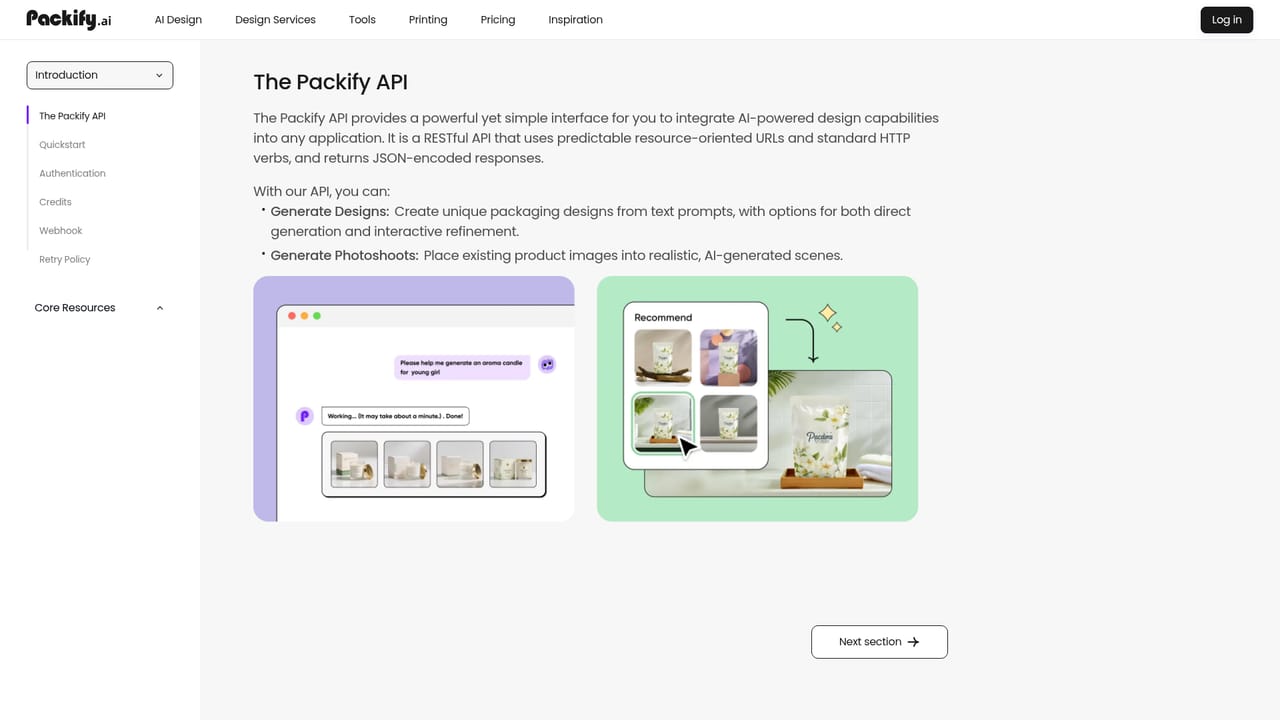
A Packify API is offered for embedding the generation engine into e-commerce workflows. No named third-party integrations are listed on the homepage.
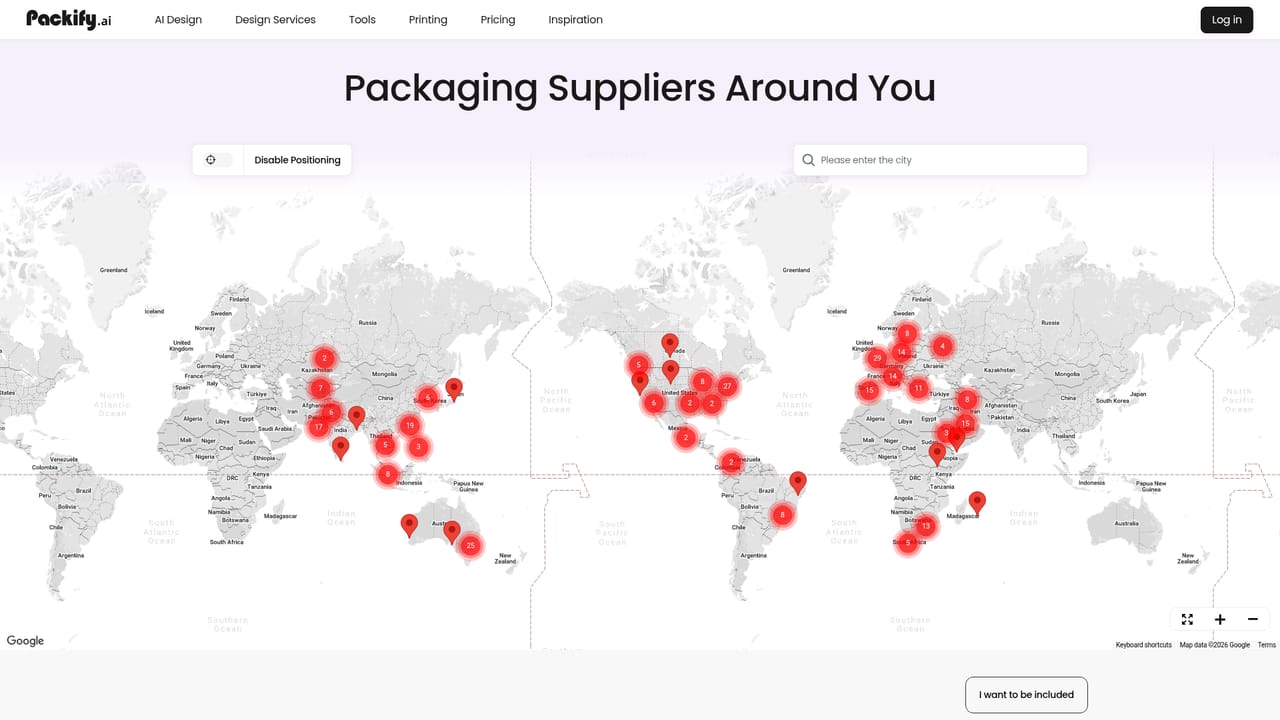
Learn moreAI packaging design from text prompts to 3D concepts, print-ready dieline templates, AI photoshoot with background swapping, logo integration, smart design edit, a custom label generator and a nutrition facts builder. Packify API provides generation access for e-commerce workflows, and a printing network connects designs to verified manufacturers.
 AI Angels400+ customizable AI girlfriends for NSFW chat, voice calls, and roleplay
 Candy AIExperience the future of companionship with AI friends who chat, role-play, and connect with you on a human level.
 ourdream.aiA vast AI roleplay platform with millions of characters for chat, images, video and voiceAI Angels400+ customizable AI girlfriends for NSFW chat, voice calls, and roleplayCandy AIExperience the future of companionship with AI friends who chat, role-play, and connect with you on a human level.ourdream.aiA vast AI roleplay platform with millions of characters for chat, images, video and voice





