Free trial
The homepage states no credit card is required to get started and points visitors to a demo, but does not describe a time-limited free trial or free tier.
Learn moreDescribe a landing page, get a production Next.js codebase you own.
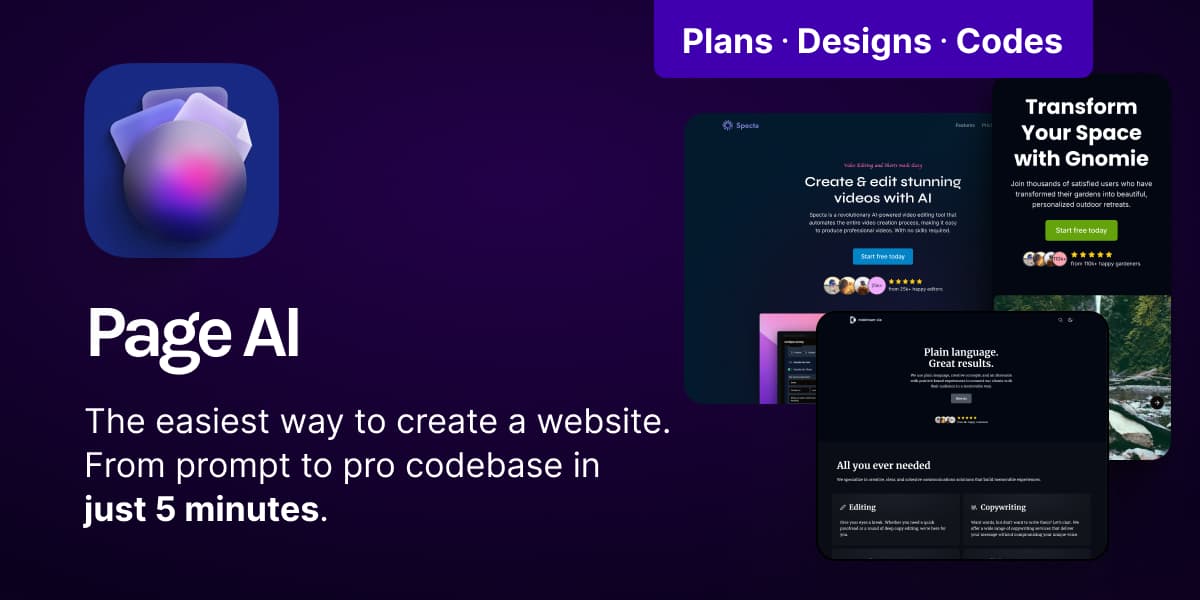
PageAI is an app creation tool. An AI website builder that turns one prompt into a production-ready Next.js landing page with SEO, an MDX blog, themes and a drag-and-drop editor, then hands you the codebase to deploy and own outright.
PageAI is an AI website builder aimed at developers and indie founders who want a professional landing page without hand-writing the boilerplate. You give it a short prompt describing the product, and a set of specialized AI agents work through the job in stages: planning and research, then design, then code. The design stage produces a wireframe, picks a theme, generates image and icon assets, and writes the page copy. The coding stage emits a clean Next.js codebase built on an open source component system, written in TypeScript with Shadcn UI and Lucide icons, and tuned for performance and SEO. After generation you get a live preview with a drag-and-drop editor. Text, images, icons and section order can all be changed there, and theme changes apply site-wide across what the site claims are 1000+ theme and font combinations. The generated site is not a bare landing page: it ships with metadata and JSON-LD, canonical URLs, a sitemap, favicons derived from your logo, an auto-generated open graph image, terms and privacy pages, dark mode, RSS, and an MDX blog with tags, built-in client-side search and four pre-built layouts plus custom ones. Blog posts and authors are added as Markdown files, so no database or third-party CMS is involved. Deployment is the part that separates PageAI from hosted builders. One-click deployment to Vercel is supported, with the site saying more options are coming. You can also download the full codebase and host it wherever you like, which means no platform lock-in and no recurring platform fee. The pricing model reflects that: one-time purchases of one or five website credits rather than a subscription. The tool suits developers who want a strong starting point they will keep extending, and technically comfortable founders shipping a marketing site for a product. It is less suited to non-technical users who want a permanent visual editor with no code involved: once you leave the drag-and-drop preview, further changes mean editing TypeScript. Compared with general-purpose app builders like Lovable and Bolt.new, PageAI is narrower (landing pages and content sites) but more opinionated about SEO, blog and production structure.
The homepage states no credit card is required to get started and points visitors to a demo, but does not describe a time-limited free trial or free tier.
Learn moreOne-time purchase, no subscription. The 1 Pack costs $149 and covers one production-ready website with unlimited edits. The 5 Pack is $199 (listed at $349, a $150 saving) for five websites. A Custom option exists for more websites or API access, arranged by email.
Learn moreSupport is handled by email at support@pageai.pro, with sales@pageai.pro for custom and API enquiries. There is documentation for the component library; no other support channels are listed on the homepage.
The homepage only documents one-click deployment to Vercel, with additional deployment options described as coming soon. No other integrations are named.
Prompt to website pipeline run by planning, design and coding agents. Output is a Next.js and TypeScript codebase with Shadcn UI components, themed Tailwind CSS, dark mode and SEO essentials (meta tags, JSON-LD, canonical URLs, sitemap, favicons, open graph image). Includes an MDX blog with tags, authors, multiple layouts and built-in search, plus terms, privacy and 404 pages.
Learn more AI Angels400+ customizable AI girlfriends for NSFW chat, voice calls, and roleplay
 Candy AIExperience the future of companionship with AI friends who chat, role-play, and connect with you on a human level.
 ourdream.aiA vast AI roleplay platform with millions of characters for chat, images, video and voiceAI Angels400+ customizable AI girlfriends for NSFW chat, voice calls, and roleplayCandy AIExperience the future of companionship with AI friends who chat, role-play, and connect with you on a human level.ourdream.aiA vast AI roleplay platform with millions of characters for chat, images, video and voice


