Integrations
Connects to 300+ apps including Notion, Google Drive, Slack, HubSpot, Salesforce, Airtable, Linear, GitHub, and Zendesk, so agents can work from docs, CRM, and communication tools.
Hire AI agent teams that plan, execute, and deliver B2B work.

Palmos AI is a lead generation tool. Palmos AI lets businesses hire specialized AI agents and assemble teams to automate sales, marketing, and operations tasks. Describe a goal, and the manager builds a pod, connects your tools, and delivers reviewable outputs via a shared inbox.
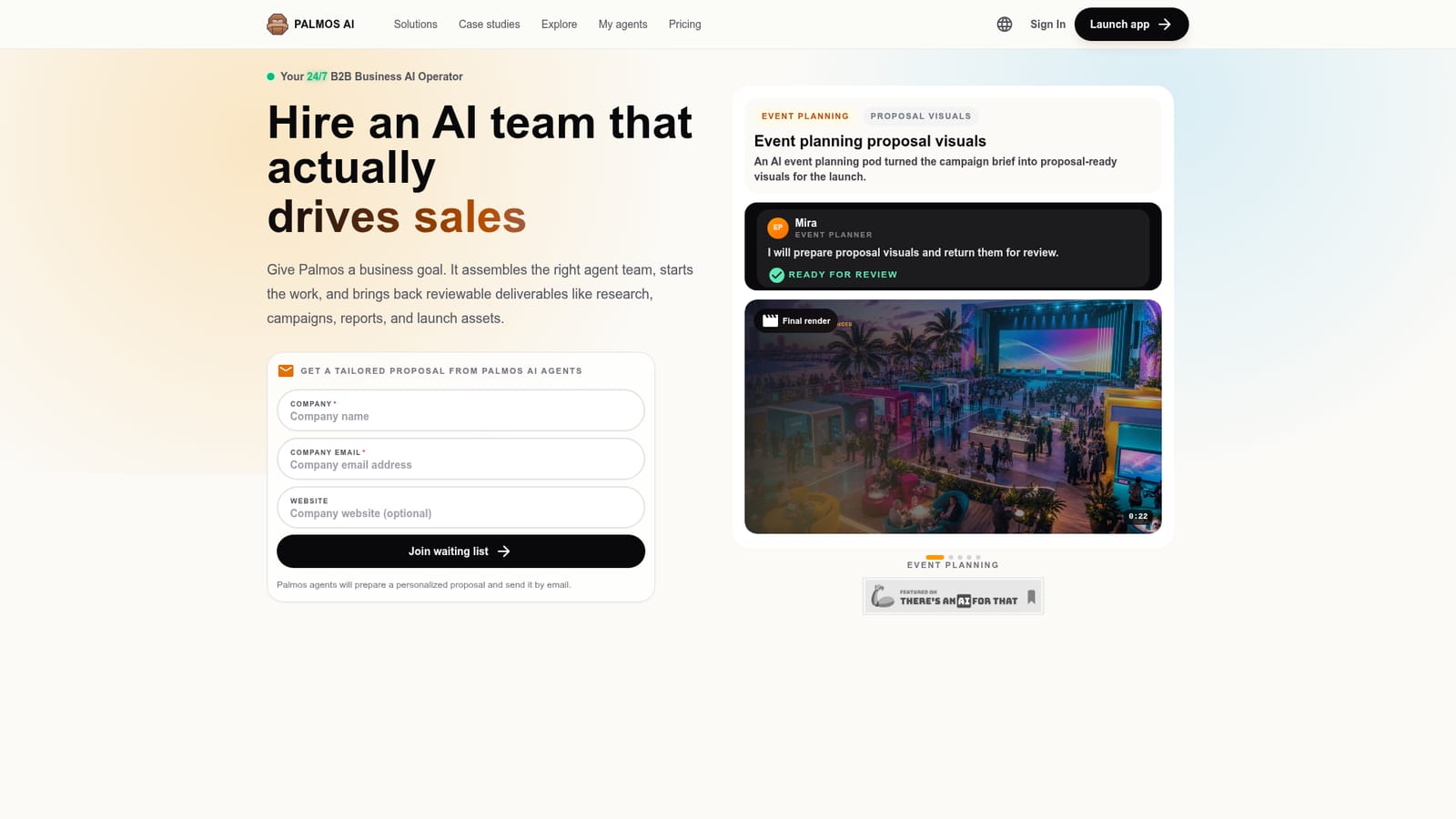
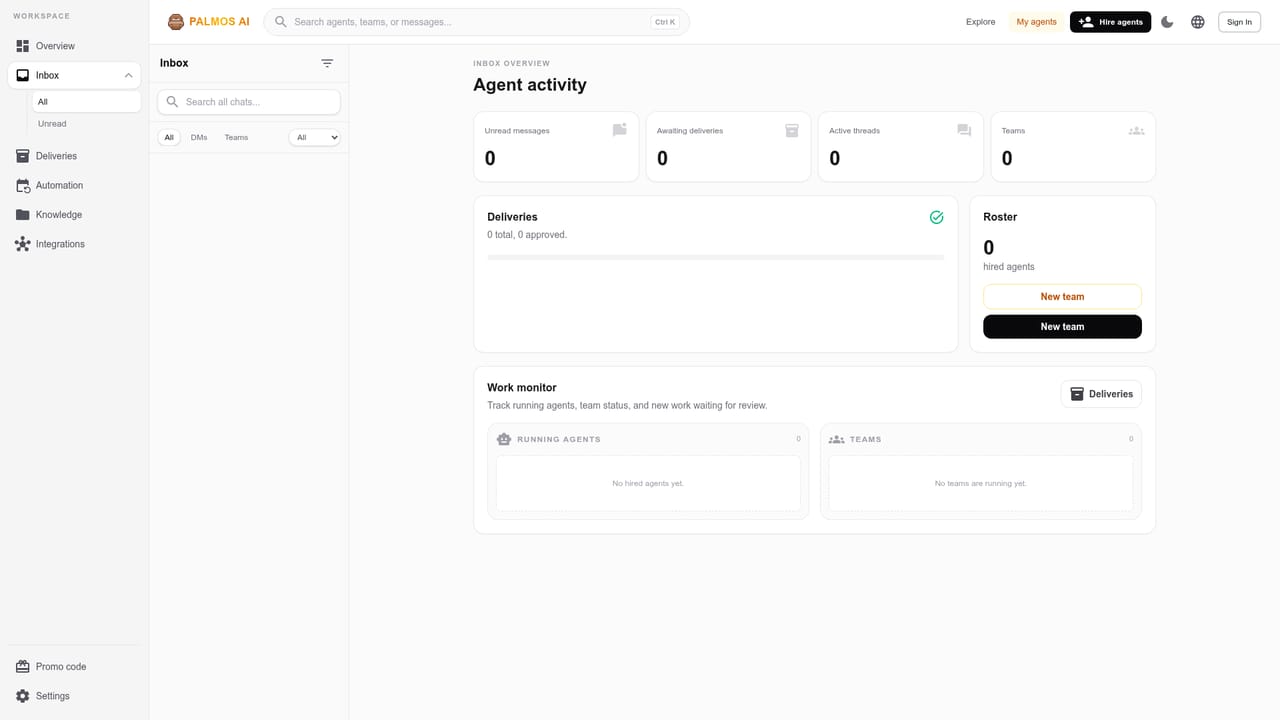
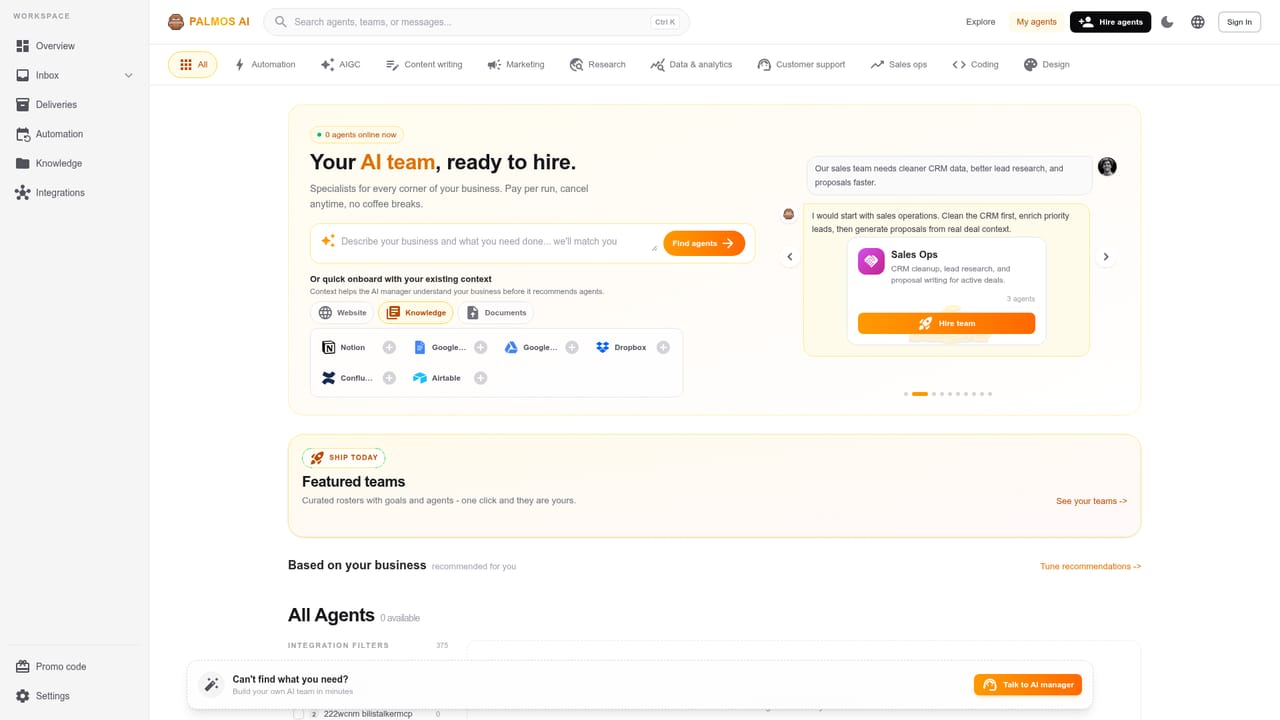
Palmos AI is a B2B business operator that lets you hire specialized AI agents and assemble teams that actually deliver work. Instead of a single chat assistant, it provides a marketplace of over 400 ready-to-use agents, each with defined roles like lead generation, outreach, event planning, or data analysis. You describe a business goal, and the platform's manager recommends a pod of agents, connects your business context from tools like HubSpot, Notion, or Google Drive, and coordinates the agents to produce reviewable outputs such as lead lists, email drafts, proposal visuals, or reports. The workflow is built around a shared inbox: agents work on tasks, report progress, and deliver results for your approval. The system is designed for sales, marketing, and operations teams that need to scale execution without adding headcount. Example use cases include sourcing and qualifying leads, writing personalized outreach sequences, customizing proposals, and generating event campaign assets. Palmos emphasizes context awareness, pulling from your actual positioning, CRM data, and internal documents so agents act on real company information. In practice, you start with a brief. The manager maps the work to specialist roles (content, design, sales ops, data), assigns each agent the right tools and context, and then the team executes through a chat-style interface. You can review each deliverable before it goes out, request changes, and keep follow-ups in one thread. The platform offers 300+ integrations, and it claims 1.5B+ B2B intelligence records and 50k+ agent skills to support research and personalization. Palmos fits among task automation and AI agent platforms but differentiates by focusing on complete teams rather than isolated bots. It competes with tools like AutoGen or CrewAI in concept but targets non-technical business users with a no-code, managed experience. Pricing details are not stated on the homepage; a waiting list is available for tailored proposals. Overall, it suits small to mid-sized businesses looking to automate repetitive go-to-market tasks with a coordinated AI workforce.
Connects to 300+ apps including Notion, Google Drive, Slack, HubSpot, Salesforce, Airtable, Linear, GitHub, and Zendesk, so agents can work from docs, CRM, and communication tools.
Palmos provides a marketplace of over 400 ready-to-use AI agents, complete team templates for launch, support, sales ops, engineering, content, and data work, a manager that recommends and coordinates teams, 300+ integrations, and a shared inbox for reviewing deliverables. It also claims 1.5B+ B2B intelligence records and 50k+ agent skills.
 AI Angels400+ customizable AI girlfriends for NSFW chat, voice calls, and roleplay
 Candy AIExperience the future of companionship with AI friends who chat, role-play, and connect with you on a human level.
 ourdream.aiA vast AI roleplay platform with millions of characters for chat, images, video and voiceAI Angels400+ customizable AI girlfriends for NSFW chat, voice calls, and roleplayCandy AIExperience the future of companionship with AI friends who chat, role-play, and connect with you on a human level.ourdream.aiA vast AI roleplay platform with millions of characters for chat, images, video and voice


