Free trial
A 30 day free trial is offered through a dedicated signup page, and the homepage links to it as the way to try the platform before choosing a plan.
Learn moreLiterature management for researchers, with cited AI answers from 165M+ publications

Papers is an academic research tool. ReadCube combines a PDF library, cited AI answers over a large publication index, recurring literature alerts and dual-reviewer screening for systematic reviews in one research platform.
ReadCube is a reference and literature management platform built for people whose work depends on reading scientific papers closely. At its center is a library that holds PDFs with full metadata, tags, custom fields and Smart Lists, so a collection that grows into the thousands of papers stays sortable. Searching draws on a large index of publications and patents, and every imported reference arrives with citations, supplemental data and full text rather than a bare title. The AI layer is aimed at scientific work specifically. A researcher can ask a plain-language question and get an answer assembled from their own library and from trusted databases, with each claim linked to the exact passage it came from. There is also chat over a single paper or across a whole library, including side by side comparison of up to 20 papers to expose patterns, gaps and contradictions. A search builder turns natural language into structured queries without hand-written Boolean strings. One detail that stands out is the AI Access Indicator, which marks per paper whether publisher terms allow AI use, a question that matters for anyone publishing results. Monitoring is the third piece. Saved searches can run on a recurring schedule, with daily, weekly or monthly email alerts, and AI reads each new result against the user's criteria to filter out weak matches. Shared libraries keep a group working from identical evidence. For formal reviews, the platform supports dual-reviewer abstract and full-text screening with automatic conflict flags, custom data extraction forms, AI Autofill that proposes answers linked to their source, and PRISMA flow diagrams with audit trails ready to export. The product is split into Essential for individual researchers, Plus for power users and small groups, and Enterprise for organizations running research at scale. Labs, university departments and industry research teams are the obvious audience; casual readers are better served by lighter reference managers.
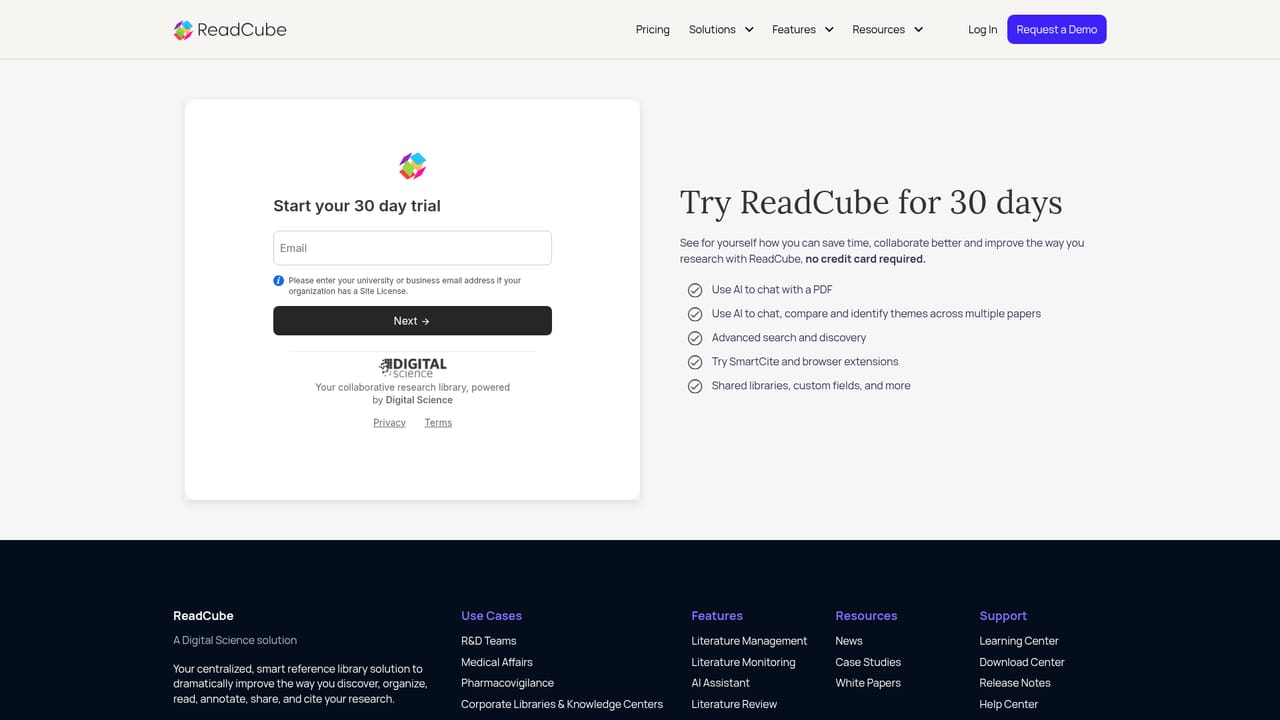
A 30 day free trial is offered through a dedicated signup page, and the homepage links to it as the way to try the platform before choosing a plan.
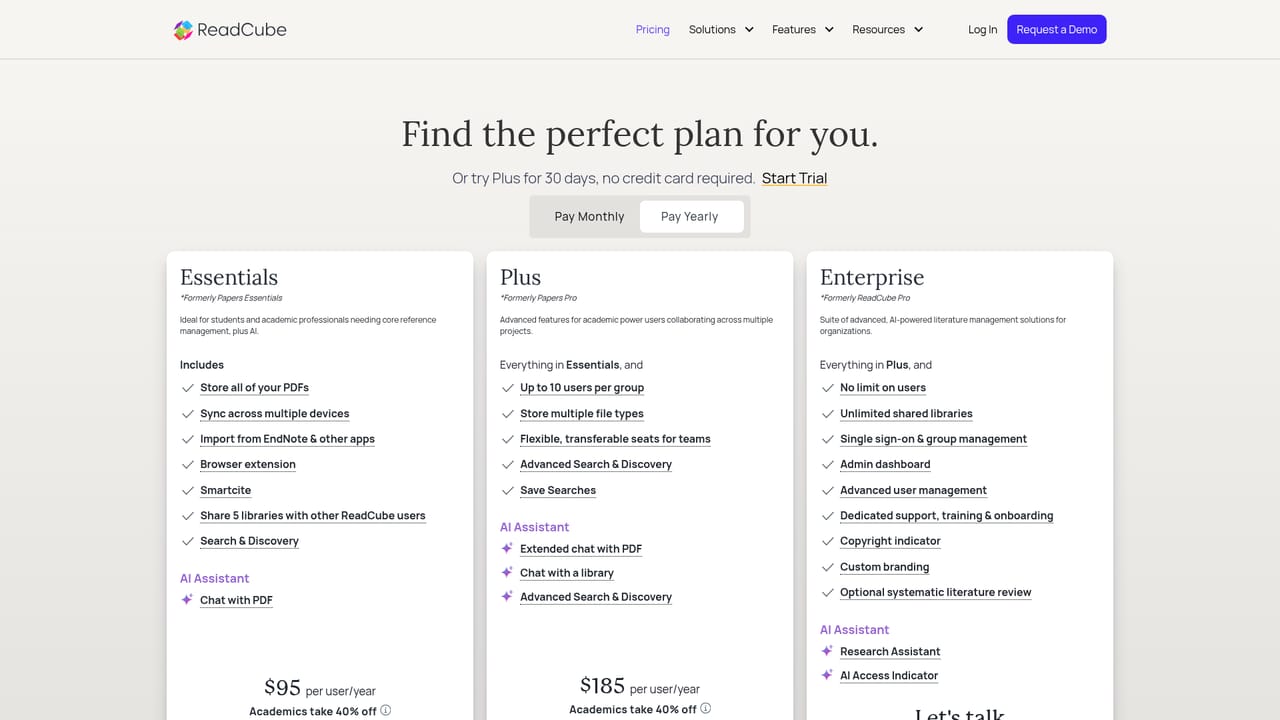
Learn moreThree tiers are listed. Essential targets individual researchers building a library, Plus adds more shared libraries and more AI for power users and small groups, and Enterprise covers organizations with optional AI-powered literature review, unlimited scale and dedicated support. No prices are given on the homepage.
Learn moreDedicated support is listed as part of the Enterprise tier. The homepage does not describe support arrangements for the Essential or Plus plans.
Citation insertion works with Word and Google Docs, and the platform draws on the Dimensions research database for its indexed paper search.
A scalable library with tags, custom fields and Smart Lists; PDF annotation with highlights, drawings, notes and sticky comments; search across a large publication and patent index; AI answers linked to source passages; chat over one paper or a whole library with comparison of up to 20 papers; per-paper AI access indicators; saved searches with recurring email alerts; shared libraries; dual-reviewer screening, custom extraction forms, AI Autofill and PRISMA reporting.
Learn more AI Angels400+ customizable AI girlfriends for NSFW chat, voice calls, and roleplay
 Candy AIExperience the future of companionship with AI friends who chat, role-play, and connect with you on a human level.
 ourdream.aiA vast AI roleplay platform with millions of characters for chat, images, video and voiceAI Angels400+ customizable AI girlfriends for NSFW chat, voice calls, and roleplayCandy AIExperience the future of companionship with AI friends who chat, role-play, and connect with you on a human level.ourdream.aiA vast AI roleplay platform with millions of characters for chat, images, video and voice