Free trial
Direct monthly and yearly checkout includes a 7 day trial with unlimited transcriptions. Referral and App Store offers may have different terms, so check at checkout.
Learn moreVoice typing for Mac with local models and cloud cleanup

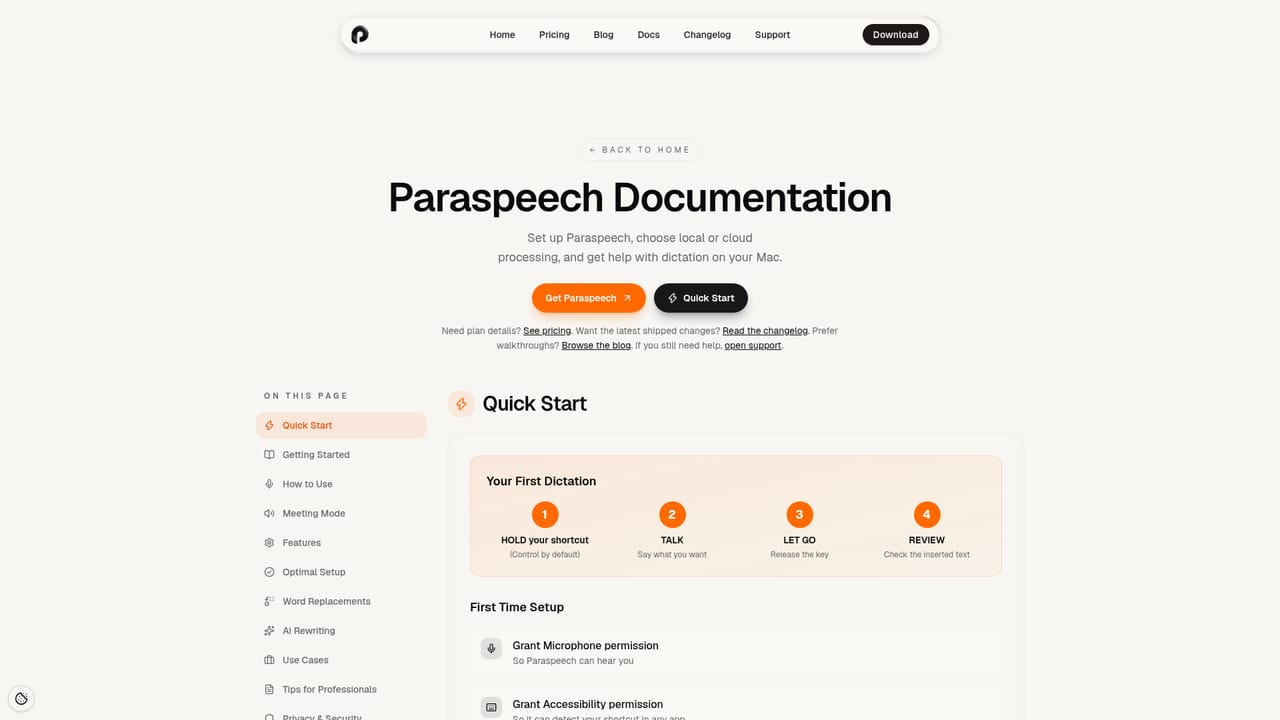
Paraspeech is a Mac and iOS dictation app that inserts speech-to-text into editable fields with a hold, speak, release shortcut. Local models run offline on Apple Silicon, cloud models cover Intel Macs, and subscriptions include unlimited transcriptions, meeting mode and AI text cleanup.
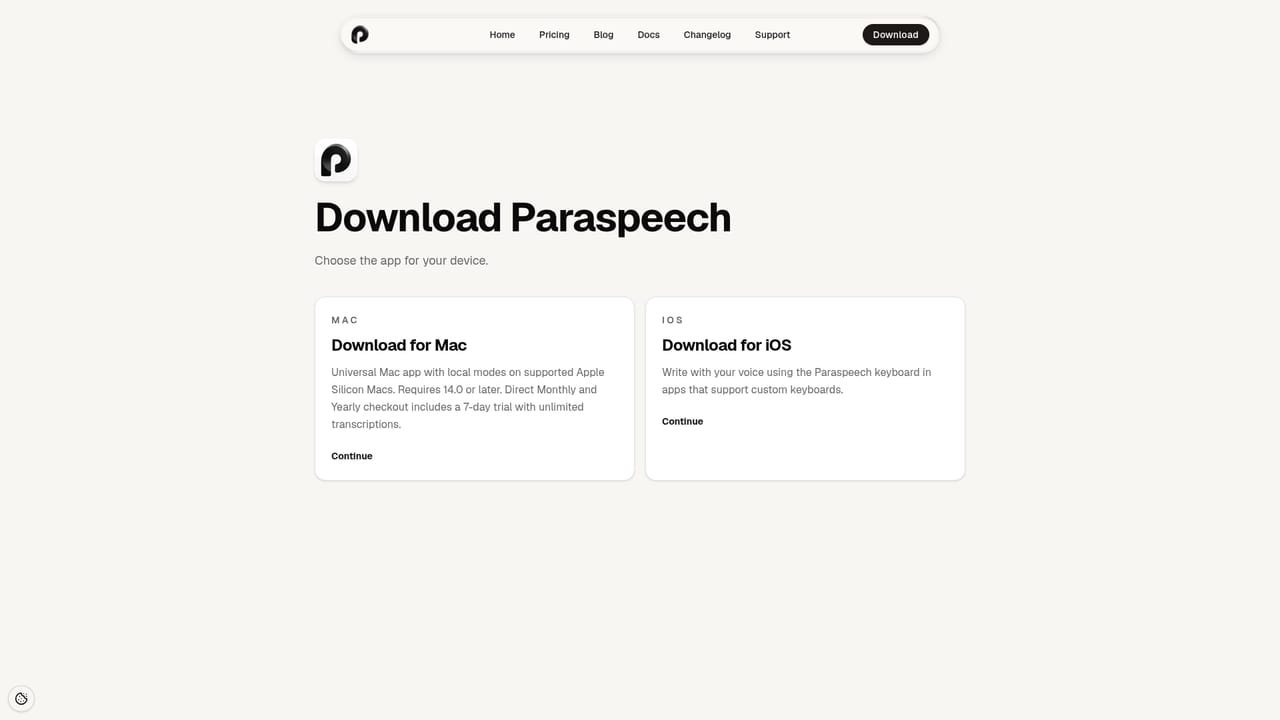
Paraspeech is a dictation app for macOS and iOS that turns spoken input into text inside whatever app you are already using. The interaction is deliberately small: you hold a keyboard shortcut, speak a draft, then release. Paraspeech transcribes the audio and tries to insert the result into the active editable field on your Mac. Where a field refuses insertion, the text can be pasted manually. It is aimed at people who think faster than they type, including writers drafting long passages, developers dictating notes, and anyone transcribing meetings on a regular schedule. The app gives you a choice between local and cloud processing. On Apple Silicon, downloaded speech models transcribe audio directly on the machine and keep working without an internet connection once they are set up. The available local models cover English, Japanese, Mandarin Chinese and 25 European languages, while Multilingual Large reaches 100 or more languages in the direct-download Mac app where available. Intel Macs rely on cloud models and need a subscription. A separate Cloud Cleanup feature polishes rough transcripts into cleaner prose, and eligible local rewriting is offered on supported Apple Silicon hardware. Privacy Mode blocks cloud transcription and cloud rewriting for dictation, though meeting recordings and automatic cloud summaries sit outside that boundary. The pricing has two tracks. Monthly costs $14.99 and yearly costs $99 (about $8.25 per month), with both subscriptions including unlimited transcriptions, meeting mode on Apple Silicon, local and cloud processing, and coverage across Macs, iPhones and iPads. A lifetime option exists alongside the subscriptions. Teams can ask for custom enterprise terms, and students, researchers and non-profits can request 40 percent off. A 7 day trial with unlimited transcriptions comes with direct monthly and yearly checkout. Against built in macOS dictation, Paraspeech argues on hardware optimization and model choice, offering larger downloadable models and a polish pass rather than a single fixed engine. Against browser based transcription services, the offline mode is the differentiator. Requirements matter: macOS 14.0 or later, Apple Silicon for local models, and iOS or iPadOS 17.0 or later for the mobile app.
Direct monthly and yearly checkout includes a 7 day trial with unlimited transcriptions. Referral and App Store offers may have different terms, so check at checkout.
Learn moreMonthly costs $14.99 and yearly costs $99 ($8.25 per month, billed annually), both including unlimited transcriptions, meeting mode on Apple Silicon, cloud processing, local models and device coverage for Mac, iPhone and iPad. A lifetime option is offered, enterprise pricing is custom, and students, research and non-profit users can request 40 percent off.
Learn moreA documentation site and changelog cover setup and recent updates. Email support is available at support@paraspeech.com, and a separate sales contact handles enterprise and team inquiries.
Learn moreParaspeech works across many editable fields in Mac apps via Accessibility permission, with manual paste where insertion is not supported. The app also runs on iPhone and iPad, and a bring your own key option is listed as coming soon.
Learn moreHold a shortcut, speak and release to insert transcriptions into many editable Mac fields. Local models run on Apple Silicon and work offline after download, with English, Japanese, Mandarin Chinese and 25 European languages, plus 100 or more via Multilingual Large where available. Cloud models serve Intel Macs. Cloud Cleanup and eligible local rewriting polish text, meeting mode records and transcribes sessions, and Privacy Mode blocks cloud transcription for dictation.
Learn more AI Angels400+ customizable AI girlfriends for NSFW chat, voice calls, and roleplay
 Candy AIExperience the future of companionship with AI friends who chat, role-play, and connect with you on a human level.
 ourdream.aiA vast AI roleplay platform with millions of characters for chat, images, video and voiceAI Angels400+ customizable AI girlfriends for NSFW chat, voice calls, and roleplayCandy AIExperience the future of companionship with AI friends who chat, role-play, and connect with you on a human level.ourdream.aiA vast AI roleplay platform with millions of characters for chat, images, video and voice





