Pathmaker

Build week-by-week learning plans and discuss them with an AI coach.

Beginner
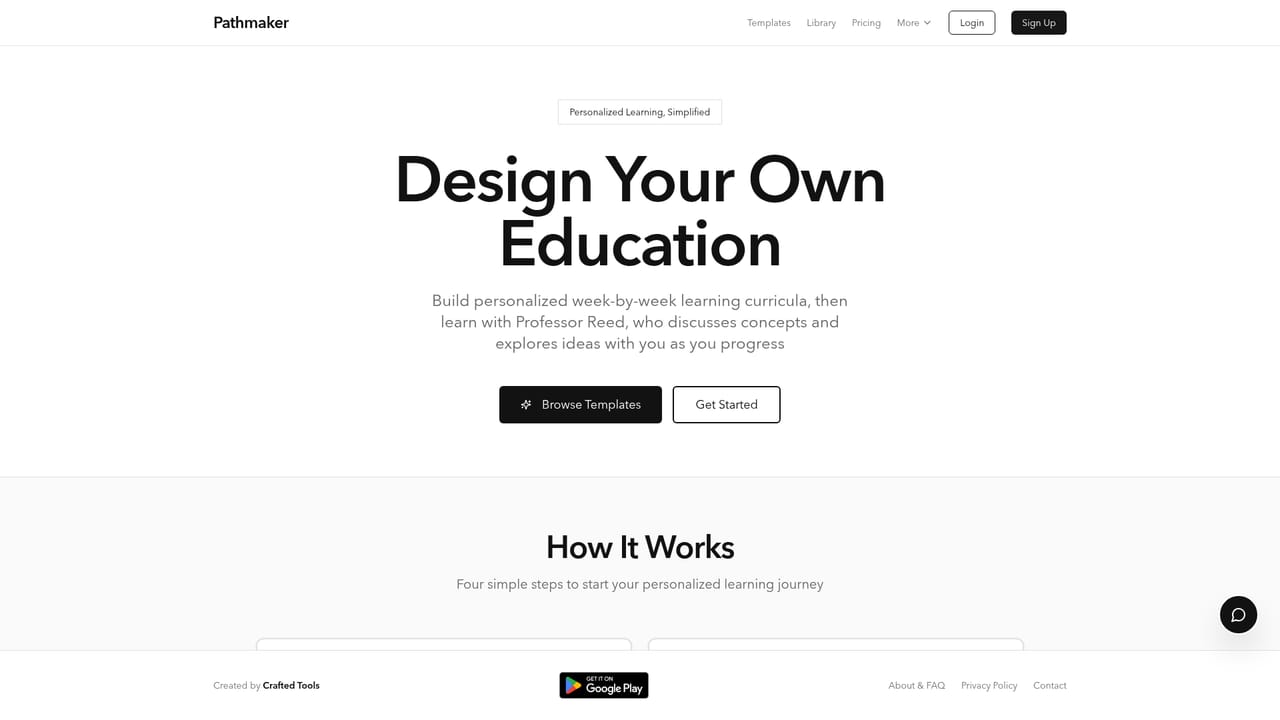
Screenshot of Pathmaker, Build week-by-week learning plans and discuss them with an AI coach

What is Pathmaker?

Pathmaker is a courses tool that builds week-by-week learning plans and discuss them with an AI coach. Pathmaker builds personalized week-by-week learning curricula from templates or from scratch, then pairs each plan with an AI coach for discussion, saved class notes, and progress tracking.

Pathmaker is a self-directed learning platform that turns a goal into a structured, week-by-week curriculum. Instead of assembling a reading list by hand, you describe what you want to learn and the tool produces a sequenced plan with curated resources, activities, and discussion prompts for each week. The plan is editable, so the curriculum can be adjusted as priorities shift. The centerpiece is Professor Reed, an AI coach that talks through concepts rather than simply answering questions. Each weekly plan includes prompts designed for that discussion, and conversations can be saved as searchable Class Notes tied to a specific week, activity, or general course topic. Progress tracking includes reflections, time logging, achievements, and version history, so a curriculum can be revised without losing earlier drafts. A public template library provides starting points across subject areas, and templates can be forked and customized. A featured collection on expansive design education bundles eight templates covering design as value creation, business literacy, systems thinking, design and AI, consumer psychology, commerce infrastructure, perception and branding, and a studio capstone. Finished curricula can be exported to PDF or a text file. Pathmaker suits independent learners, career switchers, designers, and educators who want a repeatable structure for self-study. It is not a course marketplace: there are no instructors, graded assignments, or credentials. Compared with a general chatbot, the value lies in the planning layer and the persistent record of what has been covered. The homepage does not state whether a free tier is available, so check the pricing page before committing.

How do you use Pathmaker?

  1. 1Create an account
    Sign up from the homepage. The site states that creating a first curriculum takes minutes and no credit card is required.
    Pathmaker — Create an account
  2. 2Pick a starting template
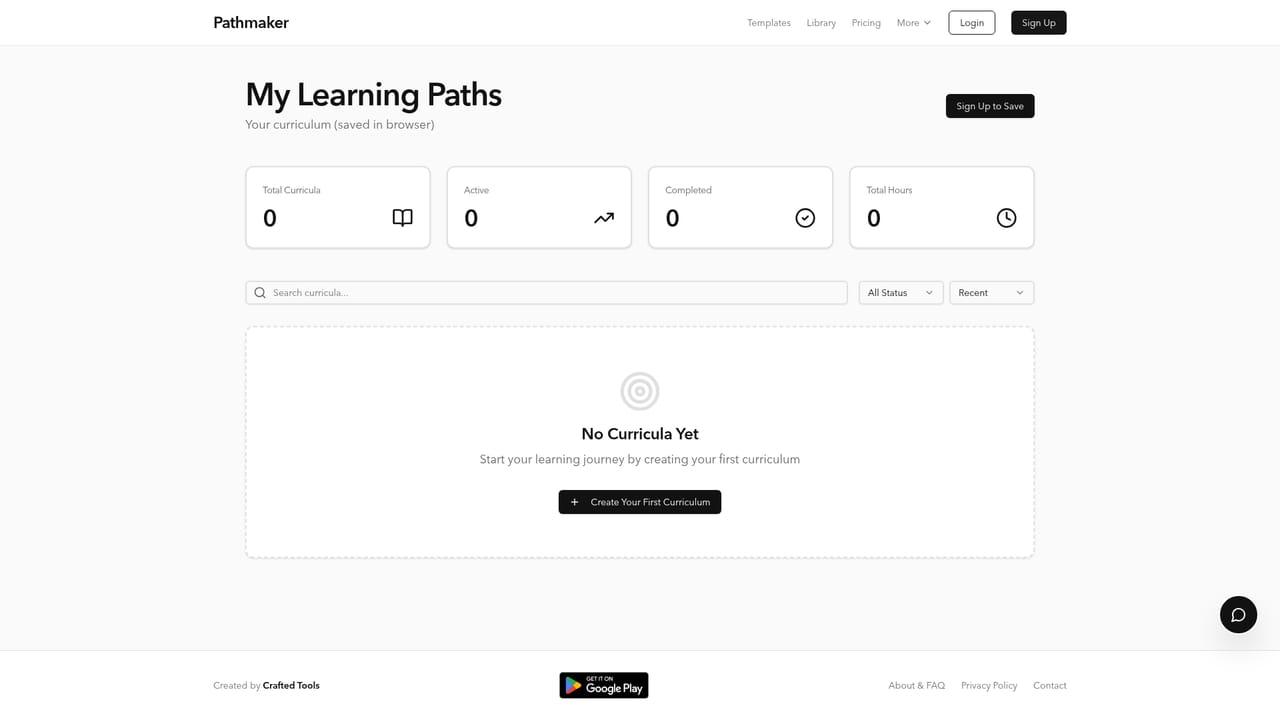
    Browse the public template library and open any curriculum that matches your goal. You can fork a template rather than building from scratch.
    Pathmaker — Pick a starting template
  3. 3Customize the weekly plan
    Adjust the weeks, resources, activities, and discussion prompts to fit your schedule and level. Changes are kept in version history.
    Pathmaker — Customize the weekly plan
  4. 4Discuss each week with Professor Reed
    Work through the built-in discussion prompts with the AI coach. Conversations can be saved as Class Notes linked to that week or activity.
  5. 5Log progress and reflections
    Mark activities complete, record reflections and time, and collect achievements as milestones are reached.
  6. 6Export or revise the curriculum
    Save the finished plan to PDF or a text file, or restore an earlier version from history if the structure needs to change.
    Pathmaker — Export or revise the curriculum

Pros and cons

Pros

  • Turns a vague learning goal into a sequenced weekly plan with resources and activities.AI
  • Professor Reed is framed as a discussion partner, which suits conceptual subjects better than pure Q&A.AI
  • Templates can be forked from a public library, so you rarely start from a blank page.AI
  • Class Notes, reflections, and version history keep a durable record of what you have studied.AI
  • Curricula export to PDF or text, so the plan is not locked inside the app.AI

Cons

  • No mention of graded assessments, certifications, or credit, so it cannot replace a formal course.AI
  • The AI coach is a single named persona with no stated option to change its teaching style.AI
  • Discussion quality depends on the resources the curriculum pulls in, and the homepage does not explain how they are chosen.AI
  • Template coverage outside the featured design collection is not documented on the homepage.AI
  • Pricing and any free tier are not described on the homepage, which makes cost hard to judge upfront.AI

How much does Pathmaker cost?

Features

Custom and template-based curriculum building, a public library of forkable curricula, the Professor Reed AI coach, searchable Class Notes linked to weeks and activities, progress tracking with reflections and time logging, achievements, curriculum version history, and export to PDF or text.

Frequently asked questions about Pathmaker

  • How do you use Pathmaker?
    The walkthrough on this page covers 6 steps: 1. Create an account 2. Pick a starting template 3. Customize the weekly plan 4. Discuss each week with Professor Reed 5. Log progress and reflections 6. Export or revise the curriculum.
  • What platforms does Pathmaker support?
    Pathmaker is available on Web App.
  • What are the limitations of Pathmaker?
    No mention of graded assessments, certifications, or credit, so it cannot replace a formal course. The AI coach is a single named persona with no stated option to change its teaching style. Discussion quality depends on the resources the curriculum pulls in, and the homepage does not explain how they are chosen.

Status

StatusActive
Views0
Outbound clicks0
Added10/21/2026

Platforms

Web App

Pricing

FreePaid