Pricing
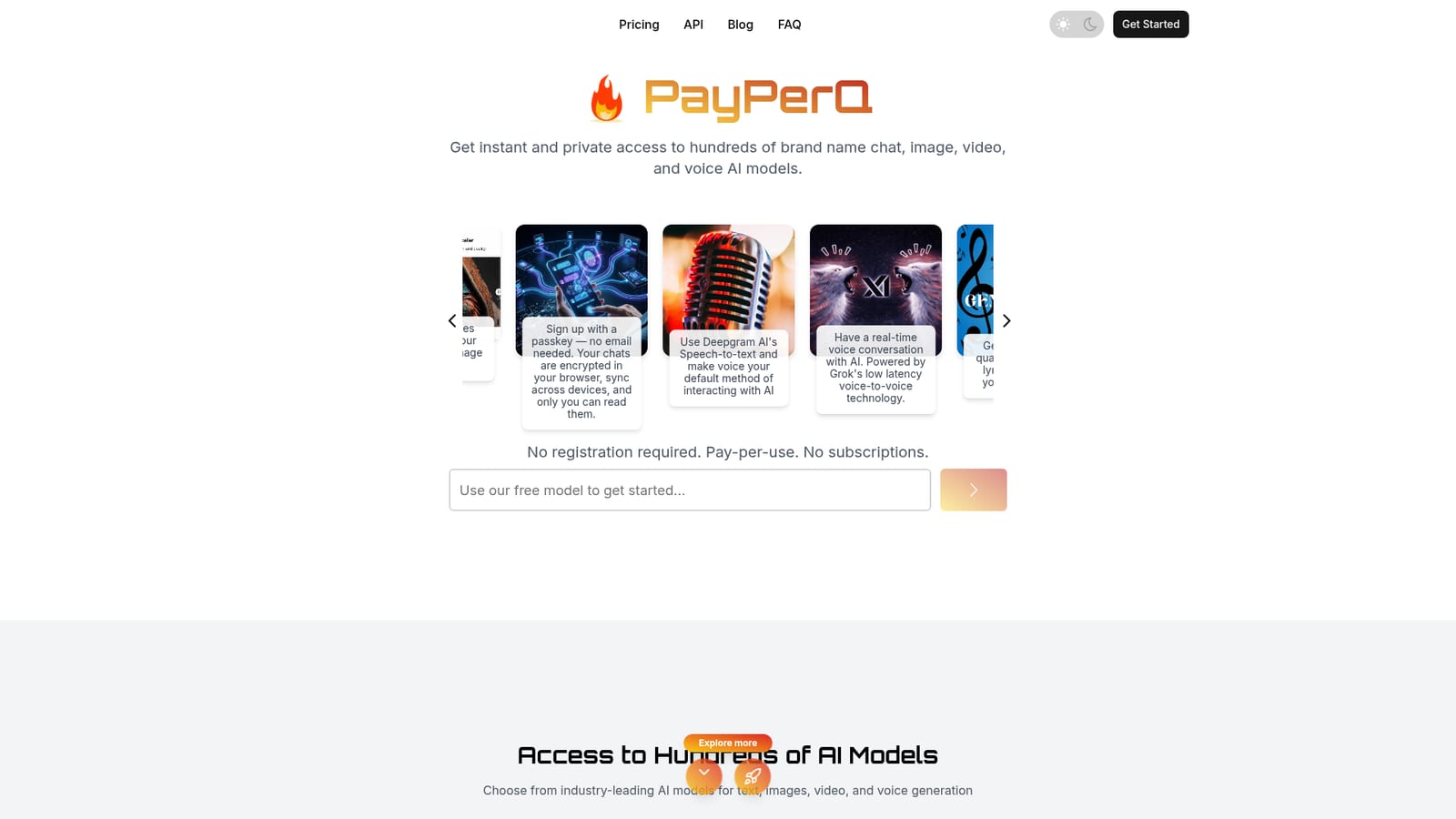
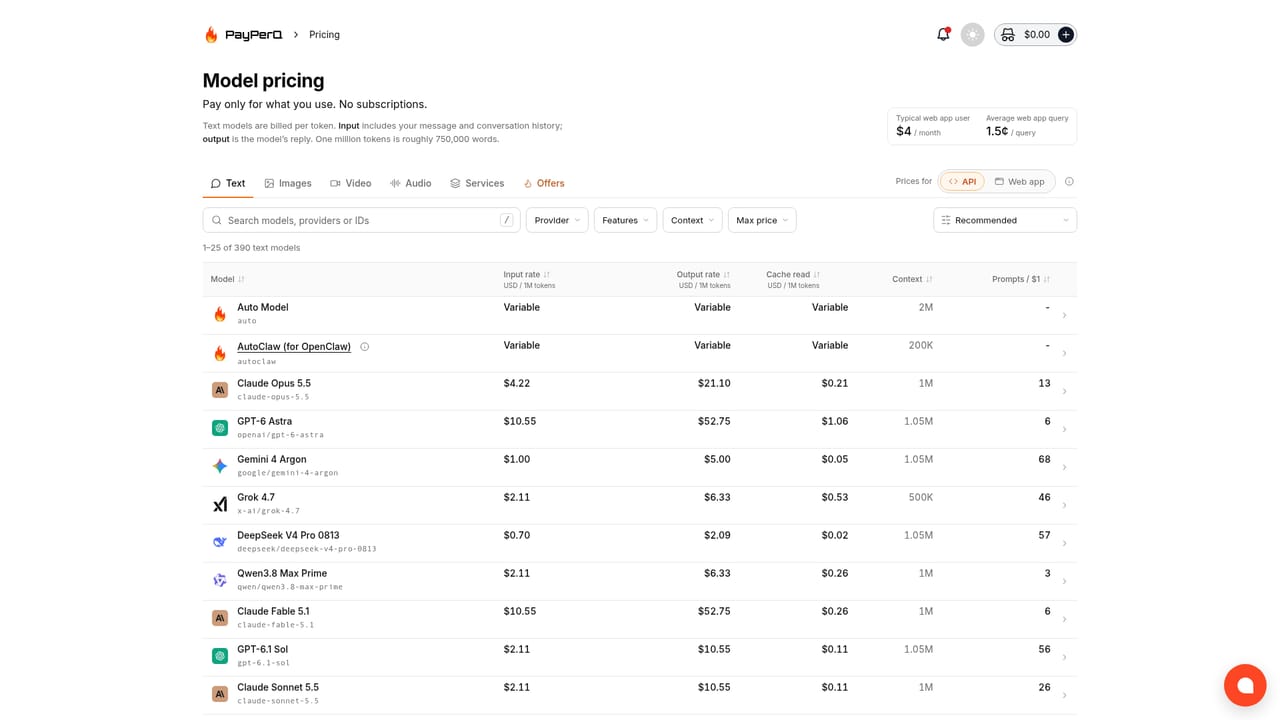
Pay-per-use only, with no subscriptions. Users prepay a balance starting at ten cents, and the site quotes an average spend of around two cents per query. Rates vary by model and the full model list sits on the pricing page.
Learn morePay per prompt for hundreds of top AI models, no subscription required

PayPerQ is an AI chat bot tool. A metered AI service that gives one interface and one API key for chat, image, video, voice and music models from many vendors, funded by a small prepaid balance rather than a subscription, with no registration needed to start.
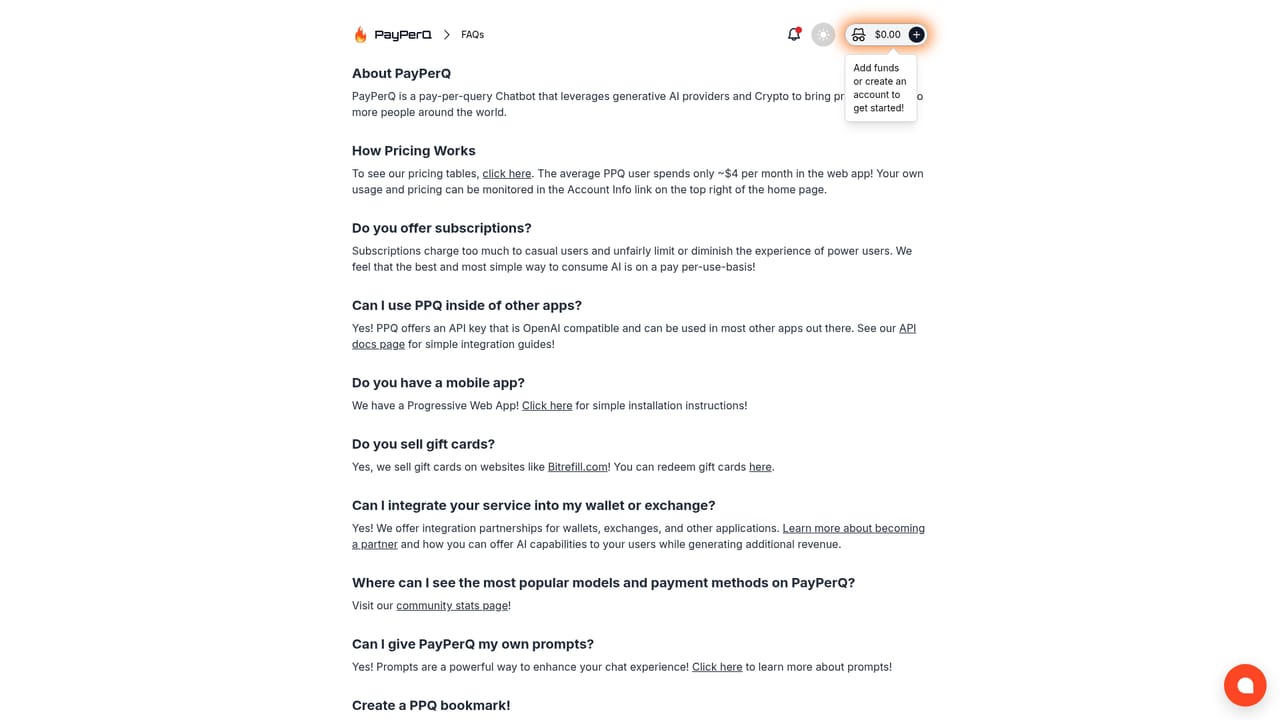
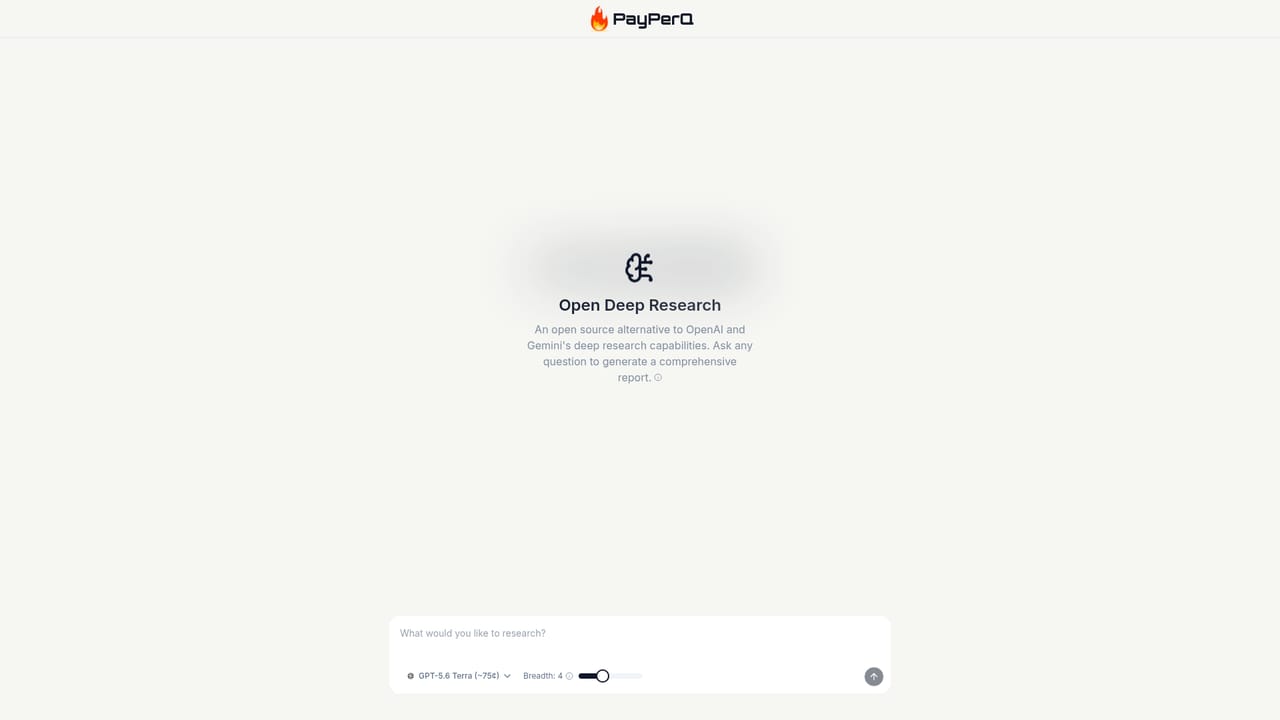
PayPerQ is a pay-as-you-go gateway to a large catalogue of brand name AI models for chat, image, video, voice and music work. Instead of committing to a monthly plan from a single vendor, users load a small balance and spend it prompt by prompt across models from OpenAI, Anthropic, xAI, Meta, Perplexity, DeepSeek, Qwen and others. The web app bundles text conversations, image creation, HD video generation and music generation in one interface, and a single click moves a conversation from one model to another. Account handling is deliberately light. Visitors can start chatting without registering, and those who do sign up can use a passkey instead of an email address. Chats are described as encrypted in the browser and stored locally on the device, syncing across devices for the account holder only. Topping up starts at ten cents, crypto payment is supported for anonymous use, and the site quotes an average of about two cents per query. Users who prefer not to type can switch to Deepgram speech-to-text for voice input or hold a real-time voice conversation powered by Grok. The same balance powers an OpenAI-compatible API, so the service slots underneath existing developer tooling. Changing the endpoint and key lets apps built against OpenAI standards route through PayPerQ, and the site publishes setup guides for Cline, Claude Code, OpenCode, OpenWebUI, Roo, OpenClaw and AutoClaw. Other extras include deep research with web scraping and reasoning, academic search with citations to peer-reviewed sources, people lookup across web and B2B databases, and the AuraSR image upscaler. A separate Private Whisper desktop dictation app for macOS, Windows and Linux connects with a PayPerQ API key. It suits cost-conscious individuals, privacy-minded users and developers who want one credential for many models without stacking subscriptions. The trade-off compared with a dedicated vendor plan is that there is no flat allowance and no single vendor's full feature set, so heavy users need to watch their balance and accept that the experience depends on third-party models.
Pay-per-use only, with no subscriptions. Users prepay a balance starting at ten cents, and the site quotes an average spend of around two cents per query. Rates vary by model and the full model list sits on the pricing page.
Learn moreHelp is offered through the site FAQ and blog setup guides. No live chat, email support address or ticketing system is stated on the homepage.
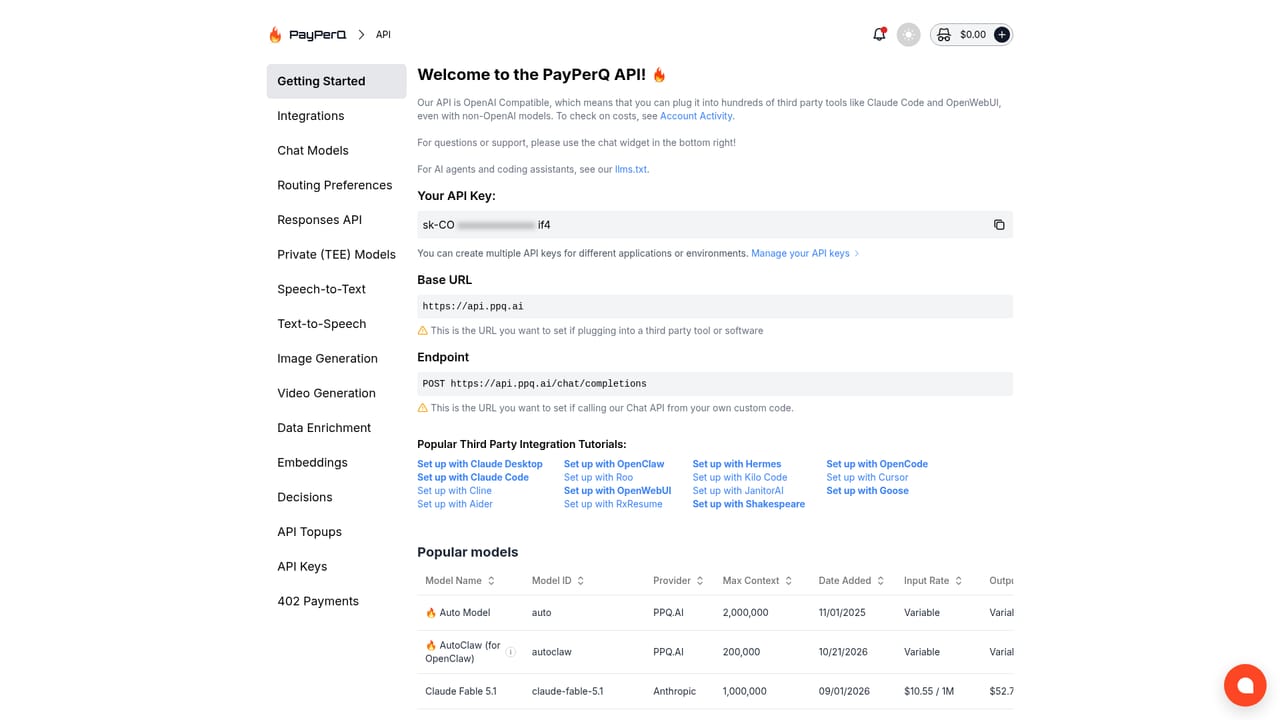
Learn moreAn OpenAI-compatible API lets existing apps route through PayPerQ by changing the endpoint and key. Published guides cover Cline, Claude Code, OpenCode, OpenWebUI, Roo, OpenClaw and AutoClaw, and Private Whisper connects with a PayPerQ key.
Learn moreChat with hundreds of text models plus image generation, HD text-to-video, music with lyrics, image upscaling via AuraSR, document and image chat, Deepgram speech-to-text, Grok real-time voice chat, deep research with web scraping, academic search with citations and people lookup. Chats are described as encrypted in the browser and stored locally.
 AI Angels400+ customizable AI girlfriends for NSFW chat, voice calls, and roleplay
 Candy AIExperience the future of companionship with AI friends who chat, role-play, and connect with you on a human level.
 ourdream.aiA vast AI roleplay platform with millions of characters for chat, images, video and voiceAI Angels400+ customizable AI girlfriends for NSFW chat, voice calls, and roleplayCandy AIExperience the future of companionship with AI friends who chat, role-play, and connect with you on a human level.ourdream.aiA vast AI roleplay platform with millions of characters for chat, images, video and voice


