Pricing
The tool is described as completely free: no subscription plans, no registration, no credit card and no stated limit on the number of PDFs summarized.
Learn moreFree AI PDF summarizer with no sign-up and no limits
Own PDFSummarizer.net? Verify ownership to get a dofollow link
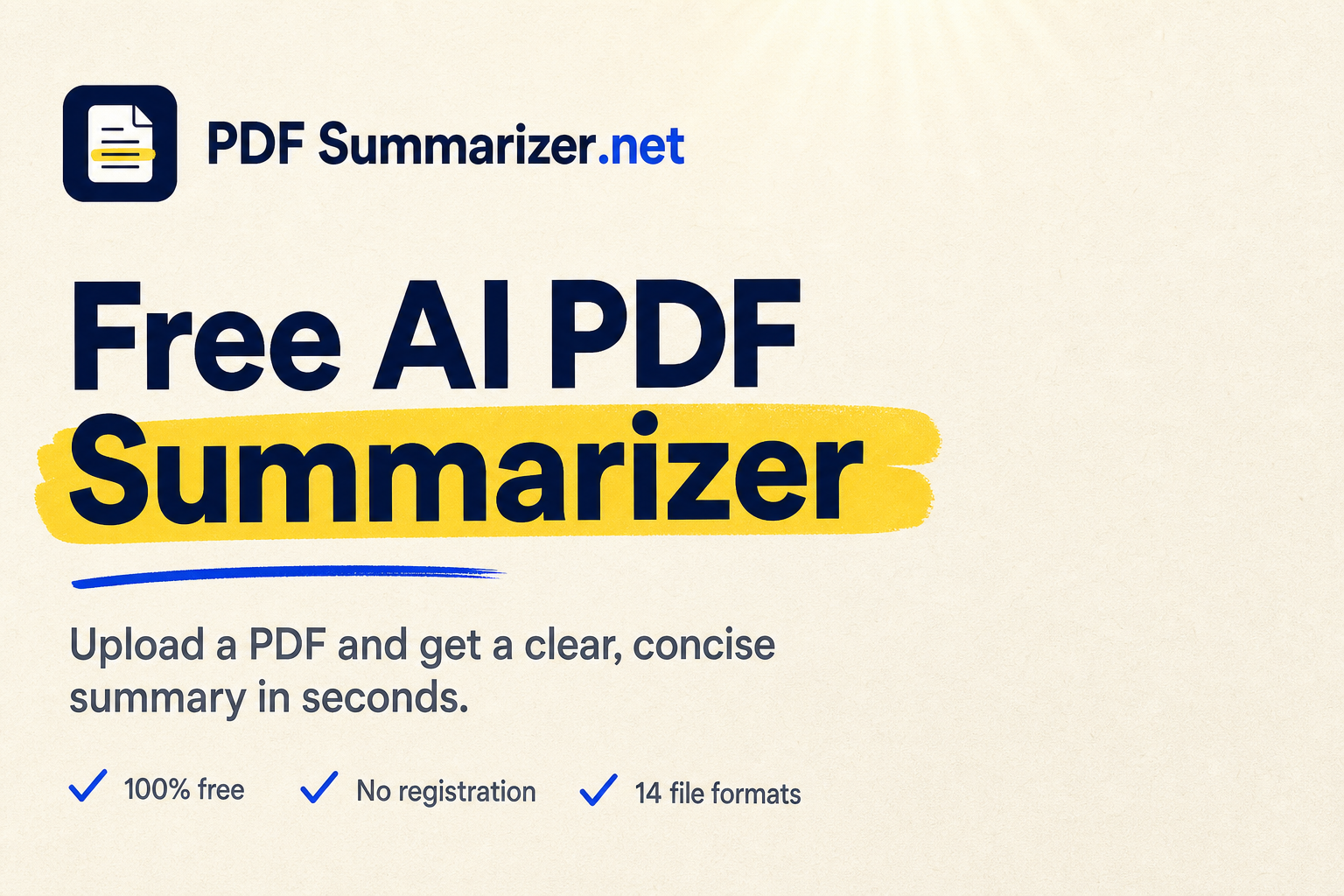
PDFSummarizer.net is an AI summarizer tool. A free, no sign-up AI summarizer that turns PDFs, Office files, images and e-books into bullet point summaries, with chat follow-up questions and support for any language.
PDFSummarizer.net is a browser based tool that reads a document and returns a structured summary with the main points extracted as bullets. The homepage positions it as a purpose built summarizer rather than a general chatbot: the user drops a file, the service parses it page by page, and a summary appears without any prompt engineering. No account, email address or credit card is involved at any stage. The format list is wider than the name suggests. Beyond PDF, the tool accepts Word (DOCX), PowerPoint (PPTX), plain text, Markdown, HTML, images in JPG, PNG, GIF and WEBP, and e-books in EPUB, FB2 and MOBI, with a 50 MB ceiling per file. Documents in any language can be summarized, and the output language can be chosen separately from the source language. After the summary is produced, users can copy or download it, or continue in a chat mode that answers questions grounded in the uploaded file. In practice the tool suits readers who need to triage volume rather than produce polished writing. Students condensing chapters before an exam, researchers screening papers before committing to a close read, and staff briefing themselves on long reports or contracts are the use cases the site foregrounds. The site also publishes dedicated entry points for text, books, images, PowerPoint decks and research papers, plus an image translator and a chat with PDF page. The alternatives are general assistants such as ChatGPT, which require a prompt, impose usage limits on free tiers and may truncate very long documents, or paid summarizer subscriptions. PDFSummarizer.net competes on cost and friction: unlimited free summaries, one click output, and no context window worry on large files. The trade off is a narrower feature set, since it summarizes and answers questions but does not draft, edit or integrate with other software.
The tool is described as completely free: no subscription plans, no registration, no credit card and no stated limit on the number of PDFs summarized.
Learn moreSummarizes 14 file formats (PDF, DOCX, PPTX, TXT, MD, HTML, JPG, JPEG, PNG, GIF, WEBP, EPUB, FB2, MOBI) up to 50 MB. Documents in any language can be summarized into the output language of your choice. Results come as a structured summary with key points and bullets, and users can set summary length and focus. A chat mode answers questions about the uploaded file, and summaries can be copied or downloaded.
 AI Angels400+ customizable AI girlfriends for NSFW chat, voice calls, and roleplay
 Candy AIExperience the future of companionship with AI friends who chat, role-play, and connect with you on a human level.
 ourdream.aiA vast AI roleplay platform with millions of characters for chat, images, video and voiceAI Angels400+ customizable AI girlfriends for NSFW chat, voice calls, and roleplayCandy AIExperience the future of companionship with AI friends who chat, role-play, and connect with you on a human level.ourdream.aiA vast AI roleplay platform with millions of characters for chat, images, video and voice