PeakBot

AI Discord bot that builds and runs your server from a plain description

Beginner
Screenshot of PeakBot, AI Discord bot that builds and runs your server from a plain description

What is PeakBot?

PeakBot builds Discord servers from a plain-language prompt, then runs them with moderation, XP, tickets, welcomes, backups and AI analytics. Most operational features are free on unlimited servers; the AI Server Builder, AI moderation and AI analytics require the Pro plan, which covers one server per slot.

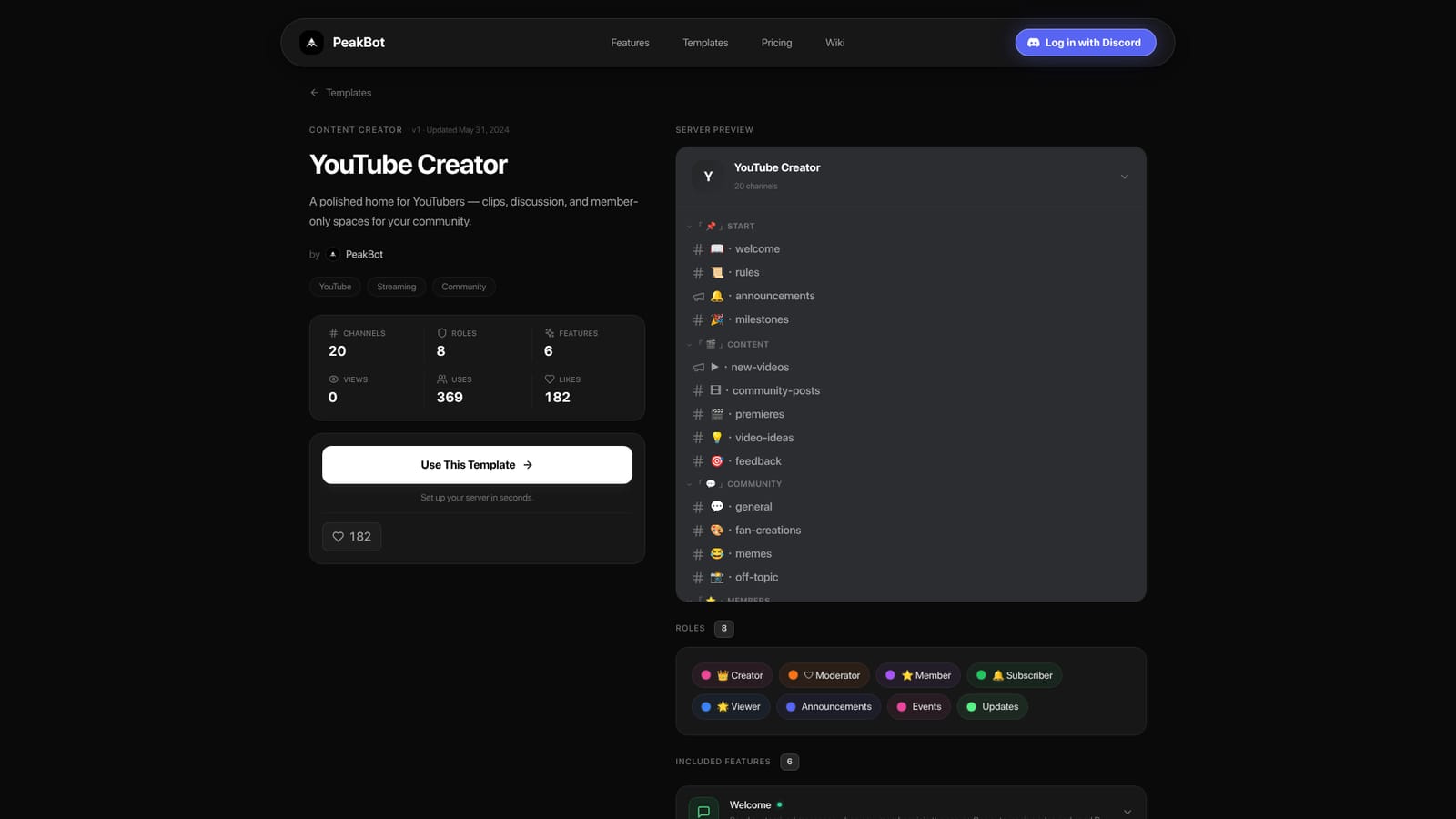
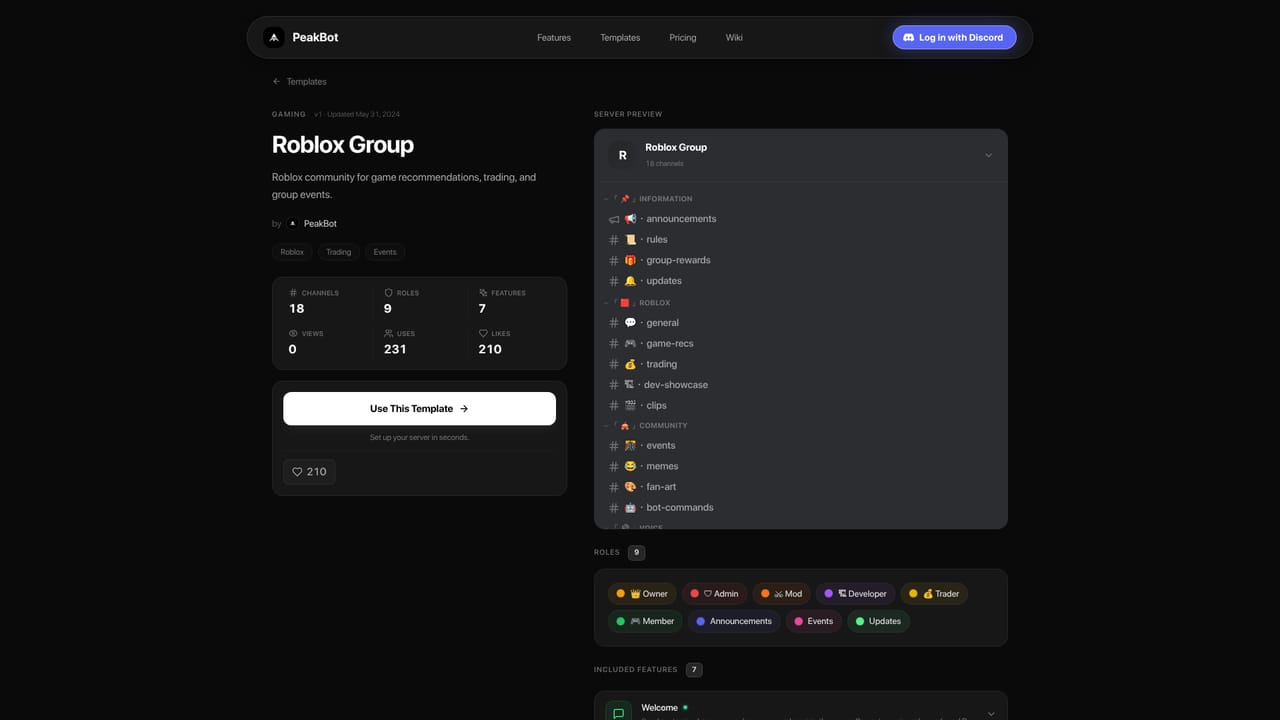
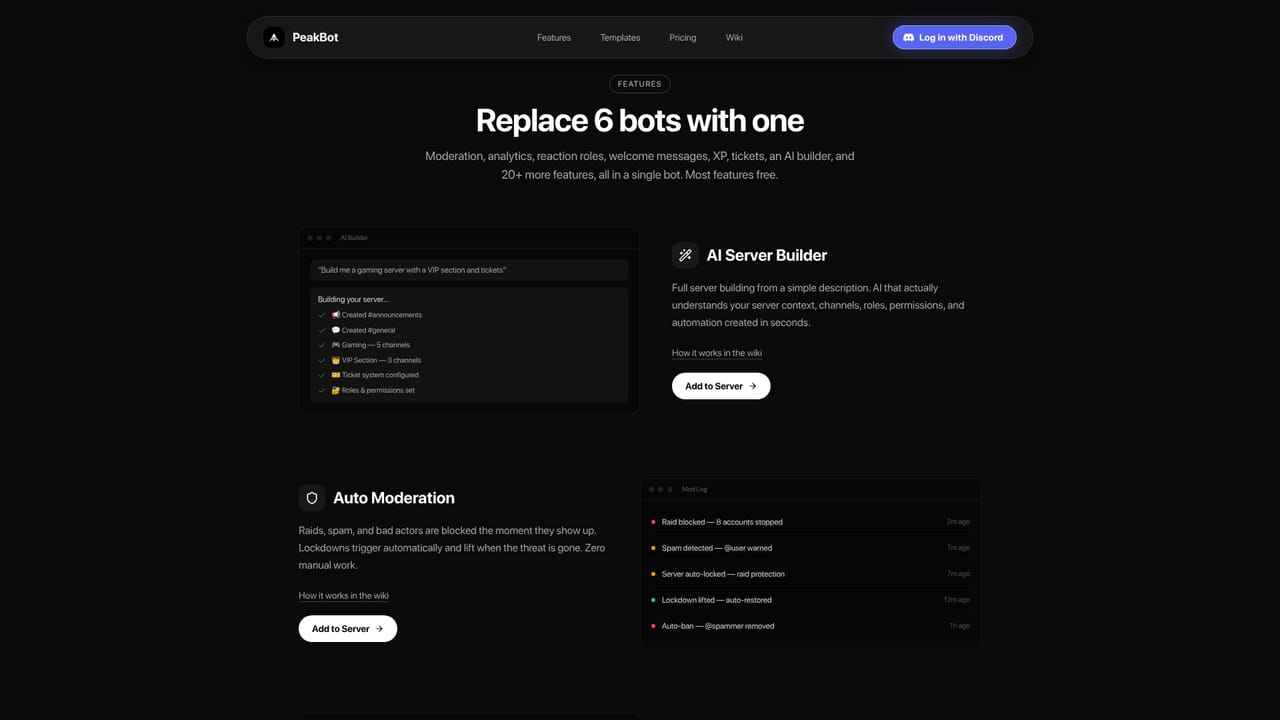
PeakBot is a Discord bot that combines two jobs most servers handle with separate tools: building the server structure and then running it day to day. A single prompt such as a request for a study group with scheduled sessions produces channels, roles and permissions in seconds, and the same bot then handles moderation, XP, tickets, welcomes and backups. The pitch is consolidation, replacing roughly six single-purpose bots with one install. The AI Server Builder is the core feature and sits behind the Pro tier. A plain-language description is enough: no JSON, no permission matrices, no manual channel creation. The bot reads context about your existing channels and roles, so a request to clean up or lock down a server can act on what is already there rather than starting from scratch. A /peak command exposes the same capability inside Discord, so admins can build or tighten a server without opening the dashboard. For teams that want a starting point rather than a blank prompt, the template library covers about sixteen scenarios, including creator setups for Twitch, YouTube, TikTok and podcasts, gaming servers for Valorant, CS2, Minecraft, Roblox, Fortnite and League of Legends, plus crypto, DAO, open source and social hangout layouts. Each template lists a channel and role count, so the scope is visible before you apply it. The free tier is unusually broad: moderation, XP and leveling, tickets, welcome messages, reaction roles, anti-nuke protection, backups and an embed builder are all included with no time limit, and the free tier works across unlimited servers. Paid plans add the AI layer. Starter covers custom bot profiles, welcome images and DMs, voice XP tuning and ticket auto-close. Pro unlocks the AI Server Builder, AI moderation with text and image detection, AI analytics and 25 daily backups, but covers one server per slot. Agency extends Pro to as many as 100 managed servers with custom branding and a dedicated account manager. PeakBot suits community managers, creators and small teams who want a professional-looking server without hiring help or learning Discord's permission system. The trade-off is depth: specialist bots may still win on niche automations, and AI moderation has to be trusted with a judgment call that a keyword filter never made.

How do you use PeakBot?

  1. 1Add PeakBot to your Discord server
    Click Add to My Server on the website, pick the target server from the dropdown and authorize the requested permissions. The bot is described as live in under 30 seconds with no configuration needed for the free features.
    PeakBot — Add PeakBot to your Discord server
  2. 2Pick a template or write your own description
    Browse the template library and choose something close to your community type, such as a Valorant team or podcast network, or skip templates and describe your server in plain language. Each template shows its channel and role count before you commit.
    PeakBot — Pick a template or write your own description
  3. 3Generate channels, roles and permissions
    Run the AI Server Builder from the dashboard or with the /peak command inside Discord. The builder creates the channels, roles and permission structure from your description. This step requires a Pro plan.
    PeakBot — Generate channels, roles and permissions
  4. 4Configure moderation and community features
    Set up moderation rules, welcome messages, reaction roles, XP and leveling, and tickets through the visual dashboard. No coding is involved, and these features are available on the free tier.
  5. 5Ask the analytics a question
    On Pro, type a plain question about server activity and get a live chart plus a direct answer, then act on whatever is slowing growth or engagement.
  6. 6Review backups and plan limits
    Check how many daily backups your plan includes (5 on Starter, 25 on Pro) and confirm which server your slot covers. Agency slots cover up to 100 managed servers.

Pros and cons

Pros

  • Free tier covers 30+ features with no time limit and works on unlimited serversAI
  • AI Server Builder and the /peak command remove manual channel, role and permission setupAI
  • Sixteen ready-made templates across gaming, creator, tech, finance and community nichesAI
  • AI moderation claims context and intent awareness rather than keyword matchingAI
  • Agency plan scales Pro to up to 100 servers per slot with custom brandingAI

Cons

  • AI Server Builder, AI moderation and AI analytics are locked to Pro and aboveAI
  • Pro covers a single server per slot, so multi-server owners pay per communityAI
  • Cancelling is immediate: paid features switch off at once with no refund for the remaining periodAI
  • Moderation, welcome images, DMs and ticket auto-close are held back on the free planAI
  • The free tier lacks a custom bot profile, so the bot keeps default brandingAI

How much does PeakBot cost?

Pricing

Four tiers. Free is $0 forever with 30+ features and no account required. Starter is $4.00/mo billed yearly at $48 (was $69). Pro is $5.75/mo billed yearly at $69 (was $99) and adds the AI Server Builder, AI moderation and AI analytics. Agency is $14.50/mo billed yearly at $174 (was $249) for up to 100 servers per slot. FAQ text also cites Pro at $8.25/month.

Learn more

Support

Live support runs through the PeakBot Discord server with an average response under one hour. Pro members get priority support, and documentation and video tutorials cover self-service help.

Integrations

The bot runs inside Discord, and the Agency tier lists custom integrations. No named third-party integrations appear in the homepage content.

Features

AI Server Builder from a plain description, AI structure and feature builders, a /peak Discord command, AI moderation for text and image with unlimited channels on Pro, AI analytics answered in plain language, plus free moderation, XP and leveling, tickets, welcome messages, reaction roles, giveaways, logging, anti-nuke protection, backups, an embed builder and 28+ additional features listed on the features page.

Learn more

Frequently asked questions about PeakBot

  • How much does PeakBot cost?
    Four tiers. Free is $0 forever with 30+ features and no account required. Starter is $4.00/mo billed yearly at $48 (was $69). Pro is $5.75/mo billed yearly at $69 (was $99) and adds the AI Server Builder, AI moderation and AI analytics. Agency is $14.50/mo billed yearly at $174 (was $249) for up to 100 servers per slot. FAQ text also cites Pro at $8.25/month.
  • How do you use PeakBot?
    The walkthrough on this page covers 6 steps: 1. Add PeakBot to your Discord server 2. Pick a template or write your own description 3. Generate channels, roles and permissions 4. Configure moderation and community features 5. Ask the analytics a question 6. Review backups and plan limits.
  • What platforms does PeakBot support?
    PeakBot is available on Discord and Web App.
  • What does PeakBot integrate with?
    The bot runs inside Discord, and the Agency tier lists custom integrations. No named third-party integrations appear in the homepage content.
  • What are the limitations of PeakBot?
    AI Server Builder, AI moderation and AI analytics are locked to Pro and above. Pro covers a single server per slot, so multi-server owners pay per community. Cancelling is immediate: paid features switch off at once with no refund for the remaining period.

Status

StatusActive
Views0
Outbound clicks0
Added10/21/2026

Platforms

DiscordWeb App

Pricing

FreeFreemiumSubscription