Free trial
A 14-day free trial is available with no credit card required. Setup takes under 10 minutes and includes a 30-minute onboarding call.
Learn moreAI answers from your team's SOPs, manuals and FAQs, right inside Microsoft Teams.

Perfect Wiki is an AI chat bot tool. A Teams-native knowledge base that stores SOPs, manuals and FAQs and lets the AI answer questions from those documents, with cited sources, in 28+ languages. Setup connects existing SharePoint content or uploaded files, and answers are available in channels, chat, Copilot and SharePoint.
Perfect Wiki is a knowledge base built for Microsoft Teams, designed to hold the SOPs, manuals, FAQs and how-to guides that teams normally keep in scattered SharePoint folders, Word documents and spreadsheets. The core idea is that process knowledge should belong to the whole team rather than to one person who happens to know where everything is. It installs as a tab in any Teams channel, so the knowledge base lives where people already work instead of in a separate app that requires another login. Setting up does not demand a migration project. You can point the tool at a SharePoint or OneDrive folder, upload documents (Word, PDF, Excel, PowerPoint, HTML, CSV and ZIP are supported), or build pages from scratch using templates. A nightly sync indexes connected content for AI search. After that, the AI assistant reads the connected material and answers questions in plain language, always citing the source page or document so answers can be checked. It works in 28 or more languages and replies in the language of the question. The AI runs on Azure OpenAI and is scoped to your knowledge base, so it does not pull from the web and your content is not used for model training. Questions can be asked in several places: in a channel by tagging @PerfectWiki, via a right-click shortcut on any message, through a personal tab for private lookups, or inside Copilot and SharePoint. Answers that solve a problem can be saved from chat into the wiki with one click, turning ad hoc help into permanent, searchable documentation. A weekly report also surfaces questions the wiki could not answer, showing where content gaps exist. Perfect Wiki is most relevant to teams already standardised on Microsoft 365, particularly operations, customer support, HR and onboarding groups that field repetitive questions. Alternatives include general-purpose wikis and intranet tools, but this one is tightly bound to Teams and favours conversational retrieval over manual browsing.
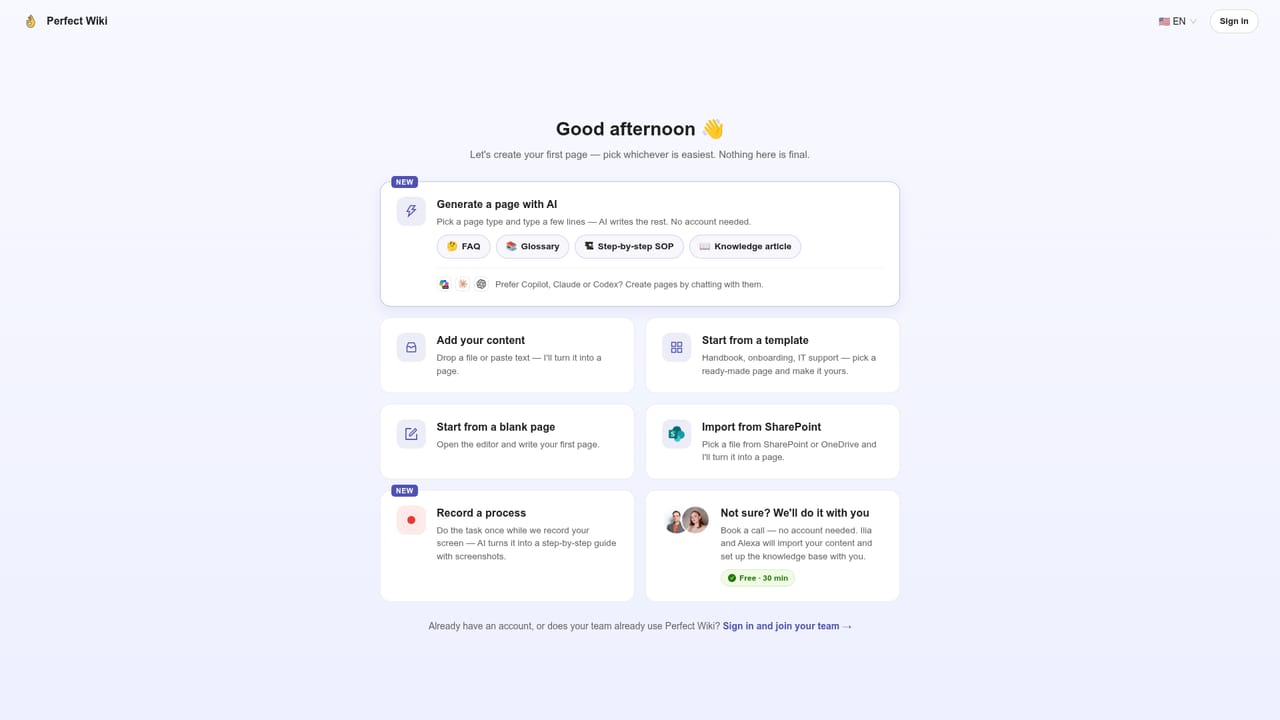
A 14-day free trial is available with no credit card required. Setup takes under 10 minutes and includes a 30-minute onboarding call.
Learn morePricing is per editor, with unlimited readers. Annual billing is $12 per editor per month; monthly billing is $24, and a three-year contract brings it to $9. Each editor includes 100 pooled AI requests per month and connections for 100 SharePoint files. Enterprise plans are available.
Learn moreSupport options include a 30-minute onboarding call, a book-a-call scheduling page, and documentation and security details on the site. The Teams Store listing and Microsoft Build 2024 feature provide additional context.
Learn moreWorks with Microsoft Teams, SharePoint, Copilot, ChatGPT, Claude, Slack, Mattermost, kChat, Power Automate, and the Chrome and Edge browser extensions.
Stores SOPs, FAQs, manuals and training documents in a searchable knowledge base inside Teams. Connects SharePoint folders or uploaded files (Word, PDF, Excel, PPT, HTML, CSV, ZIP) with nightly sync. AI answers in 28+ languages with cited sources, scoped to internal documents only. Available in channels, chat, Copilot and SharePoint. Includes 100 AI requests per editor per month, weekly knowledge gap reports, SSO, reader/editor/admin roles, 60-day backups, and HTML/PDF export.
 AI Angels400+ customizable AI girlfriends for NSFW chat, voice calls, and roleplay
 Candy AIExperience the future of companionship with AI friends who chat, role-play, and connect with you on a human level.
 ourdream.aiA vast AI roleplay platform with millions of characters for chat, images, video and voiceAI Angels400+ customizable AI girlfriends for NSFW chat, voice calls, and roleplayCandy AIExperience the future of companionship with AI friends who chat, role-play, and connect with you on a human level.ourdream.aiA vast AI roleplay platform with millions of characters for chat, images, video and voice


