Pricing
The homepage does not publish plan tiers or prices. It describes the model as one affordable subscription that replaces separate data subscriptions, and routes prospective buyers to a demo booking link instead of a checkout page.
Learn moreAI prospecting that writes your outbound for you

Persana AI is a lead generation tool. A sales prospecting platform that blends 100+ data sources, live buying signals and AI agents to find contacts, personalize outbound email and sync results to your CRM.
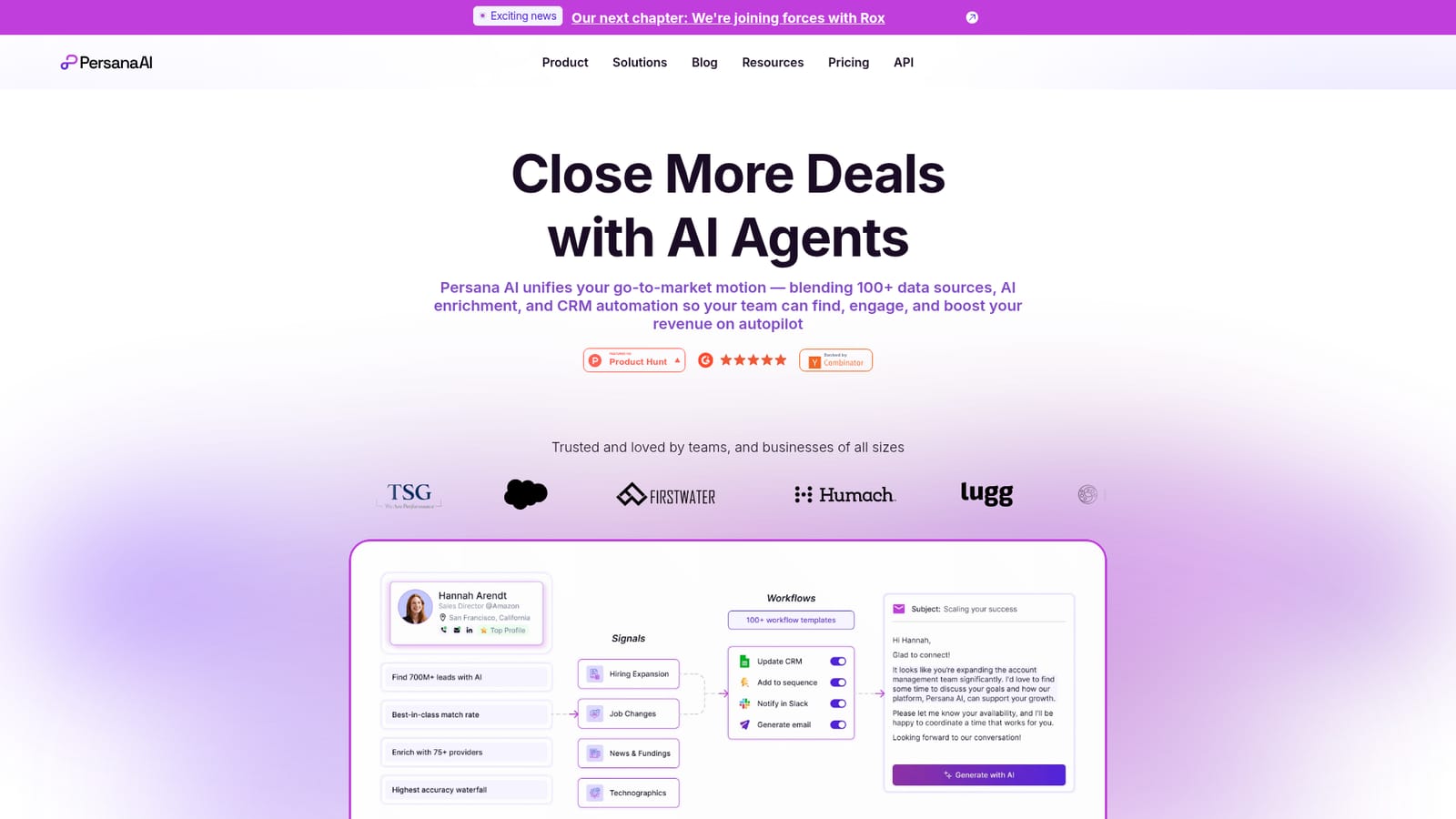
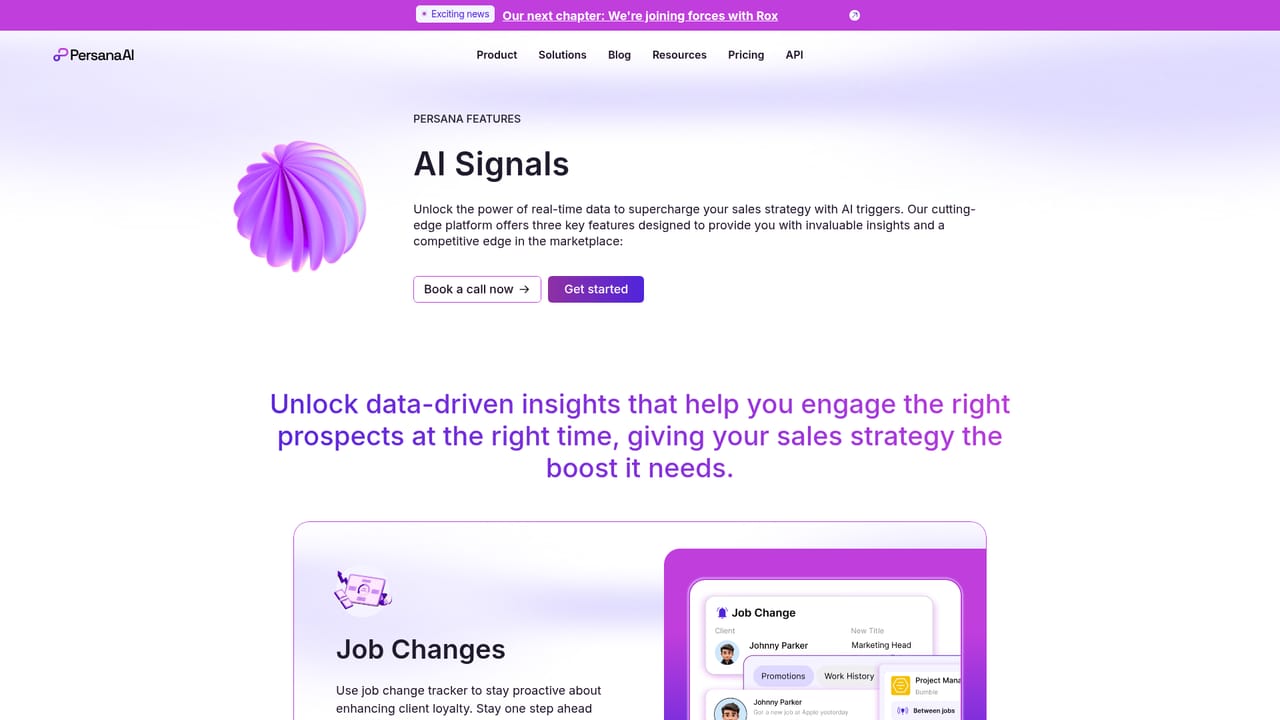
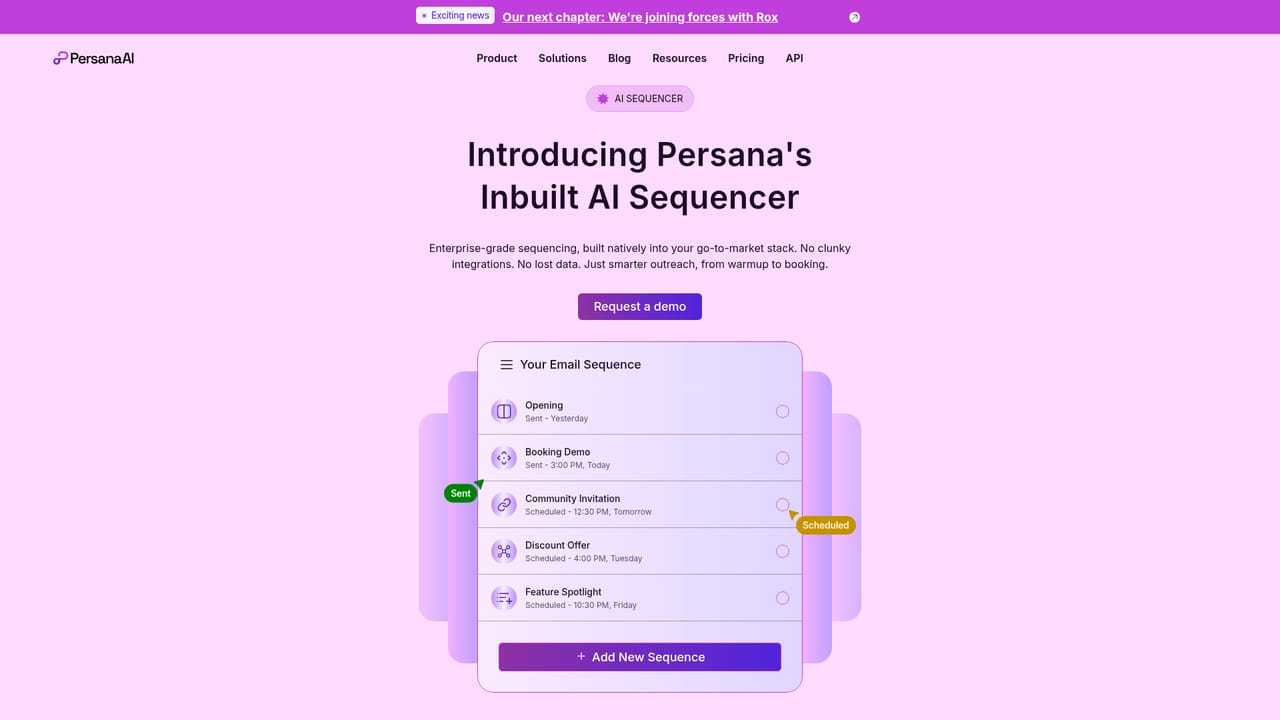
Persana AI is a go-to-market platform that combines prospect data, intent monitoring and AI agents for outbound sales. Rather than a standalone email writer, it is a full pipeline tool: it finds contacts, enriches them from a large pool of data providers, watches for buying signals and then produces personalized messages and sequences that reference what it found. Teams that spend their mornings researching accounts and rewriting the same cold email fall squarely into its target audience. The workflow runs in four stages. First, you define your ideal customer profile using firmographic, technographic and behavioral criteria. Second, the platform tracks live signals such as job changes, new hires, funding rounds, G2 reviews, website visits, keyword intent and competitor activity. Third, AI agents generate messages, assemble sequences and personalize outreach on a continuous basis. Fourth, results sync to your CRM, email tools, Slack or ad platforms so follow-up lands at the moment a signal appears. The data layer is the real differentiator. Persana aggregates more than 100 data providers under one subscription, covering emails, phone and mobile numbers, company size, revenue, growth stage, tech stack, funding history and more. AI research agents analyze company websites and news to surface conversation starters and rank leads by conversion likelihood. For teams already running an outbound stack, this consolidates tools that would otherwise be bought separately, which is the explicit pitch on the homepage. It suits sales development teams, agencies and founder-led sales operations that run volume outbound and need both contact coverage and signal-based personalization. Smaller teams that only need an email drafting assistant will find the surface area large, and the product rewards users who invest time in configuring personas and signals before expecting output quality.
The homepage does not publish plan tiers or prices. It describes the model as one affordable subscription that replaces separate data subscriptions, and routes prospective buyers to a demo booking link instead of a checkout page.
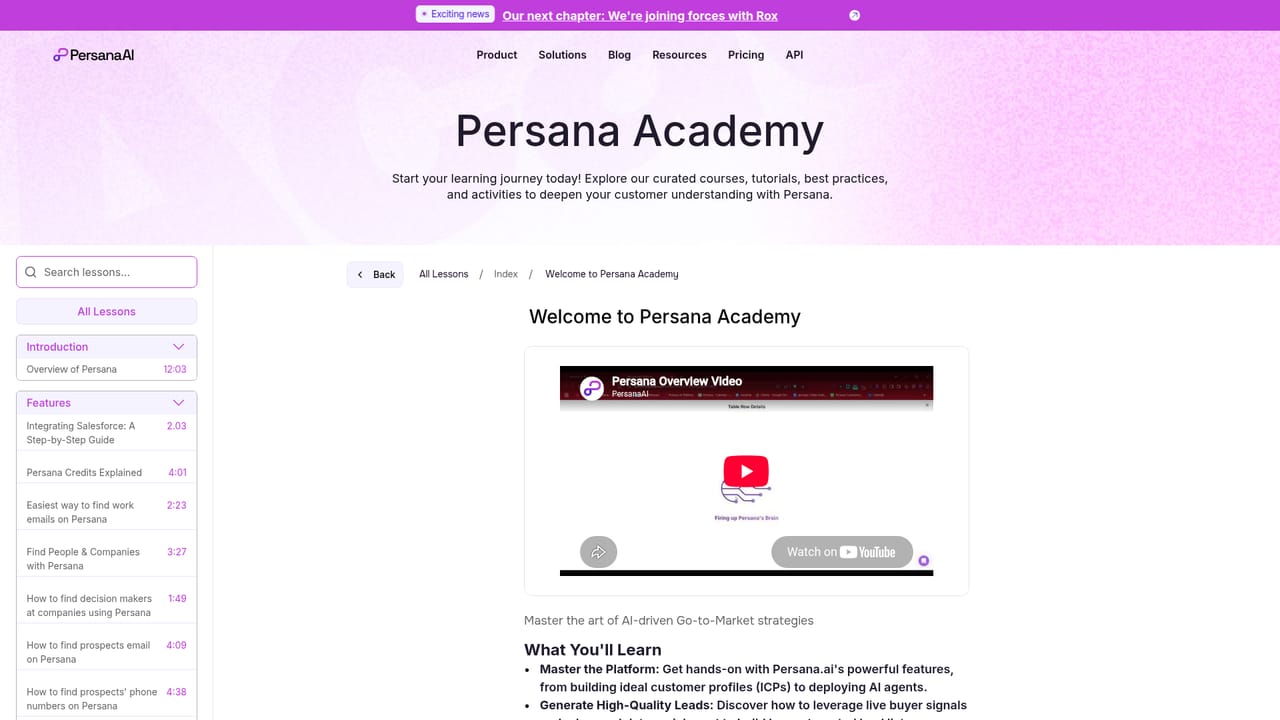
Learn morePersana Academy learning material and a help center are both linked from the site, alongside demo booking and published case studies. No live chat or phone support detail appears on the homepage.
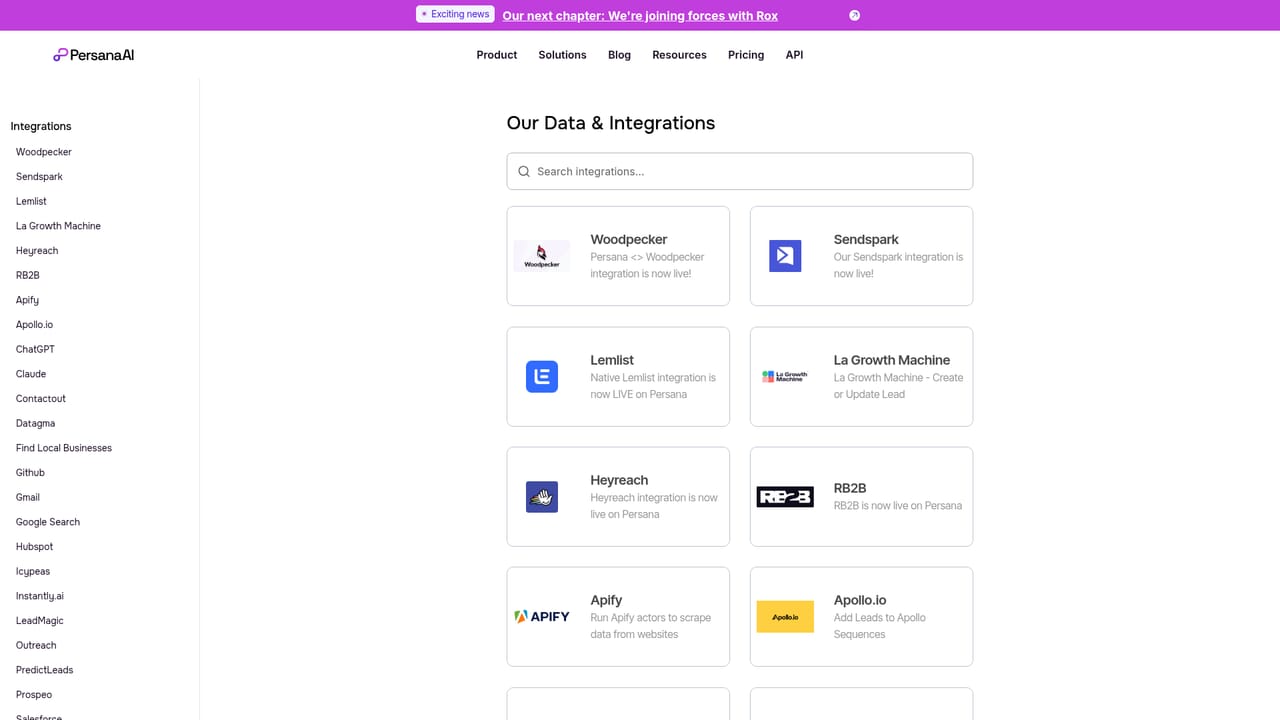
Learn moreA dedicated integrations page lists more than 100 data providers on one platform, and the homepage names Salesforce, HubSpot, Slack, email tools and ad platforms as sync targets.
Learn moreCore capabilities include an ICP builder, 100+ data sources for email and phone coverage, 75+ live intent signals (job changes, hiring, funding, G2 reviews, site visits, keyword intent), AI research agents for company analysis and lead scoring, AI message generation and sequencing, a contact API, and CRM and ad platform syncing.
Learn more AI Angels400+ customizable AI girlfriends for NSFW chat, voice calls, and roleplay
 Candy AIExperience the future of companionship with AI friends who chat, role-play, and connect with you on a human level.
 ourdream.aiA vast AI roleplay platform with millions of characters for chat, images, video and voiceAI Angels400+ customizable AI girlfriends for NSFW chat, voice calls, and roleplayCandy AIExperience the future of companionship with AI friends who chat, role-play, and connect with you on a human level.ourdream.aiA vast AI roleplay platform with millions of characters for chat, images, video and voice


