Pricing
The homepage states that all premium features are available without spending anything, and there is no paid tier listed. Editing is free in the browser, supported by advertising on the site.
Learn moreFull PSD photo editing in your browser, no install and no uploads

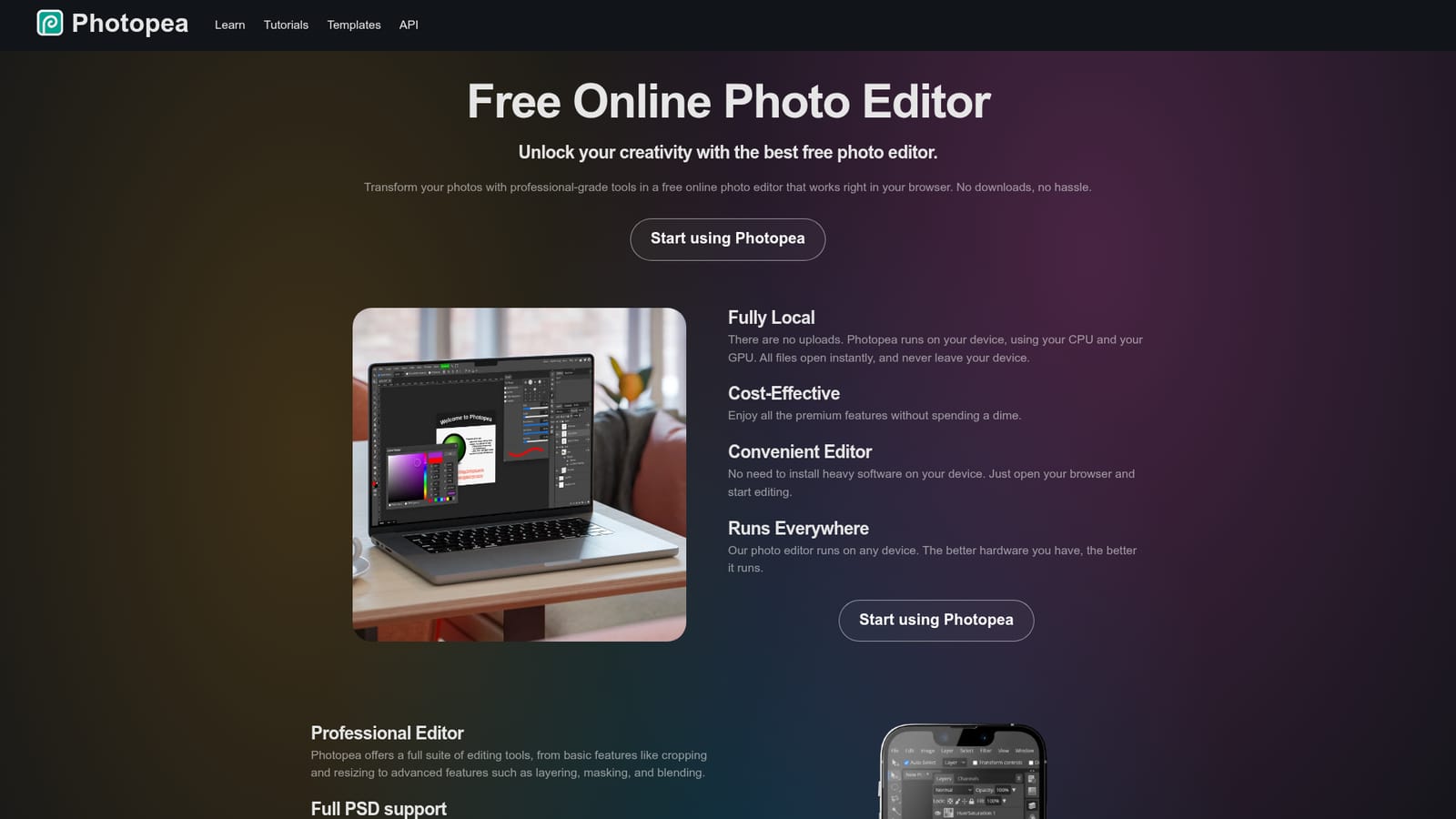
Photopea is a background remover tool. A free, browser based photo editor with layers, masks, smart objects, PSD support, RAW handling and one click AI background removal. Files are processed locally on your device and never uploaded.
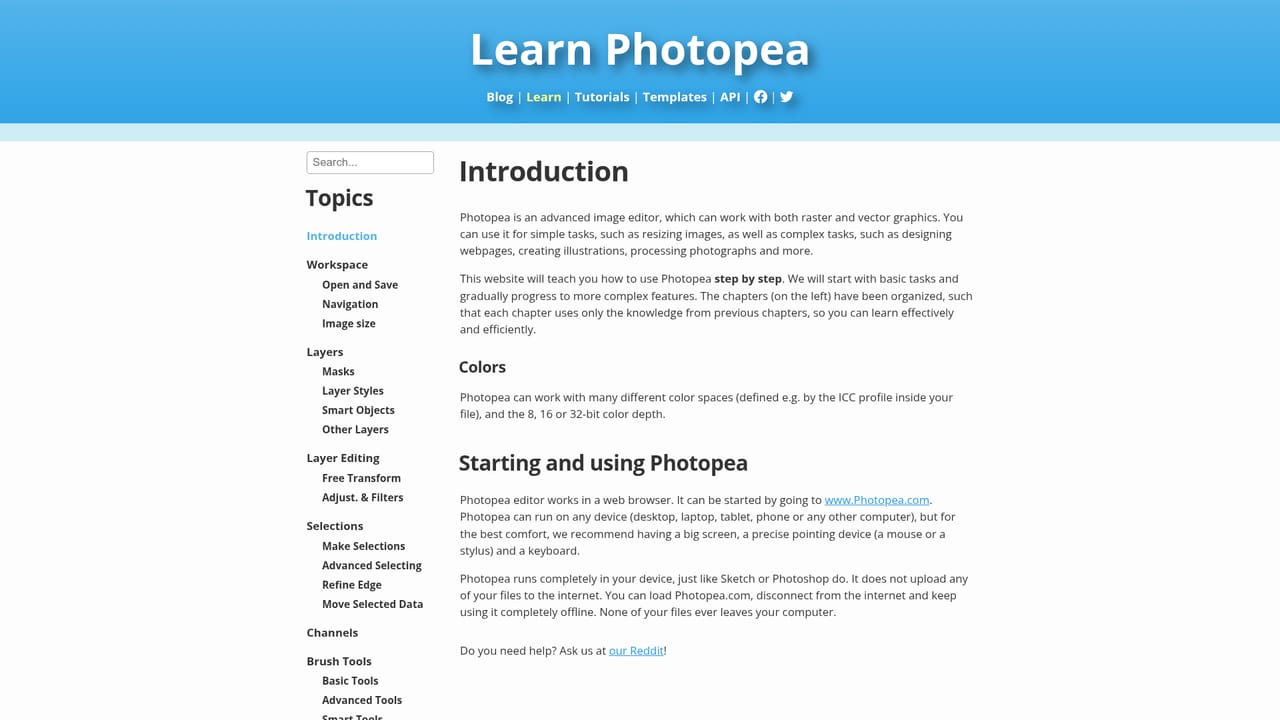
Photopea is a browser based photo and graphics editor built for people who need Photoshop style control without installing software or sending files to a server. It runs locally on your own hardware, using your CPU and GPU, so images open instantly and never leave your device. The interface and toolset follow the conventions of professional desktop editors, which makes it a realistic drop in for users coming from that world. The feature set is deep for a web app: layers, masks, layer styles, smart objects, adjustment layers, channels and paths, plus adjustments and filters such as Levels, Curves, Gaussian Blur, Liquify and Puppet Warp. Vector graphics can be created and edited inside the same document, which suits logo, icon and illustration work. PSD is treated as the primary format, with full opening and saving support, and the editor also handles PNG, JPG, GIF, BMP, WEBP, SVG, PDF, AI, AVIF, DDS, HEIC, TIFF, MP4, TGA, CDR, PDN, EPS, INDD and Figma files, alongside 40 other formats. RAW files from DNG, CR2, CR3, NEF, ARW, RW2, RAF, ORF and FFF cameras open with exposure, color balance, contrast, highlights and shadows controls. AI features cover two common jobs: removing a background in one click and replacing any part of an image from a text description. In practice, Photopea fits social media creators polishing posts, students and educators building visuals for presentations, small business owners editing product photos and promo material, and freelance or team designers producing client work. It also offers a JavaScript API for embedding the editor inside another product. Against alternatives, Photopea competes on cost and access rather than on cloud collaboration. It is the pragmatic choice when a PSD needs a quick edit on a borrowed laptop, a Chromebook or a phone, or when software budgets are zero. Teams that depend on shared libraries and cloud review workflows will still want a dedicated desktop suite.
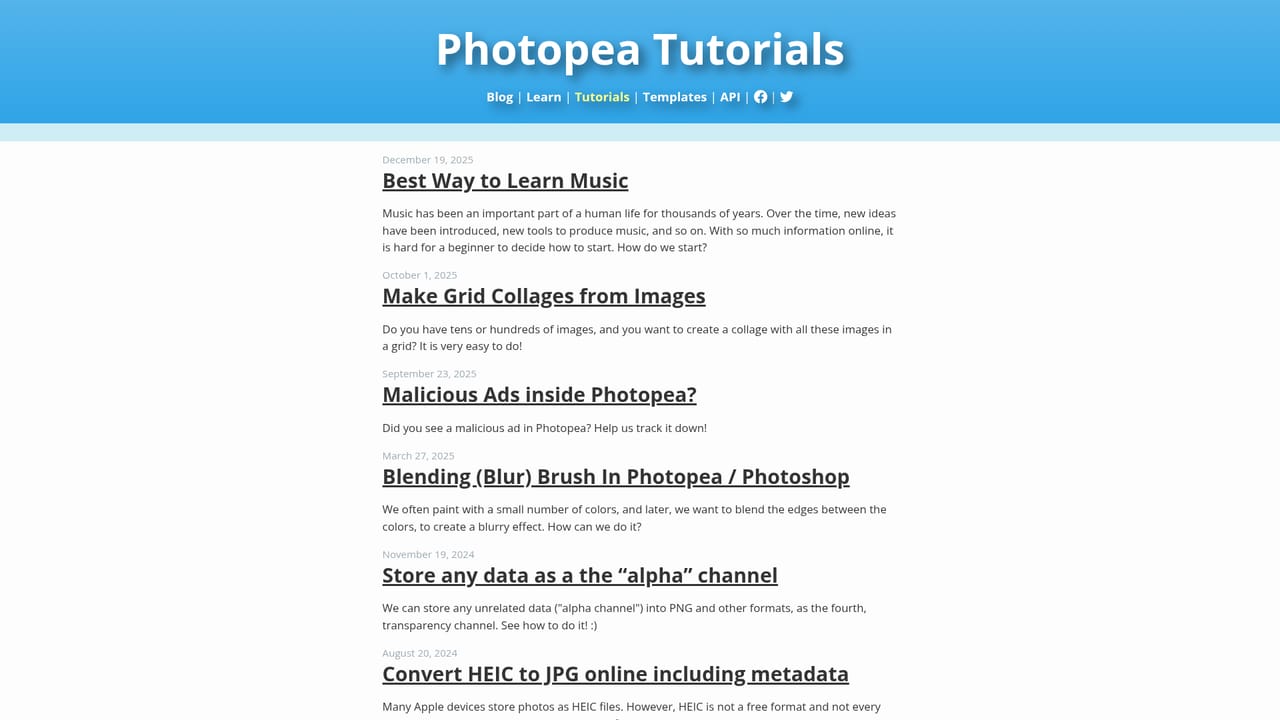
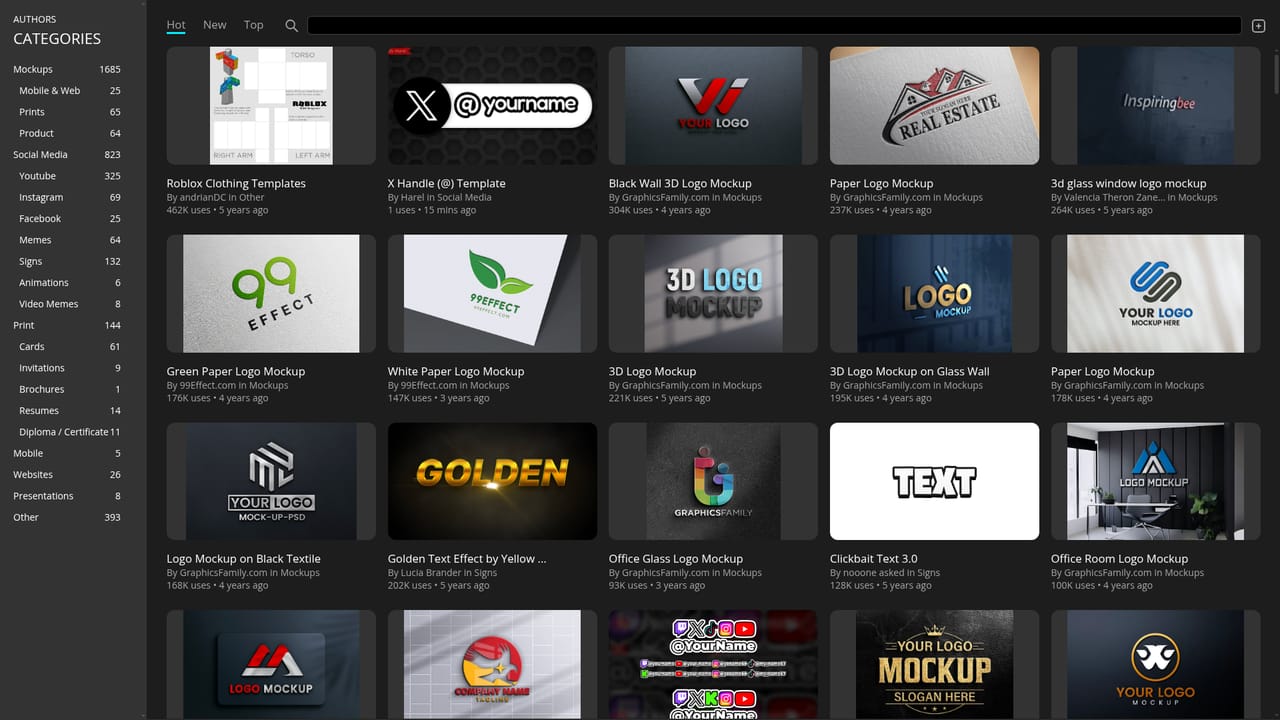
The homepage states that all premium features are available without spending anything, and there is no paid tier listed. Editing is free in the browser, supported by advertising on the site.
Learn moreSupport is available by email at support@photopea.com, with additional community channels on Twitter, Facebook and Reddit.
A JavaScript API lets developers embed the Photopea editor inside their own product. File compatibility extends to PSD, Figma, PDF, AI, SVG, RAW and dozens of other formats.
Learn moreLayers, masks, layer styles, smart objects, adjustment layers, channels and paths, plus filters such as Levels, Curves, Gaussian Blur, Liquify and Puppet Warp. Full PSD support, RAW editing for DNG, CR2, CR3, NEF, ARW, RW2, RAF, ORF and FFF, vector graphics tools, and AI background removal and text based image replacement.
Learn more AI Angels400+ customizable AI girlfriends for NSFW chat, voice calls, and roleplay
 Candy AIExperience the future of companionship with AI friends who chat, role-play, and connect with you on a human level.
 ourdream.aiA vast AI roleplay platform with millions of characters for chat, images, video and voiceAI Angels400+ customizable AI girlfriends for NSFW chat, voice calls, and roleplayCandy AIExperience the future of companionship with AI friends who chat, role-play, and connect with you on a human level.ourdream.aiA vast AI roleplay platform with millions of characters for chat, images, video and voice