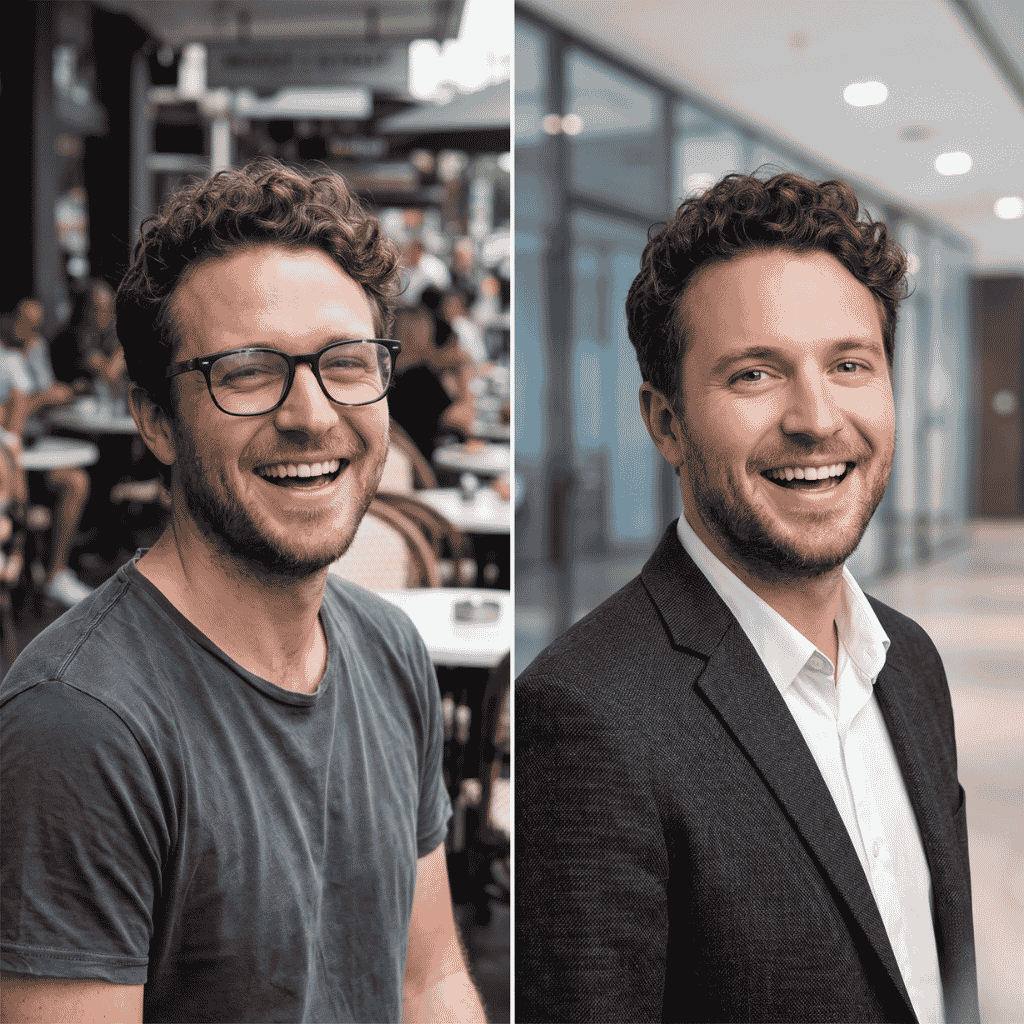
What these tools do
Tools in this category take an image that already exists and change it. Most work from a typed instruction: describe the edit in plain words, and the model rebuilds the picture with that change applied. Others focus on a narrower job, such as replacing the text inside a finished graphic, removing an object, or turning a supplier photo into a cleaner product image. Everything on this page runs in the browser.
They are built for people who would otherwise open a layered editor and spend time on selections, clone brushes and font matching. That covers small online sellers, marketers fixing a banner, real estate agents polishing listing photos, and anyone who needs to edit this pic once and move on. Many also generate images from scratch, so a single tool can cover both creating and changing a picture.
How to choose one
Start with the kind of edit. If the problem is wording inside a screenshot, poster or social graphic, a dedicated text editor that matches font and background will beat a general prompt editor. If the change is open-ended (a new background, a different outfit, an object removed), look for prompt-based editors that name the models they use.
Next, check how the tool handles cost. Several list a free tier, while others are subscription or paid from the start. Some show credit prices before a run, which helps when a result takes a few attempts. A free tier is enough for testing, but check whether downloads are included before relying on it.
Then consider the workflow. A layered canvas suits brand work with repeated edits. A phone-first editor suits quick fixes on location. A multi-model tool suits comparing how different models read the same prompt.
Notable tools
- Edit Text in Image Pro swaps words in flattened images while matching the font and background, which suits updating a graphic with no source file.
- Nano Banana Web by MagicCreator lets the user describe an edit in plain language and leaves the rest to the Nano Banana model.
- Duskpix is a phone-first photo editor aimed at Australian real estate agents.
- RemakePic turns supplier photos into unique, marketplace-ready product images, a fit for sellers listing on shared catalogs.
- Imgezy handles prompt-based photo editing, with object removal and background changes as its core jobs.
- Reve Image creates, edits and remixes images from plain language, with a drag-and-drop editor for hands-on adjustments.
Common questions
How do I edit this pic without Photoshop?
Upload the image to a prompt-based browser editor, type the change you want, and download the result. Most tools on this page work this way and need no installation. For small fixes such as removing an object or changing a background, one or two prompts are usually enough.
Can AI change the text inside an image?
Yes. Tools such as PicText, ImageTextEditor and AI Image Text Editor let the user select the words in a finished image, type replacements, and have the surrounding design rebuilt. Results depend on the font and the busyness of the background, so check the output closely before using it.
Are there free options?
Several tools list a free tier or are free outright, including Image Editor Online, Turner AI and AI Image Editor Free. Limits on resolution, downloads or daily use vary, so test with one image before planning a larger batch.
When to look elsewhere
If the goal is sharper, larger or cleaner output rather than a changed scene, Image Enhancer is the closer fit. For filling or removing regions based on the surrounding pixels, Content Aware Fill covers that narrower task. Swapping one person's face for another belongs in Face Swap.