Pricing
The homepage references a credit-based cost shown before each generation and a limited-time 50% off offer, but it does not list specific plan prices or credit amounts. Full details would be on the pricing page.
Learn moreBuild an AI image from prompt, model, aspect ratio and resolution choices

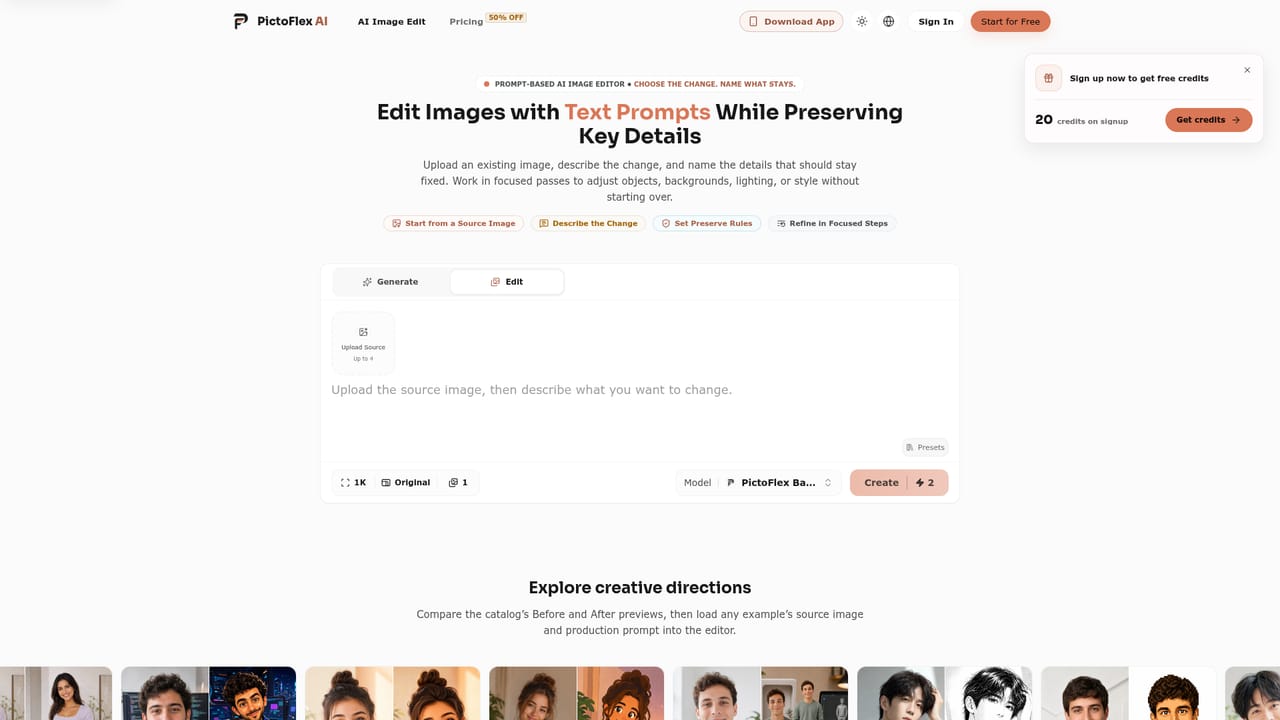
PictoFlex AI is a generative image tool that builds an AI image from prompt, model, aspect ratio and resolution choices. PictoFlex AI is a web-based AI image generator that lets users build a prompt, pick a model, set aspect ratio, resolution and image count, then refine outputs one setting at a time.
PictoFlex AI is a web-based image generation tool built around explicit, sequential decisions rather than a single black-box prompt. Instead of typing a request and hoping for the best, the interface separates the creative plan into parts: the subject and setting of the image, the purpose it will serve, and the details that must remain visible in the final output. Once the prompt is framed, the user selects from available image models, sets an aspect ratio, chooses a supported resolution, and picks how many images to generate, with the credit cost shown before submission. After generation, PictoFlex AI treats refinement as a controlled process. Rather than regenerating from scratch, it encourages adjusting one variable at a time, such as composition, lighting, materials, camera language, or visual style, while keeping the core idea fixed. This makes it easier to compare outputs and understand which change produced which result, which is useful for anyone iterating toward a specific look rather than accepting the first output. The tool ships with a library of example prompts covering fashion editorials, character sketchbooks, stylized 3D figures, watercolor illustrations, surveillance-style stills, and lifestyle collages. These are meant to be adapted rather than copied outright, giving newcomers a starting structure for writing their own detailed prompts. PictoFlex AI suits designers, marketers, social content creators, and hobbyists who want more predictable control over image generation outputs than typical single-box generators offer. It sits among other AI image generators but differentiates itself through the structured, step-by-step approach to prompt construction and output configuration rather than free-form prompting alone.
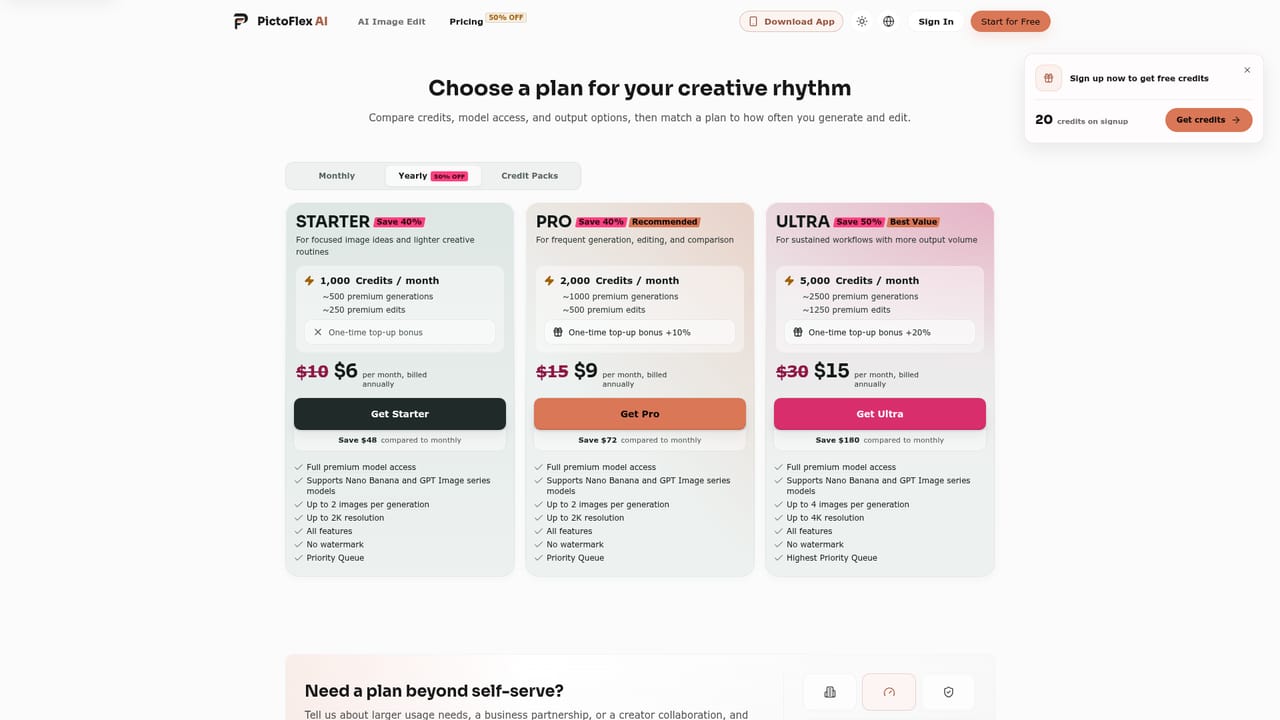
The homepage references a credit-based cost shown before each generation and a limited-time 50% off offer, but it does not list specific plan prices or credit amounts. Full details would be on the pricing page.
Learn moreA dedicated contact page is available for reaching the PictoFlex AI team with support questions.
Learn moreStructured prompt building (subject, setting, purpose, must-keep details), model comparison, configurable aspect ratio, resolution and image count, pre-generation credit cost preview, and single-variable refinement of composition, lighting, materials, camera language or style.
Learn more


