Support
PinkPiko maintains a support page on its site for help with the app.
Learn moreAI mood journaling built around a curious cat companion

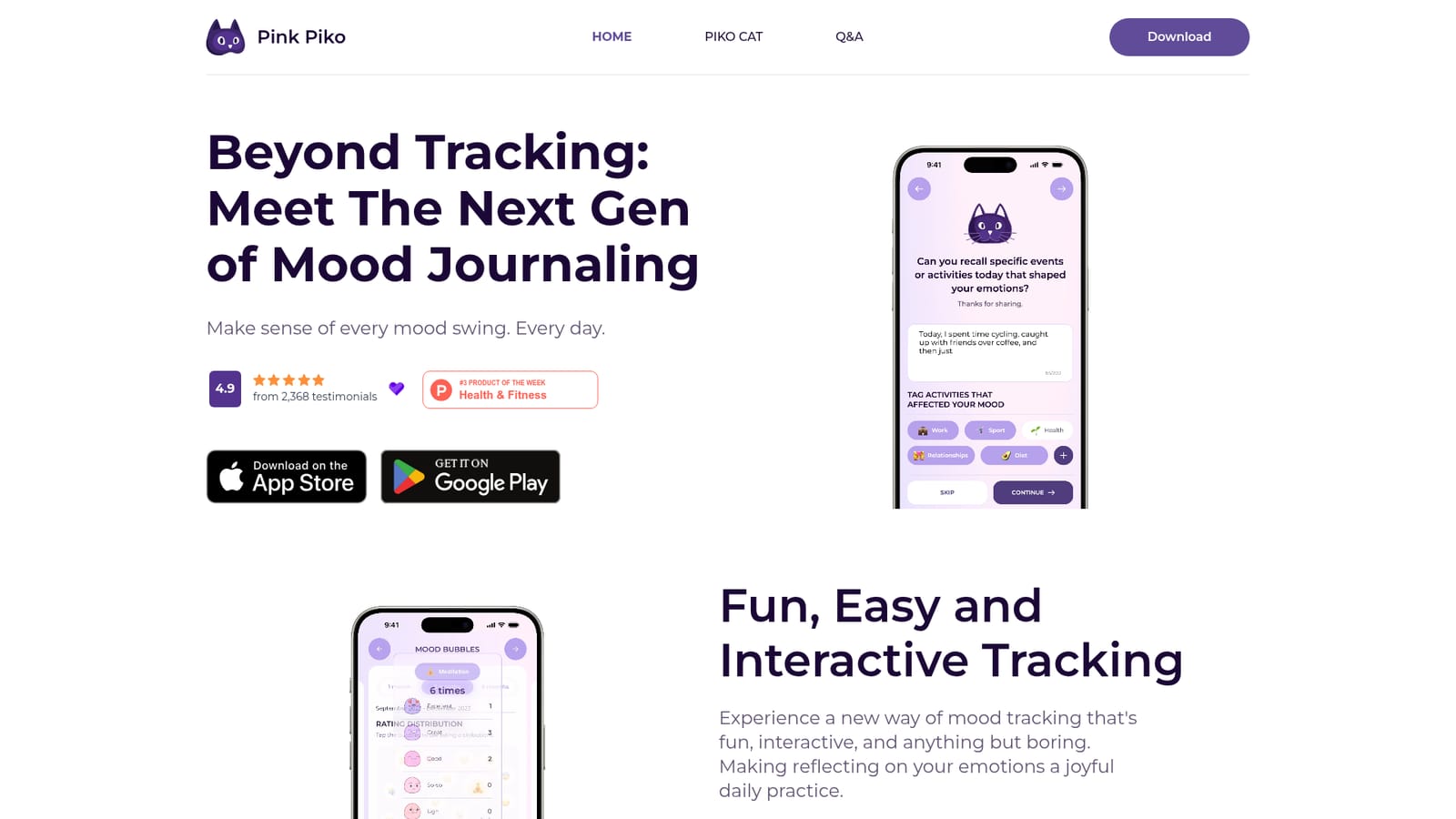
PinkPiko is a mobile mood journal where a cat companion asks guided questions, then uses AI to interpret your entries, tags and mood logs into personalised emotional insights and pattern reports.
PinkPiko is a mobile mood journal that pairs daily emotional check-ins with an AI layer that reads your logs, tags and written entries and returns plain-language reflections. The premise is that recording a feeling is the easy part; naming it precisely and spotting what caused it is where most journals fall down. A cartoon cat named Piko Cat sits at the centre of the experience and prompts you with questions designed to narrow a vague "bad day" into something more specific, along with the events that preceded it. The product leans on positive psychology for its framing. Rather than presenting charts alone, PinkPiko interprets the mood logs and journal text you accumulate and surfaces patterns: which activities tend to lift your state, which ones drag it down, and how your week actually looked once the data is aggregated. Customizable mood tags let you build a vocabulary that fits your life, and an auto-tagging function aims to reduce the friction of labelling entries when you cannot think of the right words. The tone is deliberately light. The interface is colourful, the cat is playful, and the design choices are aimed at making a two minute check-in feel like a small ritual rather than a clinical exercise. That framing suits people who have bounced off spreadsheet trackers or austere diary apps, and it is reflected in the app store ratings the site displays. PinkPiko sits in the crowded space between habit trackers and therapy-adjacent tools. It is not a substitute for professional care and does not present itself as one. Compared with generic journaling apps, its differentiator is the interpretation layer and the daily prompting; compared with mood trackers, the differentiator is the writing surface and the persona. Distribution is through the App Store and Google Play, so it is a phone-first product, and at least one reviewer has asked for a desktop option that does not yet exist.
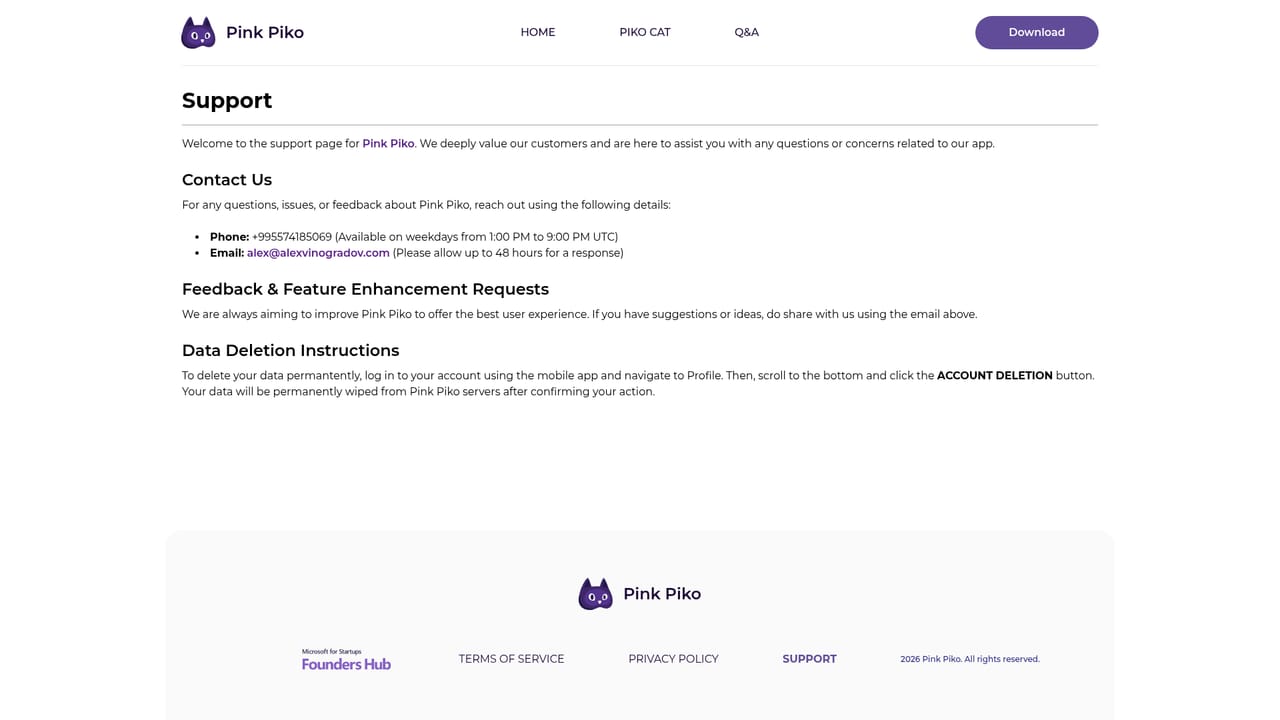
PinkPiko maintains a support page on its site for help with the app.
Learn moreDaily guided mood check-ins led by Piko Cat, customizable mood tags with auto-tagging, free-text journal entries, AI interpretation of logs and writing, and pattern discovery showing how activities affect emotional state. Positive psychology principles underpin the reflection prompts.
Learn more AI Angels400+ customizable AI girlfriends for NSFW chat, voice calls, and roleplay
 Candy AIExperience the future of companionship with AI friends who chat, role-play, and connect with you on a human level.
 ourdream.aiA vast AI roleplay platform with millions of characters for chat, images, video and voiceAI Angels400+ customizable AI girlfriends for NSFW chat, voice calls, and roleplayCandy AIExperience the future of companionship with AI friends who chat, role-play, and connect with you on a human level.ourdream.aiA vast AI roleplay platform with millions of characters for chat, images, video and voice