Poke

A proactive AI assistant that lives in your messages

Beginner
Screenshot of Poke, A proactive AI assistant that lives in your messages

What is Poke?

Poke is a proactive personal AI assistant that lives in Apple Messages, WhatsApp and Telegram. It remembers context, connects to apps like Gmail, Notion, Calendar and Oura, and handles reminders, email and scheduled tasks from a plain text or voice message.

Poke is a personal AI assistant that runs inside messaging apps you already use, including Apple Messages, WhatsApp and Telegram. There is no separate dashboard to learn: you add Poke as a contact, text it the way you would text a friend, and it answers in the same register. The pitch rests on three traits the company repeats throughout the site. Poke is personal, because it builds memory of who you are and what you are working on. It is proactive, because it acts on your integrated services on its own schedule rather than waiting for a prompt. And it is private, a claim the marketing attaches to the product without detailing the underlying data handling on the homepage. The practical layer is the integration set. Poke connects to work and life tools such as Gmail, Google Calendar, Outlook, Notion, Linear, Asana, Todoist, GitHub, Canva, Sonos, Hue, Strava, Oura and Fitbit, plus developer services like Vercel, Supabase and Sentry. Once connected, those services become actions inside a conversation: search and draft email, pull Notion pages, read sleep and readiness data from a ring, or place action items from a meeting note onto a calendar. Poke Recipes wrap these setups into reusable configurations that can be shared, and Poke Kitchen extends the same idea to developers who want custom integrations. Messages can be typed or spoken, and Poke can schedule reminders or begin work ahead of a deadline. The audience is broad rather than technical. Anyone who finds chat interfaces more natural than app switching is the target, from people managing inboxes and calendars to users tracking health metrics across wearables. Developers are served as a secondary group through custom recipes. Against general chatbots, Poke competes on initiative and app coverage rather than raw model access; against self-hosted agent stacks, it competes on convenience. Pricing is tiered from a free plan through Pro and Ultra. Note that the site carries an announcement that Poke is joining Cognition.

How do you use Poke?

  1. 1Create your account
    Start from the get started page and pick a plan. The free tier requires no credit card and is enough to test the assistant with your own apps.
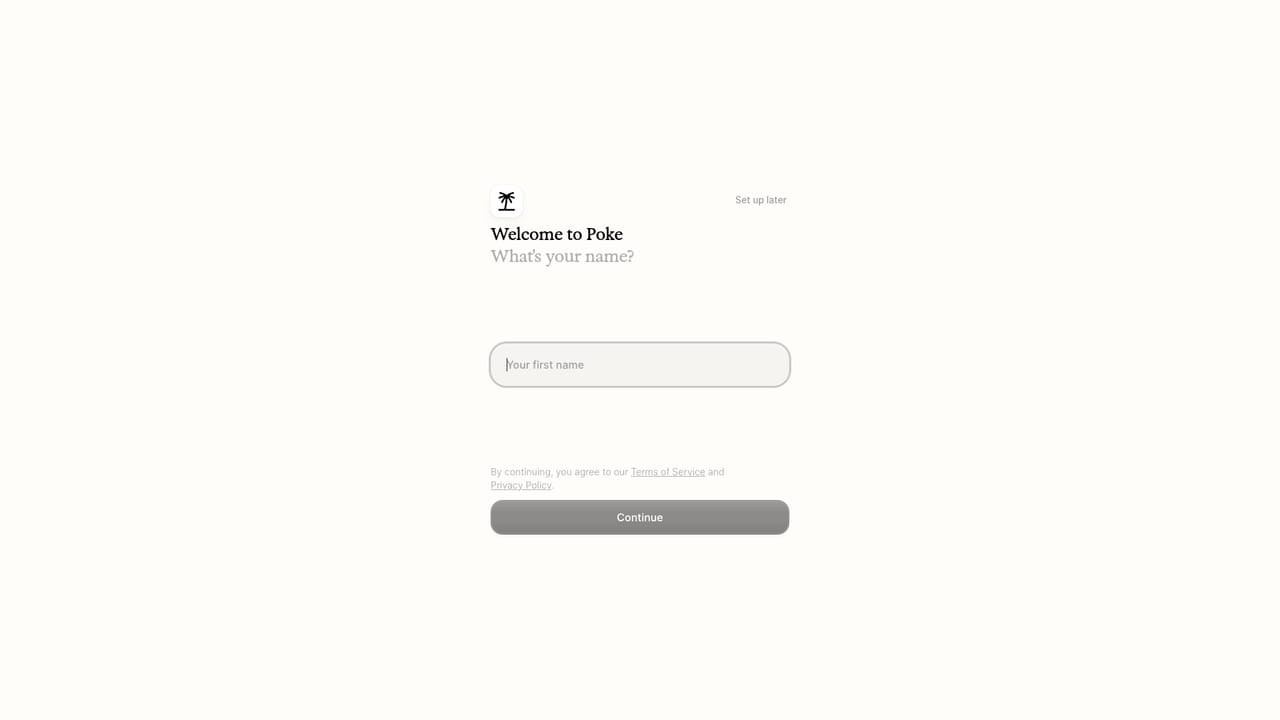
    Poke — Create your account
  2. 2Add Poke as a contact
    Connect Poke to Apple Messages, WhatsApp or Telegram so it appears as a normal contact you can text. Voice messages work alongside typed ones.
  3. 3Connect your first apps
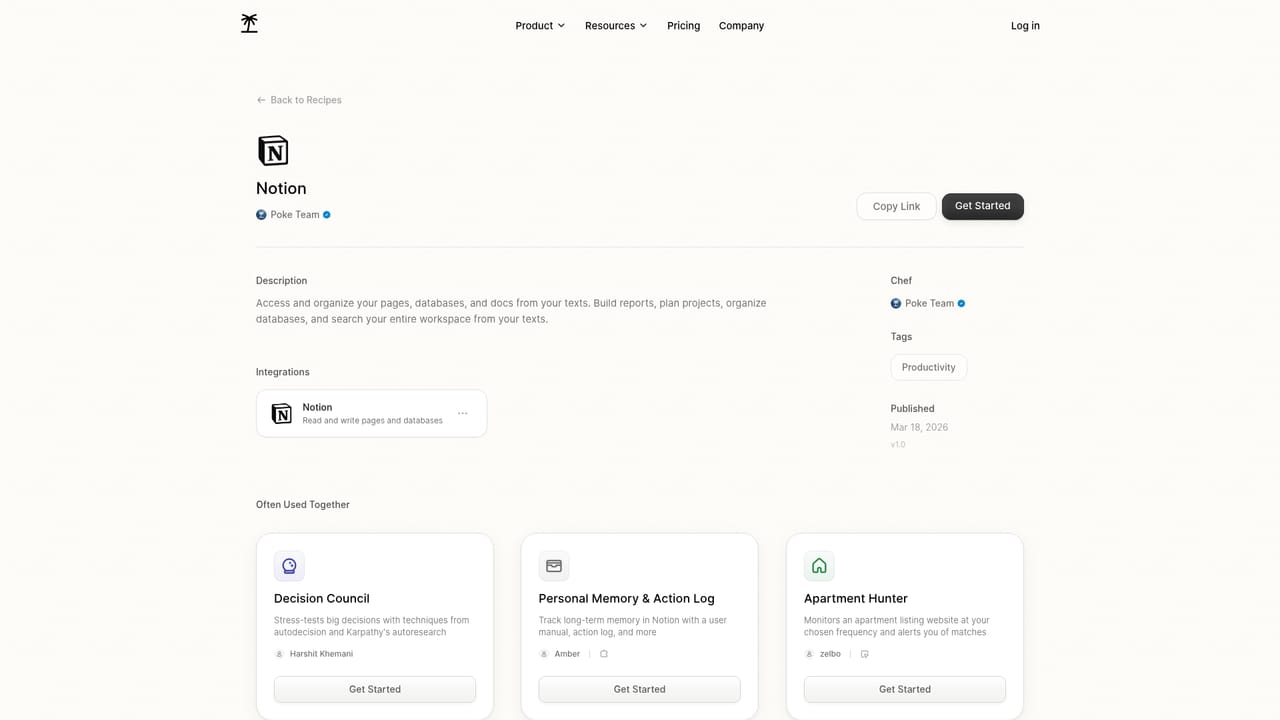
    Link email, calendar and any other services you rely on. Gmail, Google Calendar, Notion and Oura each have a dedicated recipe page describing what the connection unlocks.
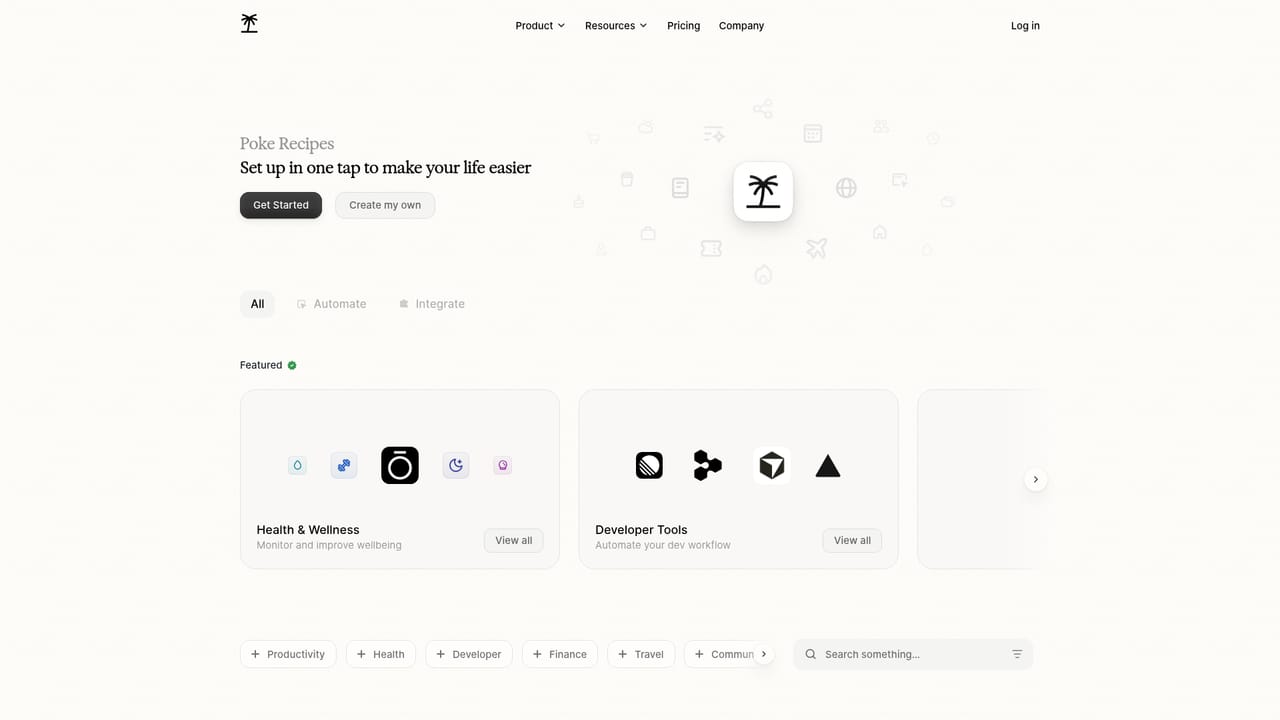
    Poke — Connect your first apps
  4. 4Install a recipe
    Browse the recipe library and activate the setups that match your day, such as pulling Notion pages into chat or tracking sleep and readiness from a ring.
    Poke — Install a recipe
  5. 5Set an automation or reminder
    Send a text or voice message describing what you want scheduled, for example moving meeting action items onto your calendar. Poke can also start tasks before a deadline.
  6. 6Build a custom recipe
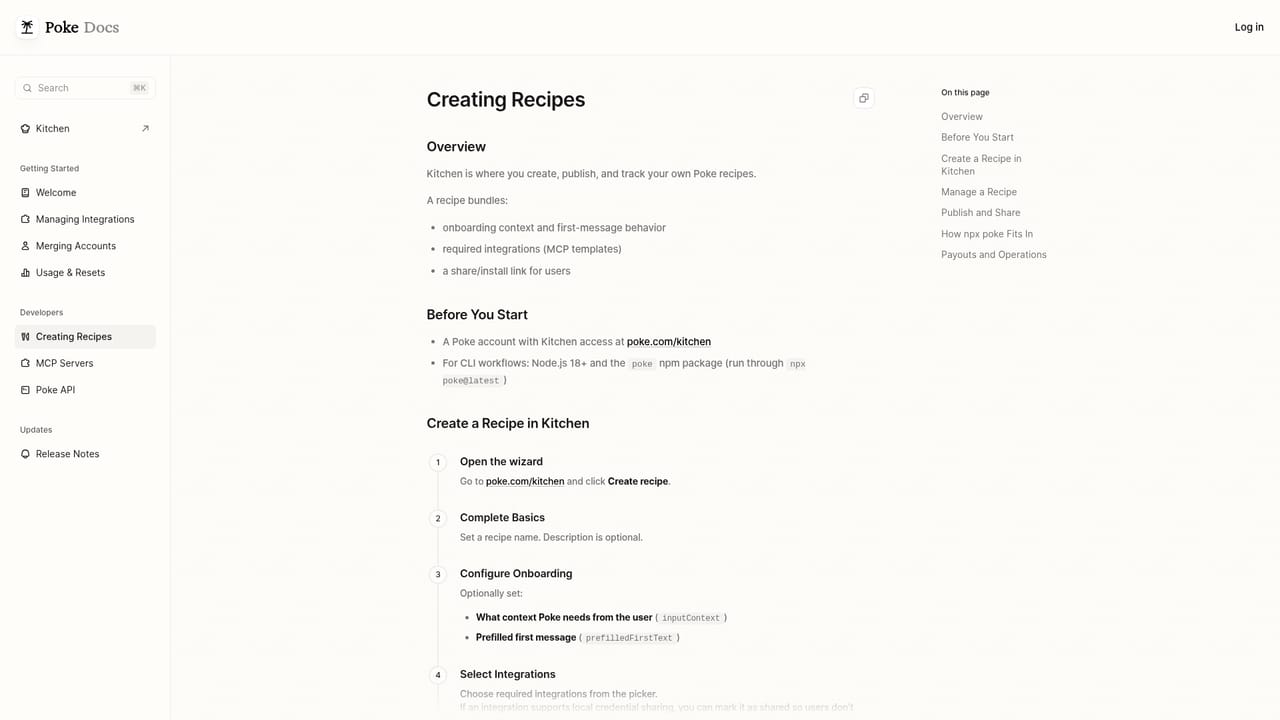
    Developers can use the Poke Kitchen documentation to author recipes with custom integrations for more advanced workflows.
    Poke — Build a custom recipe

Pros and cons

Pros

  • Lives in messaging apps people already use, so there is no new interface to learnAI
  • Broad integration list spans email, calendar, project tools, wearables and developer servicesAI
  • Proactive automations and reminders run in the background without a prompt each timeAI
  • Free plan connects apps and email with no credit card requiredAI
  • Recipes make setups reusable and shareable, with a path for custom developer integrationsAI

Cons

  • Pricing details beyond the headline monthly rates, including what credits cover on Ultra, are not spelled out on the homepageAI
  • The privacy claim is asserted rather than explained, so data retention and handling need separate verificationAI
  • Proactive background behavior depends on connected services, so value drops sharply without integrationsAI
  • Custom recipe building is developer oriented and not aimed at non-technical usersAI
  • The site states Poke is joining Cognition, which raises questions about roadmap continuityAI

How much does Poke cost?

Pricing

Three tiers. Free costs $0 forever with no credit card, app connections, and email and calendar access. Pro is $19 per month with frontier models, real-time background automations, higher rate limits and priority support. Ultra is $199 per month with frontier models on every action, the highest limits and pay-as-you-go usage beyond credits.

Learn more

Support

Priority support is listed as a Pro benefit and highest-priority support as an Ultra benefit. The free plan lists no support tier. No public help centre or contact page appears among the listed site pages.

Integrations

Connects to email and calendar tools, project and task apps, design and smart home services, fitness wearables, and developer platforms. Named examples include Gmail, Google Calendar, Outlook, Notion, Linear, Asana, Todoist, GitHub, Vercel, Supabase, Sentry and Oura.

Learn more

Features

Chat-based assistant inside Apple Messages, WhatsApp and Telegram with memory of your context. Connects to Gmail, Google Calendar, Outlook, Notion, Linear, Asana, Todoist, GitHub, Canva, Sonos, Hue, Strava, Oura, Fitbit and developer services. Supports reminders, scheduled and proactive tasks, voice messages, shareable Recipes, and custom integrations through Poke Kitchen.

Frequently asked questions about Poke

  • How much does Poke cost?
    Three tiers. Free costs $0 forever with no credit card, app connections, and email and calendar access. Pro is $19 per month with frontier models, real-time background automations, higher rate limits and priority support. Ultra is $199 per month with frontier models on every action, the highest limits and pay-as-you-go usage beyond credits.
  • How do you use Poke?
    The walkthrough on this page covers 6 steps: 1. Create your account 2. Add Poke as a contact 3. Connect your first apps 4. Install a recipe 5. Set an automation or reminder 6. Build a custom recipe.
  • What platforms does Poke support?
    Poke is available on Web App, iOS and Android.
  • What does Poke integrate with?
    Connects to email and calendar tools, project and task apps, design and smart home services, fitness wearables, and developer platforms. Named examples include Gmail, Google Calendar, Outlook, Notion, Linear, Asana, Todoist, GitHub, Vercel, Supabase, Sentry and Oura.
  • What are the limitations of Poke?
    Pricing details beyond the headline monthly rates, including what credits cover on Ultra, are not spelled out on the homepage. The privacy claim is asserted rather than explained, so data retention and handling need separate verification. Proactive background behavior depends on connected services, so value drops sharply without integrations.

Status

StatusActive
Views0
Outbound clicks0
Added10/21/2026

Platforms

Web AppiOSAndroid

Pricing

FreemiumSubscriptionPaid