Free trial
The Student and Professional plans both offer a free trial sign-up, and the Free plan provides 100 credits per day with a 24 hour reset.
Learn moreTranslate into many languages at once and learn how meaning shifts.

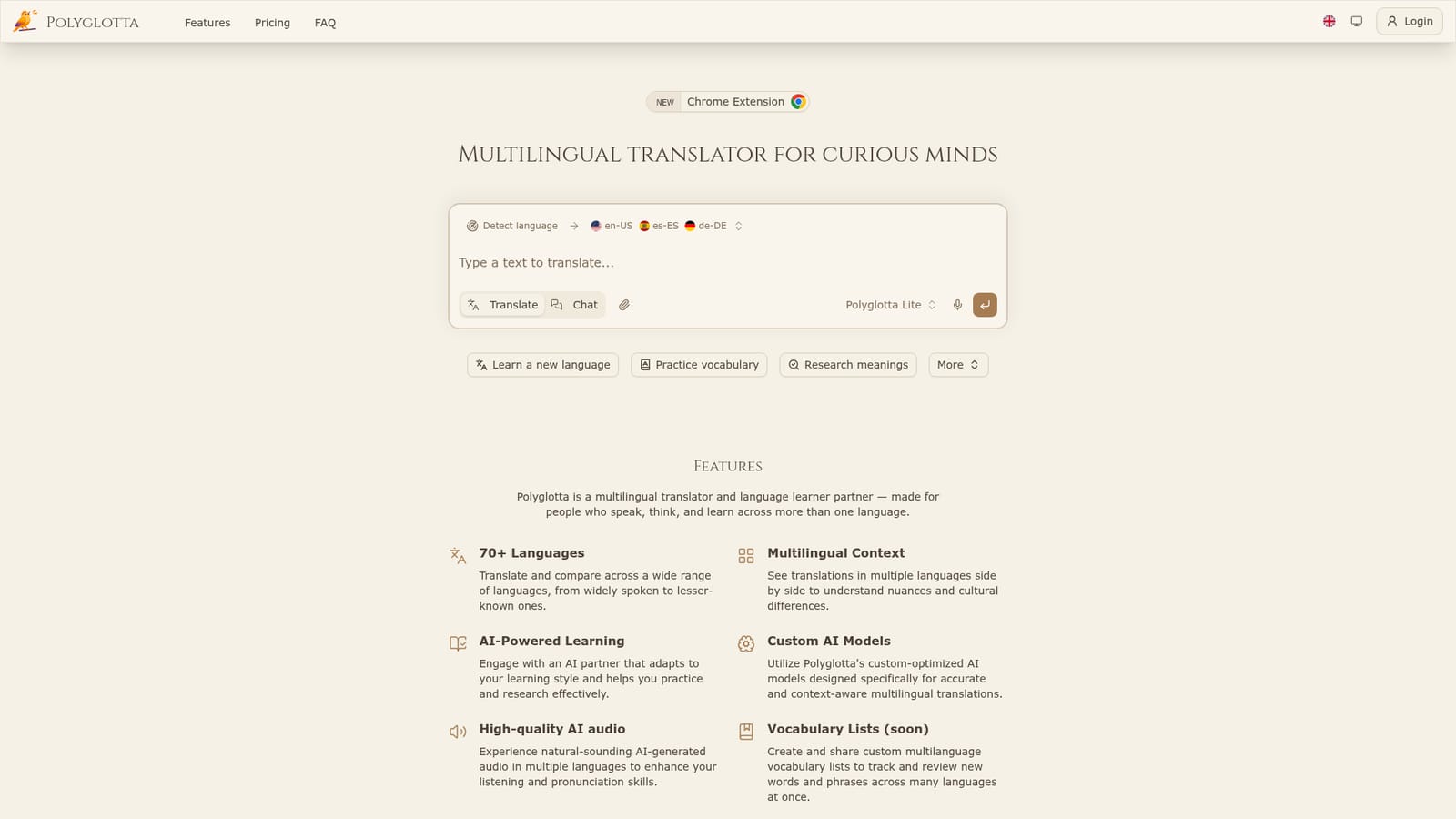
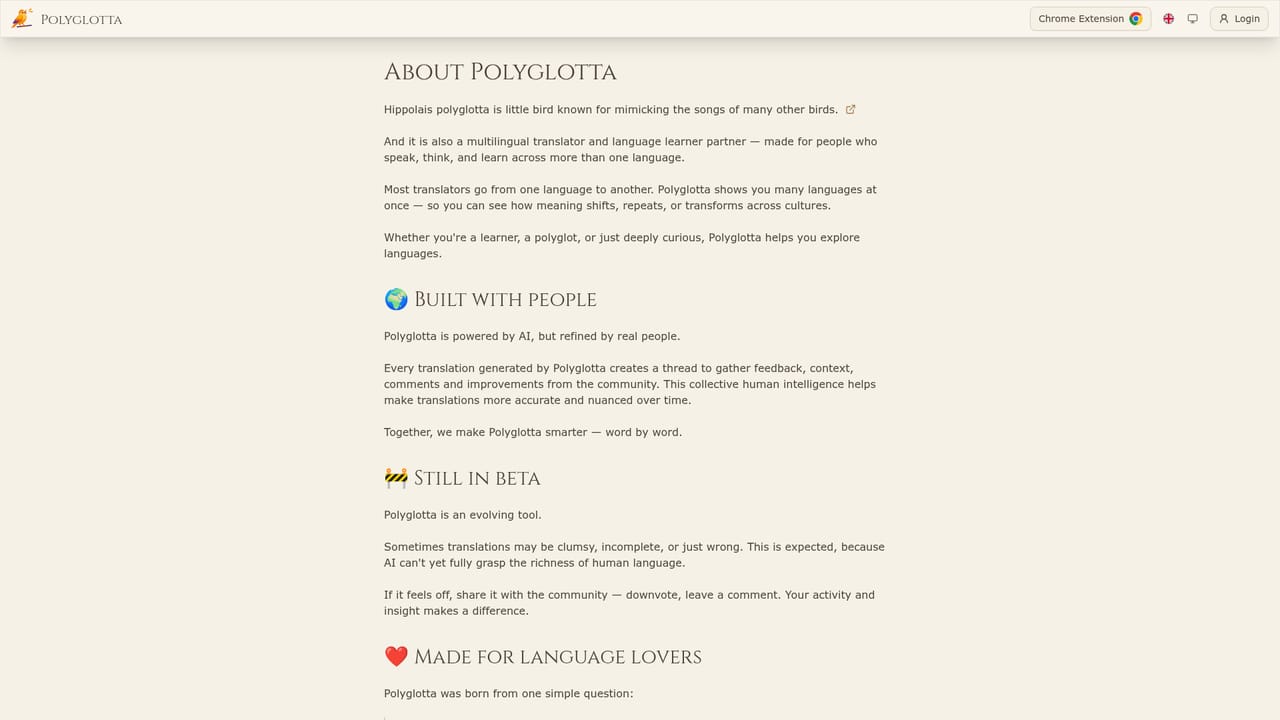
Polyglotta is a language learning tool that translates into many languages at once and learn how meaning shifts. Polyglotta is a web translator that shows the same text rendered into many languages side by side, with an AI chat partner for grammar and idiom questions, three tuned models and audio pronunciation across 70+ languages.
Polyglotta is a web translator built around a different premise from the one-to-one tools most people know. Instead of converting a phrase from a single source language into a single target, it lets you select several target languages and view the results side by side. That layout is the product's core idea: it turns translation into a comparison exercise, where a learner can see how Spanish, German and Japanese each handle the same sentence differently. The tool covers 70+ languages with 97 variants, including regional forms such as English UK and US, Spanish for Spain and Mexico, Arabic for Saudi Arabia and Egypt, and both simplified and traditional Chinese. Source language detection is on by default, though it can be set manually for mixed-language text. Two modes split the work. Translate mode returns direct renderings into every target you have chosen. Ask mode opens a conversation with an AI partner that will explain a grammar point, unpack an idiom, compare word origins or suggest alternatives to a given translation. Audio playback sits next to each result, generated with ElevenLabs voices, with higher quality voices reserved for paid tiers. Behind the interface are three in-house tuned models. Polyglotta Lite is the fast, credit-cheap option available on every plan. Pro adds reasoning for more complex passages, and Max targets professional and literary work where accuracy and cultural nuance matter most. Users pick the model from a selector inside the chat, and saved conversation history lets them return to earlier threads. It suits language learners, polyglots, students and educators, and translators who want contextual comparison rather than a single answer. The community layer, which includes translation threads, voting and achievement streaks, is unusual for a translator and gives it a study-group feel. Anyone wanting a silent utility for quick one-off conversions may find the social and gamified parts heavier than needed.
The Student and Professional plans both offer a free trial sign-up, and the Free plan provides 100 credits per day with a 24 hour reset.
Learn moreFree: 100 daily credits, Polyglotta Lite model and default pronunciation audio. Student at $5 per month: 500 daily credits, Pro model access and high quality audio. Professional at $20 per month: unlimited credits, all models, document translation and background tasks. Credits are the usage unit, with 1 credit equal to $0.001 USD.
Learn moreSupport is tiered by plan: community support on Free, email support on Student and priority support on Professional.
Learn moreMulti-target translation across 70+ languages and 97 variants with side-by-side comparison, automatic source detection, Translate and Ask modes, three tuned models (Lite, Pro, Max), ElevenLabs audio pronunciation, saved and renameable chat history, community voting, translation threads, public profiles and achievement streaks.
Learn more AI Angels400+ customizable AI girlfriends for NSFW chat, voice calls, and roleplay
 Candy AIExperience the future of companionship with AI friends who chat, role-play, and connect with you on a human level.
 ourdream.aiA vast AI roleplay platform with millions of characters for chat, images, video and voiceAI Angels400+ customizable AI girlfriends for NSFW chat, voice calls, and roleplayCandy AIExperience the future of companionship with AI friends who chat, role-play, and connect with you on a human level.ourdream.aiA vast AI roleplay platform with millions of characters for chat, images, video and voice


