Free trial
A free trial entry point is offered on the site (Try For Free), but the homepage does not state the trial length, limits or which products it covers.
Learn moreAI data analysis workspace that remembers every question you ask

Powerdrill is an academic research tool. Powerdrill Bloom is a memory backed AI workspace for data analysis, documents, spreadsheets and slide decks, with a companion analyst (DataFact) that cites the page and row behind every number and can run on premise.
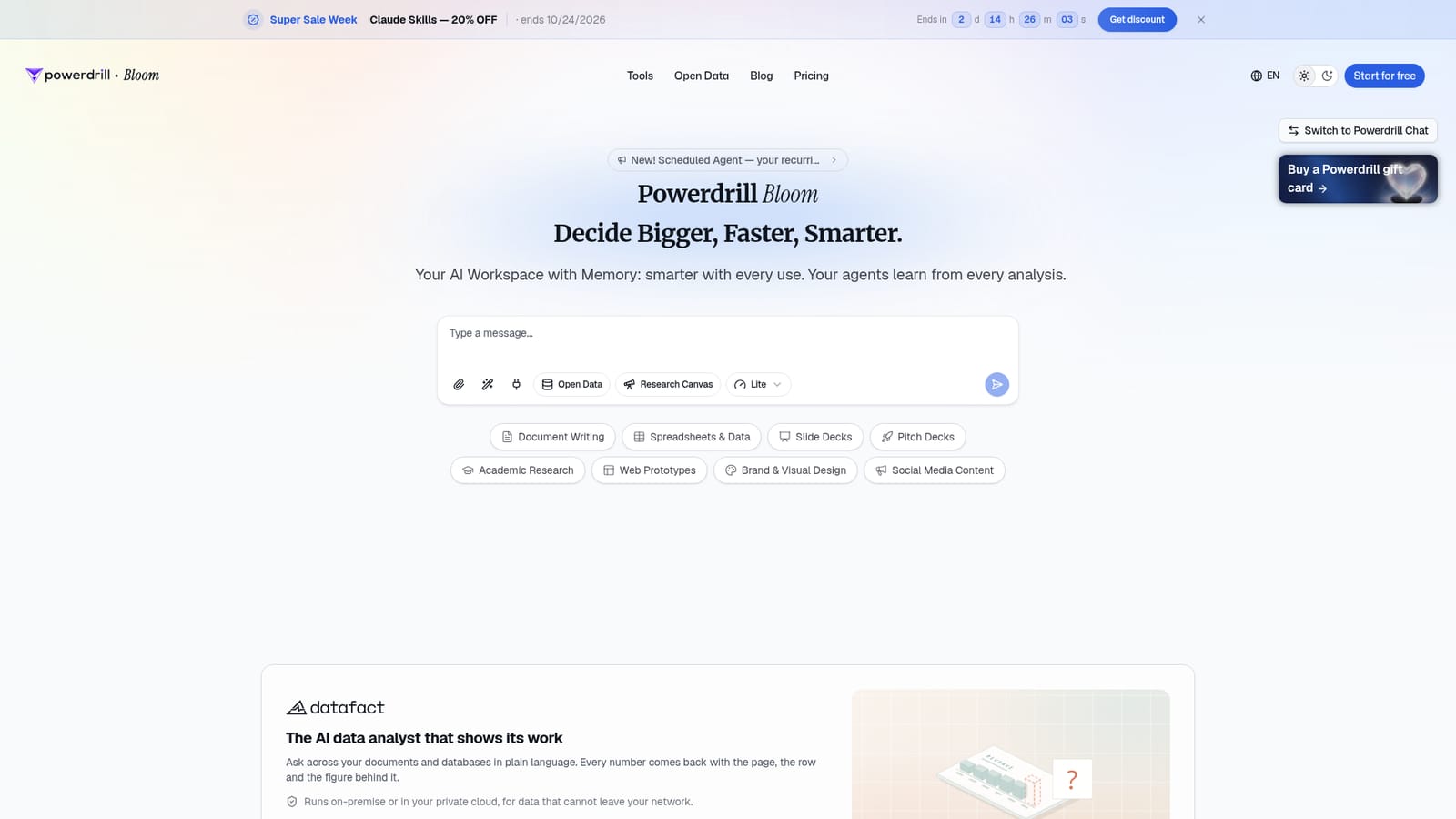
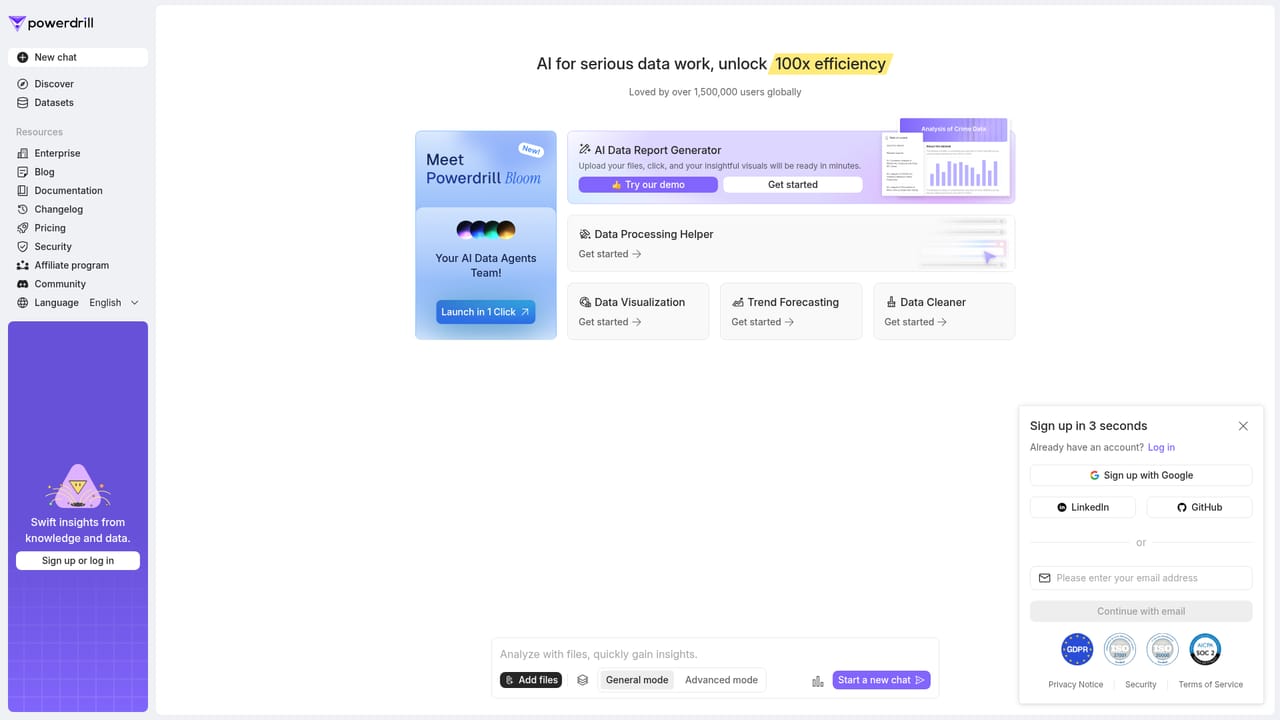
Powerdrill Bloom is a browser based AI workspace built around a single idea: analysis should compound. Instead of treating each question, document or spreadsheet as a fresh start, the product keeps a memory of what has already been examined, so agents carry context forward and the workspace gets more useful the longer a team uses it. The homepage frames it as an AI workspace with memory, positioned for work that spans documents, data and deliverables rather than one narrow task. The canvas is the core of the product. Users open a workspace and move between document writing, spreadsheets and data, slide decks, pitch decks, academic research and light web prototypes. A scheduled agent feature lets recurring analysis run on its own, which suits reporting that repeats on a weekly or monthly rhythm. A separate product line, DataFact, is pitched as an AI data analyst that shows its work: plain language questions across documents and databases return numbers with the page, row and figure behind them. DataFact is also offered as an on premise or private cloud deployment for data that cannot leave a network, which matters to regulated teams. Practical use falls into two groups. Analysts and researchers get a way to interrogate mixed sources without exporting everything into one tool first, and the citation trail shortens the review step before numbers reach a deck. Knowledge workers who produce decks, briefs and social content get a single canvas where the research and the write up sit side by side. The memory model is the differentiator against general chat assistants: context persists, so follow up questions do not require re-explaining the dataset. Powerdrill Bloom sits in the crowded space between chat assistants, BI dashboards and AI writing tools. It leans toward exploratory analysis and document production rather than fixed dashboards or pure text generation. Buyers who need airtight audit trails or heavy warehouse modeling should check how DataFact's provenance works in their own environment before committing.
A free trial entry point is offered on the site (Try For Free), but the homepage does not state the trial length, limits or which products it covers.
Learn moreMemory backed AI workspace with a canvas for document writing, spreadsheets and data, slide decks, pitch decks, academic research and light web prototypes. Scheduled agents run recurring analysis automatically. A companion analyst, DataFact, answers plain language questions across documents and databases and cites the page, row and figure behind each number, with on premise or private cloud deployment for sensitive data.
 AI Angels400+ customizable AI girlfriends for NSFW chat, voice calls, and roleplay
 Candy AIExperience the future of companionship with AI friends who chat, role-play, and connect with you on a human level.
 ourdream.aiA vast AI roleplay platform with millions of characters for chat, images, video and voiceAI Angels400+ customizable AI girlfriends for NSFW chat, voice calls, and roleplayCandy AIExperience the future of companionship with AI friends who chat, role-play, and connect with you on a human level.ourdream.aiA vast AI roleplay platform with millions of characters for chat, images, video and voice


