Pricing
PrayerAI states that it is completely free to use, with no subscription or credit system mentioned. The site invites optional support through a buy the author a coffee link on a third party store.
Learn moreGenerate personalized prayers in seconds, at no cost

PrayerAI is a companion tool that generates personalized prayers in seconds, at no cost. A free browser based tool that generates personalized prayers from a short description of your needs or intentions, paired with written guides on composing prayers yourself.
PrayerAI is a free web tool that turns a short description of what you are facing into a written prayer. You say what you need, whether that is healing, peace, strength or something harder to name, and the service produces a personalized prayer in seconds. The site frames this around a set of common struggles: finding the right words when emotions run high, feeling overwhelmed by generic templates, and lacking the time or focus to compose something heartfelt from scratch. The product is split into two parts. The generator at /prayer is the core function: you supply your needs or intentions as input and the AI writes a custom prayer back. The second part is an editorial section at /post with guides and tips on how to write meaningful prayers, aimed at people who want to learn the craft rather than only receive output. The site also references a prayer library and daily inspiration content for ongoing devotions. It suits individual believers who pray regularly and want help articulating something specific, plus people going through difficult periods who find formal or improvised prayer difficult to put into words. Clergy, small group leaders and anyone preparing spoken prayer for others may find it a fast first draft. Because the whole thing runs in a browser and costs nothing, it is a low commitment option next to paid devotional apps and general purpose chatbots, which can write prayers but are not shaped around the task. The honest caveat is depth. The site promises quick output from simple input, not theological review, denominational tuning or pastoral follow up. The prayers are generated text, so readers should expect to edit for their own tradition and phrasing. The developer is a solo maker who accepts optional coffee donations rather than selling subscriptions, which keeps it free but also signals a small operation with limited formal support beyond email.

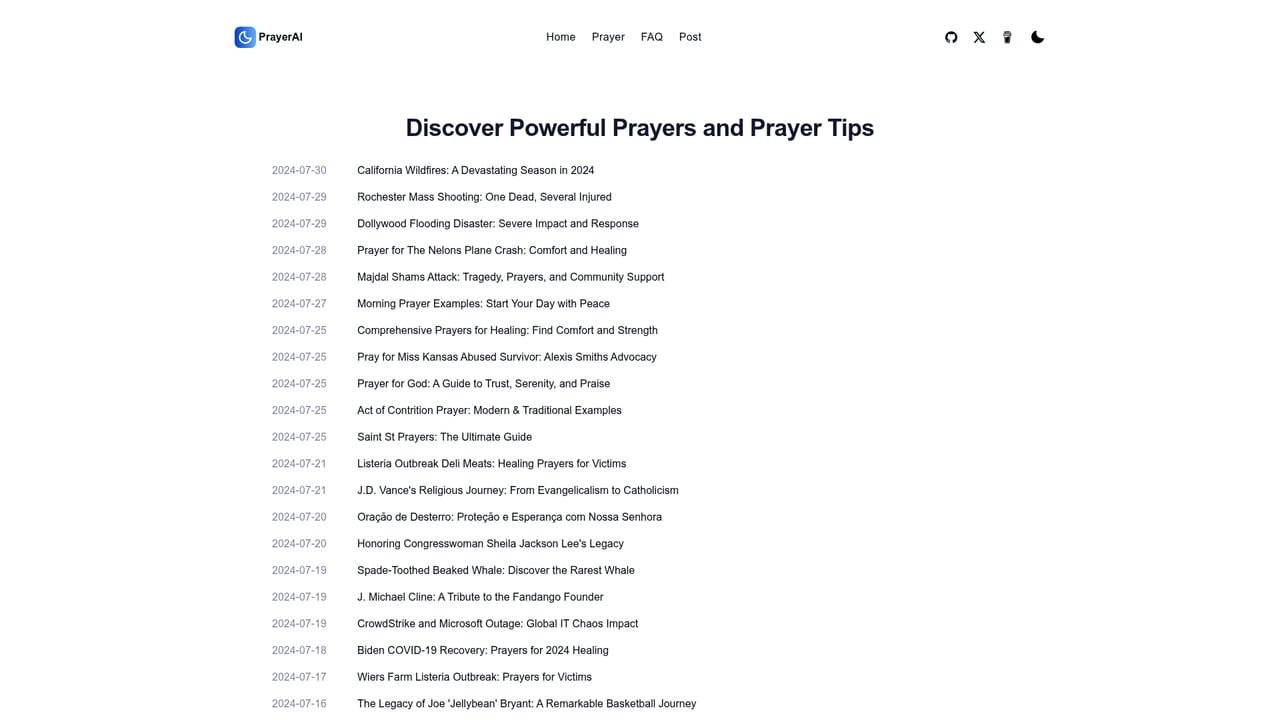
PrayerAI states that it is completely free to use, with no subscription or credit system mentioned. The site invites optional support through a buy the author a coffee link on a third party store.
Learn moreSupport is handled by email at support@prayer-for.com, which the site lists for feedback and suggestions. No help centre, live chat or ticketing system is described.
Core features are personalized prayer generation from your stated needs or intentions, a library of prayers and articles for daily devotions, and published guides and tips on writing your own prayers. The site emphasizes speed, an intuitive interface and a supportive tone in the generated text.
 AI Angels400+ customizable AI girlfriends for NSFW chat, voice calls, and roleplay
 Candy AIExperience the future of companionship with AI friends who chat, role-play, and connect with you on a human level.
 ourdream.aiA vast AI roleplay platform with millions of characters for chat, images, video and voiceAI Angels400+ customizable AI girlfriends for NSFW chat, voice calls, and roleplayCandy AIExperience the future of companionship with AI friends who chat, role-play, and connect with you on a human level.ourdream.aiA vast AI roleplay platform with millions of characters for chat, images, video and voice


