Presbot

Answer visitor questions first, then capture qualified inquiries.

Beginner
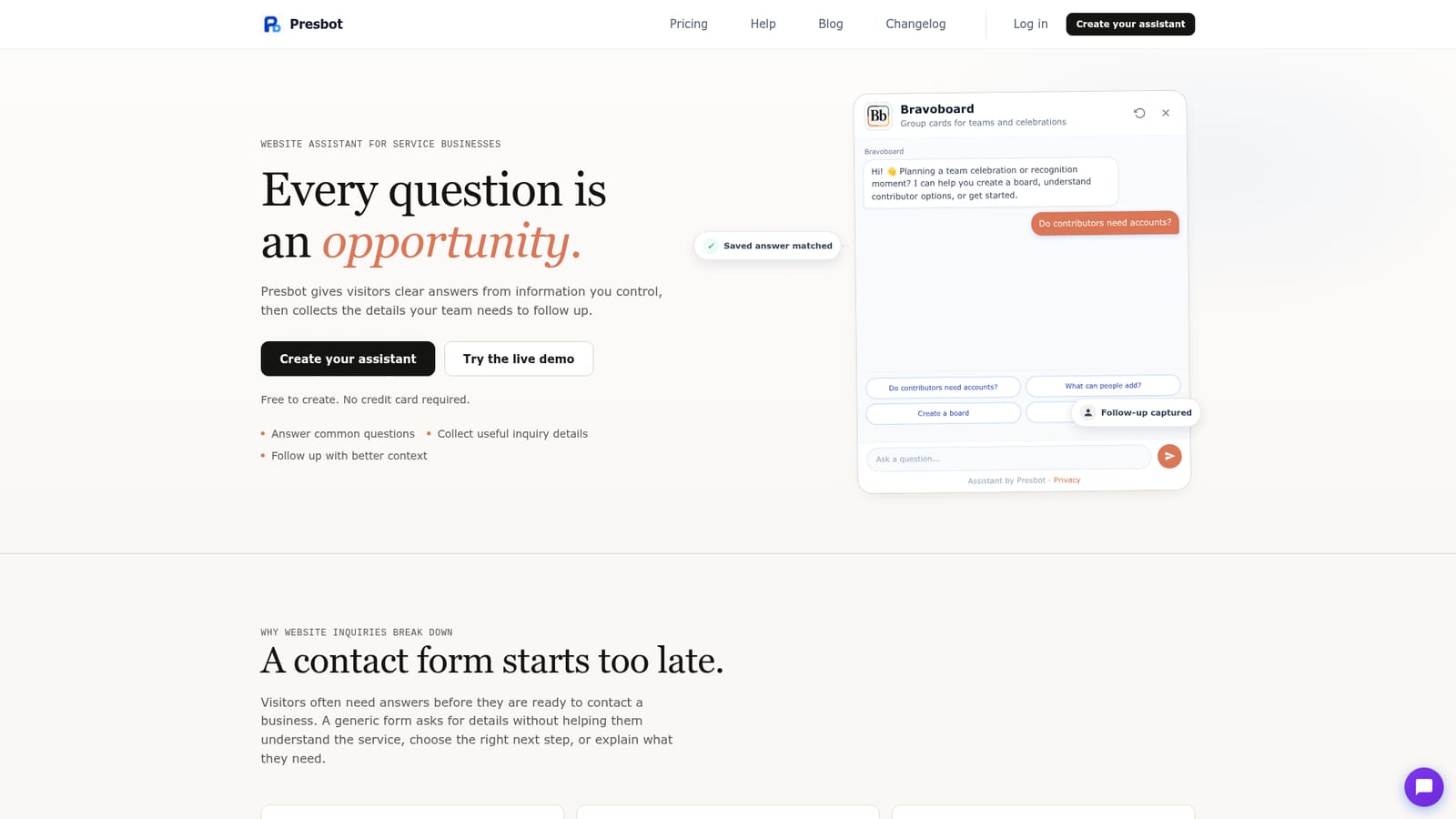
Screenshot of Presbot, Answer visitor questions first, then capture qualified inquiries

What is Presbot?

Presbot is a website assistant for service businesses that answers visitor questions from approved saved responses and site knowledge, then collects structured follow-up inquiries with contact details and conversation context.

Presbot is a website assistant aimed at service businesses whose visitors tend to have questions before they are ready to make contact. The premise is simple: a standard contact form opens by requesting personal details, which gives the visitor nothing to work with. Presbot instead answers the questions a business receives most often, then offers a structured path to follow-up for anyone who wants it. The assistant combines saved responses, supporting Knowledge drawn from the site, and an inquiry flow that records contact details, the visitor's answers and the context of the conversation. The product is pitched at consultants, marketing and web agencies, photographers and creative studios, home and appointment-based services, and small teams handling high-value inquiries. In practice, an owner writes the business details, the common questions and their approved answers, plus any supporting material that should inform broader replies. A preview mode lets them check answers, links and inquiry questions before publishing. Once live, the assistant either sits on the website or runs as a standalone shareable link. Quick Topics give visitors recognizable starting points, saved responses stay under direct business control, and questions outside the approved material can be redirected into a follow-up request rather than a guessed answer. The boundaries are stated openly. Presbot does not claim a live agent is present, and it can admit when it lacks a reliable answer. The Bravoboard case study shows the intended pattern: a visitor picks a topic, gets a controlled answer, and hands over details without restarting in a blank form. Against a plain contact form, the difference is sequencing and context. Against heavier chat suites, Presbot is narrower by design, focused on qualified inquiries rather than broad customer support or multi-channel service. Very simple websites may find a contact form sufficient. Setup is lightweight, with no coding implied, and creation is free without a card. Install is optional until the answers are ready.

How do you use Presbot?

  1. 1Create your assistant
    Sign up and start a new assistant. Creation is free and no credit card is requested at this stage, so you can build before committing to anything.
    Presbot — Create your assistant
  2. 2Add business details and saved answers
    Enter your business information, the questions you receive most often, and the answers visitors should see. These saved responses remain under your control.
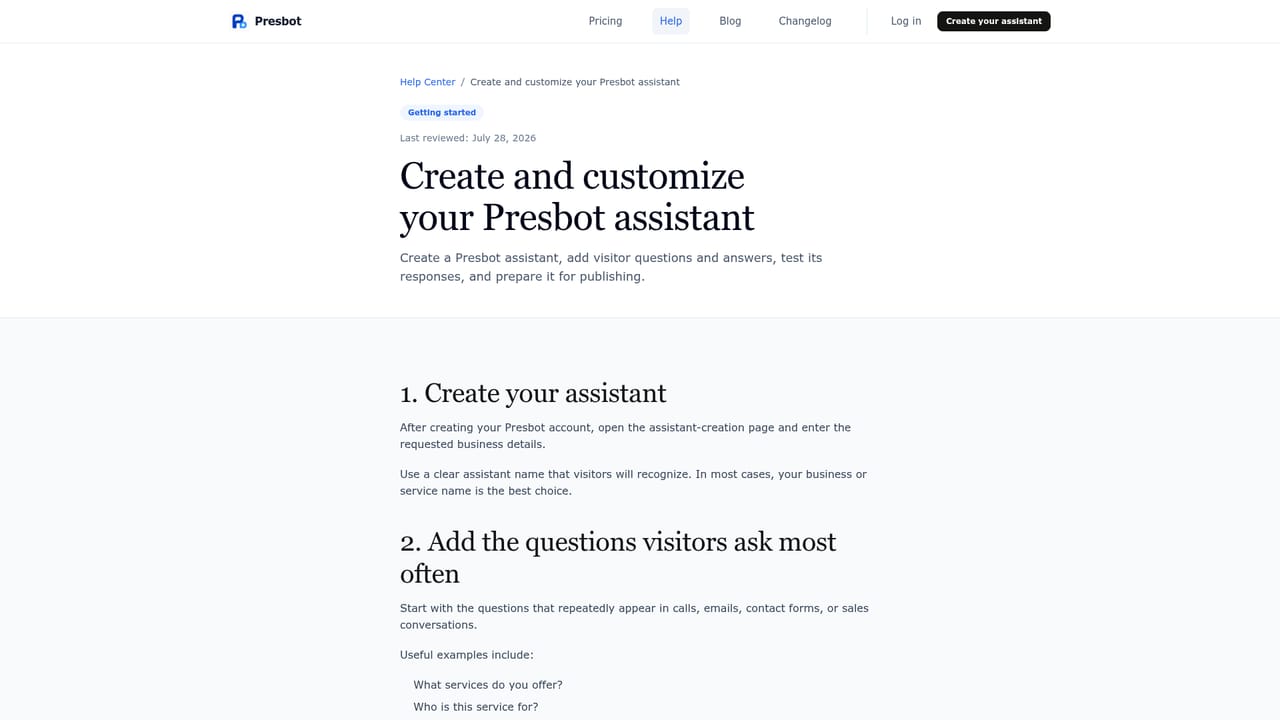
    Presbot — Add business details and saved answers
  3. 3Add supporting Knowledge
    Supply approved website information so broader questions can be handled without the assistant inventing an answer it cannot support.
  4. 4Set up the inquiry flow
    Decide which contact and qualification details to request, and only trigger the request when a visitor wants human follow-up.
  5. 5Preview and test the visitor journey
    Run through the experience yourself, checking answers, links and inquiry questions before anything goes live.
  6. 6Publish to your website or share a link
    Install the assistant on your site when ready, or share the standalone assistant link. Installation is optional until you are satisfied.

Pros and cons

Pros

  • Answers visitor questions before asking for personal details, which gives inquiries context a blank form cannotAI
  • Saved responses and business Knowledge stay under the owner's direct controlAI
  • Structured follow-up captures contact details, the visitor's answers and the original question contextAI
  • Preview and testing happen before anything is published to the live websiteAI
  • Free to create with no credit card, and install is optional until answers are readyAI

Cons

  • Scope is narrow: it targets lead qualification, not full customer support or multi-channel messagingAI
  • Answer quality depends entirely on the saved responses and Knowledge the business writesAI
  • No pricing figures, plan limits or integration details appear on the homepage, so cost needs checking separatelyAI
  • Businesses with very simple websites may get the same result from a plain contact formAI
  • The homepage offers only one detailed customer story, which limits evidence across other verticalsAI

How much does Presbot cost?

Pricing

The homepage states that creating an assistant is free and requires no credit card, and that you install only when ready. Specific plan tiers, prices and usage limits are not given on the homepage, so check the pricing page for current figures.

Learn more

Support

A public Help Center covers creating and customizing your assistant, and a live demo shows the full visitor journey. The homepage does not state direct support channels or response times.

Learn more

Features

Saved responses for the questions a business receives most often, supporting website Knowledge for broader questions, Quick Topics as recognizable starting points, a structured inquiry flow that captures contact details and qualification answers, conversation context carried into each follow-up, honest handoff when no reliable answer exists, a preview and test mode, and publishing either on-site or as a standalone link.

Learn more

Frequently asked questions about Presbot

  • How much does Presbot cost?
    The homepage states that creating an assistant is free and requires no credit card, and that you install only when ready. Specific plan tiers, prices and usage limits are not given on the homepage, so check the pricing page for current figures.
  • How do you use Presbot?
    The walkthrough on this page covers 6 steps: 1. Create your assistant 2. Add business details and saved answers 3. Add supporting Knowledge 4. Set up the inquiry flow 5. Preview and test the visitor journey 6. Publish to your website or share a link.
  • What platforms does Presbot support?
    Presbot is available on Web App.
  • What are the limitations of Presbot?
    Scope is narrow: it targets lead qualification, not full customer support or multi-channel messaging. Answer quality depends entirely on the saved responses and Knowledge the business writes. No pricing figures, plan limits or integration details appear on the homepage, so cost needs checking separately.

Status

StatusActive
Views0
Outbound clicks0
Added10/21/2026

Platforms

Web App

Pricing

FreemiumFree