Integrations
The homepage names Notion, JIRA, Slack, GitHub, Google Drive, MongoDB and Microsoft Excel as connectable sources, shown alongside the product logo. No full connector catalogue or API documentation is published.
A private ChatGPT that answers from your company's own connected sources
Own PrivateGPT.io? Verify ownership to get a dofollow link

PrivateGPT.io is an AI chat bot tool. A private ChatGPT for organizations that connects Notion, JIRA, Slack, GitHub and similar sources, then answers natural language questions while respecting existing user permissions and keeping customer data out of model training.
PrivateGPT.io is a private ChatGPT style assistant built around company knowledge rather than public web content. The premise is simple: organizations accumulate documents, tickets, messages and notes faster than anyone can search them, so the product connects to the tools where that material already lives and lets people ask questions in natural language instead. The homepage names Notion, JIRA, Slack, GitHub, Google Drive, MongoDB and Microsoft Excel as example sources, and shows a Slack, Drive, MongoDB, GitHub, Notion and Excel logo cluster as the surrounding ecosystem. The two design principles the site emphasizes are privacy and access control. Data supplied by a customer is stated not to be used for training AI, which addresses the common objection to putting internal material into a hosted model. More distinctive is the security claim: people inside an organization only receive answers about information they are already permitted to access. For teams with confidential projects, restricted repositories or role based documentation, that distinction matters more than raw model quality, because a knowledge assistant that leaks across permission boundaries is worse than no assistant at all. In practice the tool behaves like a retrieval assistant. You connect sources, the content is indexed behind the scenes, and users then ask questions the way they would ask a colleague. The company points to a live demo on the homepage and to a documented example: an integration with the Booster Framework documentation, an open source tool for accelerated backend development, which is presented as a way to simplify a complex onboarding process. That use case, ramping new joiners onto dense technical material, is a reasonable picture of the intended fit. Positioning-wise, PrivateGPT.io sits between consumer chat assistants and heavyweight enterprise search platforms. It is aimed at organizations rather than individuals, and the homepage is explicit that rollout is going to selected companies and institutions worldwide through an application form rather than instant self-serve signup. Teams that want a quick personal chatbot will find it heavy; teams that want a gated internal answer engine with permission awareness are the target. A companion guide and a separate LLM comparison site are linked for buyers still deciding which model underpins their deployment.
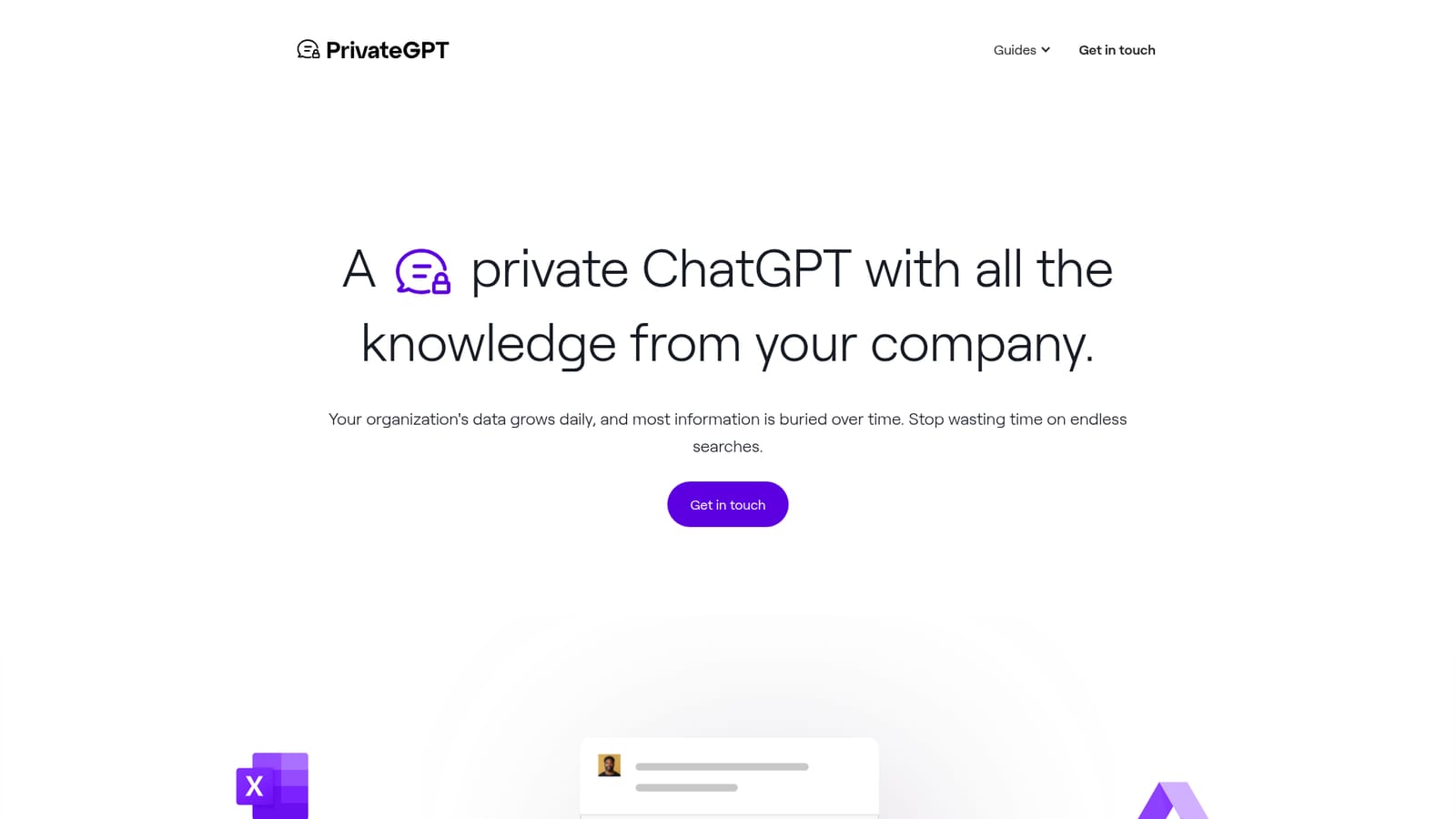
The homepage names Notion, JIRA, Slack, GitHub, Google Drive, MongoDB and Microsoft Excel as connectable sources, shown alongside the product logo. No full connector catalogue or API documentation is published.
Connects to workplace sources including Notion, JIRA, Slack, GitHub, Google Drive, MongoDB and Microsoft Excel, then answers natural language questions over that content. Customer data is not used for AI training, and answers are scoped so people only see information they are permitted to access. A live demo and a published guide support evaluation.
Learn more AI Angels400+ customizable AI girlfriends for NSFW chat, voice calls, and roleplay
 Candy AIExperience the future of companionship with AI friends who chat, role-play, and connect with you on a human level.
 ourdream.aiA vast AI roleplay platform with millions of characters for chat, images, video and voiceAI Angels400+ customizable AI girlfriends for NSFW chat, voice calls, and roleplayCandy AIExperience the future of companionship with AI friends who chat, role-play, and connect with you on a human level.ourdream.aiA vast AI roleplay platform with millions of characters for chat, images, video and voice


