ProductBridge

Support chat, feedback boards, roadmap and surveys on one customer record

Beginner API
Screenshot of ProductBridge, Support chat, feedback boards, roadmap and surveys on one customer record

What is ProductBridge?

ProductBridge is an analytics tool. ProductBridge combines AI-assisted live chat, help center, surveys, feedback boards, roadmap and changelog on one customer record, with flat pricing and no per-seat fees. It targets SaaS teams moving off Canny, Featurebase or Intercom.

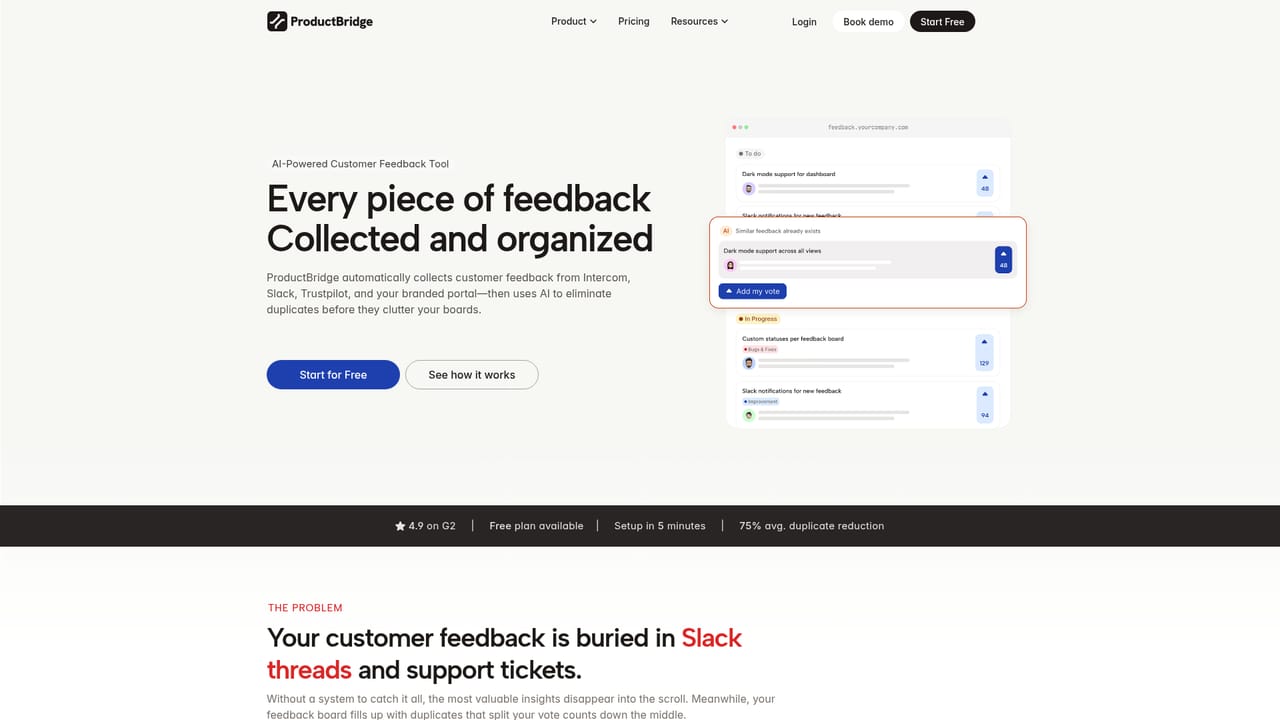
ProductBridge is a customer support and feedback management platform aimed at SaaS teams that are tired of juggling a helpdesk in one tab and a feedback board in another. It brings live chat, a help center, surveys, feedback boards, a public roadmap and a changelog together around a single customer record, so a support conversation can turn into a feature request, be prioritized, and lead to a notification when the work ships. In practice, feedback arrives from several directions: a public portal where customers submit and vote on ideas, in-app widgets, support conversations, surveys, and connected sources such as Slack, Intercom, Zendesk, Discord, email, G2 and Trustpilot. An AI layer called AutoBridge reads these signals, merges duplicate requests into one item with every voter still attached, and groups related posts into themes and pain points. Requests can then be scored by reach, vote count, customer segment and revenue impact, which is meant to stop the loudest customer from setting the agenda. The support side includes a branded, multilingual messenger that combines chat, help articles, roadmap voting and product updates. Agents work from a shared inbox for chat and email with assignments, teams, internal notes, macros, SLAs and CSAT. AI agents answer from approved help content, can call external APIs, follow workflows and hand off to humans. Surveys cover NPS, CSAT, CES and polls, and open-ended answers feed back into the feedback analysis. An MCP server exposes 36 tools so assistants such as Claude, ChatGPT and Cursor can query the data. Delivery work can be pushed to tools like Linear and Jira. The product competes with feedback-focused tools such as Canny and Featurebase, and with support suites such as Intercom. Its positioning rests on covering both jobs with flat pricing rather than per-seat, per-tracked-user or per-resolution fees. Teams migrating can import feedback, votes and users by CSV and connect Intercom to keep conversations flowing in. It suits small to mid-sized product and support teams that want one system instead of a stitched-together stack.
How do you use ProductBridge?

  1. 1Create a free account
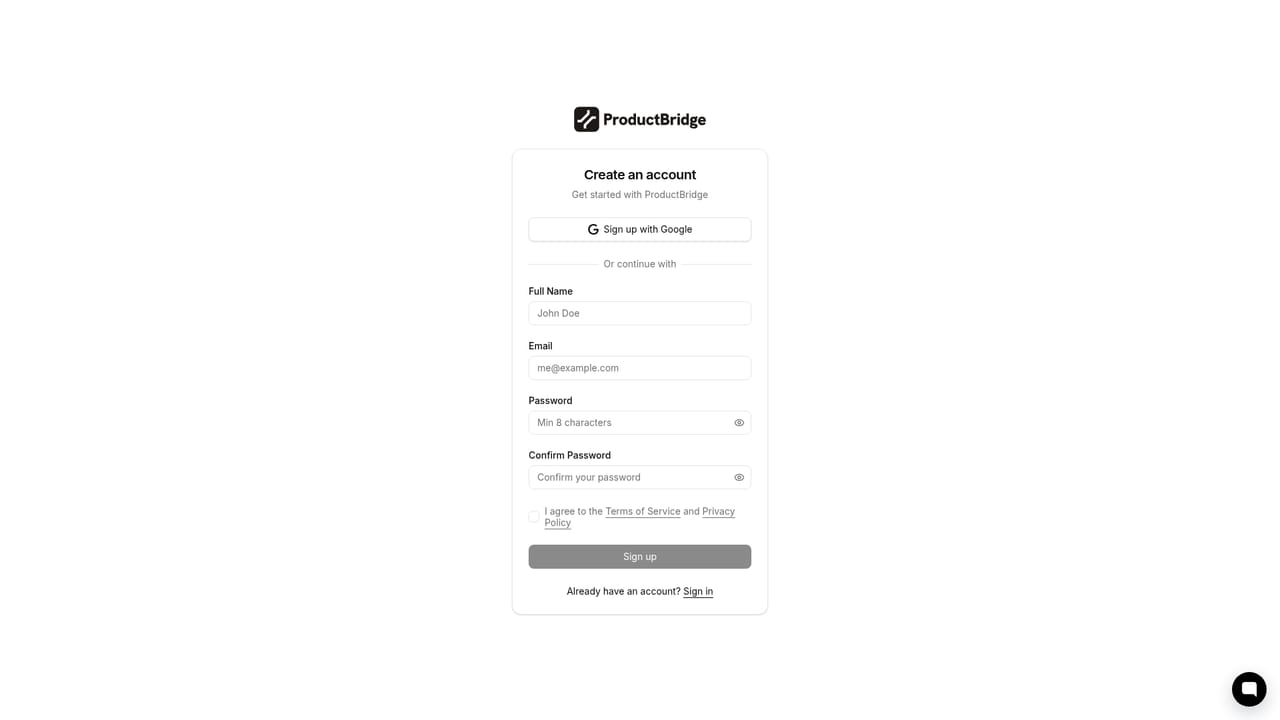
    Sign up for the free plan, which needs no credit card. Paid plans include a 14-day free trial if more features are needed.
    ProductBridge — Create a free account
  2. 2Connect your feedback sources
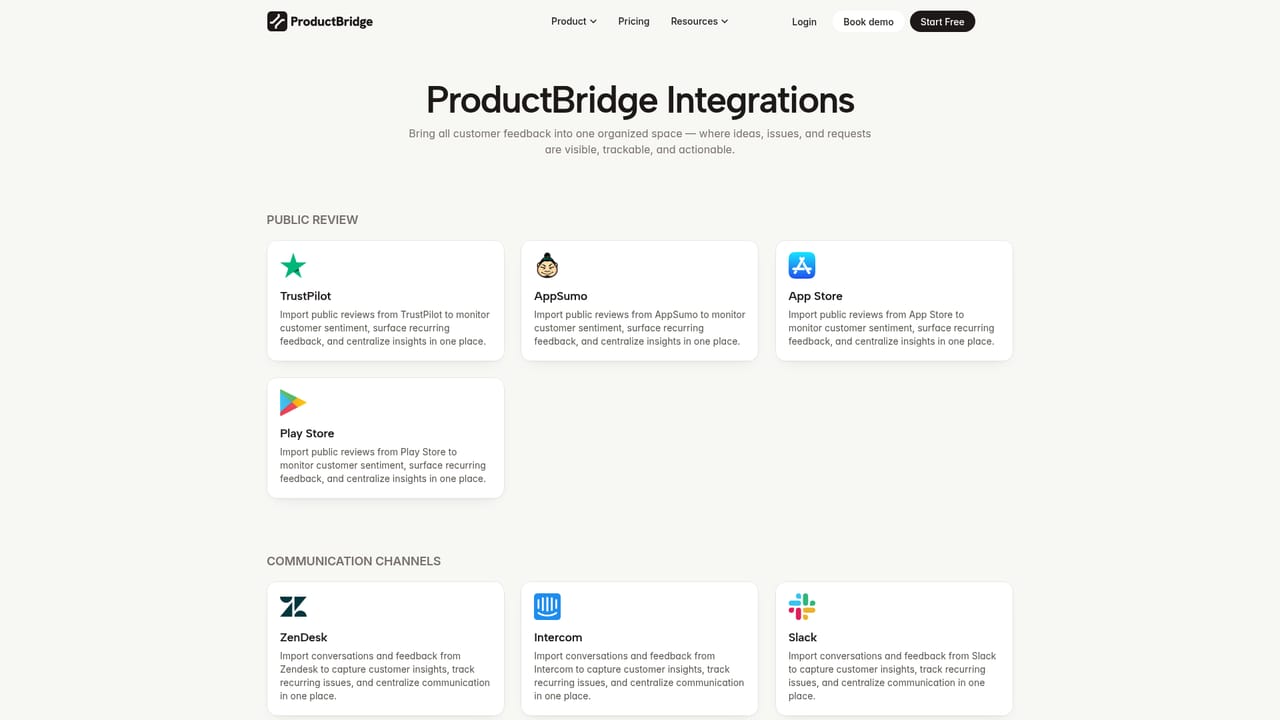
    Link Slack, Intercom, Zendesk, email, Discord or review sites so requests flow in automatically. Existing feedback, votes and users can also be imported by CSV.
    ProductBridge — Connect your feedback sources
  3. 3Set up the portal and widget
    Publish the public feedback portal and add the in-app widget so customers can submit ideas, vote and follow progress.
    ProductBridge — Set up the portal and widget
  4. 4Turn on support chat and the help center
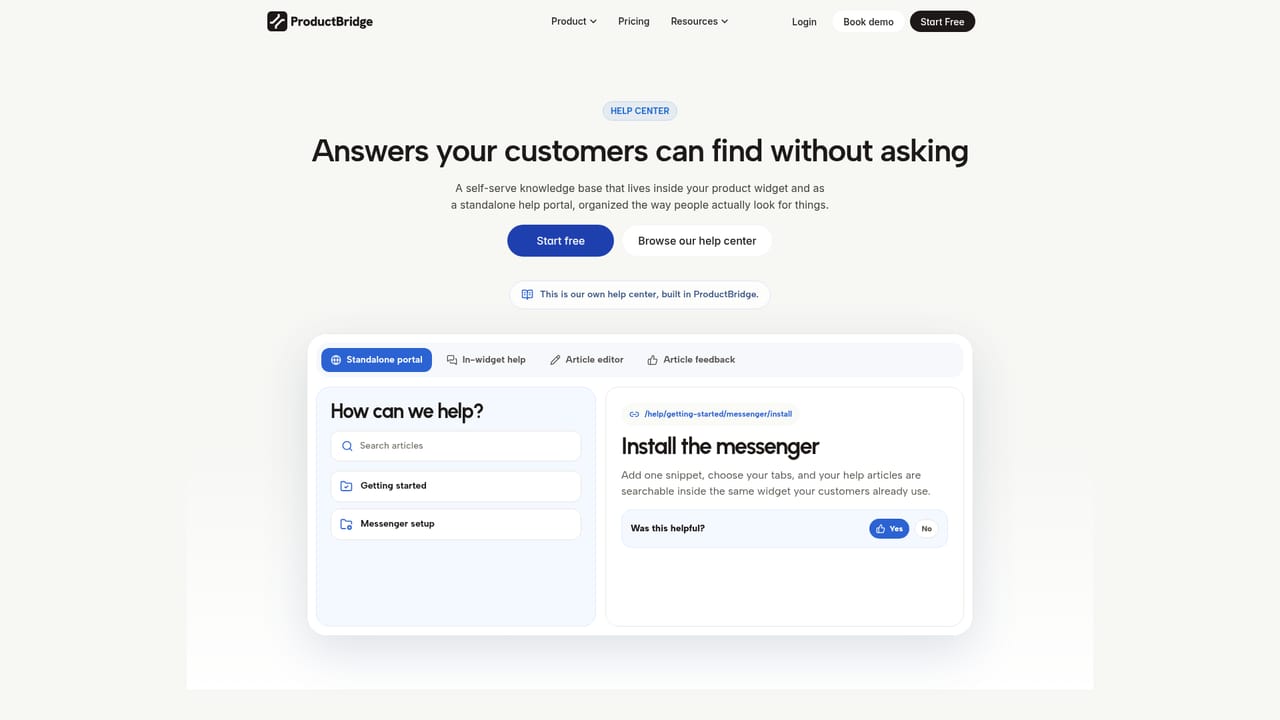
    Add the messenger, write help articles and let the AI agent answer from approved content, with handoff to your team when needed.
    ProductBridge — Turn on support chat and the help center
  5. 5Review themes and prioritize
    Check merged duplicates and themes in feedback intelligence, then score requests by reach, segment and revenue impact.
  6. 6Publish the roadmap and changelog
    Share planned, in-progress and shipped items, then announce releases so everyone who asked is notified.

Pros and cons

Pros

  • Support, feedback, roadmap, surveys and changelog share one customer record, so no retyping between toolsAI
  • AI merges duplicate requests and groups them into themes while keeping every voter and conversation attachedAI
  • Flat pricing with no per-seat, per-tracked-user or per-resolution fees, and a free plan without a credit cardAI
  • Closes the loop by notifying customers who requested or voted for a feature when it shipsAI
  • CSV import plus Intercom connection and 15+ integrations ease migration from Canny, Featurebase or IntercomAI

Cons

  • Covering support and feedback in one product means each area may be less deep than a dedicated helpdesk or specialist toolAI
  • Paid plans are billed annually at the advertised rate, so monthly commitments may cost moreAI
  • Integration list is described as 15+, which is smaller than large suites and may miss niche toolsAI
  • Best value depends on adopting the whole loop, which adds a switching effort for teams with entrenched helpdesksAI

How much does ProductBridge cost?

Free trial

Paid plans include a 14-day free trial, and the free plan requires no credit card.

Learn more

Pricing

A free plan needs no credit card. Paid plans are flat: Starter from $29 a month and Growth from $59 a month billed annually, with no per-seat or per-tracked-user pricing.

Learn more

Support

Documentation and a help center are published on the docs site, and a demo can be booked through the homepage.

Learn more

Integrations

15+ integrations including Slack, Intercom, Zendesk, Discord, email, G2 and Trustpilot for intake, plus Linear and Jira for delivery. MCP tools work with Claude, ChatGPT and Cursor.

Learn more

Features

Live chat and shared inbox, AI support agents, help center, feedback portal and widgets, AI duplicate merging and themes, impact-based prioritization, public roadmap, changelog with notifications, NPS/CSAT/CES surveys, and an MCP server with 36 tools.

Learn more

Frequently asked questions about ProductBridge

  • How much does ProductBridge cost?
    A free plan needs no credit card. Paid plans are flat: Starter from $29 a month and Growth from $59 a month billed annually, with no per-seat or per-tracked-user pricing.
  • Does ProductBridge offer a free trial?
    Paid plans include a 14-day free trial, and the free plan requires no credit card.
  • Does ProductBridge have an API?
    Yes, ProductBridge offers an API.
  • How do you use ProductBridge?
    The walkthrough on this page covers 6 steps: 1. Create a free account 2. Connect your feedback sources 3. Set up the portal and widget 4. Turn on support chat and the help center 5. Review themes and prioritize 6. Publish the roadmap and changelog.
  • What platforms does ProductBridge support?
    ProductBridge is available on Web App.
  • What does ProductBridge integrate with?
    15+ integrations including Slack, Intercom, Zendesk, Discord, email, G2 and Trustpilot for intake, plus Linear and Jira for delivery. MCP tools work with Claude, ChatGPT and Cursor.

Status

StatusActive
Views0
Outbound clicks0
Added10/18/2026

Platforms

Web App

Pricing

FreemiumFree TrialSubscription