Free trial
A permanent Free plan costs $0 per month and includes 10 security scans, one project, one seat and Remote MCP security access. It excludes SEO, AI visibility, accessibility, performance and report exports.
Learn moreOne audit for security, SEO, AI visibility and accessibility

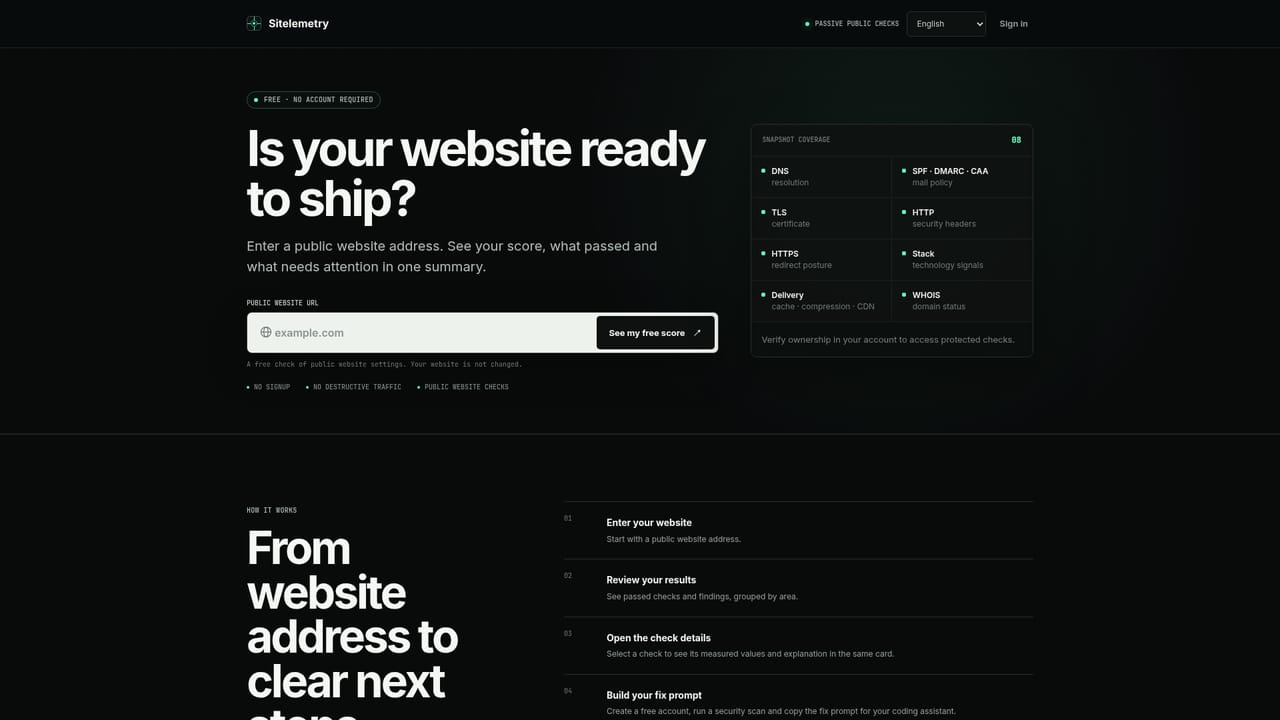
Sitelemetry is an analytics tool. Sitelemetry audits a website for security, technical SEO, AI visibility, accessibility, performance and integrations, attaches evidence to each finding, and produces agent-ready fix prompts that Codex or Claude Code can act on through MCP.
Sitelemetry is a website audit platform that examines a site across six areas: security, technical SEO, AI visibility, accessibility, performance and integrations. Instead of handing back a pile of separate reports, it correlates what it observes into a single evidence set, produces one health score with per-area scores, and ranks findings into a shared priority queue. Each finding carries the underlying proof, such as a header, certificate detail, port or crawl signal, so a reader can see what the score was based on. The product is aimed at site owners, product teams, agencies and security operators who want a first-pass review without stitching together several specialist tools. A finding includes impact, an exploit narrative, guardrails and implementation guidance, and an audit can also generate a single agent-ready fix prompt with validated findings, constraints, acceptance criteria and retest steps. Human review and careful deployment are still expected. After a repair, the same evidence path can be run again so score history and an audit trail show whether the control actually improved. In practice, work starts in the web console, where a verified domain or an authorized project is audited. Sitelemetry also connects to assistants through a remote MCP endpoint with OAuth, covering Codex, Claude Code, Claude.ai, ChatGPT and Cursor, and it lists plugins and integrations for WordPress, Chrome, n8n, GitHub Actions and GitLab. Safety is built into execution: ownership attestation is required for real projects, private network ranges are blocked, and adversarial checks use bounded canaries rather than destructive load. External engines such as Nmap, Nuclei, ZAP and WPScan run only in isolated workers when available. Among alternatives, it sits between single-purpose SEO crawlers, accessibility checkers and vulnerability scanners. It does not claim to replace specialists or to find every vulnerability, and the plan tiers decide how many security modules and audit areas an account can use.
A permanent Free plan costs $0 per month and includes 10 security scans, one project, one seat and Remote MCP security access. It excludes SEO, AI visibility, accessibility, performance and report exports.
Learn moreFree is $0 per month with 10 security scans, 10 of 27 security modules, 1 project and 1 seat. Starter is $49 per month, Professional $149 and Enterprise $249, with annual billing discounted by 20% (Starter $470 per year).
Learn moreThe homepage points to an MCP setup guide and a privacy notice, but it does not describe support channels or response times.
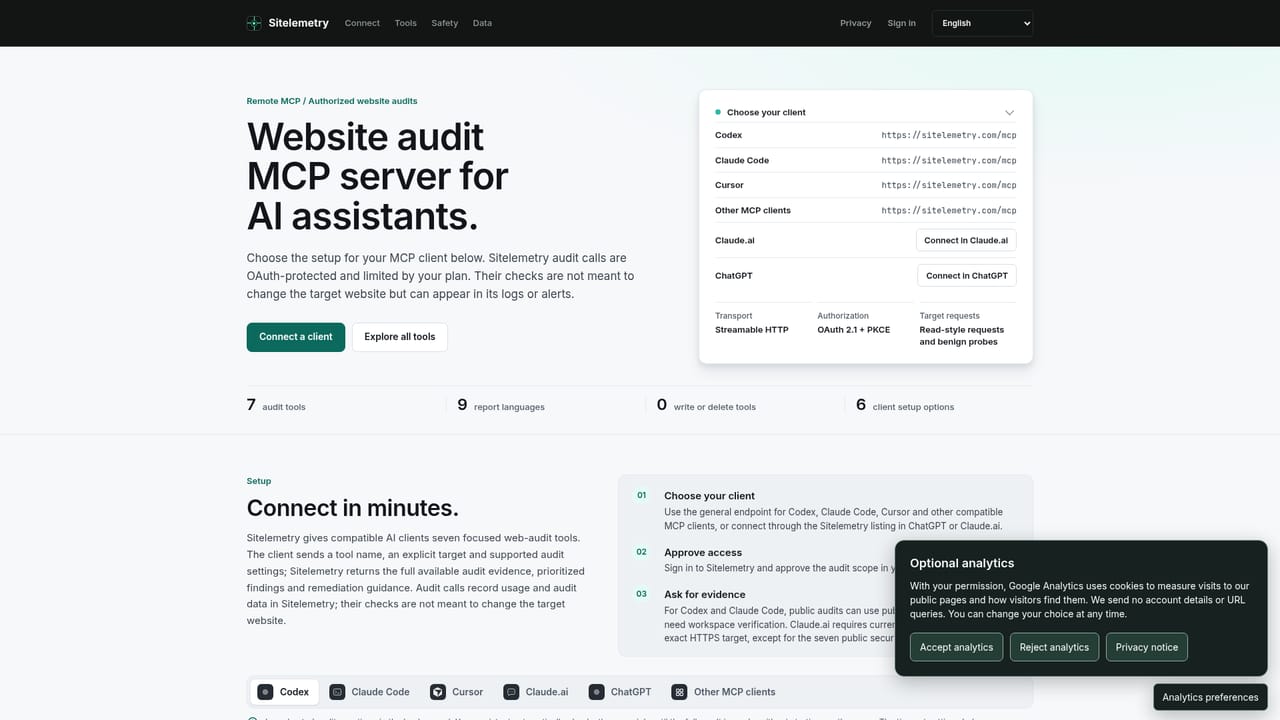
Learn moreConnects through remote MCP with OAuth to Codex, Claude Code, Claude.ai, ChatGPT and Cursor. Also listed for WordPress, Chrome, n8n, GitHub Actions, GitLab, Gemini CLI, Raycast, Apify and Postman.
Learn moreAudits six areas with up to 27 security modules, a unified health score, evidence-backed findings, remediation guidance, agent-ready fix prompts, retesting with score history, scheduled monitoring, JSON and PDF exports, and white-label reports on Enterprise.


