Integrations
The homepage states a connection to OpenAI as the model provider. No other integrations, LMS links or campus systems are named.
An AI tutor that gives university students real-time feedback

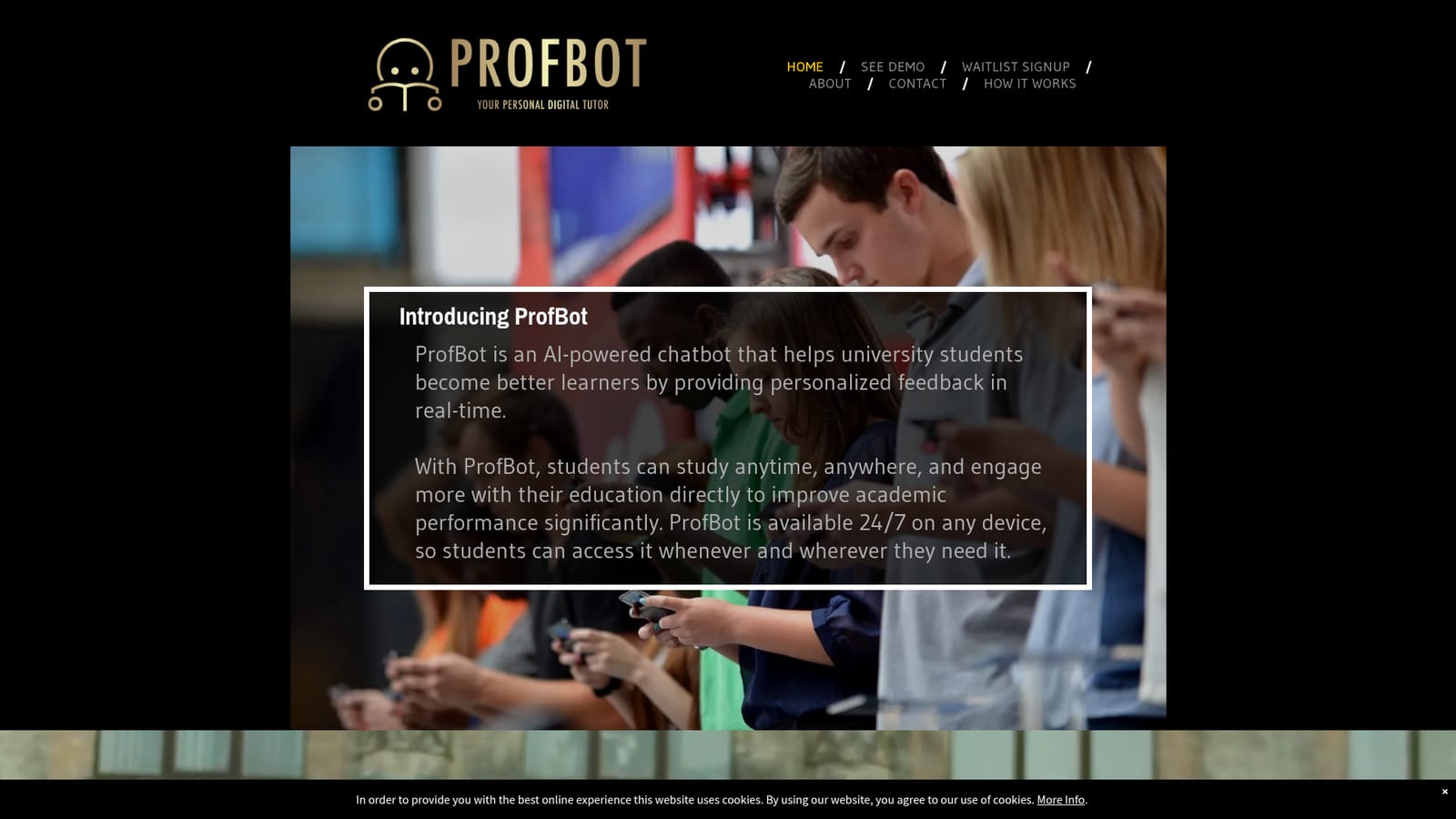
ProfBot is an AI chatbot positioned as a personal digital tutor for university students, offering real-time, personalized feedback through a conversational interface that is available 24/7 on any device.
ProfBot is an AI chatbot built for university students who want a study companion that responds to their work rather than a static library of notes. The product positions itself as a personal digital tutor: students ask questions, submit material, and receive personalized feedback generated in real time through a chat interface. The stated aim is not to hand over answers but to help students become better learners and engage more directly with their coursework. The tool is available around the clock on any device, which is the core of its pitch. A student working late on an assignment or revising before an exam can open ProfBot whenever the question comes up, instead of waiting for office hours or a study group to assemble. Because it runs through a conversational interface rather than a fixed course module, the interaction is driven by whatever the student brings to it at that moment. ProfBot was co-founded by Dr. Sean Wise, a professor of entrepreneurship, and the team describes the build around three concerns: understanding what a learning chatbot should actually do, designing an interface students can use without friction, and connecting to OpenAI for the underlying language model. That makes the product a thin, purpose-built layer over a general model, aimed at an academic audience rather than a general one. In the wider market, ProfBot sits between general assistants like ChatGPT, which students already use for study help but which are not framed around feedback on learning, and institutional tutoring platforms sold to universities. ProfBot takes the student side of that middle ground: a single-purpose tutor that a learner signs up for directly, without waiting for a course or department to adopt it.
The homepage states a connection to OpenAI as the model provider. No other integrations, LMS links or campus systems are named.
A conversational AI tutor for university students: personalized feedback delivered in real time through chat, available 24/7 on any device, with an interface designed for student use and a connection to OpenAI for the underlying language model.
 AI Angels400+ customizable AI girlfriends for NSFW chat, voice calls, and roleplay
 Candy AIExperience the future of companionship with AI friends who chat, role-play, and connect with you on a human level.
 ourdream.aiA vast AI roleplay platform with millions of characters for chat, images, video and voiceAI Angels400+ customizable AI girlfriends for NSFW chat, voice calls, and roleplayCandy AIExperience the future of companionship with AI friends who chat, role-play, and connect with you on a human level.ourdream.aiA vast AI roleplay platform with millions of characters for chat, images, video and voice


