Free trial
The first roadmap is free and requires no card details. The site also states there is no sales call needed to generate it.
Learn morePaste a strategy, get exec, engineering and sales roadmaps in seconds
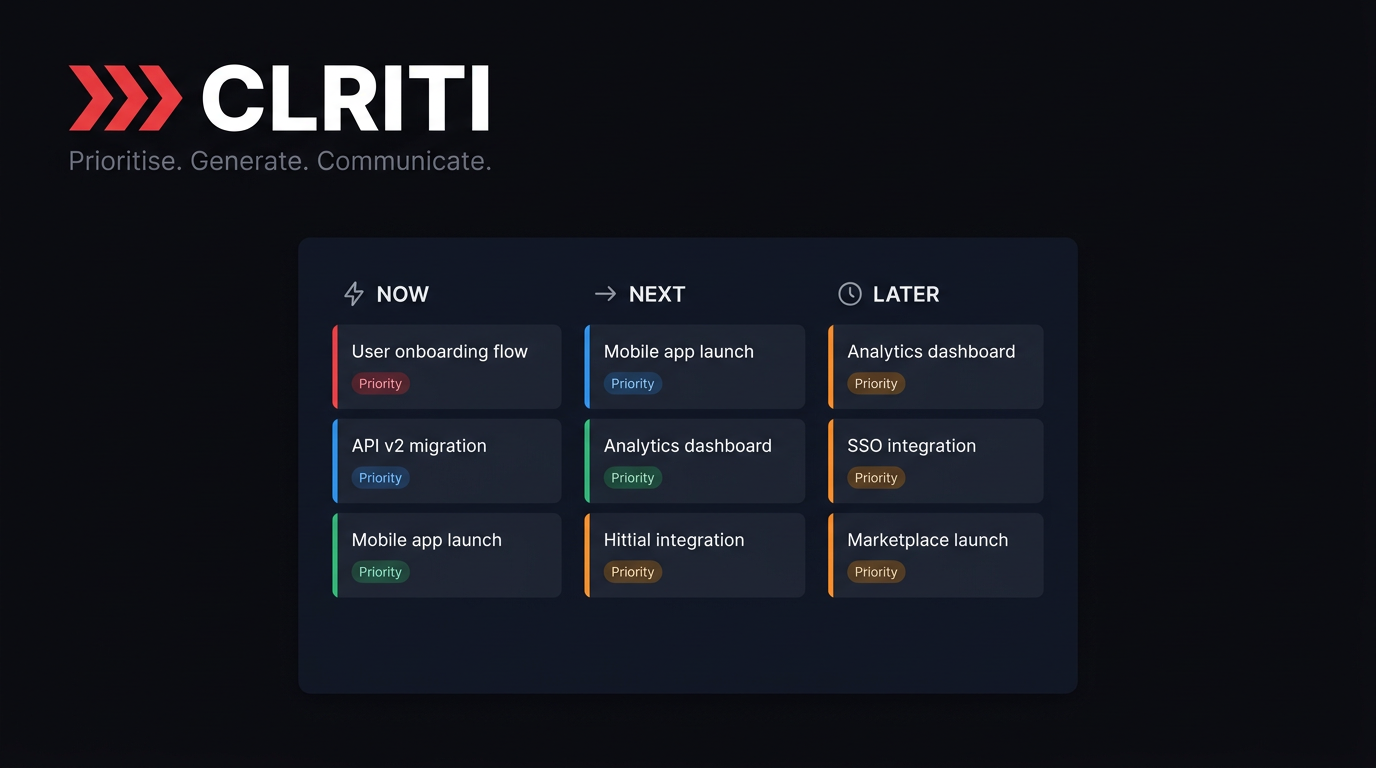
Clriti turns a pasted strategy, notes or website URL into product roadmaps and reshapes the same data into strategic, engineering and commercial views. It includes MoSCoW and RICE prioritisation, eight view formats, team collaboration, External Mode for customer-safe shares, and PNG, PDF and PPTX export.
Clriti is a roadmap tool built around one idea: the same strategy has to be shown in different ways to different audiences. You paste a strategy document, meeting notes, a PRD, a marketing site URL or a set of bullet points, and the tool uses AI to turn that raw material into a structured product roadmap. From there it produces eight view formats, including Timeline, Gantt, Swimlane, Now/Next/Later, Initiatives, Flow, Goals and Priority, all reading from the same underlying data, so switching view does not require rebuilding anything. The product is aimed at product managers and product leads who sit between leadership, engineering and sales. Each of those audiences gets a dedicated view: Strategic clusters work under themes with vision statements and priority scores for quarterly reviews, Swimlane and Gantt views plot initiatives by quarter with dependencies visible for delivery planning, and Now/Next/Later gives commercial teams customer-facing milestone dates without internal jargon. Prioritisation is handled with MoSCoW tags and RICE scoring (Reach x Impact x Confidence divided by Effort) built directly into the workflow. In practice the tool is designed to cut out the retyping cycle. Edits are made by dragging initiatives between quarters, stages or themes, or by typing plain English into an AI command bar. External Mode strips internal dates, dependencies and notes so a customer-safe version comes from the same source rather than a second document. Roadmaps can be styled with five brand palettes and custom font pairings, presented full screen in a click-through presentation mode, and exported as PNG, PDF or editable PPTX. Team workspaces add editors, view-only share links and role permissions. Against dedicated product management suites, Clriti leans on audience-specific views and a single flat price for the whole team rather than per-seat billing. It is a focused roadmap layer rather than a full planning platform, so teams that need deep backlog management or customer feedback pipelines will likely run it alongside other tools.
The first roadmap is free and requires no card details. The site also states there is no sales call needed to generate it.
Learn moreClriti is priced at a flat £19 per month for the whole team, with no per-user pricing and no seat minimums. The comparison table positions it against Aha!, Productboard, Roadmunk and ProductPlan, which are listed at per-user rates. Paid plans remove export watermarks.
Learn moreCore features include AI roadmap generation from a website URL, pasted notes, uploaded documents or a guided builder, eight view formats across four audience perspectives, MoSCoW and RICE prioritisation, strategic goal headers, presentation mode, drag and drop editing, five branded themes with font pairings, PNG, PDF and PPTX export, team collaboration with roles, an AI command bar and External Mode.
 AI Angels400+ customizable AI girlfriends for NSFW chat, voice calls, and roleplay
 Candy AIExperience the future of companionship with AI friends who chat, role-play, and connect with you on a human level.
 ourdream.aiA vast AI roleplay platform with millions of characters for chat, images, video and voiceAI Angels400+ customizable AI girlfriends for NSFW chat, voice calls, and roleplayCandy AIExperience the future of companionship with AI friends who chat, role-play, and connect with you on a human level.ourdream.aiA vast AI roleplay platform with millions of characters for chat, images, video and voice