
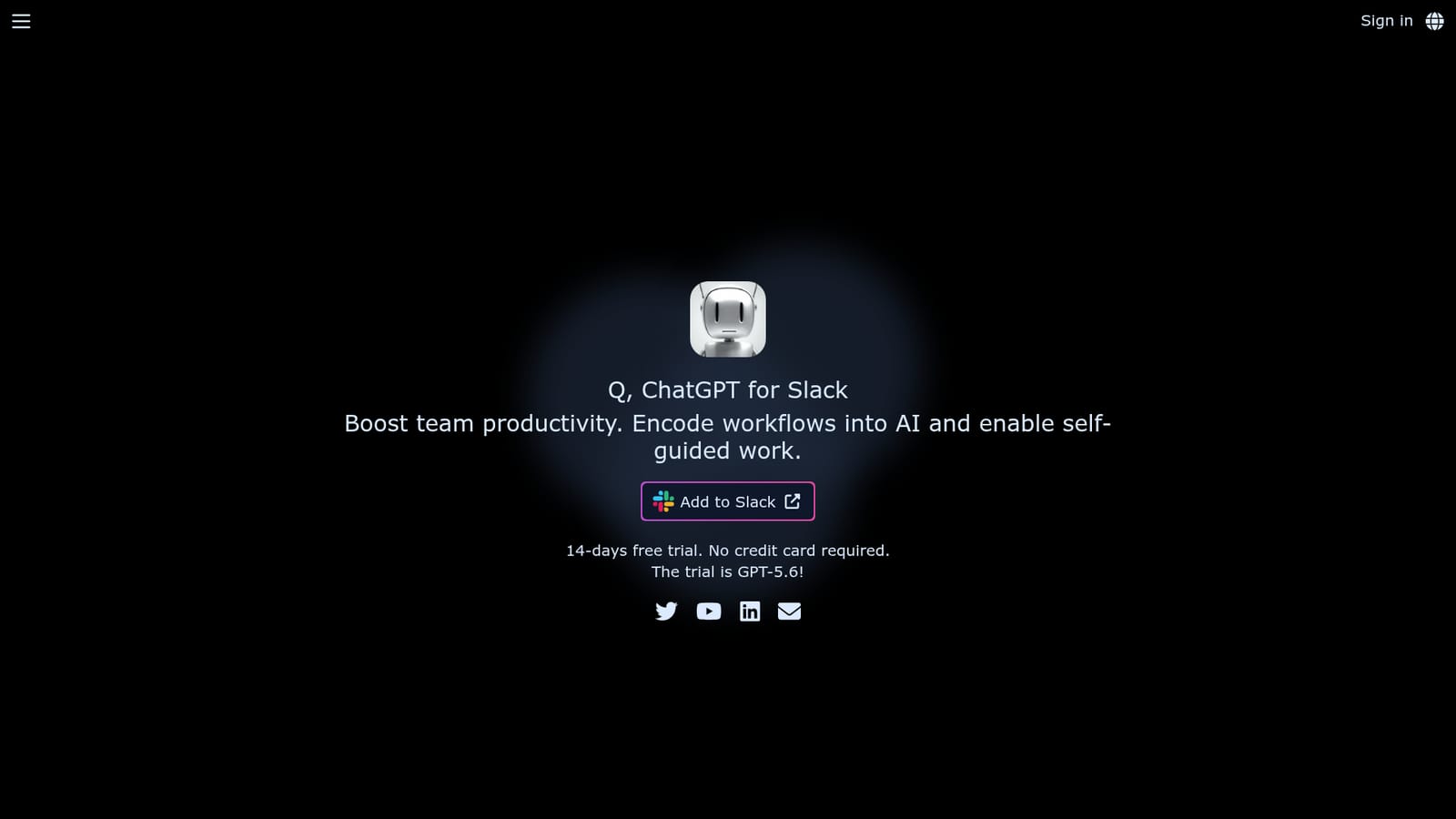
Free trial
A 14-day free trial is offered with no credit card required, and the homepage notes the trial runs on GPT-5.6. Using Q afterward requires upgrading to a paid plan.
Learn moreChatGPT inside Slack, for teams that want shared AI without tab switching
Own Q Slack Chatbot? Verify ownership to get a dofollow link
Q Slack Chatbot is an AI chat bot tool. An officially approved Slack app that brings an OpenAI GPT assistant into channels and DMs, with on-demand reading of links and files plus shared Custom Instructions so a whole workspace works from the same prompts and templates.
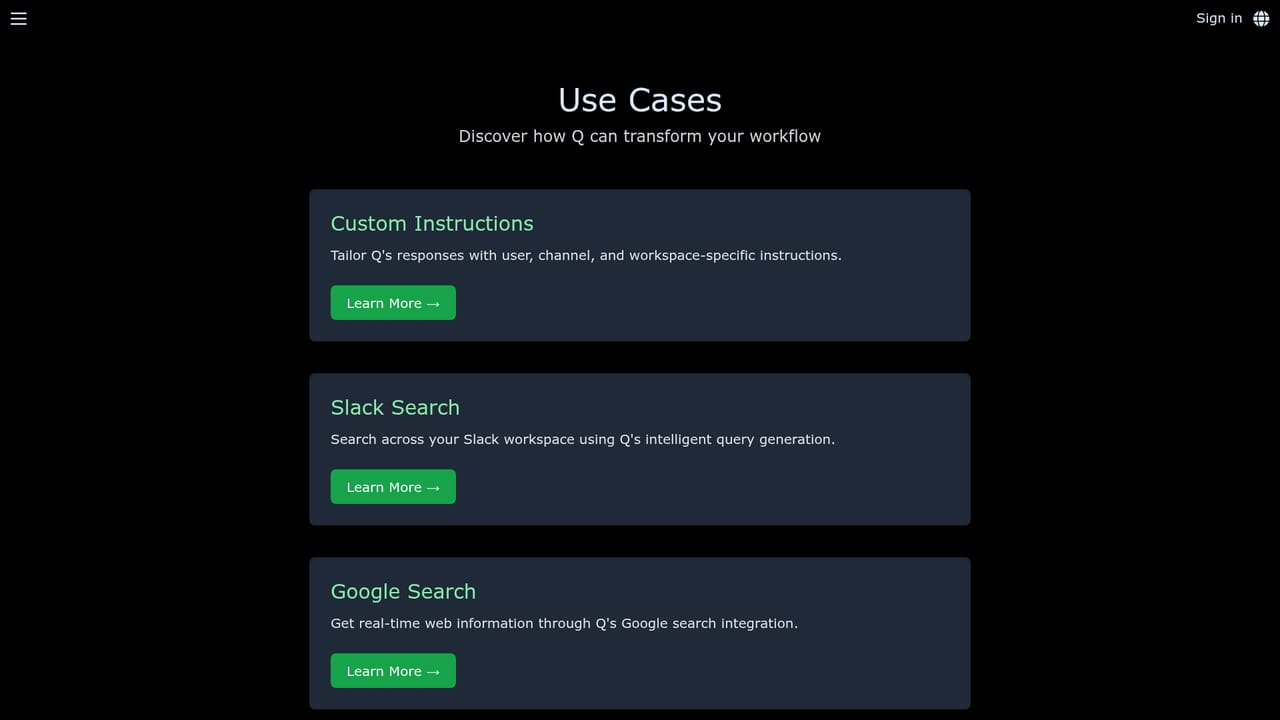
Q is a Slack app that puts an OpenAI-powered assistant directly into team channels and direct messages. It is an officially approved Slack app, so installation runs through the standard workspace authorization flow. Once invited, anyone in the workspace can address the bot with @Q in a channel or simply type in a DM without the mention. The pitch is straightforward: instead of each person maintaining a separate ChatGPT account and browser tab, the whole team shares one assistant that answers where the conversation already happens. The capability that separates Q from a plain ChatGPT wrapper is on-demand reading. Users can attach links or files to a message and Q will parse them before answering, covering general web pages, arXiv papers, YouTube videos, Google Docs, Slides and Sheets, Notion pages, and files in audio, video, PDF, image, Excel, PowerPoint, Word, text, CSV and code formats. Some of those sources require the user to authenticate first, which is handled through the app's settings. The homepage positions this for summarizing, evaluating, brainstorming, self-review and question answering over material the team already has. Custom Instructions are the other team-oriented feature. Administrators can define rules, guidelines and templates once, and every member then benefits by posting ordinary input. The examples given are email drafting, translation, social and blog content, copywriting, reporting, and coding or testing against internal information. That makes Q most relevant to teams that want consistent output formats across many people rather than one power user prompting well. Privacy is addressed explicitly: Q does not store conversation content or train on it, while OpenAI retains API data for abuse monitoring for up to 30 days. Q reads thread content only when mentioned and does not scan beyond that thread. Billing is per workspace and cannot be subdivided. The main tradeoff is that Q is bound to Slack, so organizations on other chat tools, or individuals who want a personal assistant, will find better-fitting options.
A 14-day free trial is offered with no credit card required, and the homepage notes the trial runs on GPT-5.6. Using Q afterward requires upgrading to a paid plan.
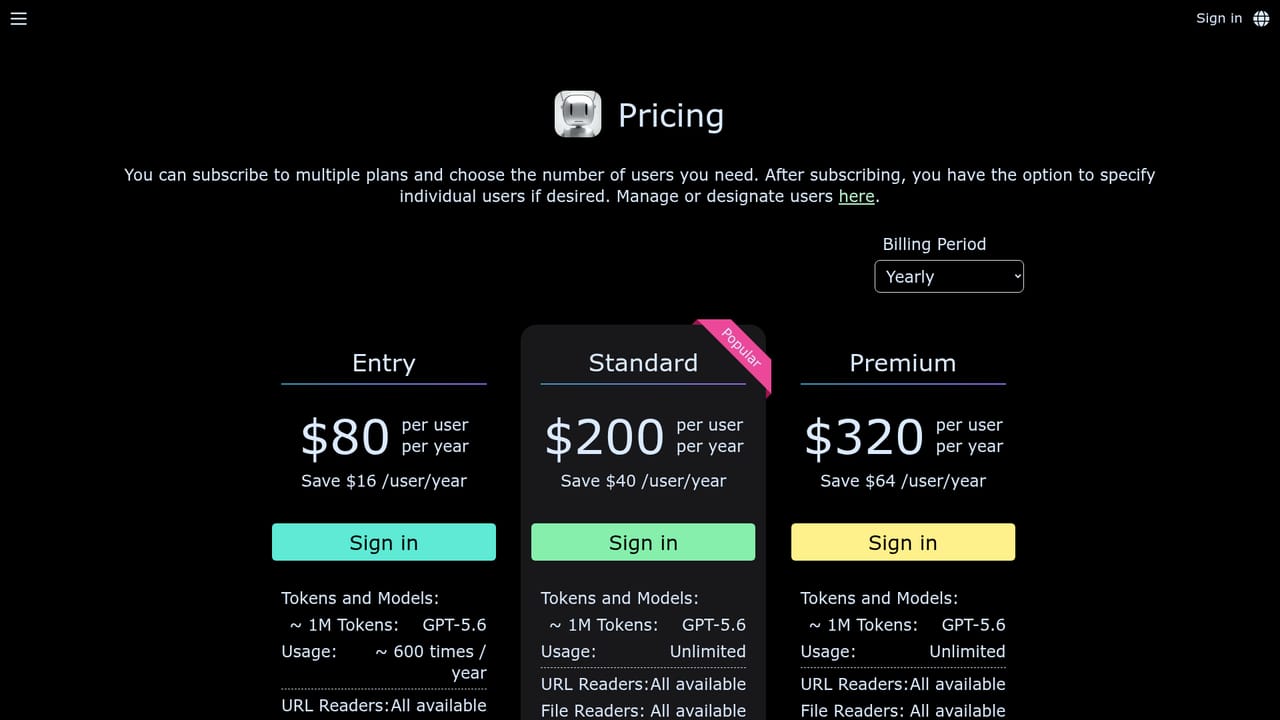
Learn moreBilling is per workspace and cannot be divided within a workspace. Paid plans are listed on the pricing page, but the homepage does not state specific prices or tier limits. After the 14-day trial ends, Q becomes unavailable until a paid plan is bought.
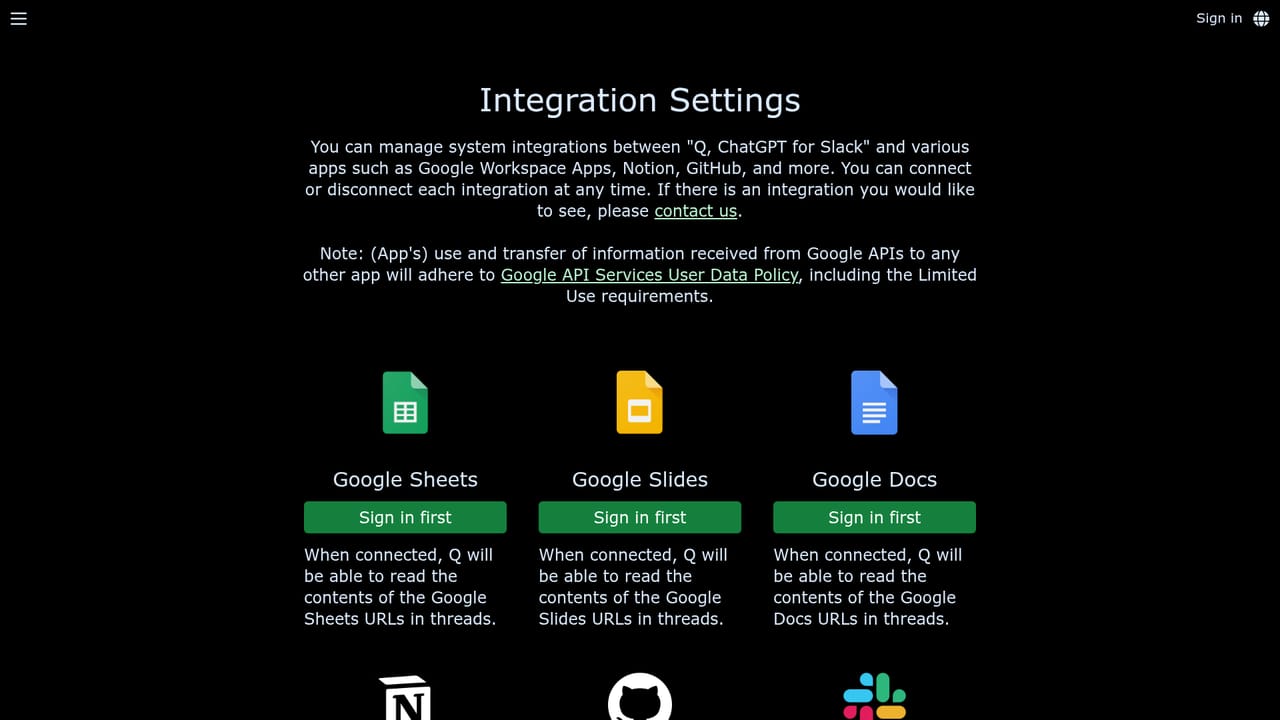
Learn moreOn-demand readers cover general URLs, arXiv papers, YouTube, Google Docs, Slides and Sheets, and Notion, with authentication handled in the integrations settings for restricted sources. File uploads cover audio, video, PDF, image, Excel, PowerPoint, Word, text, CSV and code.
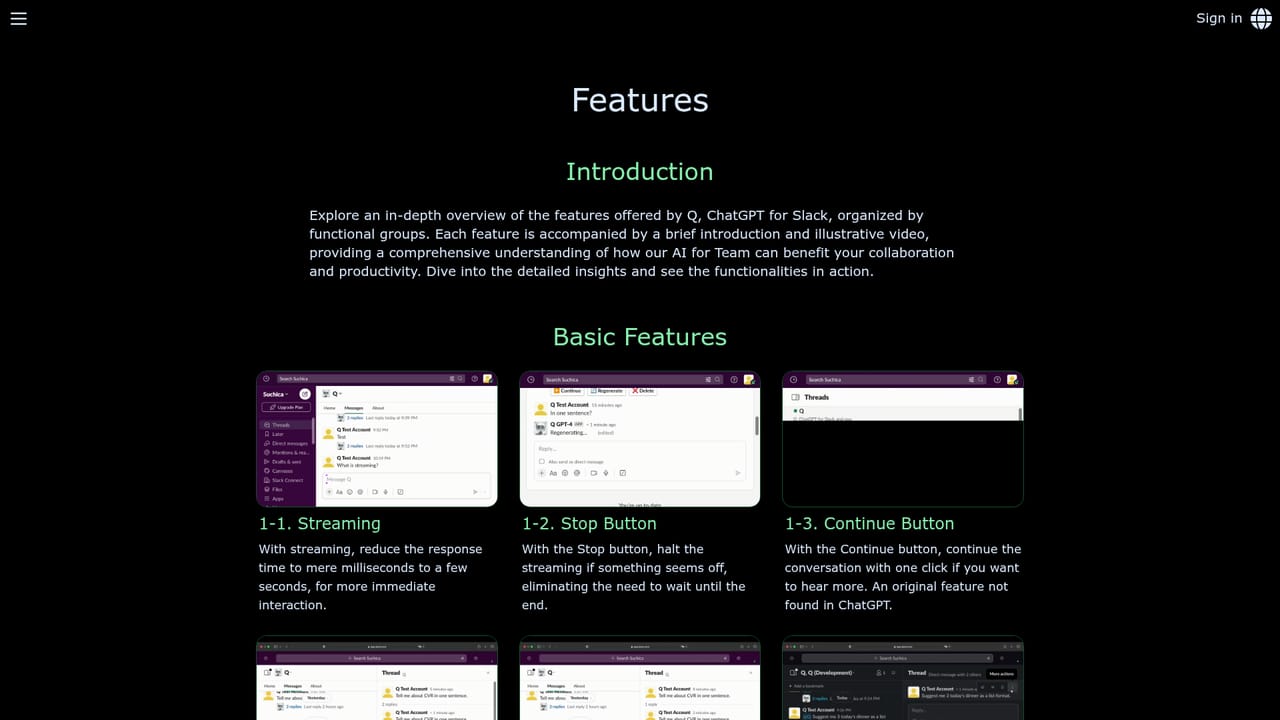
Learn moreQ answers as a shared assistant in Slack channels and DMs, reads attached URLs and files on demand (web pages, arXiv, YouTube, Google Docs, Slides, Sheets, Notion, plus audio, video, PDF, image, Excel, PowerPoint, Word, text, CSV and code), and supports workspace-wide Custom Instructions. Conversation content is not stored by Q or used for training.
Learn more AI Angels400+ customizable AI girlfriends for NSFW chat, voice calls, and roleplay
 Candy AIExperience the future of companionship with AI friends who chat, role-play, and connect with you on a human level.
 ourdream.aiA vast AI roleplay platform with millions of characters for chat, images, video and voiceAI Angels400+ customizable AI girlfriends for NSFW chat, voice calls, and roleplayCandy AIExperience the future of companionship with AI friends who chat, role-play, and connect with you on a human level.ourdream.aiA vast AI roleplay platform with millions of characters for chat, images, video and voice


