Support
The company says it personally reads and responds to every email, offers a contact form, and provides professional development sessions and asynchronous modules for schools.
Research-grounded AI for teachers, with exports to 20+ classroom tools
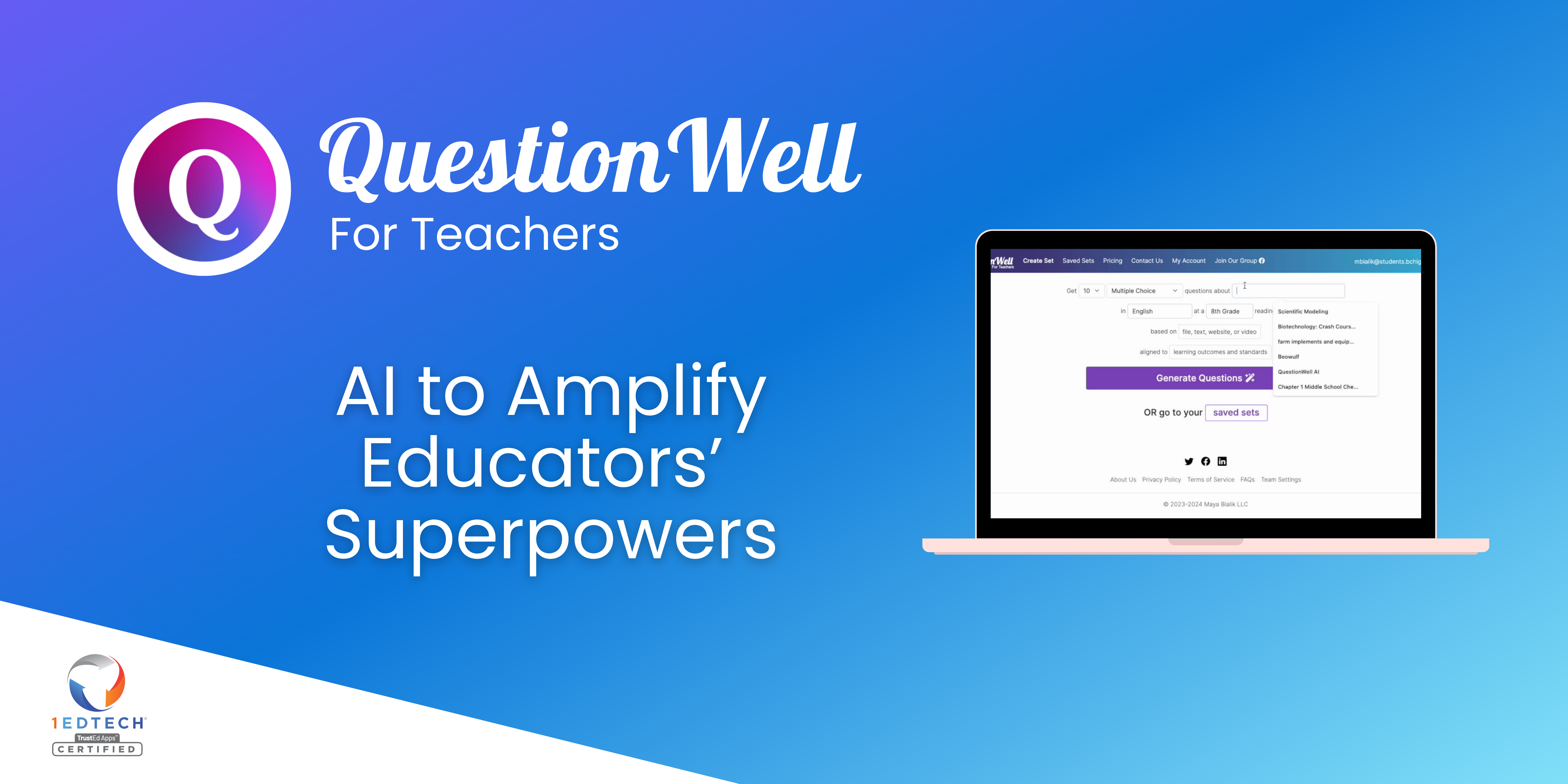
QuestionWell is an AI platform for teachers that generates standards-aligned questions, readings, vocabulary and interactive videos, analyzes them with learning-science lenses, and exports to 20+ classroom tools and LMS platforms.
QuestionWell is an AI platform built for classroom teachers. It generates standards-aligned questions, readings, vocabulary lists and interactive videos from a topic or a standard, then gives teachers ways to inspect and reshape the output instead of accepting a first draft as final. The company positions its prompts and fine-tuned models as grounded in learning science, and its founder is a researcher at Boston University who studies how teachers use the product. The workflow follows three stages. In the Author stage, a teacher enters a topic or picks a standard and receives draft materials. The Analyze stage applies research-aligned lenses that annotate the content, surfacing things like cognitive level, rigor, student agency and alignment, so the teacher can judge a worksheet or quiz before using it. The Adapt stage uses an agentic assistant that acts as a thought partner, helping refine the material for a particular group of students. Teachers also work with parameters such as reading level and cognitive demand while making real decisions about real materials. Export is a central selling point. The homepage lists destinations including Kahoot, Socrative, Canvas, Blooket, Moodle, Quizlet, Schoology, Google Forms, Google Slides, Gimkit, Microsoft Forms, Microsoft Word, Blackboard and Wayground (Quizizz), plus LTI and Clever for gradebook sync. A custom MCP lets a school connect QuestionWell's learning-science grounding to its other AI systems. Beyond individual teachers, the product targets schools and districts. Offerings include custom AI tools aligned to district initiatives such as literacy pushes or curriculum adoptions, usage dashboards that show adoption and what teachers are creating, and professional development sessions tailored to a school. The site also publishes a data-security pledge and says it follows research ethics. Among alternatives, QuestionWell sits between general chatbots used for lesson prep and quiz-platform generators that stay inside one ecosystem. Its distinguishing traits are the analysis lenses and the broad export list, which suit teachers who want to keep their existing quiz and LMS tools. Pricing details are not stated on the homepage.
The company says it personally reads and responds to every email, offers a contact form, and provides professional development sessions and asynchronous modules for schools.
Exports to Kahoot, Canvas, Moodle, Quizlet, Schoology, Google Forms, Google Slides, Microsoft Forms and Word, among others. Gradebook syncs through LTI and Clever, and a custom MCP connects to other AI systems.
Standards-aligned generation of questions, readings, vocabulary and interactive videos; research-based analysis lenses; an agentic assistant for refinement; export to many quiz, LMS and document tools; LTI and Clever gradebook sync; custom MCP; district dashboards and custom tools.
 AI Angels400+ customizable AI girlfriends for NSFW chat, voice calls, and roleplay
 Candy AIExperience the future of companionship with AI friends who chat, role-play, and connect with you on a human level.
 ourdream.aiA vast AI roleplay platform with millions of characters for chat, images, video and voiceAI Angels400+ customizable AI girlfriends for NSFW chat, voice calls, and roleplayCandy AIExperience the future of companionship with AI friends who chat, role-play, and connect with you on a human level.ourdream.aiA vast AI roleplay platform with millions of characters for chat, images, video and voice


