Rad AI

Radiology AI for reporting, impressions and follow-up continuity

Intermediate
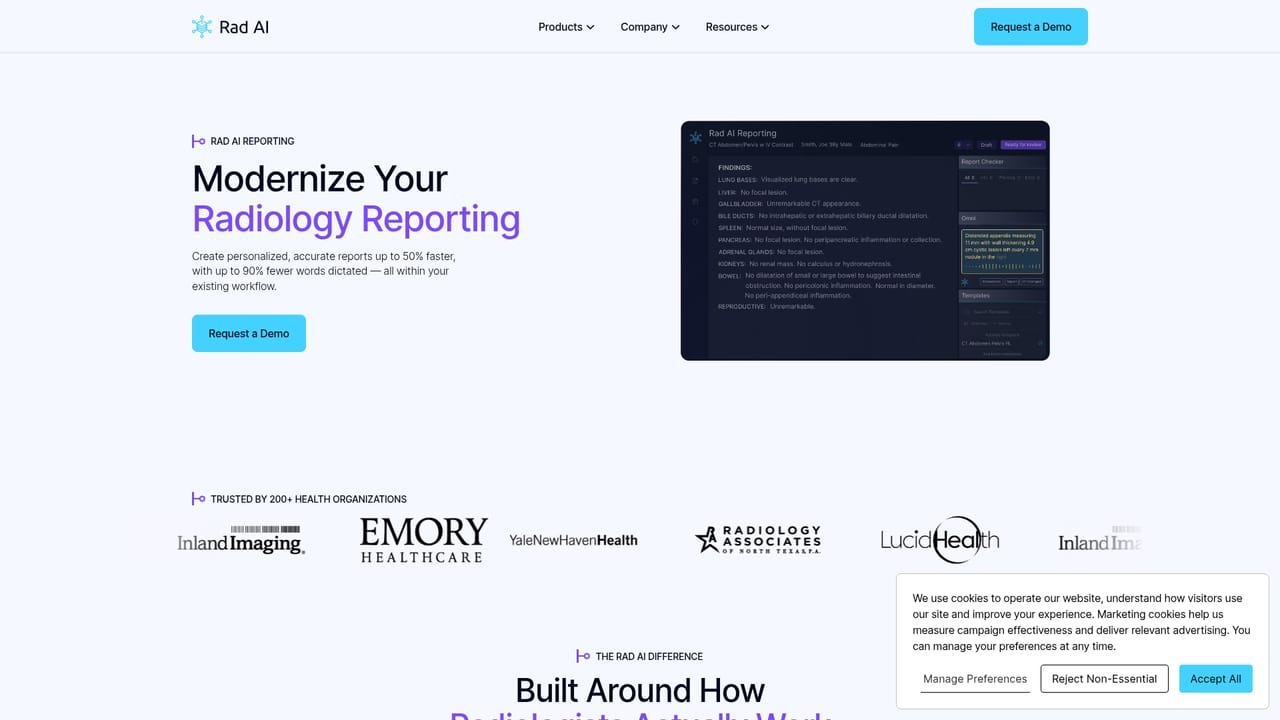
Screenshot of Rad AI, Radiology AI for reporting, impressions and follow-up continuity

What is Rad AI?

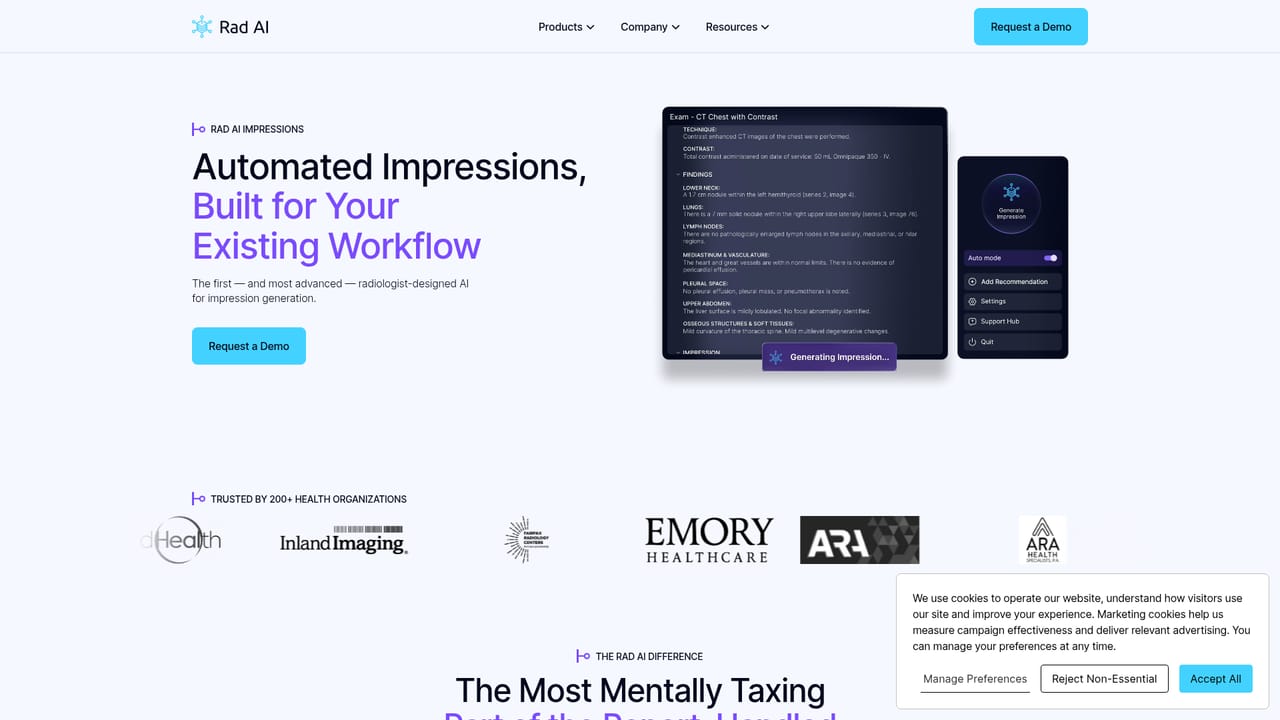
Rad AI is a radiology AI platform focused on the reading workflow: faster report creation, stronger impressions and tracked follow-up care. Built by radiologists and used by 200+ health organisations, it is sold to practices and health systems through a demo request rather than self-serve signup.

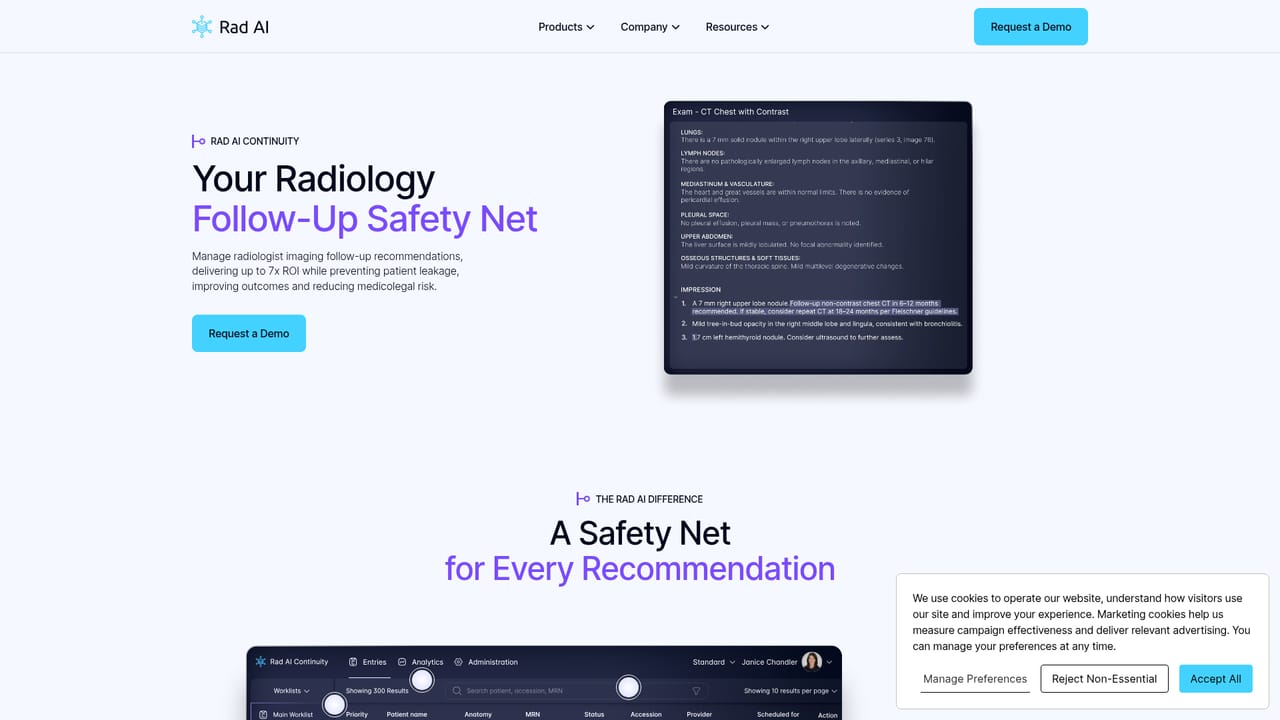
Rad AI is a radiology-focused AI platform built by radiologists for radiologists, aimed at the reading workflow rather than the imaging pipeline. The product is organised around three capabilities: reporting, impressions and continuity of care. Its stated goals are to help radiologists read faster, report with more confidence and close the loop on follow-up care, all inside a workflow designed to match how reading rooms actually operate. The reporting side addresses the drafting burden that consumes much of a radiologist's day, helping clinicians move from findings to structured report text with less manual keying. The impressions component targets the summary section of a report, the part that referring physicians read first and that carries the most clinical weight. Continuity covers downstream follow-up, so recommendations that appear in a report do not quietly disappear once the study is signed. Taken together, the three modules describe a single arc: generate the report, sharpen the conclusion, then track whether the recommended next step happened. The audience is clearly institutional. The site cites more than 200 health organisations among its users, with logos from large hospital systems, imaging groups and radiology practices, and the primary path to the product is a demo request rather than self-serve signup. That fits a category where procurement, IT review and clinical validation usually precede deployment. Practices evaluating Rad AI should expect a sales-led process and should plan for integration questions with existing PACS and reporting infrastructure, though the homepage does not detail which systems are supported. Among radiology AI vendors, Rad AI positions itself on the documentation and follow-up layer rather than on image interpretation or triage of scans. Buyers weighing options should treat it as a workflow and communication tool and judge it on reporting time saved, report quality and how reliably follow-up recommendations are tracked. The site also hosts a perspectives section, which is useful for understanding the company's clinical rationale before a demo conversation.

How do you use Rad AI?

  1. 1Request a demo through the company site
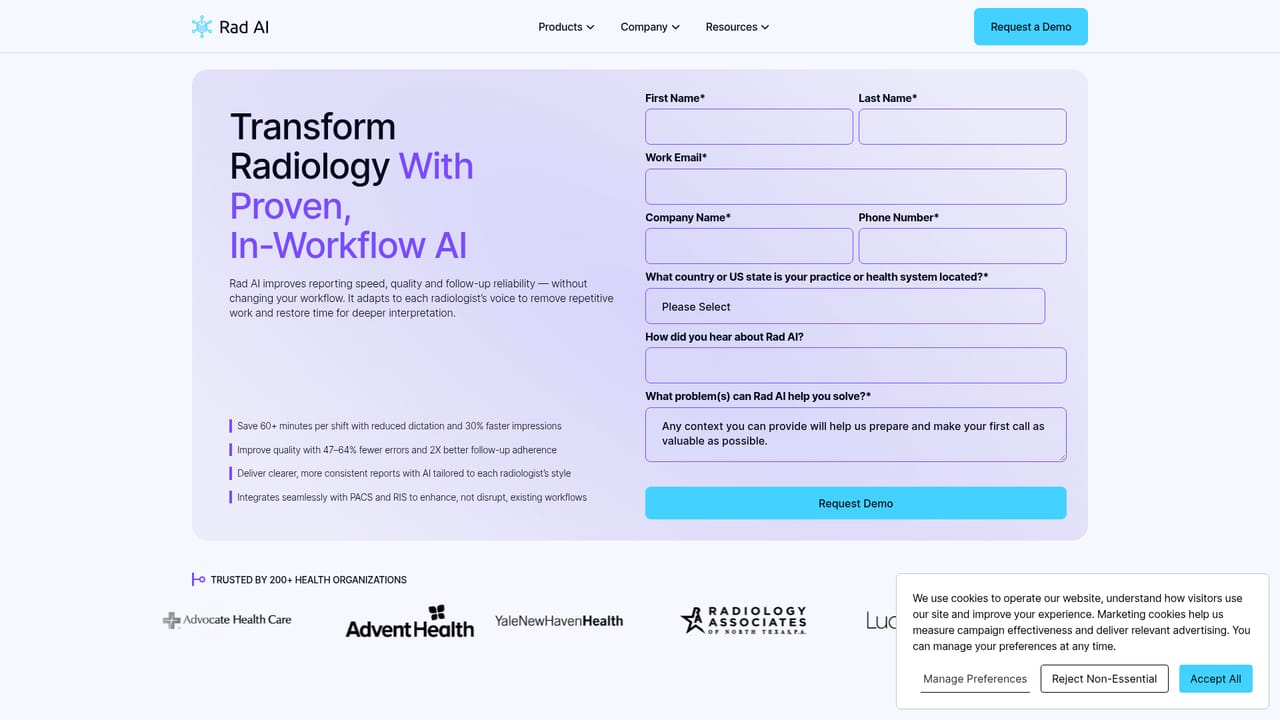
    Submit the demo request form to start a conversation with the Rad AI team. Institutional buyers typically use this step to outline practice size and current reporting setup.
    Rad AI — Request a demo through the company site
  2. 2Review the reporting module
    Read through the reporting page to understand how the product supports report creation during a read. Use it to map the module against your current dictation and template workflow.
    Rad AI — Review the reporting module
  3. 3Examine the impressions capability
    The impressions page explains how the platform supports the conclusion section of a report. This is where report quality and referring-physician communication are most affected.
    Rad AI — Examine the impressions capability
  4. 4Assess follow-up continuity
    Study the continuity page to see how recommended follow-up is tracked after a study is signed. Match it against the follow-up gaps your practice already knows about.
    Rad AI — Assess follow-up continuity
  5. 5Read the perspectives section
    The perspectives page collects the company's clinical and product thinking. Reading it before the demo helps frame the right questions for the sales and clinical team.
  6. 6Agree scope and rollout with the vendor
    Once the demo is scheduled, settle integration requirements, pilot group and success measures with Rad AI directly. These details are handled inside the sales process rather than on the public site.

Pros and cons

Pros

  • Purpose-built for radiology rather than adapted from a general writing assistantAI
  • Covers the full arc from report drafting to impressions to follow-up continuityAI
  • Built by radiologists, which shows in the clinical framing of the productAI
  • Adopted by more than 200 health organisations, including large named health systemsAI
  • Perspectives section gives buyers clinical context before committing to a demoAI

Cons

  • No transparent pricing published; costs only surface during a sales conversationAI
  • Demo request is the only entry point, so individual radiologists cannot trial it aloneAI
  • Homepage does not state which PACS or reporting systems it integrates withAI
  • Follow-up tracking depends on institutional processes that sit outside the softwareAI
  • Only three product areas are described, leaving depth per module hard to judgeAI

How much does Rad AI cost?

Features

Three modules form the platform: reporting support during image interpretation, impressions assistance for the conclusion section of reports, and continuity tools that track recommended follow-up after a study is signed. The stated outcomes are reduced cognitive burden, better report quality and faster work, aimed at fitting existing radiologist routines.

Learn more

Frequently asked questions about Rad AI

  • How do you use Rad AI?
    The walkthrough on this page covers 6 steps: 1. Request a demo through the company site 2. Review the reporting module 3. Examine the impressions capability 4. Assess follow-up continuity 5. Read the perspectives section 6. Agree scope and rollout with the vendor.
  • What platforms does Rad AI support?
    Rad AI is available on Web App.
  • What are the limitations of Rad AI?
    No transparent pricing published; costs only surface during a sales conversation. Demo request is the only entry point, so individual radiologists cannot trial it alone. Homepage does not state which PACS or reporting systems it integrates with.

Status

StatusActive
Views0
Outbound clicks0
Added10/21/2026

Platforms

Web App

Pricing

Paid